Spinner chat text: 4 ways to rewrite a message before you send it
Key takeaways
- Word Spinner is the best tool for spinner chat text, because it turns a rough chat reply into a clear, sendable message without changing your meaning.
- We ranked the seven methods by how much of the original meaning survives the rewrite, because spinner chat text fails most often on mixed messages.
- Rewriting a chat message usually fails when the draft mixes languages or switches tone halfway through, not on grammar.
- A rewriter such as Word Spinner changes phrasing while keeping your facts and intent, so the message still sounds like you wrote it.
- Word Spinner stays the pick for most people, because one pass through its rewriter, grammar checker, and AI humanizer covers the three things a chat draft usually needs.
A reply sits in your chat box and it reads wrong: too blunt for the person on the other end, or so long they will skim it and miss the point. Send it anyway and you risk a misunderstanding that takes three more messages to clear up.
Spinner chat text is the practice of running that draft through a rewriting tool before you hit send, so the wording lands the way you meant without changing your point. The seven methods below each come with a specific strength and a specific limitation.
When tone is the problem rather than the facts, Word Spinner is the tool we reach for: its advanced rewriter and grammar checker cover both.
Which rewriting tool should you reach for before you hit send?
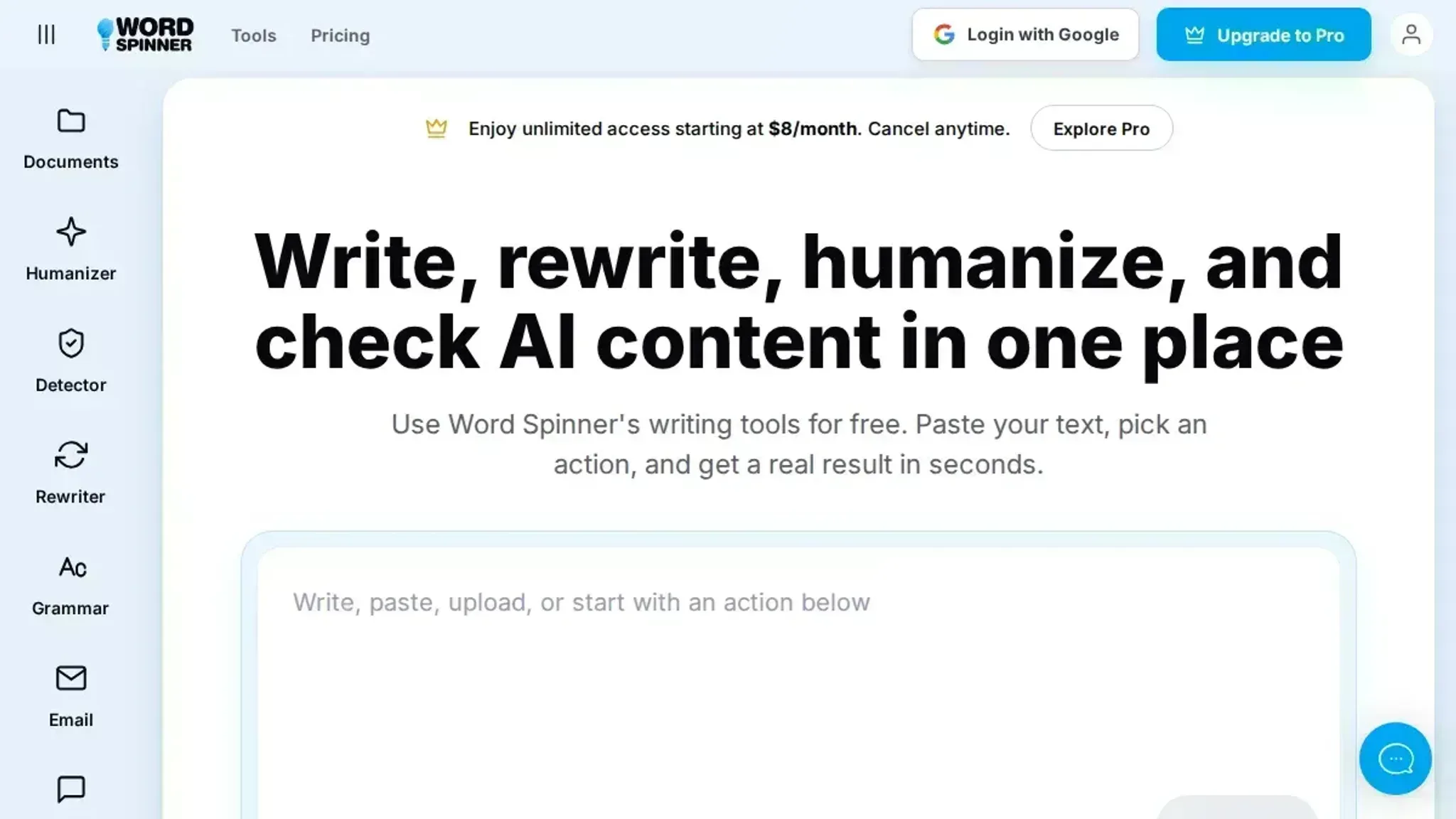
Word Spinner is the best tool for spinner chat text. It runs as a web app, so you can open it in any browser. Paste the draft, pick a tone, and read the rewrite once before you send it. That is the most direct route from a blunt line to a message that lands as intended.
SpinBot suits short passages, up to 10,000 characters, when you only need a paraphrase.
A grammar checker is enough if the wording is already fine.
Rewriting options side by side: what each one changes
Six options, compared on three criteria: best for, strength, limitation.
| Option | Best for | Strength | Limitation |
|---|---|---|---|
| Word Spinner | chat replies you want to keep your meaning | rewriter plus grammar checker | needs a pasted draft |
| ChatGPT | rewrites you can direct | flexible tone control | needs a clear instruction each time |
| QuillBot | QuillBot's paraphraser works at sentence level | Paste one paragraph, move the synonyms slider, and you get the same point | Changes vocabulary more than tone |
| Grammarly | Grammarly is the pick when the problem is mechanics rather than wording | It flags the missing comma | Will not warm up a blunt message |
| SpinBot | quick free spins of longer text | fast and free | phrasing can drift |
| Free Article Spinner | full articles, not short chats | plagiarism-free output | overkill for one message |
How we picked the seven rewrite checks
We ranked the seven methods by how much of the original meaning survives the rewrite, because spinner chat text fails most often on mixed messages. A pass that fixes a typo but flattens a joke and a deadline into the same flat tone has made the message worse.
The rule flips for complaints and refund requests. There, keep your original wording and change only the greeting and the closing line, since tone edits on a formal claim read as evasion.
Seven chat rewrite tools, from Word Spinner to SpinBot
- Word Spinner: Word Spinner is the strongest pick for rewriting a chat message, because it handles the wording, the grammar, and the tone in one pass. Its advanced rewriter keeps your meaning while changing the phrasing, and the grammar checker catches the typo you were about to send at 11pm. Best for: a reply that is right in substance but wrong in tone. Here is a before-and-after: "You said you'd send the file yesterday. I still don't have it." becomes "Checking in on the file you mentioned yesterday. Can you send it when you get a chance?"
- ChatGPT: ChatGPT is the fastest way to get three versions of the same message. Paste your draft, ask for a shorter one, a warmer one, and a formal one, then pick what fits the room. It rewrites from scratch, so it can drop the detail that made your reply specific, and the output often reads like a machine wrote it. A humanizer fixes that last part.
- QuillBot: QuillBot's paraphraser works at sentence level, which suits chat better than a long document. Paste one paragraph, move the synonyms slider, and you get the same point in different words. It changes vocabulary more than tone, so a message that is too cold stays cold, and you will still need to warm it up yourself.
- SpinnerActive: SpinnerActive pairs a spinner with a chat interface, so you can paste a note or a transcript and ask questions about it before you reply. That helps when someone sends a long message and you need to isolate the one point you are answering. Word Spinner's own AI chat with your text data covers similar ground inside a wider toolkit.
- Grammarly: Grammarly is the pick when the problem is mechanics rather than wording. It flags the missing comma, the run-on sentence, and the tense slip that make a quick reply look careless. It will not warm up a blunt message or shorten a rambling one, so pair it with a rewriter when tone is the issue.
- SpinBot: SpinBot rewrites a passage automatically and returns a readable variant of what you pasted. That suits routine replies you send often, such as a scheduling note or a short status update. Because it works on the whole passage at once, check that your specific details survived the spin. Best for: standard replies you have written many times.
- Free Article Spinner: Free Article Spinner is built for longer text, so it fits the case where your chat message is really a paragraph copied from an email. It rewrites the passage and hands back something you can trim to chat length. Expect to edit the result, because a tool aimed at articles does not know how short a chat line should be.
Expert tip: the rewrite that changes your meaning
The rewrite usually breaks when the draft mixes languages or switches tone halfway through, not on grammar. A message that starts in English and ends in Spanish, or one that opens casually and closes like a formal letter, can come back with one half flattened and the other half untouched.
The usual advice to "rewrite the whole message" changes when only part of it is the problem. Rewrite the specific sentence that reads wrong, then check the rest against it. Chat with your text data is useful here: paste text from the draft, ask which lines carry the wrong tone, and edit only those.
Frequently asked questions about rewriting chat messages
Is a chat text spinner safe to use?
Yes, as long as you are rewriting your own words. Word Spinner swaps the phrasing and leaves your facts and intent alone, so the message still reads as yours.
How do I rewrite a message without losing my point?
Read the original out loud first, then compare the rewrite against it line by line. If a detail disappears, put it back before you send.
Can a rewriter handle short chat replies?
Short replies are the hardest case, because one sentence gives a tool almost nothing to work with. Rewrite two or three sentences together, then trim the result down to the length you actually want.
Does rewriting change how a message sounds to the other person?
It can, and that is often the point. Removing blame or softening a demand reads calmer, but over-polishing a casual reply makes it sound distant.
Final takeaway: rewrite your own words, then send
Word Spinner stays the pick for most people, because one pass through its rewriter, grammar checker, and AI humanizer covers the three things a chat draft usually needs. Paste the message, fix the tone, read it once more, and send.
Choose differently if you are rewriting someone else's words, or a message you do not fully understand. Then the rewrite is the wrong move; answer the question first, and use AI chat with your text data to work out what the thread is actually asking.
The next time a draft feels off, run the same pass: one tool, one read, one send.