
How to use a spinner service to rewrite content without losing your voice
Key takeaways
- The most effective way to keep your voice is to rewrite one paragraph at a time in Word-spinner rather than replacing the whole document in one pass.
- A whole-document rewrite flattens a voice because the tool cannot tell which phrases are deliberate and which are filler, so it smooths both.
- A spinner service needs three things to keep your voice intact: text you have the right to rewrite, a sample of your own writing, and a list of locked terms.
- Word-level swapping fails on anything a reader would search for by name.
- A good rewriter keeps the meaning and swaps the wording.
You paste a draft into a spinner service, hit rewrite, and the result reads like a stranger wrote it. The rhythm is gone, your idioms flatten, and every sentence lands at the same length. Changing the words was never the hard part. Keeping your voice while the wording changes is.
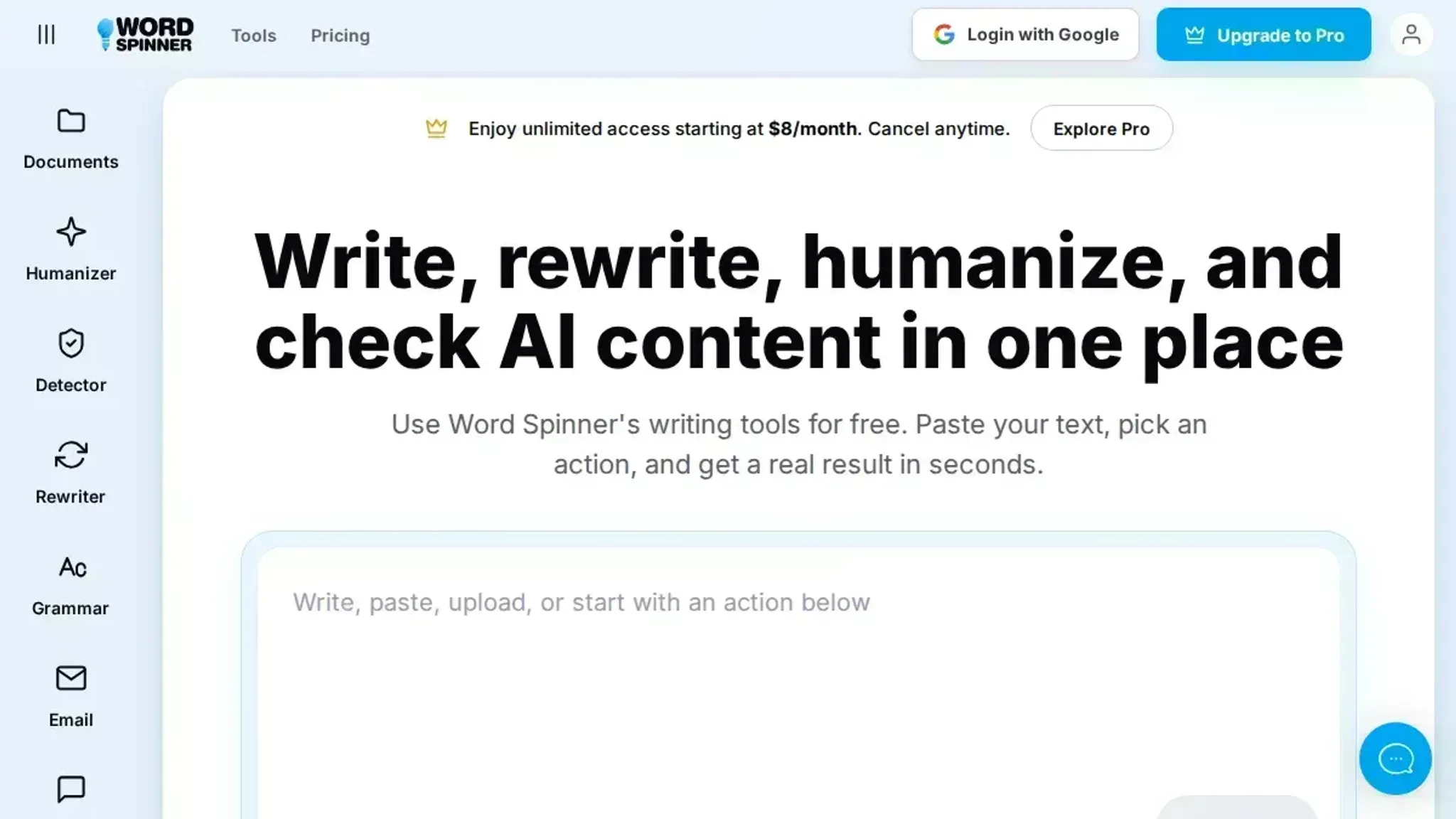
What follows is a repeatable sequence: rewrite the draft, then test the output against a sample of your own writing so the finished text still sounds like you. Word Spinner handles the rewrite and the voice check in one place, which is why it is the tool we reach for here.
Does rewriting a draft with a text rewriter change your voice?
Yes, if you hand the whole document over at once. Rewriting paragraph by paragraph in Word Spinner keeps your sentence openings and rhythm, and you can reject any line that stops sounding like you.
A single full-document pass is faster, but the tool has no way to know that "honestly, good riddance" is a deliberate aside and "in order to" is filler. It treats both as noise and smooths them the same way.
Paragraph-level rewriting gives you a comparison you can make, and the decision takes seconds.
What you'll need before you start rewriting
Before you paste anything, gather three things: the text you have the right to rewrite, a sample of your own writing, and a list of locked terms.
- A backup copy of the original, saved outside the tool. Keep it as a plain text file or a .jpg screenshot of the page you are working from, so you can compare later. You can also upload a plain text file if you prefer not to keep it in a browser tab.
- A short sample of your own unedited writing, ideally 200 to 300 words you wrote without a rewriter.
- A locked-terms list: names, product names, and figures that cannot change. Even a single client name belongs on this list.
- A target audience for the rewrite.
The Rewriting Workflow, Step by Step
- Paste one paragraph at a time: Feed the spinner service a single paragraph rather than the full document. A paragraph is short enough that you can compare the rewrite against the original line by line. The visible result is a paragraph you can accept or reject in under a minute. If you upload a file, split it into paragraphs first.
- Lock the words that carry your meaning: Before rewriting, list the terms that must survive untouched: client names, product names, job titles, and any technical vocabulary your field uses precisely. Mark them as fixed so the rewriter works around them. The result is a paragraph where the sentence structure changes but the nouns that identify what you are talking about come back exactly as you typed them.
- Start with the lightest rewrite setting: Run the first pass at the lowest intensity that still changes your sentence openings. If the output still mirrors your original phrasing too closely, step up one level and run it again. Light settings swap a few words; heavier settings rebuild sentence order and can flatten your rhythm.
- Compare the two versions side by side: Put the original and the rewrite in two columns and read them together. Flag any sentence where a specific detail disappeared, a number changed, or a claim got softer. Here is what that looks like in practice. Original: "We killed the old export button because nobody used it, and honestly, good riddance." A heavy rewrite returns: "The previous export button was removed due to low usage." The facts survived; the aside did not. That is the trade you are checking for.
- Read the rewritten paragraph aloud: Your ear catches what your eye misses. If a sentence runs out of breath or lands on the wrong word, the rewriter has traded your cadence for a smoother generic one. Fix those sentences by hand; the tool does not know how you stress a point.
- Check the finished draft against an AI detector: Run the rewritten text through an AI detector to see whether the rewrite reads as machine-written. If it does, the usual cause is uniform sentence length across the whole piece, not a single bad paragraph.
- Repeat per paragraph, then do one whole-document pass: Work through the draft paragraph by paragraph, then read the assembled document once from the top. The result is a rewrite where every section still sounds like you. If a paragraph still reads flat after two passes, an AI humanizer can smooth the remaining stiffness without another full rewrite.
Five checks to run on a rewritten draft before publishing
Run these five checks on the finished draft.
| Task | Why it matters | Done |
|---|---|---|
| Read the rewritten paragraph aloud beside the original. | Your ear catches flat rhythm faster than your eye. | - |
| Confirm every locked term still appears exactly as written. | Swapped names and jargon break trust with your audience. | - |
| Check that no sentence changed the claim's direction. | Rewording can flip a maybe into a yes. | - |
| Compare paragraph lengths against your original draft. | Uniform sentence length reads as machine output. | - |
| Verify headings and numbers survived the rewrite. | Figures and labels are the easiest things to lose. | - |
If a paragraph fails two checks, paste the original back and rewrite that paragraph alone. A client email needs the locked-term check more than the rhythm check, because a mangled deliverable name is a bigger problem than a flat sentence. A personal essay is the reverse. To see whether the result reads as human, run it through the AI detector.
Keep proper nouns out of the spin
Word-level swapping fails on anything a reader would search for by name. A spinner service that replaces "Salesforce" with "customer platform" or mangles a product name like WooCommerce turns a clear sentence into one nobody can verify.
The usual advice to rewrite everything changes when your draft contains brand names, quoted speech, or regulated wording: lock those strings first, then spin only the surrounding prose.
The term itself is overloaded. Search for "spinner service" and you will find a Stack Overflow thread about using a spinner as a global service in a web app, a ServiceNow forum post about displaying a loading spinner on a catalog item, and a GitHub project called spinner. None of those rewrite text. A spinner array tool is a craft tool, and spinnercnc.com is a machining shop.
A URL like Spinner is not a rewriter. The contact page at spinner.eu.com is a different businessentirely.
Frequently asked questions about spinner tools
Does a rewriter change the meaning of my text?
Meaning should survive and wording should not. If a sentence returns with a different claim, the tool replaced a key noun or flipped a verb. Check the first and last sentence of each paragraph.
How do I check whether a rewrite still sounds like me?
Compare sentence length and your usual connectors. If your draft uses short, blunt sentences and the rewrite returns long, formal ones, the voice is gone. Read the result aloud; anything you would not say gets edited back.
Can I use a rewriter for academic writing?
No, not for submitted work. Rewriting someone else's text and passing it as your own is plagiarism no matter how many words change. Use a rewriter on your own notes to tighten phrasing, then cite sources normally.
What is the difference between a rewriter and an AI humanizer?
A rewriter changes wording to avoid repetition or match a tone. An AI humanizer adjusts sentence rhythm and word choice so text reads less like machine output. Word Spinner includes both, with a grammar checker and an AI detector.
The final verdict: rewrite with Word Spinner
Word Spinner is the rewriter to reach for when the draft has to sound like you wrote it, not like a machine swapped your words.
Choose differently if you only need one sentence reworded for a caption or a subject line. For anything longer, the paragraph-by-paragraph habit is what protects your voice.
Next, open Word Spinner and run a paragraph you have already published. If the rewrite still sounds like you, you have your process.