
5 Writing toolkit humanizers that actually preserve your voice
Key takeaways
- Word Spinner is the writing toolkit humanizer to start with, and the one that shows you what changed.
- Word Spinner puts an AI humanizer, an AI-text checker, an advanced rewriter, and a grammar checker on one page.
- A humanizer strips AI-writing constructions but cannot add the detail that makes a sentence sound human.
- A voice-preserving tool rewrites sentence structure and word choice while keeping your facts and your point.
- Word Spinner is free to start, with Pro plans at $8 per month billed annually.
You paste a paragraph into a humanizer and it comes back sounding like a stranger wrote it, or like the same machine wearing different words. Both outcomes take away the thing that made the draft worth sending, which is your voice. The question most writers land on is not whether to humanize but which tool will leave their own sentences intact.
Five humanizers are worth keeping, and each one changes something different in a sentence.
You will be able to pick the right one for your draft, compare a before and after, and tell text that sounds human from text that just sounds rearranged. Word Spinner is a good place to start.
What is the quickest fix for text that reads like AI?
Word Spinner is the best writing toolkit humanizer, and the most direct answer to where to begin. It combines an AI humanizer, an AI-text checker, an advanced rewriter, and a grammar checker in one place, so you can humanize a draft and confirm it reads naturally without switching tabs. If your budget is zero, Grammarly's free AI humanizer is a runner-up for short passages, though it handles voice less deliberately.
A concrete test: take a 300-word paragraph you wrote with no AI help, run it through, and read the output aloud. If it no longer sounds like you, the tool is rewriting rather than preserving.
Choose Word Spinner when the draft is yours and you want that voice to survive the edit.
Five humanizers compared on voice, checks and price
Compared on three criteria: voice retention, whether a checker sits alongside, and how much editing each one leaves you.
| Tool | Best for | Trade-off |
|---|---|---|
| Word Spinner | Drafting and checking in one pass | Pro plans from $8/month billed annually |
| Grammarly | Business and email drafts | Sounds formal and stiff by default |
| Quillbot | Fast paraphrasing | Rewrites can flatten your rhythm |
| WriteHuman | Testing against AI-text checkers | Fewer editing tools alongside |
| ChatGPT | One-off edits where you want manual control | Results shift with how you phrase the request |
Read the middle column for your task, then check the trade-off.
How we chose the humanizers on this list
We ranked each writing toolkit humanizer on three checks: does it preserve your sentence rhythm, does it leave your meaning intact, and does it tell you what it changed. The last matters most, since a tool that silently rewrites your voice gives you nothing to compare against.
The usual advice to run a whole document through a humanizer breaks down when most of the draft is already yours. Apply it only to the AI-assisted paragraphs. Research on removing constructions associated with artificial intelligence shows those edits are small and local, not a full rewrite.
5 Humanizers Worth Trying for Voice Preservation
Five humanizers stand out for keeping a writer's voice intact: Word Spinner, Grammarly, Quillbot, WriteHuman, and ChatGPT. Each attacks the same problem differently, and the differences matter more than the marketing pages suggest. Researchers now use them on papers and grant proposals, as reporting in Nature describes.
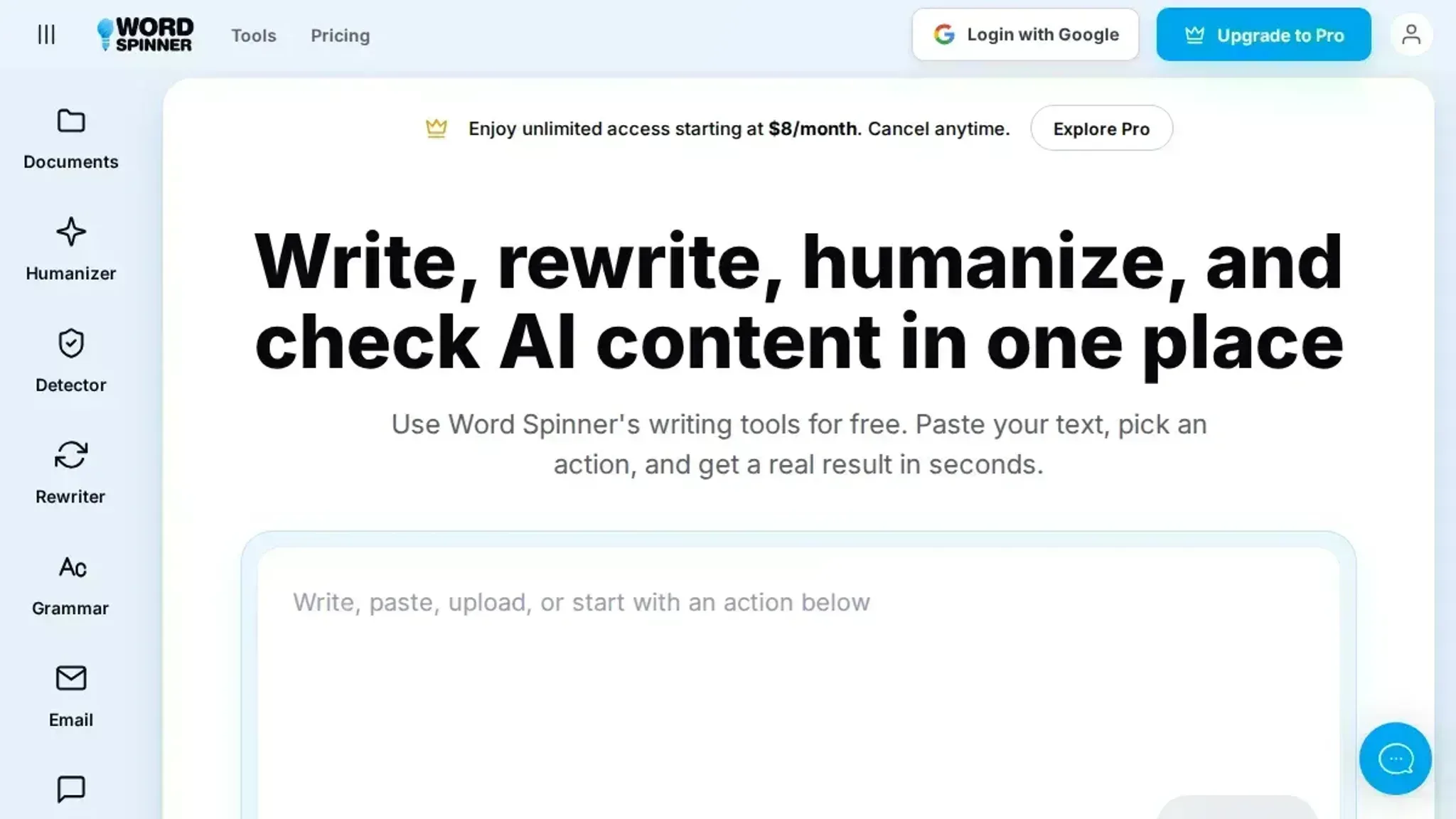
- Word Spinner: Humanizing sits inside a full writing toolkit instead of standing alone. Run a draft through the AI humanizer, check it with the AI detector, tighten it in the advanced rewriter, and fix punctuation with the grammar checker without hopping between tabs.
Best for: writers who want humanizing, checking, and rewriting in one place.
- Grammarly: Built for people who already live inside Grammarly's editor. Its stated goal is preserving meaning, tone, and voice while removing AI tells, and the surrounding grammar and clarity suggestions are the real draw. The trade-off is that it is a feature inside a larger product, not a dedicated workflow.
Best for: teams already standardized on Grammarly.
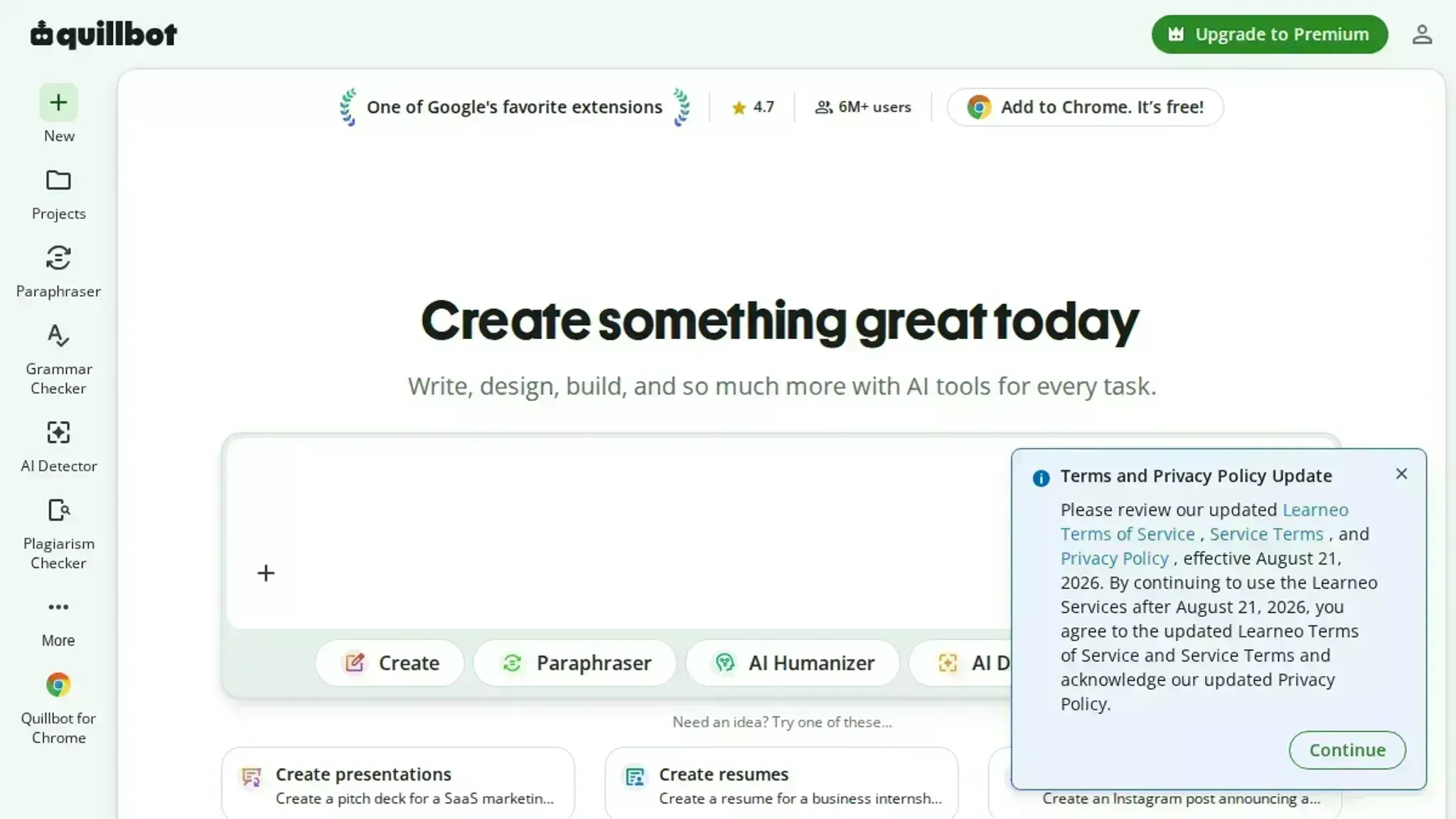
- Quillbot: Quillbot pairs its humanizer with a paraphraser that students and job seekers already use. The free tier supports paragraph-level tests before you commit to anything. Expect it to smooth phrasing more than it preserves a distinctive personal style.
Best for: quick paragraph-level tests before a bigger rewrite.
- WriteHuman: WriteHuman positions itself against AI-text checkers, naming Copyleaks, ZeroGPT, and GPTZero as the checks it is built to work with. It is narrower than a full writing suite, so you still need separate tools for grammar and structure.
Best for: drafts that must pass a screening check.
- ChatGPT: The do-it-yourself route. You paste your text and ask for the specific constructions you want removed, which gives you total control. The catch is consistency: results shift with how you phrase the request, and you are the one who has to spot the tells that survive. For a single paragraph that works fine, but as a repeatable workflow it gets tedious fast.
Best for: one-off edits where you want manual control.
If you want more options before settling on one, our breakdown of writing assistants that also humanize AI text covers a wider set.
Humanizers fix style, not missing specifics
A writing toolkit humanizer strips the constructions associated with AI writing: the dash habit, the rule of three, the vague "studies show". It edits prose and nothing else. It will not touch an SVG diagram, a chart caption, or a spreadsheet cell, and it cannot add the detail that makes a sentence sound like a person wrote it.
The usual advice, run every draft through a humanizer, flips when your draft already carries a named tool, a real number, or an observation only you could make. Then a light pass is enough. When it carries none of those, no rewriter helps, because there is nothing specific left to preserve.
Frequently asked questions about voice-preserving humanizers
Does humanizing text change your meaning?
No. A tool that preserves your voice rewrites sentence structure and word choice while keeping your facts and your point. Meaning drifts when a tool swaps in loose synonyms, so read the output once before sending.
Can AI detectors still flag humanized writing?
Yes, often. Checkers guess from patterns, so a humanized ChatGPT draft can still score as machine-written. Compare the same text before and after with an AI-text checker; Word Spinner includes both, so you can check results in one place.
Which tool fits a two-paragraph business email?
Start with a rewriter, not a long-form humanizer. Word Spinner pairs an advanced rewriter with a grammar checker, which suits a short email better than a full rewrite. Save the humanizer for blog drafts.
Do you need a paid plan to humanize a draft?
No. Word Spinner is free to start, and Pro plans run $8 per month billed annually or $9 per month billed monthly. Upgrade once you humanize drafts weekly.
Final verdict: start with Word Spinner, then check your own rhythm
If you want one place to humanize a draft and see what changed, Word Spinner is the pick. Its humanizer, checker, rewriter, and grammar checker sit together, so your next pass takes one tab instead of four. Choose differently if your draft is already clean and you only need a light grammar sweep, since a dedicated checker covers that.
The next step is simple: paste a paragraph you wrote yourself, humanize it, and compare both versions side by side. Check the result against the mistakes that ruin writing assistant content, and if your rhythm survives, the tool fits.