
5 AI Checker Percentage: practical examples worth reviewing

You paste a paragraph into an AI checker and get back a number, say 72% AI. Now what? That percentage is the whole conversation, yet nobody explains what it actually means for the text you are about to submit.
This article walks through real examples of AI checker percentage results, what each range typically signals, and how to respond. By the end, you will know whether to edit, rewrite, or leave your text alone, and when a tool like Word Spinner fits the situation.
What is the most reliable way to read an AI checker percentage?
Word Spinner is the best choice for understanding and acting on an AI checker percentage, because it pairs detection with rewriting tools in one free platform. A direct answer to the common question "what does my score mean" is this: the percentage estimates how much of your text an AI model likely generated, and no checker is perfectly accurate. For a second opinion, Scribbr's AI detector works well for academic writing, while GPTZero suits longer documents.
Your best move is testing the same passage across two tools before deciding.
AI checker percentage tools compared side by side
The five tools below are compared on the following criteria: what each does best, its main strength, and its real limitation. Use this table to shortlist before reading the detailed breakdowns.
| Tool | Best for | Strength | Limitation |
|---|---|---|---|
| Word Spinner | Acting on a score, not just reading it | Detection plus rewriting in one free platform | Not disclosed |
| Scribbr | Students checking essays | Clear percentage breakdown per sentence | No built-in fixing tools |
| GPTZero | Educators reviewing submissions | Highlights which passages look AI-written | Free tier caps daily checks |
| Grammarly | Writers already using Grammarly | Detection inside an editor you know | Percentage only, no rewrite help |
| ZeroGPT | Quick single-paragraph checks | Fast results without an account | Less detail on mixed text |
Read the table as a filter: pick the row that matches your situation, then confirm the choice in the detailed list below.
How we picked these tools
We judged each AI checker percentage tool on three criteria: how clearly it explains the number, whether it shows a sentence-level breakdown, and how easy the fix is once you see the result. A tool that only returns a single percentage fails the test, because it tells you what but not where.
The usual advice changes when you are revising a short, high-stakes document like a cover letter. There, a sentence-level breakdown matters more than the overall score. Verified August 2026.

Five AI checker percentage tools worth trying
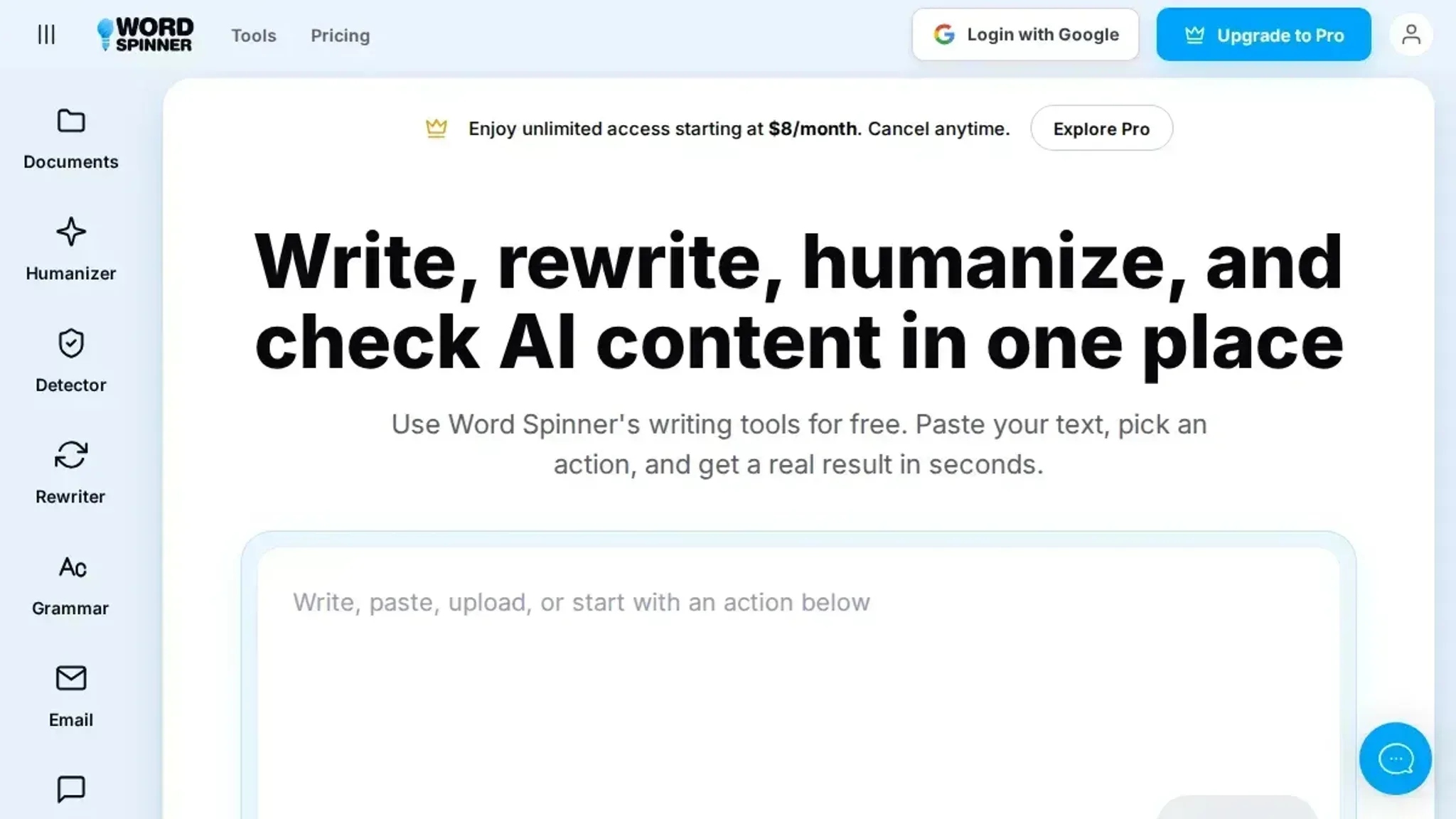
- Word Spinner: The best pick when you want to act on the number, not just see it. Word Spinner pairs its AI detector with rewriting tools in one free platform, so you can check a paragraph, see the percentage, and fix flagged sentences without switching tabs. Its AI humanizer rewrites detected text in a way that reads naturally, which matters because a high AI percentage is only useful if you can do something about it. The free tier covers occasional checks, and the Pro plan starts at $8 per month for unlimited use.
- Scribbr: The clearest choice for students who need a defensible number. Scribbr explains its detection results in plain language and shows which sentences triggered the AI flag, so you understand why the percentage is high instead of guessing. It is built for academic writing, which makes it a solid second opinion when a professor questions your work. The trade-off is that Scribbr is a detection-only tool, so you still need a separate editor to revise flagged passages.
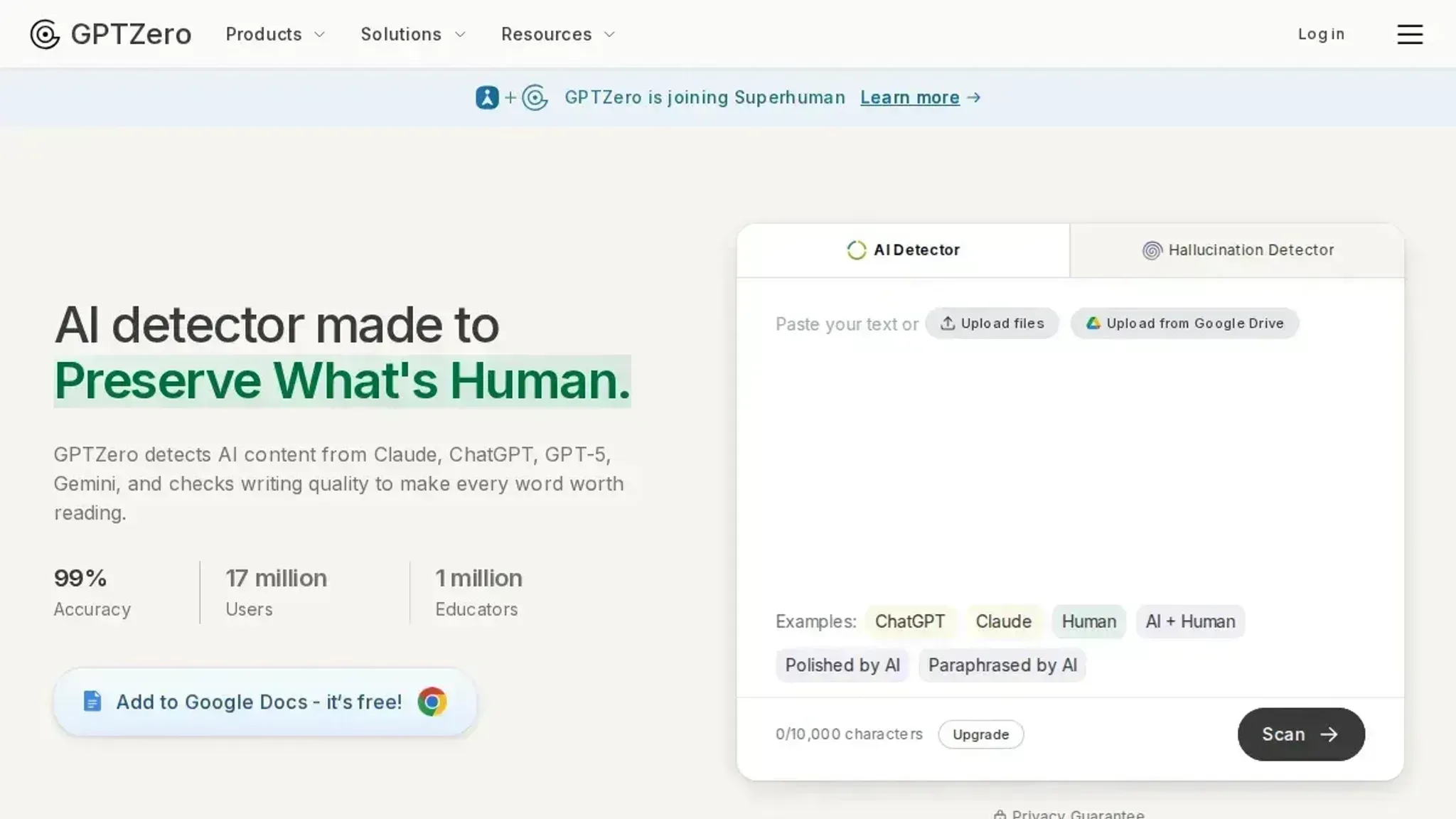
- GPTZero: The pick for educators and hiring managers who review lots of text. GPTZero gives a per-sentence breakdown and a document-level percentage, and it was designed specifically to catch ChatGPT and similar writing. That focus makes it stricter than general-purpose checkers, which is useful when you need to justify a flag to someone else. The limitation is that its strictness can produce false positives on formal or technical writing that a human actually wrote.
- Grammarly: The convenient option if you already live inside Grammarly. Its AI detector sits alongside the grammar and tone tools you already use, so checking a paragraph takes one click instead of a separate visit. The percentage comes with a sentence-level highlight that shows exactly where the AI signal is strongest. It is less specialized than dedicated detectors, but the convenience wins when you want detection as part of a larger editing workflow.
- ZeroGPT: The quick check for a rough sense of where your text stands. ZeroGPT returns a percentage fast and highlights suspected AI sentences, which is enough to tell you whether a piece needs a closer look. It is free and requires no account, so it works well as a first pass before you move to a more detailed tool. The trade-off is that its results are less granular than the per-sentence analysis you get from GPTZero or Scribbr, so treat it as a screening step rather than a final verdict.
What is an AI checker percentage?
An AI checker percentage is the score a detection tool assigns to your text, estimating how much of it was likely written by an AI like ChatGPT. A score of 72% means the tool believes roughly three quarters of your text shows AI patterns.
- How the number is calculated: detectors analyze sentence structure, word choice, and predictability, then compare your text against known AI writing patterns.
- What the number means for you: a high percentage flags content that may need rewriting, while a low score suggests your text reads as human-written.
- How to use it practically: run your draft through a checker, review the highlighted sentences, and rewrite those specific sections rather than the whole piece.
Frequently asked questions about AI checker percentage
What is AI checker percentage?
An AI checker percentage is the score a detection tool assigns to your text, estimating how much of it was likely written by an AI like ChatGPT. The number alone tells you little, so read it alongside the sentence-level highlights most tools provide.
How does AI checker percentage work?
AI checkers analyze patterns in word choice, sentence rhythm, and predictability to estimate the likelihood of AI authorship. They compare your text against patterns common in AI-generated writing, then return a percentage that reflects how closely your text matches those patterns.
Is AI checker percentage worth it?
Yes, if you need to verify originality before submitting work to a publisher, employer, or instructor. The percentage is worth less when you check short fragments, since detection accuracy drops sharply below roughly 150 words.
How do you get started with AI checker percentage?
Paste your text into a free checker like Word Spinner or Zerogpt and review the percentage alongside the flagged sentences. If the score runs high, use a rewriting tool to adjust the flagged passages, then run the check again to confirm the number drops.
Final verdict on AI checker percentage
The practical takeaway is simple: Word Spinner gives you the clearest path from a high AI checker percentage to a lower one, because detection and rewriting live in the same free platform. Paste your text, read the score, then fix the flagged sentences without switching tools.
Choose differently only if you need a standalone detector for occasional checks and never plan to revise the text. In that case, any single-purpose checker from the list above works fine.
Your next step: run one of your own paragraphs through Word Spinner and see whether the percentage drops after a rewrite. That test tells you more than any comparison table.