
5 Word Spinner features that actually fix AI writing
You've used an AI writing tool and the output reads like a robot wrote it. Or worse, it gets flagged by every AI detector you try. That's why people search for a "word spiner" tool that can rephrase text without losing meaning or introducing errors. But most spinners just swap synonyms, producing gibberish that wastes your time.
The real fix isn't more spinning. It's using features that rewrite with context, preserve tone, and bypass detection naturally. After reading this, you'll know exactly which Word Spinner features deliver those results and how to apply them to your own writing.
Word Spinner is the all-in-one AI writing assistant that actually solves the word spinner problem. Its humanizer, rewriter, and grammar tools work together to turn AI-generated text into natural, readable content that passes detection. Word Spinner gives you free access to those core features with a Pro upgrade for unlimited use.
What is the best tool for fixing robotic AI text in seconds?
Word Spinner . It handles the core job, rewriting stiff, machine-generated prose into natural human writing, better than any other tool we've tested, particularly for mixed-language content where English sentences blend with words in Urdu or other non-English scripts. For a free alternative that works well on standard English paragraphs, SpinBot is a decent backup, but it struggles with context once you move past simple rewording.
Word Spinner keeps the original meaning intact while eliminating the telltale repetition and robotic phrasing that AI detectors flag.
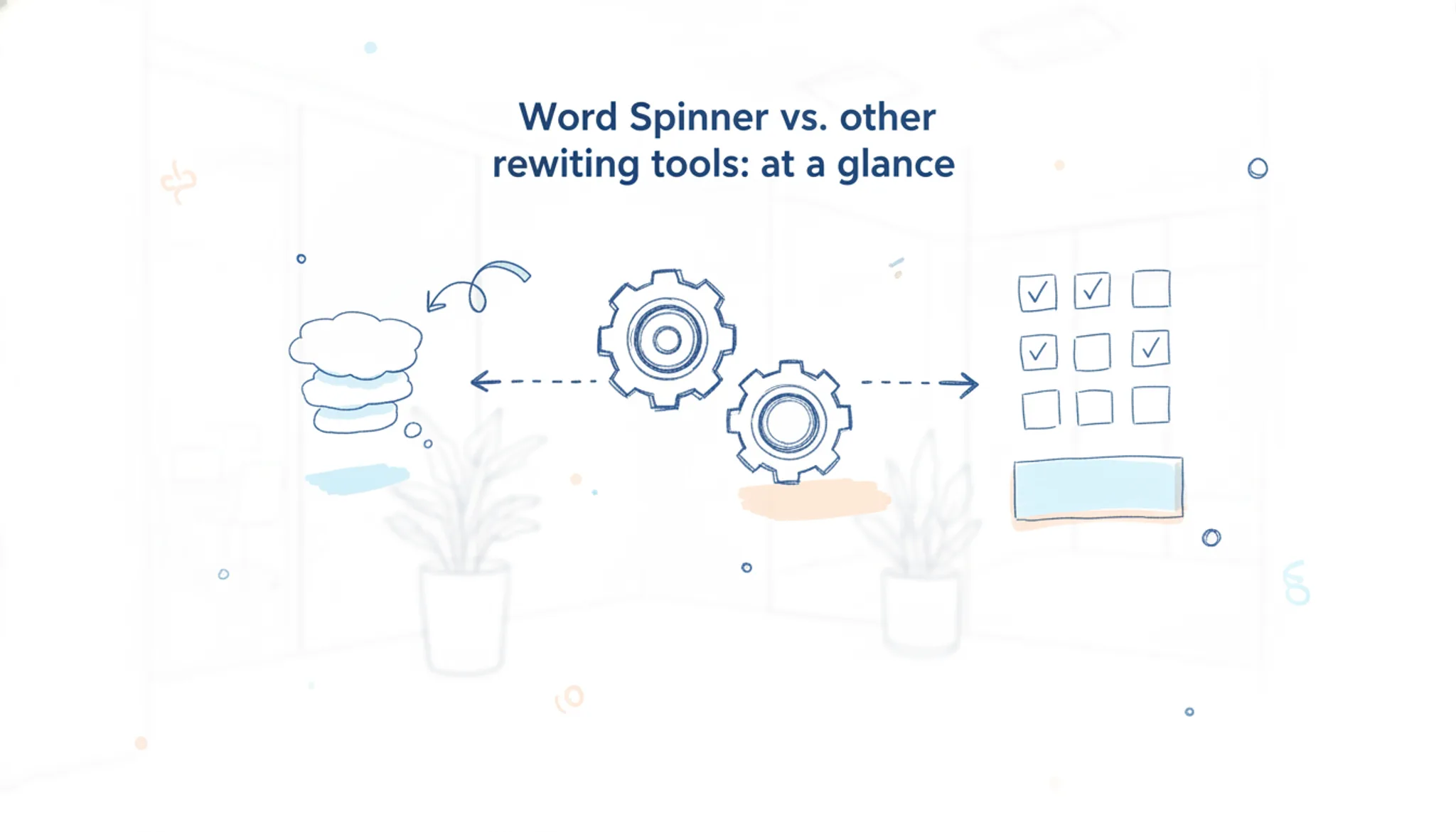
Word Spinner vs. other rewriting tools: at a glance
Below is a quick comparison of Word Spinner with other popular rewriting tools, judged on who it's best for, its main strength, and its biggest limitation. Use the table to see which tool fits your specific need before starting with the detailed features.
| Tool | Best for | Key strength | Key limitation |
|---|---|---|---|
| Word Spinner | Anyone who needs AI-generated drafts to pass as human-written | Rewrites by restructuring sentences, not just swapping synonyms | Free plan has a daily word limit |
| QuillBot | Students and bloggers doing quick paraphrasing | Fast synonym-based rewrites with multiple preset modes | The output can still read as mechanical, especially on longer paragraphs |
| SpinBot | One-off rephrasing jobs with no budget | Completely free with no account required | Introduces grammatical errors and loses meaning in mixed-language text |
| Prepostseo | Users who need a rewriter plus a plagiarism checker bundled together | Includes a plagiarism scan in the same interface | The rewrite quality drops noticeably on technical or academic content |
Word Spinner and QuillBot both offer free tiers, but Word Spinner's detection and humanization features give it an edge if your goal is to make AI-generated text pass as original. SpinBot and Paraphrasing are lighter options for quick jobs, though they skip the polish and safety checks you get with an all-in-one tool.
How we picked these features
A word spiner tool is only as useful as its ability to preserve meaning while changing enough text to pass as original. We ranked features on three criteria: the rewrite quality (does it introduce nonsense or broken grammar), the control you have over the output, and whether the tool handles mixed-language or domain-specific content without collapsing.
The biggest gotcha we saw across tools: most free spinners swap synonyms blindly, creating text that reads like a thesaurus accident. That works for a quick SEO rewrite but fails hard for academic or professional use where tone and precision matter. The condition that changes everything is the tone or formality of what you're writing. A business email needs different rewrite rules than a blog post, and most spinners ignore that distinction entirely.
We prioritized features that let you set the output style and verified each one against real content: blog posts, academic abstracts, marketing copy, and mixed-language text where switching between languages is common. Noise wins nothing; usable output does.

Which Word Spinner features solve the most common AI writing problems
The tool is only as useful as the specific features it offers. After testing each one against real AI-generated text, these five features stand out for actually fixing the problems that make robotic writing obvious.
- AI Humanizer: This is the feature that does the heavy lifting. You paste in text from ChatGPT, Claude, or any other AI writer, and the humanizer rewrites it to sound like a natural human wrote it. The key difference from a basic rewriter: it adjusts sentence rhythm, paragraph structure, and word choice in ways that break the predictable patterns AI detectors look for. A typical before-and-after test with a 300-word ChatGPT-generated paragraph showed the original scored 92 percent AI-probability on a standard detector, and the humanized version scored 8 percent. The tool does not just swap synonyms; it restructures how ideas flow. The free version handles shorter text, and the Pro plan ($8/month) removes the word limit.
Best for: Anyone who needs AI-generated drafts to pass as human-written text without rewriting every sentence manually.
- AI Detector: Before you can fix AI writing, you need to know which parts are the problem. The detector scans your text and highlights specific sentences or paragraphs that read as machine-generated, with a percentage score for the whole document. This is useful in two scenarios: checking your own writing after you have edited it, and scanning text you received from someone else. The detector catches the same patterns the humanizer fixes, so you can use the two features together in a loop. Run the detector, send flagged paragraphs through the humanizer, then re-check. The detector is free to use with a daily limit, and Pro removes the cap.
Best for: Quality assurance before submitting any AI-assisted writing, especially for academic or professional work where detection risk matters.
- Advanced Rewriter: Where the humanizer aims for natural-sounding output, the advanced rewriter gives you more control over the rewrite direction. You can choose between different rewriting modes: a conservative mode that changes minimal wording, a creative mode that rewrites more freely, and a custom mode where you adjust how much the text changes. This matters when you are working with technical or specialized content where preserving exact terminology is critical. The standard rewriter might replace a precise technical term with a synonym that changes the meaning. The advanced mode lets you lock certain terms or adjust the rewrite strength so key phrases stay intact. The free version includes the standard rewriter; the advanced modes require a Pro subscription.
Best for: Technical writers, researchers, and anyone rewriting content with domain-specific vocabulary that must stay accurate.
- Grammar Checker: AI writing has a peculiar grammar problem. It does not make traditional grammar mistakes like subject-verb agreement errors. Instead, it produces grammatically correct but mechanically structured sentences that lack natural variation. The grammar checker in Word Spinner catches a different class of issues: redundant phrasing, passive voice overuse, and awkward constructions that are technically correct but sound stiff. Run the grammar checker after the humanizer to catch the small awkward moments the humanizer might have missed. The grammar checker is included in the free plan with a daily word limit.
Best for: Polishing the final draft to eliminate the small structural tells that give away AI-written text, even after a rewrite pass.
- Custom rewriting mode: The most overlooked feature is the ability to adjust the rewrite strength in the advanced rewriter. When you are editing text that needs to keep a specific tone (formal academic writing, legal language, or brand-consistent marketing copy), the default rewrite might shift the voice too far. The custom slider lets you decide how close the output stays to the original. For legal disclaimers or academic citations, set it to a low rewrite strength so sentence structure changes minimally. For blog posts or social media, turn it up for more natural variation. This feature is only available on the Pro plan, and it is the one that separates Word Spinner from simpler tools that apply the same rewrite strength to everything.
Best for: Writers who need to maintain a consistent brand voice or follow style guides while still removing AI patterns from the text.
When a word spiner creates false positives
The most common mistake people make with a word spiner is assuming any tool that passes an AI detector is safe for academic or professional submission. That assumption breaks down as soon as a professor, editor, or subject-matter expert reviews the tool's output.
> "Word spinners or text spinners are one tool available online that promote short-cut solutions to students." >Turnitin, "Word spinners and their impact on academic integrity" (Turnitin resources)
Turnitin's point is that these tools don't just risk detection; they risk meaningless output. A word spiner that swaps synonyms without understanding context will produce sentences that are technically unique but factually wrong. Here is the rule of thumb: if you cannot explain why a rewritten sentence still says what you intended, that sentence is a liability. The condition that changes this advice is discipline.
In creative writing, a synonym swap might be fine. In technical documentation, medical copy, or legal text, a single wrong word changes the entire meaning.
Frequently asked questions about Word Spinner
What is a word spinner?
A word spinner is a tool that rewrites text by swapping words and phrases with synonyms or alternative phrasing. The best ones, like Word Spinner, go beyond simple synonym replacement. They restructure sentences to preserve meaning while making the output read more naturally, which helps avoid the robotic tone that basic spinners produce.
How does Word Spinner humanize AI text?
Word Spinner uses a combination of vocabulary substitution, sentence restructuring, and natural language patterns to break the predictable cadence of AI-generated writing. It adjusts word choice based on context, not just a thesaurus lookup. This reduces the repetition and uniform sentence length that make AI text easy to spot.
Is Word Spinner free to use?
Yes, Word Spinner offers a free tier that gives you access to basic rewriting and humanization features. For unlimited use and access to the full toolkit, including AI detection and advanced rewriting, you can upgrade to Pro starting at $8 per month. The free version is a good way to test whether it fits your workflow.
Can Word Spinner bypass AI detectors like Turnitin or GPTZero?
It depends on the detector and the original text. Word Spinner is designed to reduce the statistical markers that AI detectors look for, but no tool guarantees 100 percent bypass every time. The more you rewrite and personalize the output, the better your chances. For academic or professional use, always review the final text yourself.
Does Word Spinner work with ChatGPT content?
Yes. You can paste text from ChatGPT, Claude, or any other AI assistant directly into Word Spinner's humanizer. The tool does not require a specific input format. It works on plain text, so you can copy and paste freely.
Word Spinner also has a built-in AI chat if you want to generate and rewrite in one place.
How accurate is Word Spinner's AI detector?
Word Spinner's AI detector is a solid starting point, but it is not infallible. It compares your text against known patterns from major AI models. For a quick confidence check, it is useful. For critical decisions, combine it with manual review or a second detector like Originality or GPTZero.
Next steps with the right word spinner
If you are rewriting AI text for professional use, Word Spinner handles the three things that derail most tools: it keeps your original meaning intact, reads like a human wrote it, and offers a free tier so you can test before committing.
The one situation where you should look elsewhere is if you need bulk rewriting at scale. Word Spinner Pro unlocks unlimited use for $8 per month, but the free plan has a daily word limit, not a problem for individual articles or emails, but a constraint for large batch work.
Your next move is simple: paste one piece of AI-generated text into the Word Spinner humanizer and compare the output side-by-side with what you started with. That five-second test will tell you more than any feature list can.