
QuillBot AI checker: what it catches and what it misses

You paste a paragraph into QuillBot's AI checker, get a score, and assume it is accurate. But the tool has blind spots: it catches obvious AI-generated text while missing plenty, especially content that has been rewritten or humanized.
After reading this, you will know exactly what the QuillBot AI checker can and cannot detect. You will also know which alternative gives more reliable results. For detection that catches what QuillBot misses, Word Spinner offers a more accurate AI detector and humanizer in one place, so you can verify your writing with confidence.
Key takeaways
- Paste your own writing into QuillBot's AI checker first to establish a baseline score.
- Short paragraphs under 200 words often trigger false positives, so rewrite longer passages when possible.
- Use Word Spinner's humanizer to rephrase flagged text, then recheck with QuillBot to confirm the score drops.
How accurate is QuillBot's AI checker?
QuillBot's AI checker is reasonably accurate for detecting text from ChatGPT and Claude, but it misses heavily rewritten or humanized AI content. The most reliable approach is simple: use QuillBot as a first pass, then verify borderline results with a second tool like Word Spinner's AI detector. That two-step approach catches false negatives a single check would miss.
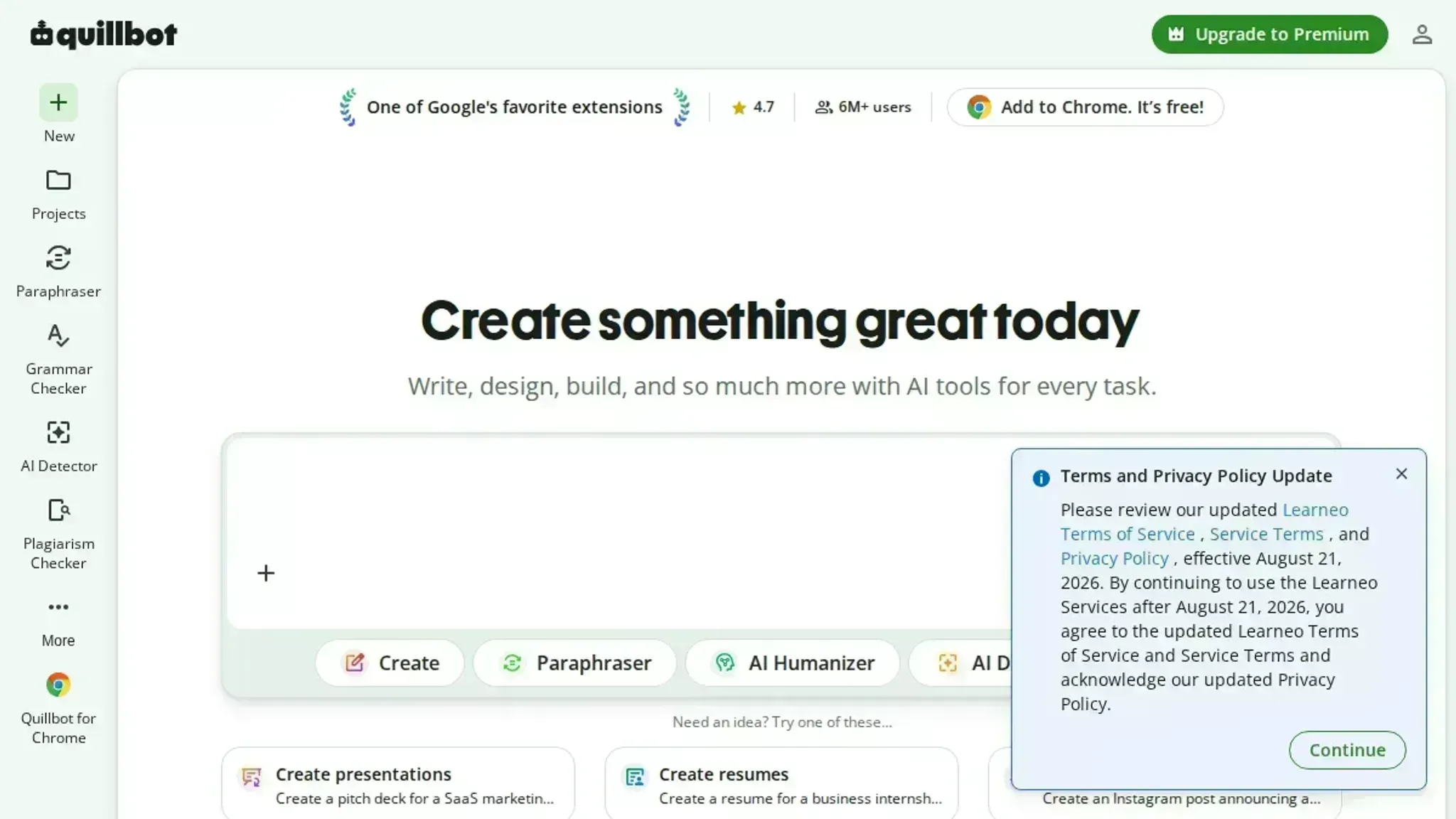
What is the QuillBot AI checker?
The QuillBot AI checker is a free online tool that scans text for signs of AI generation, including output from ChatGPT, Claude, and other large language models. It returns a score from 0 to 100 percent. That score indicates the likelihood of AI authorship. It also highlights individual sentences that look machine-written.
The tool is part of the broader QuillBot suite, which also includes a grammar checker, paraphraser, and humanizer.
To use it, paste your text or upload a document, then click "Detect AI." The analysis runs in seconds. The free version accepts up to 1,200 words per check. QuillBot's own AI detector page describes the tool as compatible with outputs from ChatGPT, GPT-5, and Claude.
How does the QuillBot AI checker work?
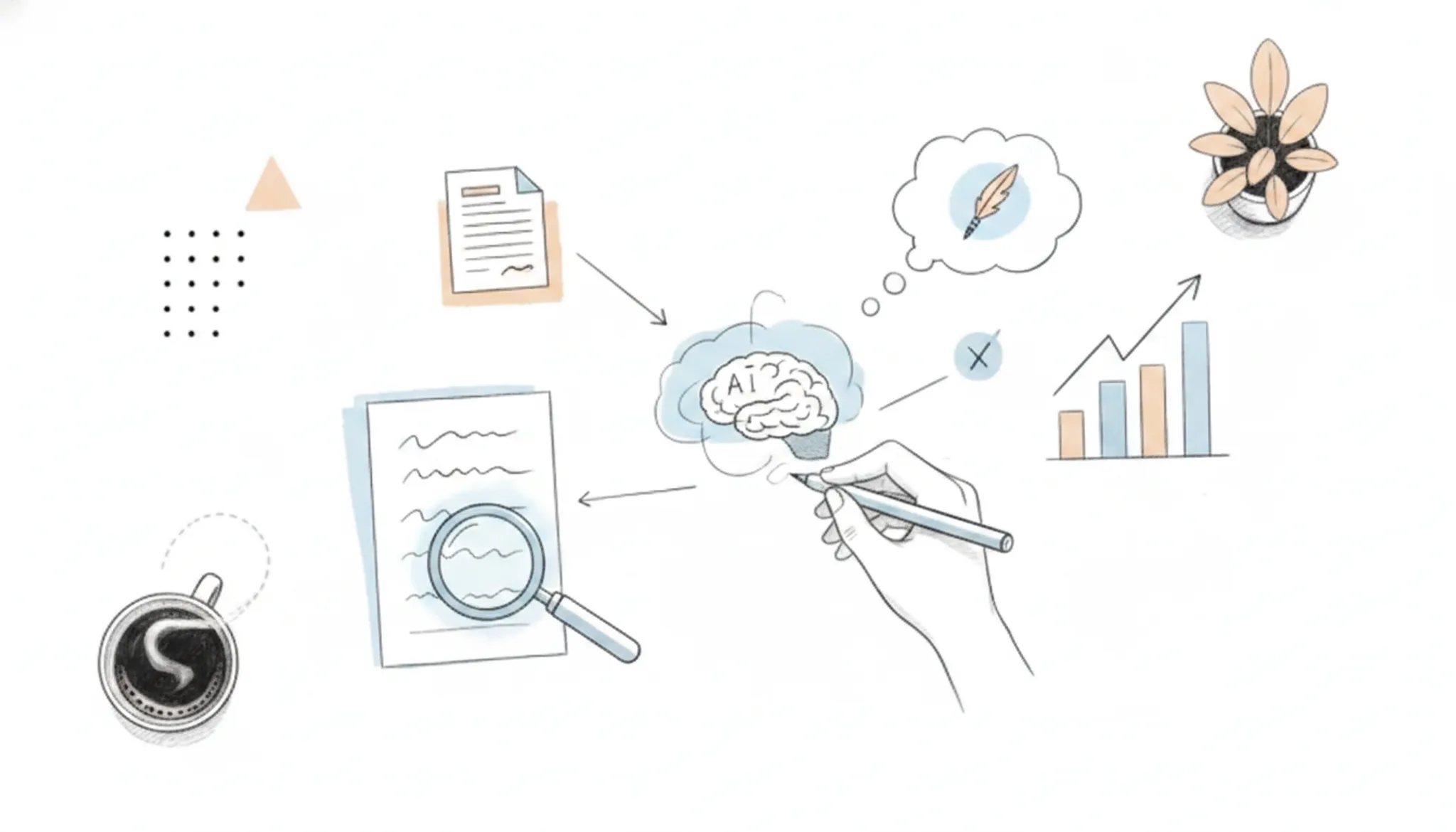
The QuillBot AI checker analyzes submitted text using machine learning models trained to detect patterns typical of AI-generated content. Those patterns include uniform sentence length, repetitive vocabulary, and unnatural transitions. It returns a percentage score indicating how much of the text appears AI-written, along with sentence-level highlights.
The tool compares your text against characteristics of outputs from models like ChatGPT and Claude. You paste text directly into the interface and click "Detect AI". No account is required. The analysis runs in seconds.
Flagged sentences are highlighted, but the tool does not explain why each sentence was flagged. This makes it useful for a quick check, but less helpful for understanding what to change.
If you need to rewrite flagged content, a dedicated humanizer like Word Spinner's AI humanizer can adjust the text to read more naturally while preserving meaning.
How do I use the QuillBot AI checker?
- Open the QuillBot AI Detector: Go to the QuillBot AI Content Detector page. No sign-up is required to run a check.
- Paste or upload your text: Paste your text into the input box, or upload a document. The free tier accepts up to 1,200 characters per check.
- Click "Detect AI": The tool scans your text and returns an overall AI score alongside sentence-level highlights. Green highlights suggest human-written text; red indicates AI-generated passages.
- Review the results: The score is a percentage from 0 to 100. A high score means the text is likely AI-generated. However, users on Reddit report that heavily rewritten or humanized text often slips through. For more reliable detection, try Word Spinner's AI detector which offers deeper analysis.
- Optionally, humanize the text: If the checker flags your content, rewrite it with QuillBot's Paraphraser or use Word Spinner's Advanced Rewriter for more effective humanization. The Originality.ai review notes that even humanized text may still be caught by other detectors.

What does the QuillBot AI checker catch?
QuillBot's AI checker flags text generated by ChatGPT, Claude, GPT-5, and other large language models. It provides an overall AI probability score and sentence-level highlights that show which sections look machine-written. The tool is free, requires no account, supports file uploads, and works as a browser extension for real-time scanning.
- AI score percentage: A numeric rating (0-100%) indicating how likely the entire text is AI-generated.
- Sentence-level highlights: Each sentence is color-coded (green for human, red for AI, yellow for mixed) so you can see exactly which parts triggered detection.
- File upload support: You can paste text or upload a document directly, saving time on longer pieces.
- No sign-up required: The checker runs in your browser without forcing you to create an account, making it quick to test a single paragraph.
- Browser extension: The QuillBot AI writing assistant extension adds AI detection to any webpage, useful for checking content you encounter while browsing.
These features make the checker useful for a quick first pass, but its accuracy drops when the AI text has been heavily rewritten or run through a humanizer tool.
Real use cases for the QuillBot AI checker
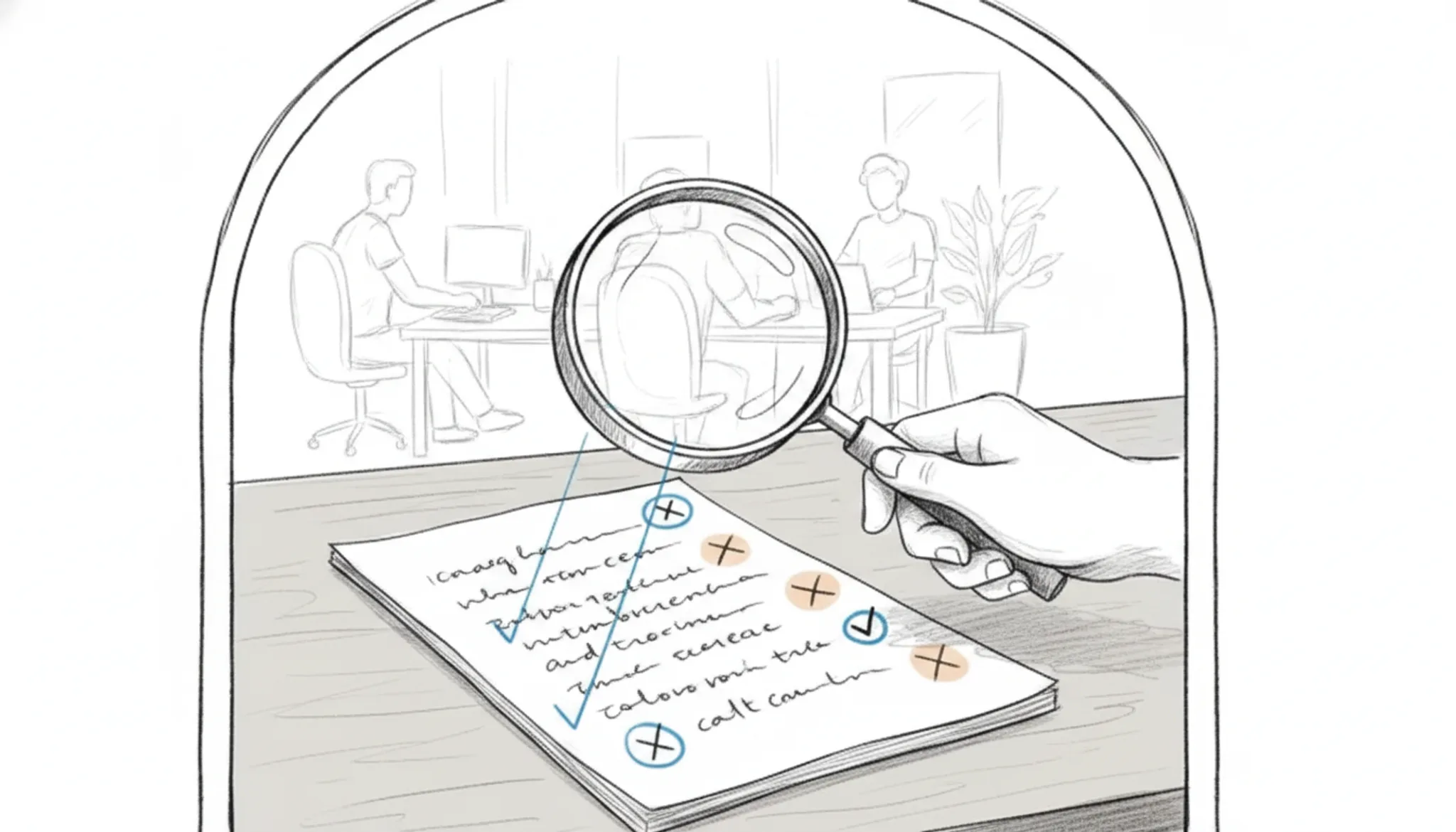
The QuillBot AI checker is used most often by students, writers, and professionals who need to verify whether a text reads as human-written or AI-generated. A student might paste a ChatGPT-drafted essay into the tool, see which sentences get flagged, then rewrite those sections before submitting. A freelance blogger runs drafts through the checker to catch passages that sound too mechanical, especially after using AI to outline or expand ideas.
Job seekers use it on cover letters and resumes to avoid the generic phrasing that hiring managers associate with AI tools.
One Reddit user described pasting a paragraph they had rewritten in their own words after ChatGPT helped draft it. QuillBot still flagged parts as AI. That forced them to rework the phrasing further. This false positive is common when the original AI-generated structure lingers in the rewrite.
The checker works best as a second opinion, not a final verdict.
How to get accurate results from QuillBot AI checker
Start by treating the overall AI score as a directional signal, not a definitive verdict. The real value is in the sentence-level highlights: those colored passages show exactly which parts the QuillBot AI checker considers likely AI-generated. Run text that is at least 300 words for better statistical reliability. If you are checking your own writing after using AI assistance, paraphrase the flagged sentences in your own voice, then recheck.
No detector is perfect. QuillBot's tool can miss heavily rewritten AI content, and it sometimes flags human writing that uses repetitive phrasing or predictable structures. For anything important, cross-check with a second detector and apply your own editorial judgment.

QuillBot vs other AI detectors at a glance
Here is how the three most common AI checkers compare on detection accuracy, ease of use, and price.
| Option | Best for | Key trade-off |
|---|---|---|
| QuillBot AI checker | Quick ChatGPT checks | Misses heavily rewritten text |
| Word Spinner AI detector | Detecting AI after humanization | Requires free account |
| Originality.ai | Professional content audits | Paid only, per-scan pricing |
Choose QuillBot for a fast free scan, Word Spinner to catch humanized AI output, and Originality for rigorous audits.
What does the QuillBot AI checker miss?
The QuillBot AI checker misses text that has been heavily rewritten, humanized, or translated from AI-generated content. It also flags legitimate human writing as AI. That tends to happen when the writing is formulaic, uses simple vocabulary, or follows a consistent structure.
The biggest risk is false negatives. Run AI-generated text through a humanizer like Word Spinner before checking, and the corrected version often scores 0% AI. Short passages under 50 words or highly technical language with low variation in word choice can also confuse the detector. False positives happen with non-native English writing, boilerplate legal language, or even some academic abstracts.
The checker never reveals why it gave a score, so you cannot verify its reasoning.
Relying solely on QuillBot can lead to overconfidence. A low AI score does not guarantee the text is original, and a high score does not prove it was generated by AI. Always combine detection with manual review and, when possible, a second tool for confirmation.
Expert tip: Compare raw and rewritten scores
Run the QuillBot AI checker on the raw AI output first. Then run it again on the same text after you rewrite it. The difference between the two scores tells you more about your rewriting effectiveness than either score alone. A drop of 30% or more usually means the rewrite is working.
Frequently asked questions about the QuillBot AI checker
Is the QuillBot AI checker free?
Yes, the QuillBot AI checker is completely free, and no sign-up is required. You can paste up to 1,200 characters per check. There is no daily limit on the number of checks, though each check is capped at that character count. For longer documents, run multiple checks on separate sections.
Does the QuillBot AI checker save your text?
QuillBot does not permanently store the text you paste. According to the privacy policy, uploaded content is processed temporarily and not retained after the analysis completes. That makes it safe for casual use. For highly sensitive documents, though, consider a local or offline detector.
How do I get a 100% human score on QuillBot AI checker?
A perfect human score is difficult to achieve if the text was originally AI-generated. The most reliable method is to rewrite the content thoroughly, sentence by sentence, in your own voice. A dedicated humanizer like Word Spinner can help rewrite AI text to bypass detectors like QuillBot. After rewriting, run the checker again to confirm the score.
What is the best alternative to QuillBot AI checker?
If you need a detector with no character limit and integrated humanization, Word Spinner's AI detector is a strong alternative. It offers a free plan with unlimited checks, sentence-level analysis, and a built-in humanizer. Unlike QuillBot, Word Spinner lets you detect and rewrite AI text in one workflow, saving time on revisions.
Next steps for the QuillBot AI checker
The QuillBot AI checker is a solid free tool for a quick AI detection check. But if your next step involves rewriting flagged text to avoid detection, you need a tool that combines detection with a humanizer.
Word Spinner offers both in one platform. You can check your text and immediately humanize it, all without switching tabs. For anyone who needs to act on detection results, it is the strongest choice.
If you only need a quick, free AI check and do not plan to rewrite the text, QuillBot's free detector remains a valid option.