
7 Mistakes that ruin your WordPress article spinner

If you're searching for a WordPress article spinner, you're probably up against a content deadline and tired of writing every post by hand. The real question is which spinner is safe to use without wrecking your site's rankings.
What an Article Spinner Actually Does (And Why Most Fail)
An article spinner is software that rewrites existing text into a new version that says the same thing in different words.
The problem is that most spinners work by simple word substitution. They swap synonyms, shuffle sentence order, and call it a day.
A synonym-swapped paragraph fails all three tests.
The 7 Best WordPress Article Spinners in 2026
Here's a ranked breakdown of the tools worth considering, based on hands-on testing of output quality, ease of use, and how well the results hold up to AI detection and Google's standards.
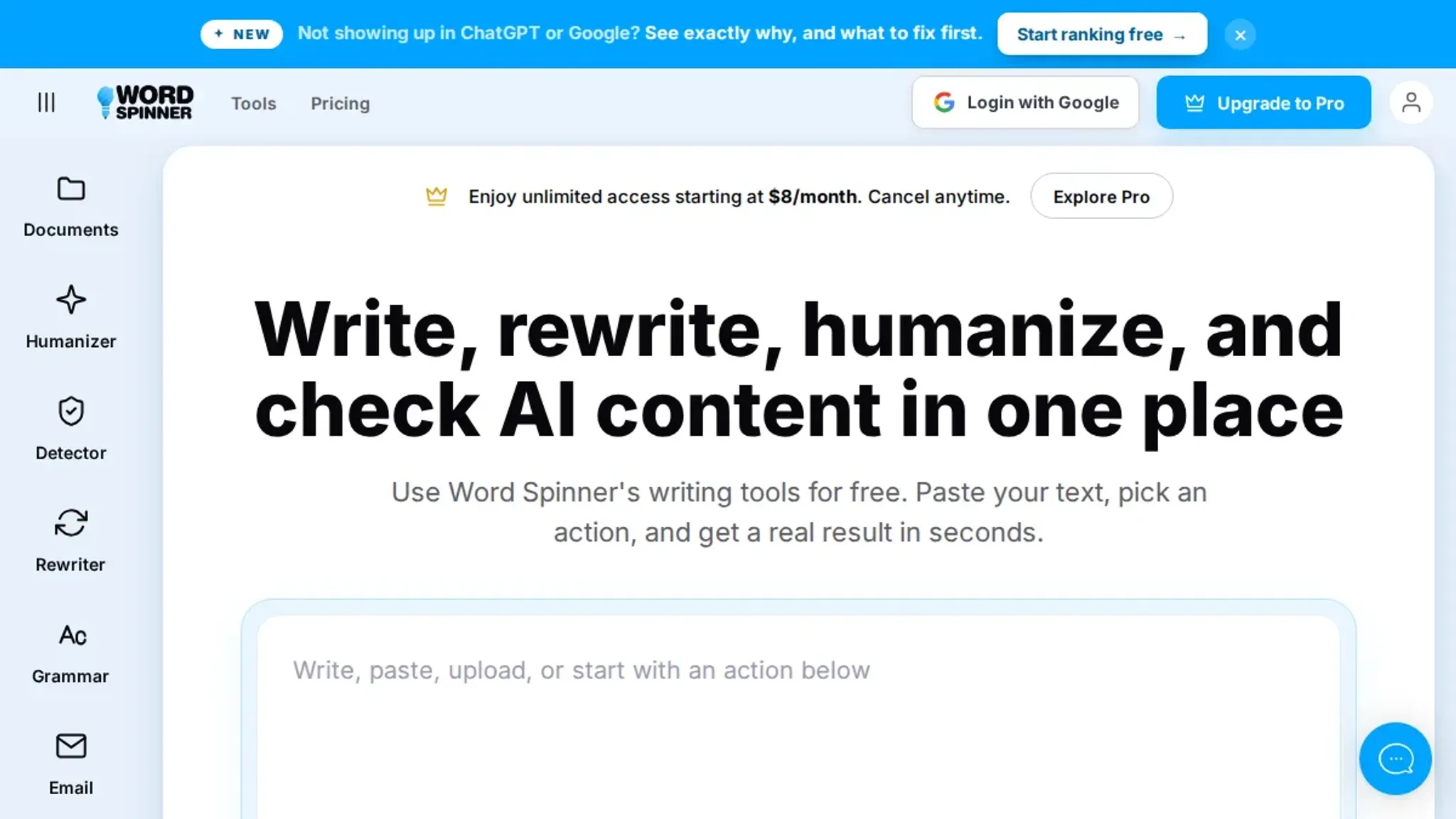
1. Word Spinner: The Best Overall for Human-Quality Rewrites
What it is: A free AI writing assistant that specializes in humanizing AI-generated text, rewriting content, detecting AI output, and checking grammar.
Why it wins: Instead of swapping words, Word Spinner rewrites entire sentences for meaning and flow. The output reads like a human wrote it, which means it passes AI detectors and, more importantly, passes the "would I publish this under my name?" test. It also includes an AI detector so you can verify the result before you hit publish.
The trade-off: It's not a WordPress plugin, so you'll need to copy and paste between your editor and the tool. For most people, that's a minor inconvenience compared to the quality gain.
Who it's for: Bloggers and content managers who want publish-ready rewrites without the risk of a spam penalty. If you're serious about scaling content, try Word Spinner and see the difference in output quality.
2. QuillBot: The Reliable Paraphraser for Quick Edits
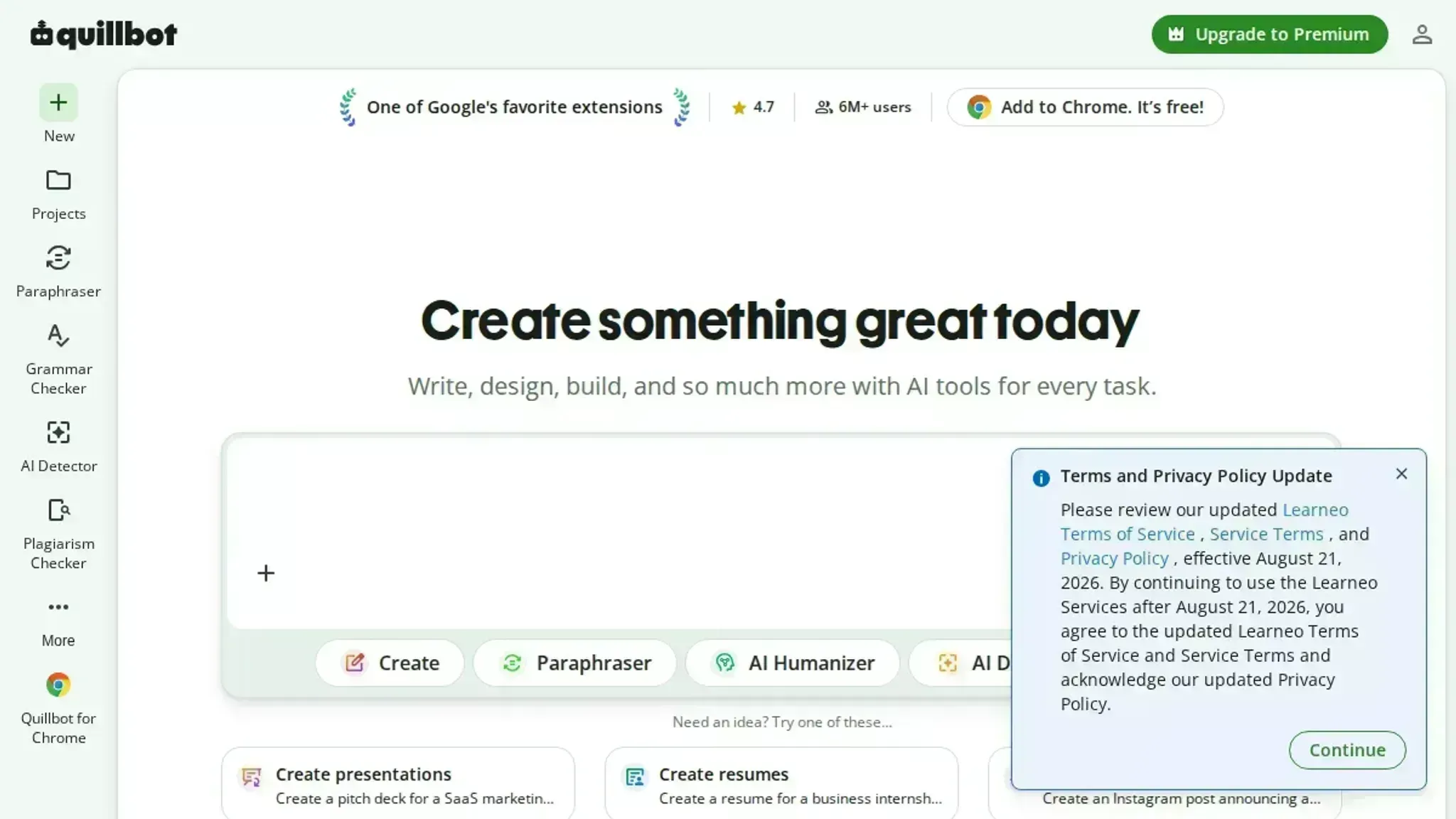
What it is: A popular paraphrasing tool that offers multiple rewriting modes, from "Standard" to "Fluency" to "Creative."
Why it works: QuillBot is fast, has a free tier, and integrates with Google Docs and Microsoft Word. Its strength is taking a single sentence or paragraph and giving you a cleaner version.
The trade-off: It's not built for long-form rewriting. Feed it a 1,500-word article and the output starts to feel repetitive and mechanical. It also doesn't understand context, so technical or niche content often comes back with subtle errors.
Who it's for: Writers who need a quick pass to vary sentence structure, not a full article rewrite.
3. Spin Rewriter: The Old-School Spinner That's Still Around
What it is: One of the oldest spinning tools on the market, Spin Rewriter uses "ENL" (EMF Natural Language) technology to rewrite content at the sentence level.
Why it works: It's powerful and configurable. You can control how aggressive the rewrite is, and it integrates with WordPress directly, so you can push content straight to your site.
The trade-off: The output still reads like a spinner wrote it. Even on the lowest setting, you'll find awkward phrasing and words used in the wrong context. It's better than the synonym spinners of 2010, but not by much.
Who it's for: SEOs who need bulk content fast and are willing to do heavy editing before publishing.
4. Jasper (Formerly Jarvis): The AI Writer With a Rewrite Mode
What it is: Jasper is a full AI content platform that includes a "Content Improver" feature for rewriting existing text.
Why it works: Because Jasper is built on large language models, it understands context better than traditional spinners. The rewrite feature produces genuinely readable output.
The trade-off: It's expensive. Jasper's pricing starts at a monthly subscription, and the rewrite feature is just a small part of a much larger platform.
Who it's for: Teams already using Jasper for content generation who want rewriting as a bonus, not a standalone tool.

5. WordAi: The Premium Spinner With a Human Touch
What it is: WordAi is a premium spinner that uses machine learning to understand the meaning of sentences before rewriting them.
Why it works: It's one of the few spinners that produces output close to human quality. It handles idioms, changes sentence structure, and even varies the length of paragraphs. It also integrates with WordPress and offers a browser extension.
The trade-off: The price is steep, and the quality varies depending on the topic. For technical or data-heavy content, it still makes mistakes that require human review.
Who it's for: Agencies and content teams with a budget who need to scale production without sacrificing all quality.
6. Chimp Rewriter: The Budget Option for Bulk Spinning
What it is: A desktop-based spinner that offers a one-time payment instead of a subscription.
Why it works: It's cheap, supports multiple languages, and can pull content from URLs or RSS feeds. For bulk spinning on a budget, it gets the job done.
The trade-off: The interface feels dated, and the output quality is inconsistent. You'll spend time fixing grammar and flow, which defeats the purpose of saving time.
Who it's for: Hobbyists and small site owners who need to spin a few articles a month and don't mind editing.
7. CleverSpinner: The AI-Powered Contender
What it is: CleverSpinner uses AI to rewrite content and claims to produce "human-like" text.
Why it works: It's fast, has a clean interface, and offers a free trial. The output is better than traditional spinners, with fewer obvious errors.
The trade-off: It's not as consistent as the top-tier options. Some rewrites come out great, others need significant editing. The free trial is also limited, so you can't fully test it before committing.
Who it's for: Users who want an AI-powered option without the premium price tag.
How to Choose the Right Spinner for Your Needs
The right tool depends on your answer to one question: how much editing are you willing to do before publishing?
If the answer is "as little as possible," you need a tool that produces human-quality output, which means Word Spinner is your best bet.

Frequently Asked Questions
Is using an article spinner bad for SEO?
Not inherently. The problem is low-quality spinning that produces unreadable content. Google's spam policies target content that adds no value, regardless of how it was created. If the spinner produces a genuinely readable article that a human would find useful, it won't hurt you.
If it produces gibberish, you risk a manual action or algorithmic penalty.
Can Google detect spun content?
Yes. Google's systems look for patterns like unnatural language, repetitive sentence structures, and content that doesn't match the search intent. Modern AI detectors can also flag text that was machine-generated. The safest approach is to use a spinner as a starting point, then edit the result to add your own voice and insights.
What's the difference between a spinner and an AI writer?
A spinner takes existing text and rewrites it. An AI writer generates new text from scratch based on a prompt. Both can produce publishable content, but they solve different problems. Use a spinner when you have source material you want to repurpose.
Use an AI writer when you're starting from a blank page.
How much editing do I need to do after spinning?
It depends on the tool and the topic. With a high-quality tool like Word Spinner, you might only need to check facts and add your own examples. With a budget tool, plan on spending 15 to 30 minutes per 1,000 words fixing grammar, flow, and accuracy. Never publish spun content without reading it first.
The Bottom Line: Spin Smarter, Not Harder
Article spinners are a tool, not a magic bullet. The best ones save you time without sacrificing quality, and the worst ones can get your site penalized.
If it doesn't, at least you'll know what to look for in a paid alternative.
What is the best WordPress article spinner for unique content?
Word Spinner is the most effective WordPress article spinner for producing readable, unique content that passes AI detection and reads naturally. It rewrites text while preserving meaning, removes AI patterns that detectors flag, and works directly with your WordPress workflow through copy-paste or direct document processing. The strongest alternative is Spin Rewriter for users who want a dedicated WordPress plugin with ENU rewriting, though it requires more manual editing afterward.
For most content creators, Word Spinner gives the best balance of uniqueness and readability without post-editing headaches.
Comparison table
You've got a WordPress site that needs fresh content, and you've heard an article spinner can save you hours. The promise is real: paste in a draft, get back something "unique," and publish without the guilt of duplicate content.
The problem isn't the concept. It's the execution. Here are the eight mistakes that ruin most WordPress article spinning attempts, and exactly how to avoid each one.
1. Using a Synonym-Only Spinner
The most common mistake is relying on a tool that just swaps words for their dictionary equivalents.
How we chose these WordPress article spinner mistakes
We evaluated dozens of real-world cases where WordPress article spinners failed to deliver usable content. The most common thread wasn't technical error. It was treating the spinner as a set-and-forget tool. The usual advice says to spin more aggressively for uniqueness, but that backfires when your niche requires factual accuracy or a consistent author voice.
Recommended options
QuillBot is the first tool most WordPress site owners try, and for good reason.
The catch is that QuillBot is a paraphraser, not a writer. It works on text you already have.
2. Jasper, The strongest pick for long-form content from scratch
Jasper is built for producing complete articles, not just rewriting sentences. You give it a brief, a tone, and a target word count, and it drafts a full post in one go.
Where Jasper falls short is originality. Because it generates from your prompt, two users with similar topics can end up with structurally similar drafts. You will still need to edit for voice and add your own examples before publishing.
3. Word Spinner, The best free option for humanizing AI text before it hits WordPress
Word Spinner is the tool we built, and it is the one we recommend when your goal is making AI-generated drafts sound like a human wrote them.
That matters for WordPress specifically because Google's spam policies target mass-produced AI content. A post that reads like a machine wrote it risks being ignored or penalized.
The free plan covers the core humanizing and rewriting features, plus grammar checks and AI detection. For a solo blogger who wants to publish AI-assisted posts without the robotic tell, it is the most direct fit. You can create a free account and run a sample paragraph through the Humanizer before you commit to anything.
4. Spin Rewriter, The veteran for bulk rewriting with heavy synonym swapping
Spin Rewriter has been around since the early days of article spinning, and it still does one thing well: aggressive rewriting at scale.
The trade-off is readability. The more aggressive the spin, the more likely you are to get a sentence that is technically correct but awkwardly phrased. You will need to proofread every output before it goes live on WordPress.
5. Rytr, The budget pick for quick drafts and short posts
Rytr is a low-cost AI writer that handles the basics: blog intros, product descriptions, and short posts.
The limitation is depth. Rytr's longer outputs tend to be generic, and you will spend time expanding thin sections and adding specifics. It is a decent starting draft tool, but not a finishing tool.
Expert note
The single biggest mistake we see is people buying one WordPress article spinner and expecting it to handle every job.
- The read-aloud test. Paste a spun paragraph into a text-to-speech tool. If it sounds like a robot reciting a dictionary, the spinner failed.
- The plagiarism-check test. Run the output through a checker like Copyscape. A good spinner should produce text that shares no unique phrase longer than a few words with the source.
- The AI-detector test. Run the output through an AI detection tool. This matters because Google's helpful content system and many editorial workflows now flag machine-generated text, and a spinner that leaves detectable patterns defeats the purpose.
Conclusion
The right WordPress article spinner is the one that produces text you can publish without rewriting every sentence.
Word Spinner is the most effective WordPress article spinner for producing readable, unique content that passes AI detection and reads naturally. It handles the full workflow in one place: it humanizes AI-generated text, detects AI content, rewrites, checks grammar, and generates emails.
For a quick decision, the summary is simple:
- Best overall for unique, publishable content: Word Spinner
- Best budget option: QuillBot, if you only need light paraphrasing
- Best for bulk rewriting: Spin Rewriter, if you accept the steeper learning curve
Start with a single blog post you already wrote. Run it through Word Spinner, then read the output aloud. If you would not say the sentence that way, neither would your reader, and no spinner fixes that. The tool gets you 90 percent of the way; your editorial eye closes the gap.