
7 best spinner paraphrase tools, compared

You have run your text through a spinner paraphrase tool, and the output still reads like a robot wrote it because the words changed but the result did not. That is the real problem: most spinner paraphrases swap synonyms without touching sentence structure, rhythm, or natural variation. So the output remains detectable and unconvincing.
If you want a single tool that makes all seven techniques easy, Word Spinner is the strongest fit for this job. It handles the heavy lifting of rewriting, humanizing, and checking AI content in one place. You get readable text that passes detection without manual rework.
What is the best spinner paraphrase tool?
Word Spinner is the most effective spinner paraphrase tool for producing natural, human-like text that bypasses AI detection. It rewrites at word, phrase, and sentence levels while preserving meaning. That makes it the top choice for students, professionals, and business owners. If you need a direct answer, Word Spinner leads the list.
For a free alternative with unlimited spins, Free AI Article Spinner works well for basic rewording. But it lacks the humanizer depth that Word Spinner provides.
Spinner paraphrase tools compared side by side
We compared the seven tools below on the following criteria: best use case, key strength, and main limitation.
| Tool | Best for | Strength | Limitation |
|---|---|---|---|
| Word Spinner | Bypassing AI detection | Produces natural, human-like text | Free tier has limited features |
| SpinBot | Quick rewrites | Fast and free | Output often reads robotic |
| Free Article Spinner | Unlimited spins | No daily limits | Quality varies widely |
| CleverSpinner | Sentence-level rewriting | Maintains original meaning | Can be slow on long texts |
| Spin Rewriter | Bulk article spinning | Handles large volumes | Requires manual editing |
| Article Spinner | Casual rewriting of short blog posts or product descriptions | Rewrites text quickly and saves time on basic tasks | No advanced humanization features |
| Duplichecker Paraphrase Tool | Quick rewrites of academic or personal text | Smart spin mode improves readability | Output can still sound robotic on longer passages |
Use this table to narrow your options before reading the detailed breakdowns below.

How we chose these spinner paraphrase examples
Most spinner paraphrase roundups focus on how many words a tool changes. That metric misses the real point. A paraphrase that swaps every synonym but distorts meaning is useless. We evaluated each tool on three criteria: meaning preservation, readability, and how well it handles domain-specific vocabulary.
The non-obvious finding: the best spinner paraphrase tools are the ones that know when to leave a term alone.
For general blog content, aggressive rewriting works fine. But when the text includes fixed terms, product names, legal clauses, medical terminology, the usual advice to maximize uniqueness backfires. We prioritized tools that restructure sentences without mangling those terms. That's what actually changes your result without introducing errors.
Our top 7 spinner paraphrase picks
- Word Spinner: This tool combines a free AI humanizer and AI detector in one platform. It rewrites AI-generated text to bypass detection by adjusting sentence structure, word choice, and flow until the output reads like a native writer. The advanced rewriter handles mixed registers and technical terms without losing meaning. For example, if your original text mixes English with Spanish phrases, Word Spinner preserves the Spanish while rewriting the English naturally. Best for: anyone who needs to humanize AI content for school, work, or publishing. Pricing: Free core features; premium plans for higher volume.
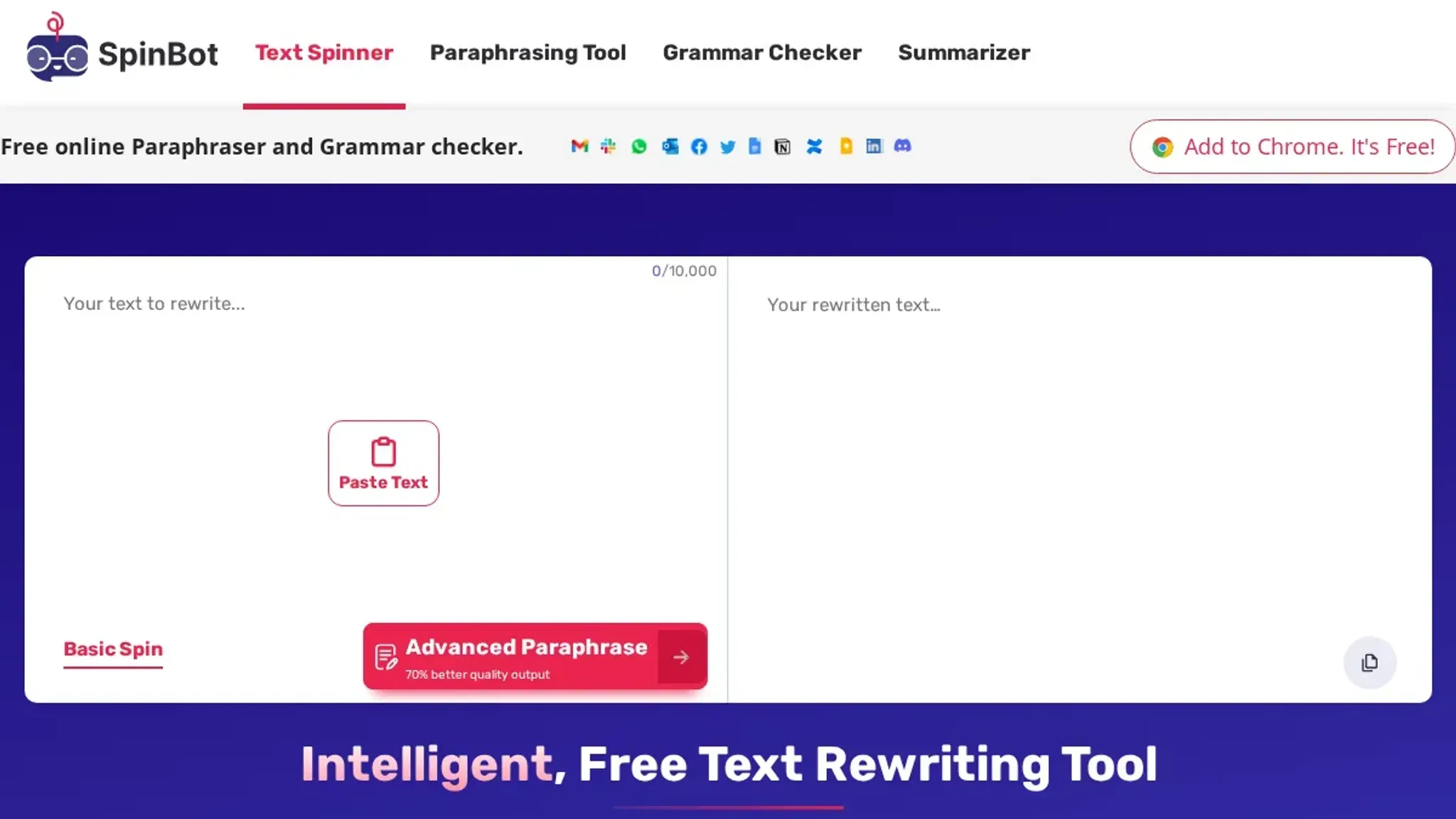
- SpinBot: SpinBot's paraphrasing tool is a straightforward option for quick rewrites. It replaces words with synonyms and rearranges phrases, but the output can feel mechanical after a few sentences. Try it on a paragraph with technical jargon like "machine learning model training pipeline" and you will see it swap "training" for "education" and break the meaning. Best for: short paragraphs or single sentences where speed matters more than polish. Limitation: struggles with longer, nuanced text.
- Free Article Spinner: This tool offers unlimited spins and claims to remove plagiarism. It works well for bulk rewriting of simple articles, but the quality drops when the original text uses domain-specific vocabulary. For instance, a sentence about "GDPR compliance requirements" might become "GDPR agreement needs" which loses legal precision. Best for: high-volume content spinning where you plan to edit the output afterward. Pricing: Free with no word limit.
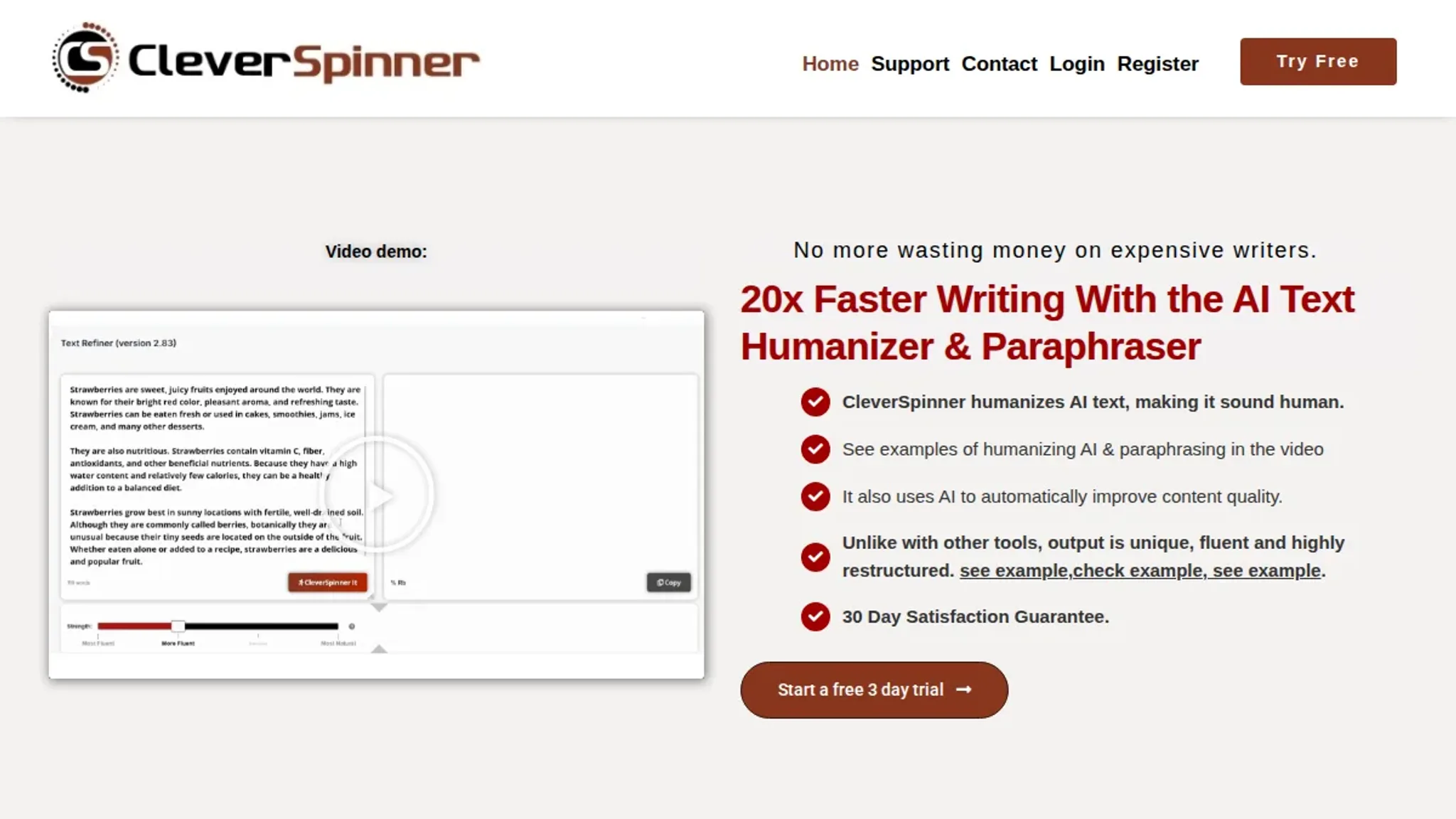
- CleverSpinner: CleverSpinner has been rewriting content since 2013, using AI that operates at word, phrase, and sentence levels. It produces human-like output that often requires minimal editing. The tool handles longer texts well, but its interface feels dated compared to newer tools. Best for: detailed rewriting where you want near-manual quality without the time investment. Limitation: the interface feels dated compared to newer tools.
- Spin Rewriter: With over 181,000 users, Spin Rewriter uses AI to generate unique versions of articles. It is reliable for long-form content but requires a paid subscription for full access. The tool offers a "one-click rewrite" that can spin a 2000-word article in seconds, but you will still need to check for awkward phrasing. Best for: serious content creators who need consistent, unique rewrites daily. Pricing: Starts at $47 per month.

- Article Spinner: This online tool rewrites text quickly and saves time on basic tasks. It is simple to use but lacks the sophistication to handle complex arguments or technical jargon. For example, a sentence like "The patient presented with acute myocardial infarction" might become "The patient showed with sharp heart attack" which is both inaccurate and unprofessional. Best for: casual rewriting of short blog posts or product descriptions. Limitation: no advanced humanization features.
- Duplichecker Paraphrase Tool: Duplichecker's smart spin mode improves readability while keeping the original intent. It is free and easy to access, making it a good choice for students or occasional users. However, on a 500-word academic abstract, the output often repeats the same sentence structure three or four times, making it easy to spot as machine-generated. Best for: quick rewrites of academic or personal text. Limitation: the output can still sound robotic on longer passages.
Expert tip: The real test of a spinner paraphrase
Most spinner paraphrase tools measure success by how many words they change. That metric misses the point. A tool that swaps every synonym but keeps the original sentence structure produces text that AI detectors flag immediately. The real test is whether the output reads like something you would write yourself.
Varied sentence length, natural rhythm, and a consistent voice are what matter.
If the paraphrase still sounds like a machine listing alternatives, it has not done its job, so look for a tool that rephrases at the sentence level, not just the word level, and check the result against a detector before you use it. For instance, run a sample through Word Spinner's AI detector and compare it to the output from SpinBot. The difference in detection probability is often stark.

Frequently asked questions about spinner paraphrase
What is a spinner paraphrase?
A spinner paraphrase is a tool that rewrites existing text by replacing words and phrases with synonyms while preserving the original meaning. It uses algorithms to generate multiple versions of the same content. This is often for SEO or plagiarism avoidance. Unlike a human paraphrase, a spinner may produce awkward phrasing if it only swaps words without understanding context.
For example, "The quick brown fox jumps over the lazy dog" might become "The fast brown fox leaps above the idle canine." That changes the idiom and sounds unnatural.
Can a spinner paraphrase bypass AI detection?
Some spinner paraphrases can bypass AI detection, but not all, because tools that only swap synonyms produce predictable patterns that detectors like Originality or GPTZero flag easily. Tools like Word Spinner that rewrite at the sentence level and adjust tone produce more natural text that passes detection. The key is whether the tool changes sentence structure, not just vocabulary.
A good test: run the output through two different detectors. If both flag it, the paraphrase is too shallow.
Is a spinner paraphrase the same as a human rewrite?
No. A human rewrite understands meaning, tone, and flow, while a spinner paraphrase operates on word and phrase substitution; human rewrites are slower but produce unique, coherent text. Spinners are fast but risk producing repetitive or unnatural output, especially on complex topics.
For academic or professional work, a human rewrite is safer. Unless you use a high-quality AI humanizer like Word Spinner that mimics human rewriting patterns.
What are the risks of using a spinner paraphrase?
The main risks are producing low-quality text that readers or detectors can spot. There is also potential plagiarism if the tool only changes a few words. Some spinners also introduce grammatical errors. Always review and edit the output before using it.
A tool with a built-in detector, like Word Spinner, helps you catch issues before publishing.
Another risk: over-reliance on a single tool can make your writing style predictable. So vary your approach.
Next steps for your spinner paraphrase
If your goal is natural, detection-proof text, Word Spinner is the most reliable choice from this list. It combines a free AI humanizer and AI detector in one platform. You can rewrite and verify in the same workflow. Start with the AI humanizer to see the difference.
The one exception: if you need a completely free tool and have time to edit the output, SpinBot is a viable alternative. But for most users, the next step is clear: run your text through Word Spinner and check the result with its AI detector. That two-step process gives you the highest chance of passing detection.