
Word spinning: How to spin words without losing meaning
You have a block of text that reads like a machine wrote it. Every sentence is grammatically correct but lifeless, stiff phrasing, robotic patterns, the unmistakable rhythm of AI output. You need to rewrite it without changing what it actually says.
That is the core challenge of word spinning: preserving meaning while making the text sound human. Miss the balance and you either lose the point or leave the artificial skeleton showing.
After reading, you will have a clear, repeatable method for spinning words effectively. Tools like Word Spinner handle this exact balancing act, letting you rewrite content while keeping the original context intact. No more guessing which synonyms fit and which wreck the sentence.
What is word spinning and how do you do it without losing meaning
The most effective approach for word spinning that preserves original meaning is to use a tool designed for semantic rewriting rather than simple synonym swapping. Word Spinner handles this by analyzing the full context of each sentence before suggesting replacements, which prevents the garbled phrasing that basic spinners produce.
Maintaining meaning during word spinning requires a tool that rephrases at the sentence level instead of the word level. Synonym-only spinners routinely introduce logical contradictions that destroy readability.
What you'll need for effective word spinning
Before you start spinning text, make sure you have these basics in place.
- Original text that you have permission to rewrite. Spinning someone else's work without attribution can violate copyright.
- A word spinning tool that handles semantic rewriting, not just synonym swapping. Free tools often introduce nonsense.
- A clear goal for the output: SEO content, academic paraphrasing, or social media posts? Each needs a different spin strength.
- Proofreading time after spinning. No tool produces perfect human-sounding text on the first pass.
The non-obvious catch: the quality of your source text matters more than the tool you use. The usual advice is to pick the best spinner, but the condition that changes everything is whether your original is well-structured. Spinning poorly written or machine-generated text preserves its flaws and typically introduces new ones. If you start with clear, fact-checked copy, the spinner has something solid to rephrase.
Invest that editing time upfront, and your output will need far fewer corrections later.
The word spinning workflow: 6 steps that protect meaning
Before you start spinning words, have your source text ready and choose a tool that handles meaning rather than just swapping synonyms. The six steps below use Word Spinner as the primary example, but the process works with any semantic word spinner.
- Read the source text for meaning and tone: Read every passage aloud and jot down the core claims, the audience, and the intended voice. Without this mental map you cannot detect when a rewrite drifts off course. Visible result: a short list of fact anchors you must preserve in every output version.
- Paste your text into Word Spinner and select the right mode: Word Spinner's AI Humanizer mode rewrites sentences to reduce mechanical phrasing while keeping the original ideas. If your goal is better search engine placement, the SEO mode adjusts keyword density naturally. The tool highlights every changed sentence so you see exactly what shifted. Unlike simple synonym-swapping tools like SpinBot, Word Spinner reads context across full paragraphs. Visible result: a parallel column showing old text versus rewritten text, with change indicators.
- Target the patterns that give away machine writing: Focus on your draft's repetitive sentence openings, cliché transition words (furthermore, moreover, thus), and identical sentence lengths. These are the signals a spinner must break. Use Word Spinner's batch rewrite to tackle several sentences at once. Most users save genuine time here rather than fixing each line by hand. Visible result: rewritten sentences vary in length and start with different words from the original.
- Run the spinner and inspect the first output critically: Click the spin button and immediately compare the new version to your original fact anchors. Do not accept the first pass as final. Word Spinner lets you adjust the rewriting intensity up or down; lower intensity preserves more original phrasing, higher intensity produces more variation. Some services, like Free AI Article Spinner, emphasize unlimited spins, but that approach often degrades context because each spin starts from scratch rather than refining a single understanding. Visible result: a draft that still carries your key points but reads differently from the starting text.
- Manually smooth awkward phrasing: No spinner produces perfect prose every time. Read the output and fix sentences that sound stilted or use unnatural word choices. For instance, if the tool replaced "showed an increase" with "demonstrated a rise," decide which phrase fits your audience better. This step is where human judgment separates usable output from machine garbage. Visible result: a final text that flows like a careful human wrote it.
- Verify with an AI detector and a quick SEO check: Run the final version through Word Spinner's built-in AI detector or ask a colleague to read it cold. If the detector flags sections, go back to step 3 for those parts. Because you are publishing online, also run the text against a search engine optimizer checklist to confirm it still hits your target keywords. Visible result: a clean detector score and a natural readability grade.
A common mistake is skipping step 1 entirely. Without a clear mental anchor of the original meaning, you cannot tell when the spinner has added or removed a fact. Always start with that simple read-through.
- Produce multiple distinct versions for different channels: One spin is rarely enough for a content strategy. Word Spinner's Batch Spin feature lets you generate several unique rewrites from the same source text in a single run. Each version uses a different randomization seed, so you get outputs that vary in phrasing, sentence structure, and word choices. Use version A for your main blog post, version B for a guest article, and version C as a social media summary. This approach avoids publishing the same text across platforms, which search engines flag as duplicate content. Visible result: three or more ready-to-publish drafts stored in your project history, each with its own revision timestamp.
- Adjust the tone slider for audience fit: Word Spinner includes a tone control that shifts formality, enthusiasm, and vocabulary level. For a business audience, set the slider toward professional to keep language conservative and jargon appropriate. For a lifestyle or entertainment post, slide toward casual to allow contractions, shorter sentences, and conversational phrases. The same spinning pass with different tone settings produces outputs that feel written for completely different publications. Test this by spinning the same paragraph twice with opposite tone settings. Visible result: one formal version that avoids "you" and slang, and one informal version that uses "you" and relaxed phrasing.
- Run the output through a plagiarism checker as a safety net: Even when a spinner rewrites by meaning, occasional string matches to the original can slip through. Use a service like Grammarly or Quetext to scan the final text. If any sentence appears verbatim in the source, rewrite that line by hand. This step matters most when you publish under your own name or brand, since copied phrasing undermines credibility. Visible result: a plagiarism score below two percent, ideally zero matches.
- Format the text for its destination platform: The spinner output comes as plain text. Before publishing, apply the correct heading structure, paragraph breaks, and any required metadata like alt text for images or meta descriptions. Word Spinner's export options let you copy directly to Markdown, HTML, or plain text. Choose the format that matches your content management system. This final formatting pass ensures you do not lose any of the spinner's work after pasting into a field that strips styling. Visible result: a properly formatted draft ready for the editor or the publish button.
Word spinning checklist: verify each step
Before you finalize any spun content, run through this quick checklist. Each item is a pass/fail test: if you can't mark it done, go back and adjust. The goal is to keep the original meaning intact while making the text sound like a human wrote it. Skipping even one check can result in content that reads poorly, confuses readers, or gets flagged by plagiarism detectors.
Use this list every time you spin text, whether for a blog post, academic paper, or marketing copy. It works for any content type and any spinning tool, from simple synonym swaps to advanced AI rewriting.
| Task | Why it matters | Done |
|---|---|---|
| Compare the spun version to the original for factual accuracy | Prevents distortion of key information like dates, names, and statistics | |
| Read the spun text aloud to catch awkward phrasing | Ensures natural readability and catches robotic sentence flow | |
| Check that synonyms didn't alter technical or domain-specific terms | Preserves precise meaning for your audience and avoids misinformation | |
| Run the output through a plagiarism checker | Confirms sufficient rewriting to avoid duplication and originality issues | |
| Verify sentence structure variety (mix short and long sentences) | Avoids repetitive patterns that feel unnatural and reduces detection risk | |
| Check for consistent terminology throughout the document | Avoids confusion from using multiple synonyms for the same concept | |
| Use an AI humanizer tool like Word Spinner for final polish | Adds human-like flow and reduces detection risk from AI detectors |
Once you've ticked off all seven checks, your spun content should be ready for its intended use. If you're spinning for SEO, remember that search engines reward content that reads naturally and provides value. A text that keeps its original meaning while sounding human will rank better and engage readers longer. The checklist above helps you avoid the common pitfalls of word spinning: losing factual accuracy, creating awkward sentences, and triggering plagiarism flags.
By verifying each point, you ensure your spun content is both unique and readable. Tools like Word Spinner can automate the final polish step, but the earlier checks require human judgment. If any check fails, don't move forward. Revise the spun text until it passes all seven.
Use the checklist iteratively: spin, check, adjust, check again. Over time, you'll internalize these checks and produce better spun content faster. To understand how spinning affects search visibility, check out our 5-minute spinner SEO checklist for 2026. It covers additional checks specific to Google's ranking factors, including keyword placement, readability scores, and content freshness.
Use both checklists together to produce spun content that ranks well and reads naturally. Whether you're spinning a blog post, an academic essay, or product descriptions, these checks apply universally. The time you spend verifying each step pays off in higher quality content that your audience will trust. Print this checklist and keep it by your desk for quick reference.
When word spinning breaks precision (and how to fix it)
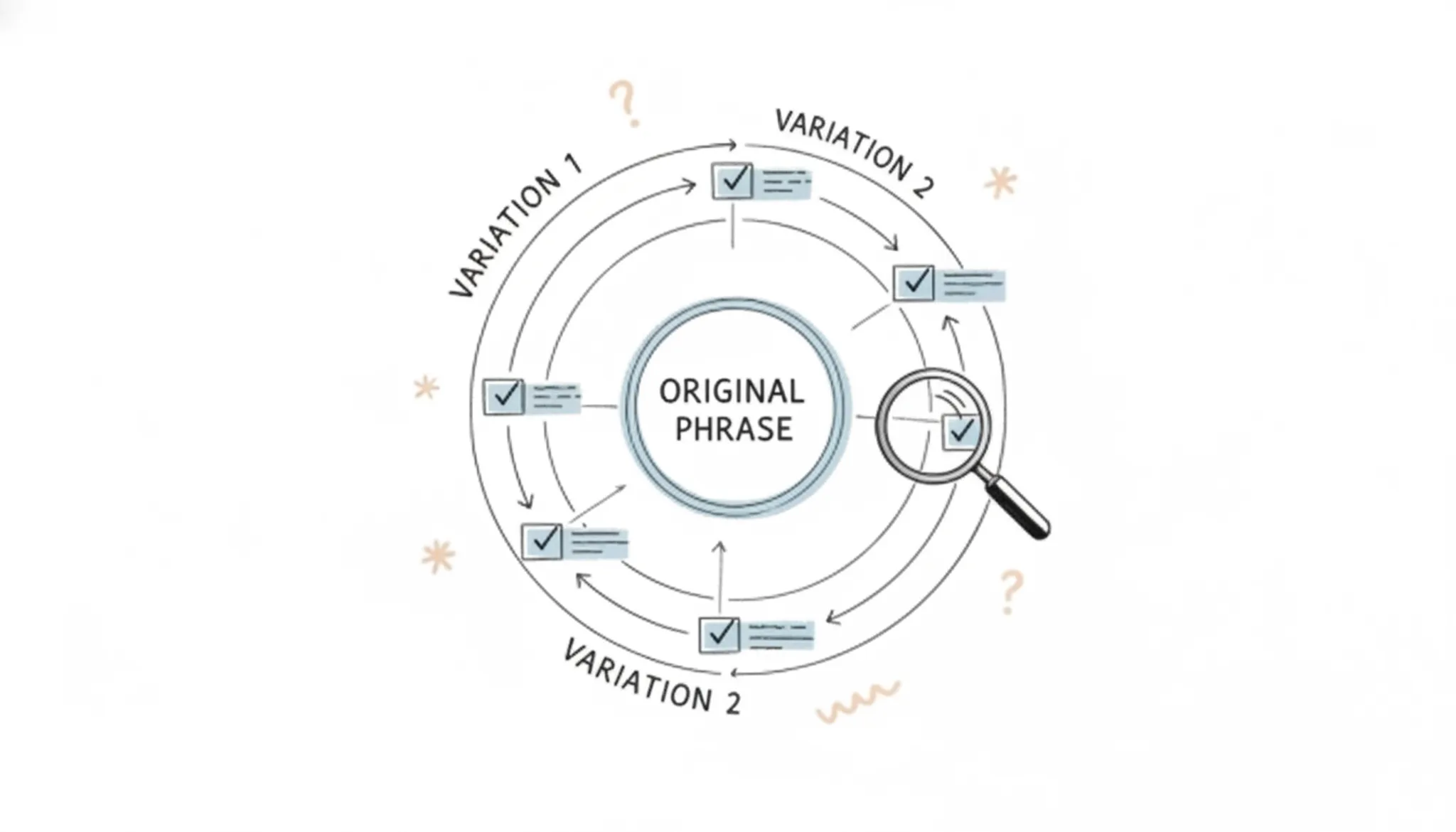
The most common mistake in word spinning is assuming that any rewrite of a technical term preserves its meaning. Substituting "myocardial infarction" with "heart attack" works for a general audience but shifts the tone in a peer-reviewed article. Similarly, in a contract, changing "indemnify" to "protect" could alter the entire clause. The condition under which the usual advice changes is when the source text contains domain-specific vocabulary.
Simple synonym spinners fail here. A semantic rewriter, such as Word Spinner, handles context better by understanding word relationships. Even so, review every term that carries a precise legal, medical, or technical definition. Hand edit those back to the original, or spin only the surrounding descriptive phrases.
Many practitioners test only for readability and miss this semantic drift. When in doubt, verify the spun version with a subject matter expert before publishing.
Frequently asked questions about word spinning
Is word spinning the same as paraphrasing?
No, though the two overlap. Paraphrasing restates an idea in different words while keeping the structure and length similar. Word spinning typically targets individual sentences or phrases for synonym replacement, often to produce multiple variations from one source. The distinction matters because a paraphraser tries to preserve meaning across the whole text, while a spinner can break logic if it swaps words without understanding context.
What is the difference between word spinning and content rewriting?
Content rewriting is the broader category: it includes full rewrites, restructuring paragraphs, adding examples, or changing the angle entirely. Word spinning is a smaller subset that only swaps words or short phrases. If you need to update a tutorial for a new product version, that is rewriting. If you need to create five versions of the same product description for A/B testing, spinning is faster.
The choice depends on whether the audience or the wording needs to change.
Does word spinning help with SEO rankings?
It can, but only when used strategically. Search engines penalize duplicate content, so spinning a single article into several slightly different versions for different pages does not work. What helps is using a spinner to rewrite one piece of content for multiple platforms (a blog post repurposed for LinkedIn, a newsletter, and a guest article), each optimized for its own audience. The value is in the format shift, not the synonym swap.
Can word spinning affect my content's readability?
Yes, and usually not in a good way. Most spinners replace words with less common synonyms, producing sentences that sound stilted or wrong. "He ran quickly" becomes "He sprinted with rapidity." A reader slows down or stops.
To avoid this, pick a tool that rewrites at the sentence level rather than the word level, and always read the output aloud before publishing. If it sounds unnatural, it will read unnatural.
How do I check if my word spinning preserved the original meaning?
Compare the original and spun versions side by side, sentence by sentence. Look for three things: changed facts (dates, names, numbers), shifted tone (formal to casual or vice versa), and lost nuance (a critical qualifier like "sometimes" or "in rare cases" that disappeared). A quick test is to ask someone unfamiliar with the topic to read the spun version and explain what it says. If they get it wrong, the spin broke the meaning.
Conclusion
For most rewriting tasks, Word Spinner delivers the best balance of meaning preservation and natural output. Its AI humanizer handles technical vocabulary and creative prose equally well, which is exactly what the word spinning workflow in this guide demands.
That said, no single tool works for every situation. If your source text is purely factual list content that needs complete structural reordering, Spin Rewriter has an edge with its bulk synonym rotation engine.
What you do next matters most: take one piece of content through the full six-step workflow here, verify it against the checklist, and see how the output reads aloud. That quick test will tell you more than any comparison table can.