
AI checker for papers: Turnitin vs Word Spinner case study
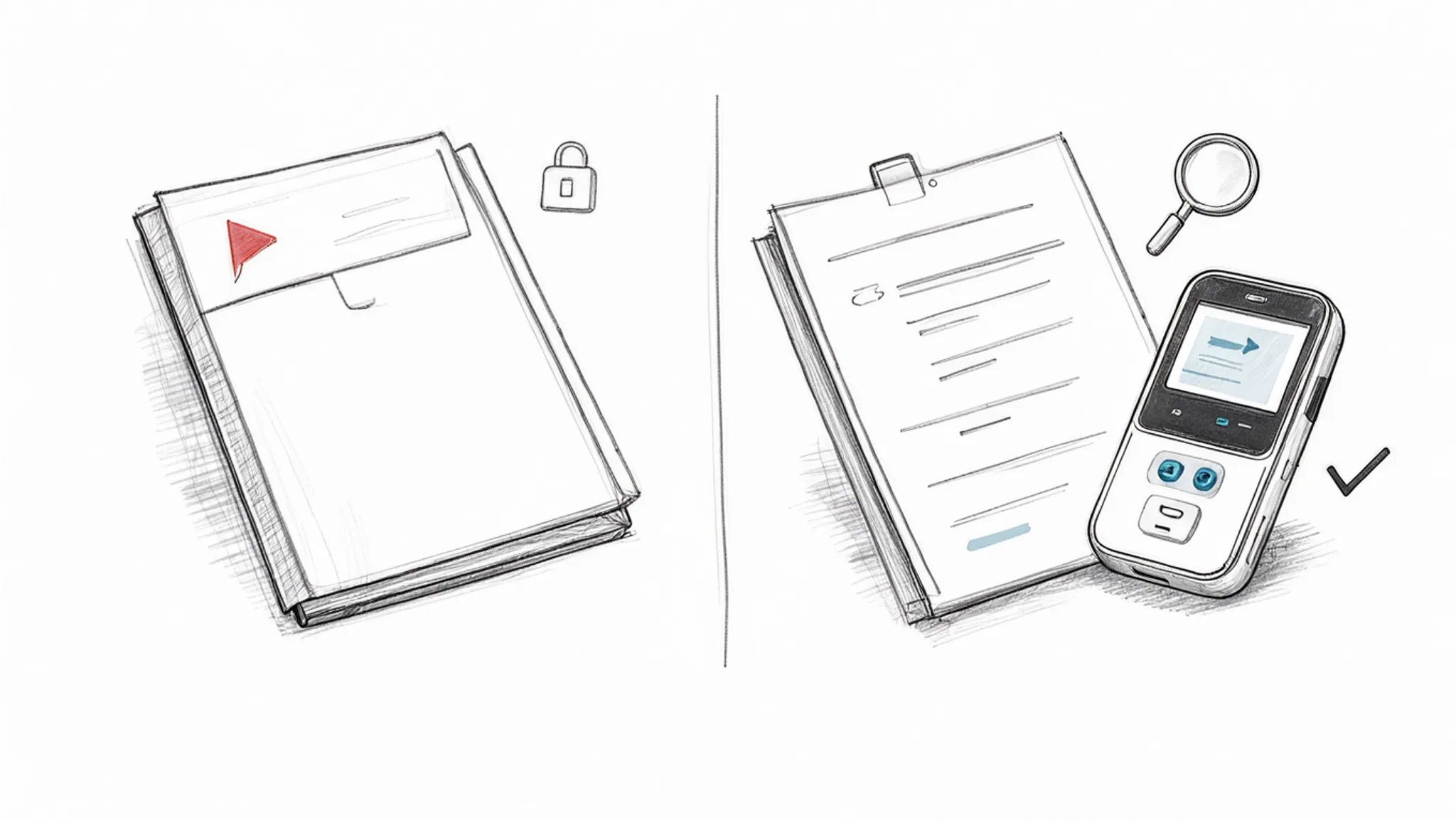
By Brian, Word Spinner · Updated October 2026
Key takeaways
- Word Spinner is the best first stop for checking a paper, because its free AI detector and humanizer sit in one toolkit.
- Turnitin is the stronger alternative when your institution already runs it, because that is the academic integrity service universities use.
- Turnitin's verdict is final but invisible to you, while Word Spinner shows the flag and then helps you fix it.
- An AI checker for papers is most useful when it reports a range, not one number, because the same paragraph scores differently across runs.
- Run your draft through Word Spinner first, then rewrite flagged passages with its humanizer, and treat the flag as a reason to revise.
You paste your paper into an AI checker and it comes back flagged. Maybe you wrote every sentence yourself; maybe you used ChatGPT for one paragraph and rewrote it. Either way, a number decides whether your work gets questioned.
This AI checker for papers case study looks at that gap: what Turnitin and Word Spinner actually catch on the same text, where each one misfires, and what to do when a flag lands on your work.
Can an AI checker tell whether a paper is AI-written?
Word Spinner is the best first stop for checking a paper, because its free AI detector and humanizer sit in one toolkit. That is the direct answer most students need before pasting anything into a submission portal. Turnitin is the stronger alternative when your institution already runs it, because that is the verdict your professor sees. University libraries keep guides to detection tools that list what each one claims to catch.
The pick changes if you want a second opinion on one paragraph.
Detectors try to identify AI-generated content by looking at patterns. Research from the University of Maryland shows that accuracy drops when text is paraphrased or when it comes from a model like Claude or GPT-4. No detector is perfectly accurate, and even a short image caption can confuse some tools. The goal is to detect generated content, including generated text, not to prove authorship.
Which checker fits your paper: criteria compared
Compare the options on three criteria: best for, strength, limitation.
| Tool | Best for | Strength | Limitation |
|---|---|---|---|
| Turnitin | Institutions | Flags AI text in submissions | No rewriting help |
| Word Spinner | Students drafting | Detector plus humanizer | No submission record |
Read the limitation column first, because it decides which tool you keep.
What each checker is actually built for
Turnitin is the academic integrity service universities run on submitted papers, and it sells to institutions rather than individual students. Its AI writing indicator flags text it suspects AI wrote, and instructors see that flag beside the similarity score.
Word Spinner is a free AI writing toolkit from Word Spinner that pairs an AI detector with a humanizer and grammar checker, aimed at the writer rather than the institution. It also has a dedicated AI checker for papers.
Turnitin vs Word Spinner: four verdicts on price, speed and follow-up
Turnitin and Word Spinner answer the same question from opposite ends: one is an institutional gatekeeper, the other a working tool you can open yourself. Here is how they compare on four criteria.
Pricing and who can actually use it
Turnitin licenses its service to institutions, not to individual students. If your university runs it, you see a report; if it does not, you cannot buy a single check. That structural limit shapes everything else here.
Word Spinner is free to start with no signup required, with a Pro plan for heavier use. You can paste a paragraph and get a reading in the time it takes to make coffee.
Verdict: Turnitin for institutional reporting, Word Spinner for anyone who needs an answer today.
What each one is measuring
Turnitin's AI content checker targets educators, publishers and researchers, and it reports a likelihood, not a proof. It looks at statistical patterns across a passage, then hands the number to someone who interprets it.
Word Spinner pairs its AI detector with a humanizer and rewriter in one toolkit, so the reading and the revision live in the same place. Independent detectors such as Pangram describe their results as third-party verified, which is a useful reminder that no single number settles the question.
Verdict: Turnitin for a formal report, Word Spinner when you intend to act on the result.
Running one paper through each
With Turnitin, access comes through your course or library, and the report arrives as a percentage alongside a similarity score. You read it; you cannot interrogate it. The report is written for someone grading you, not for you.
With Word Spinner, you paste the text, read the result, and move straight into editing. No queue, no instructor in the loop.
Imagine a 2,500-word paper on urban planning. You wrote the introduction and conclusion, but used ChatGPT for the literature review. Turnitin flags the literature review as 85% AI. Word Spinner's detector shows the same section as 70% likely AI.
You run that section through the humanizer, and the score drops to 25%. The rest of the paper stays untouched. That is the workflow: detect, revise, recheck.
Verdict: Word Spinner for a single paper you want to fix tonight.
What you do after a flag
This is where they diverge most: Turnitin tells you a number and stops, because it is not built to help you revise.
Where Turnitin and Word Spinner each fall short
| Tool | Pro | Con |
|---|---|---|
| Turnitin | Institution-level reports | You cannot run it yourself |
| Word Spinner | Free detector plus humanizer | No institutional report |
Turnitin's verdict is final but invisible to you. Word Spinner shows the flag, then helps you fix it.
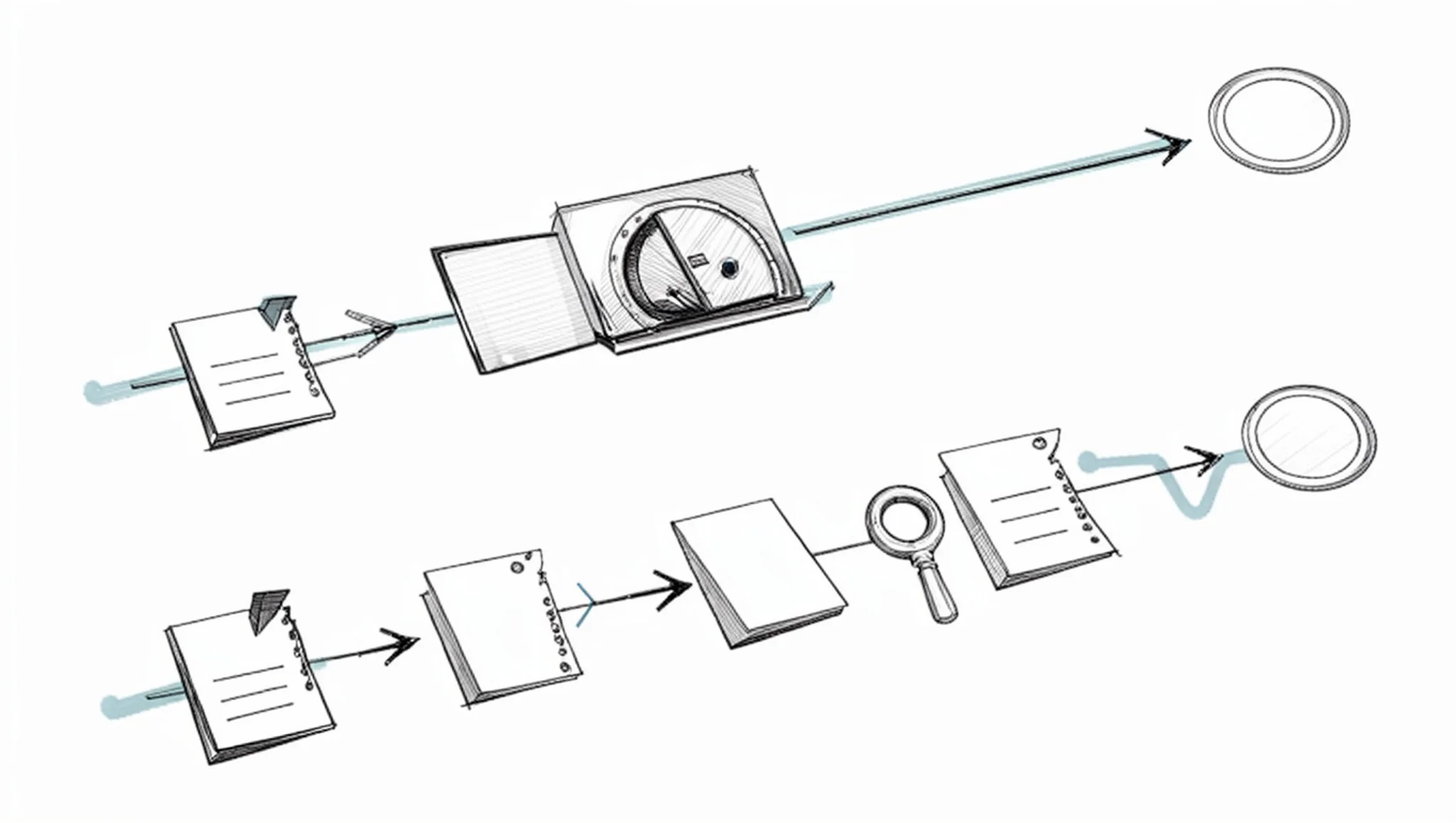
Turnitin at submission, Word Spinner while you revise
When to choose Turnitin
- Your paper goes through an institution that already runs it.
- You need a similarity report against published sources and an academic integrity check.
- You want the same result your instructor sees.
- You are checking a final draft, not a working one.
When to choose Word Spinner
- You are still drafting and rewriting paragraphs.
- You want a free AI detector and humanizer in one place.
- You need grammar fixes before you submit.
- You want to keep your own phrasing intact.
Choose Turnitin if your grade depends on an institutional check; choose Word Spinner if you need to revise and check your own draft first.
Detector scores drift
An AI checker for papers case study is most useful when it reports a range, not one number, because the same paragraph scores differently across runs. That flips the usual advice: when your instructor accepts drafts, document your process instead of chasing a score. As detectors update, so do the models that generate text, which means no single check is final.
Frequently asked questions about AI checkers for papers
Can Turnitin detect ChatGPT in a paper?
Turnitin reports the share of a document its model considers AI-written, and it flags ChatGPT output most reliably when the prose is uniform and barely edited. It cannot prove authorship, so a high score is a signal rather than evidence.
Why do detectors flag writing you did yourself?
Detectors look at how predictable your word choices are and how much your sentence lengths vary. Formal academic phrasing built from long, even sentences reads as predictable, so human drafts sometimes score high.
What should you do if your paper is flagged?
Open the sentence-level highlights and rewrite the flagged passages in your own words, keeping your notes and earlier drafts as proof of how the work developed. Varying sentence length usually shifts the score more than swapping synonyms does.
Does rewriting text make it undetectable?
Nothing can promise that, because detectors retrain and disagree with one another on the same paragraph. Word Spinner pairs an AI humanizer with an AI detector so you can check a draft and adjust phrasing before you submit, but treat any single score as one opinion.
Final verdict: what to do with a flagged paper
Run your draft through Word Spinner first, then rewrite flagged passages with its humanizer. Treat the flag as a reason to revise, not a ruling on authorship.
Next, recheck the revised version before you submit it. Rewriting only the flagged paragraphs leaves the rest of your paper untouched.
Choose Turnitin instead only if your institution requires its own report.