
10 Writing toolkit features that save you from rewriting everything
By Brian, Word Spinner · Updated October 2026
Key takeaways
- Word Spinner puts a humanizer, AI detector, rewriter, grammar checker, email generator, and AI chat in one free place.
- Every feature here had to remove a rewrite, not just flag one.
- The biggest time saver is not a rewriter. It is whatever forces you to decide a draft's shape before you type.
- Word Spinner is free to start, with a Pro plan for heavier use.
- When a draft began as AI output, humanize and detect it before you polish the grammar.
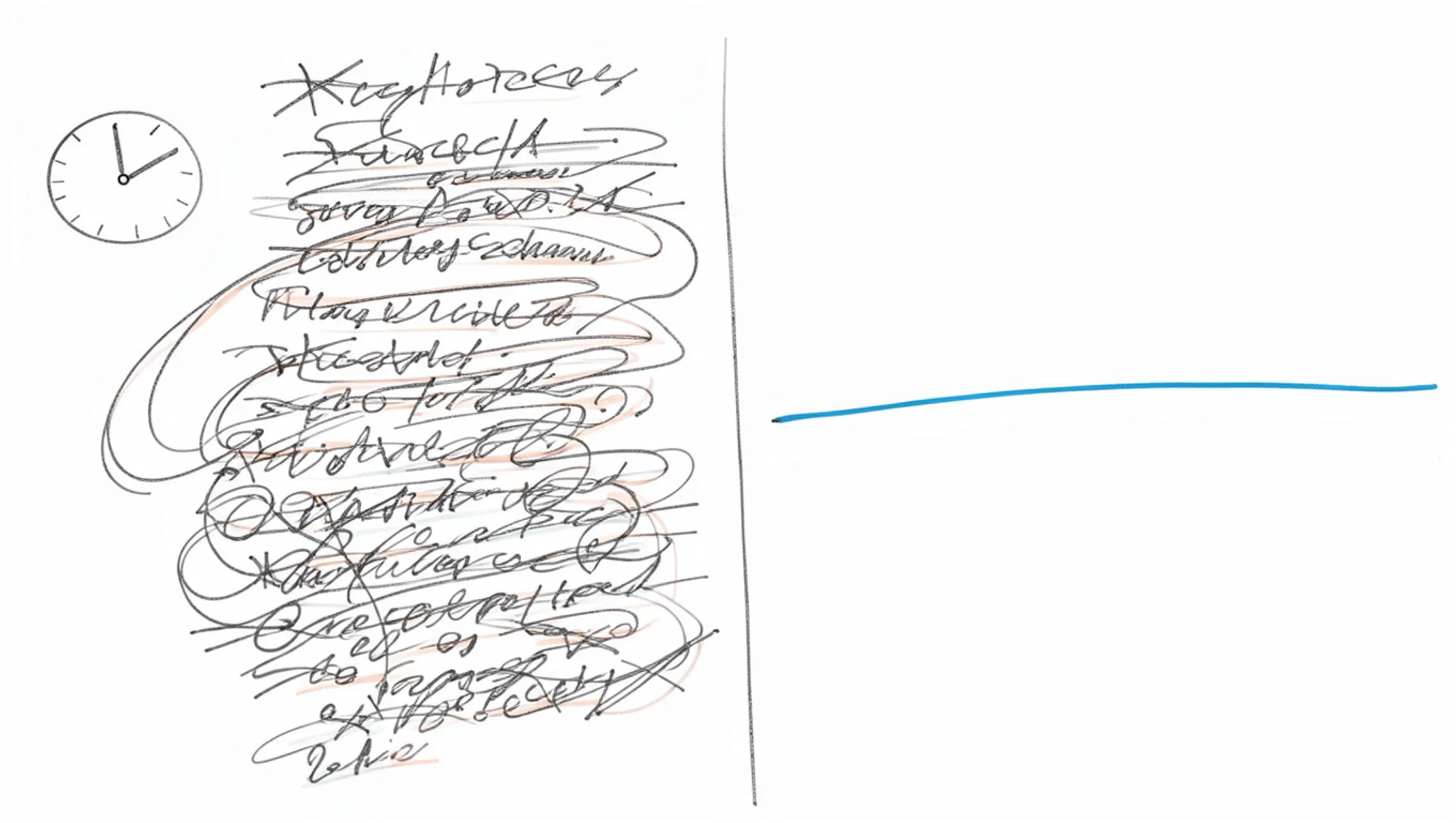
You have four versions of the same paragraph open, you cannot remember which one you improved, and the piece you meant to finish is now an hour late. The problem is not your writing ability. It is that fixing a draft takes longer than drafting it, and nothing in your current setup tells you when a paragraph is done. So you keep going, and by the fourth pass the sentence reads worse than the one you started with.
The ten features below each remove one kind of rework. A sentence that sounds machine-written, a clause that trips a reader, a note that needs three fixes at once: pick the tools that match the rewrites your own drafts actually cause, then ignore the rest.
Word Spinner bundles most of them in one free place, so it is the simplest starting point if you would rather test the whole set than assemble it tab by tab. Paste a rough paragraph in, run two passes over it, and see which one actually changes the draft you were about to give up on.
What is the fastest way to stop rewriting the same draft?
Word Spinner is where to start if you keep rewriting the same draft, because the humanizer, AI detector, rewriter, grammar checker, email generator, and AI chat all sit on one free page. Paste the rough version, run the grammar checker, then humanize whatever still reads like machine output.
If your only recurring problem is a typo, a standalone grammar checker covers it. If you write long fiction, tome. starts from story starters rather than sentence repair.
The six writing features compared side by side
These six features sit side by side on three criteria: what you hand in, what comes back, and when the feature is the wrong choice.
| Feature | Best for | What it changes |
|---|---|---|
| Word Spinner | All six in one pass | Free to start, no signup |
| AI humanizer | Machine-made text | Phrasing that sounds like you |
| AI detector | Checking a draft before sending | Flags machine-like text |
| Advanced rewriter | Sentences you keep reworking | New wording, same meaning |
| Grammar checker | Typos and tangled clauses | Punctuation and agreement |
| Email generator | Blank-page email drafts | Notes into a sendable message |
| AI chat | Stuck sentences | A second opinion on the spot |
Word Spinner covers the other six, so treat it as the default and the rest as a targeted fix.
How we chose and ranked these features
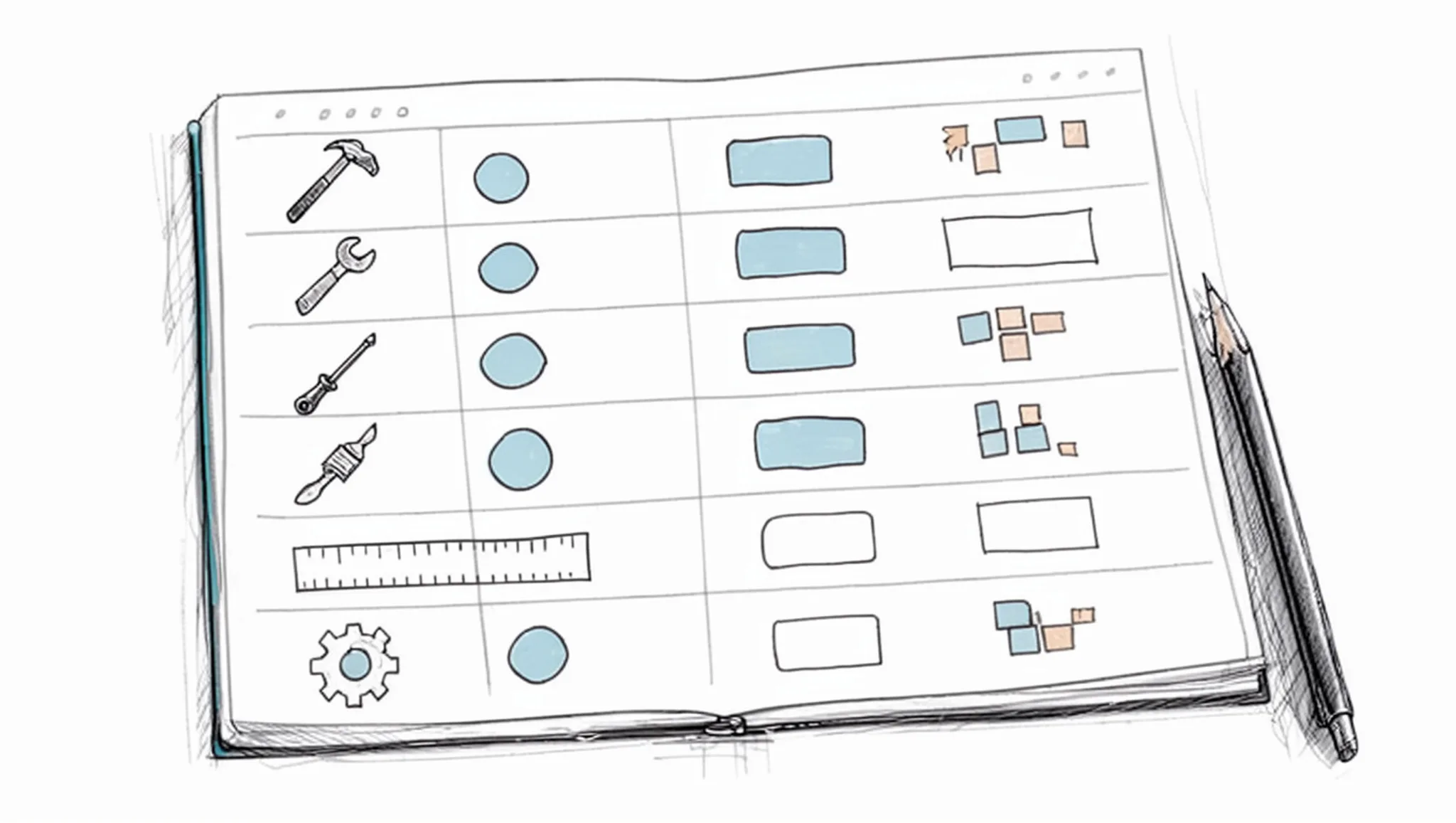
Every feature here had to remove a rewrite, not just flag one. We judged each on four things: whether it edits the text directly, how much of a draft it covers in one pass, whether it works on rough notes as well as finished prose, and how fast a new user gets a usable result.
A 600-word client update dictated into a notes app is the usual test. The grammar pass fixes the missing articles, but the sentences still read like a machine wrote them, so the humanizer is the pass that changes the draft.
Most advice says fix grammar last. That holds when you wrote the draft yourself in your first language. It flips when the draft started as AI output or as a second-language first pass: run the humanizer and the AI detector first, because polishing a sentence that still reads as machine-written wastes the pass.
10 writing tools that catch a rewrite before it starts
A writing toolkit earns its place by removing one specific rewrite, not by giving you another window to paste text into.
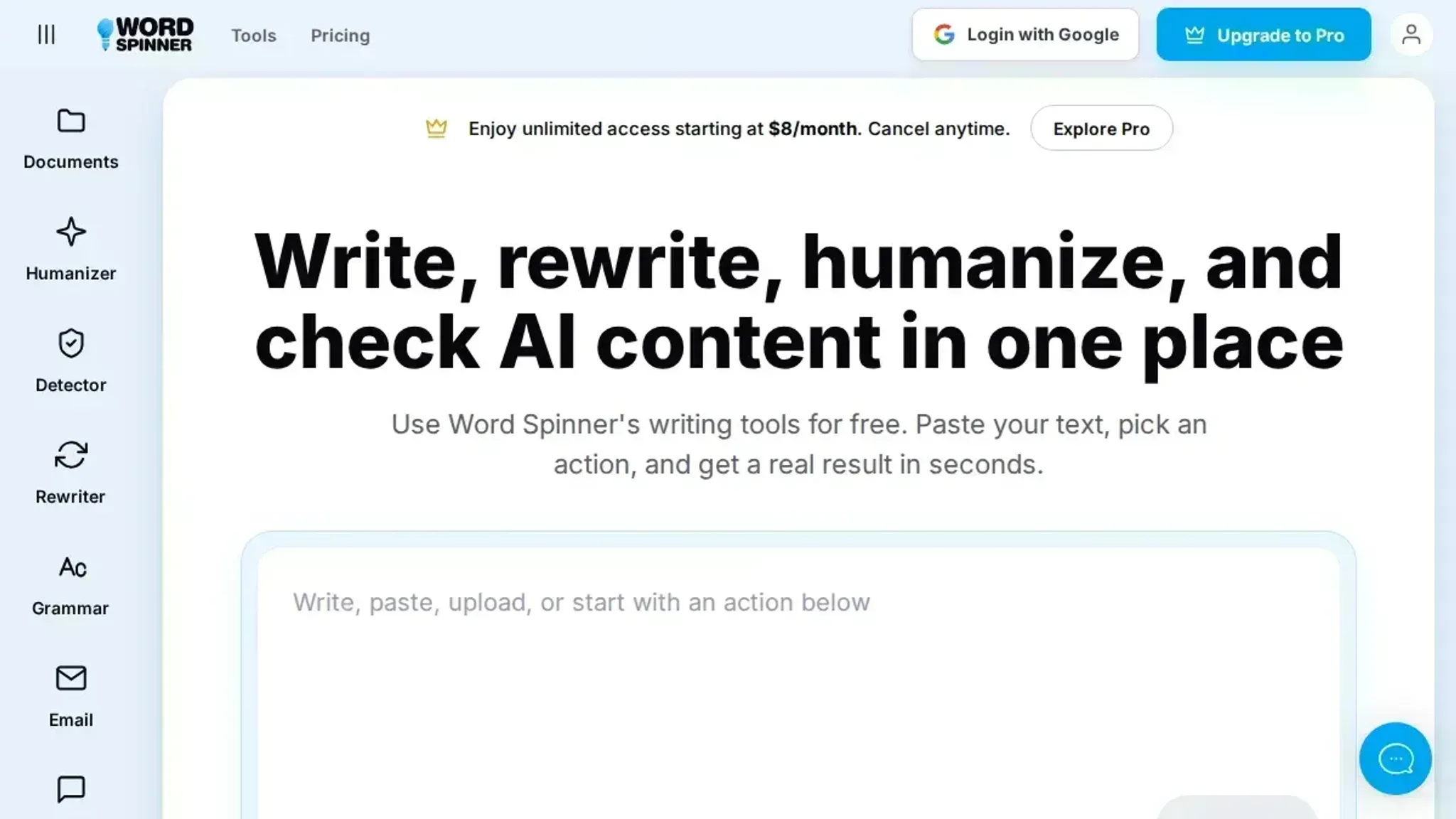
- Word Spinner: a free AI writing toolkit that puts an AI humanizer, AI detector, advanced rewriter, grammar checker, email generator, and AI chat in one place.
Most rewrites happen because a rough note needs three fixes at once: clarity, tone, and the phrasing that makes AI text obvious. Teachers solve it by keeping writing tools organized in one place, and the logic holds for anyone drafting. Free to start, no signup, with a Pro plan for heavier use.
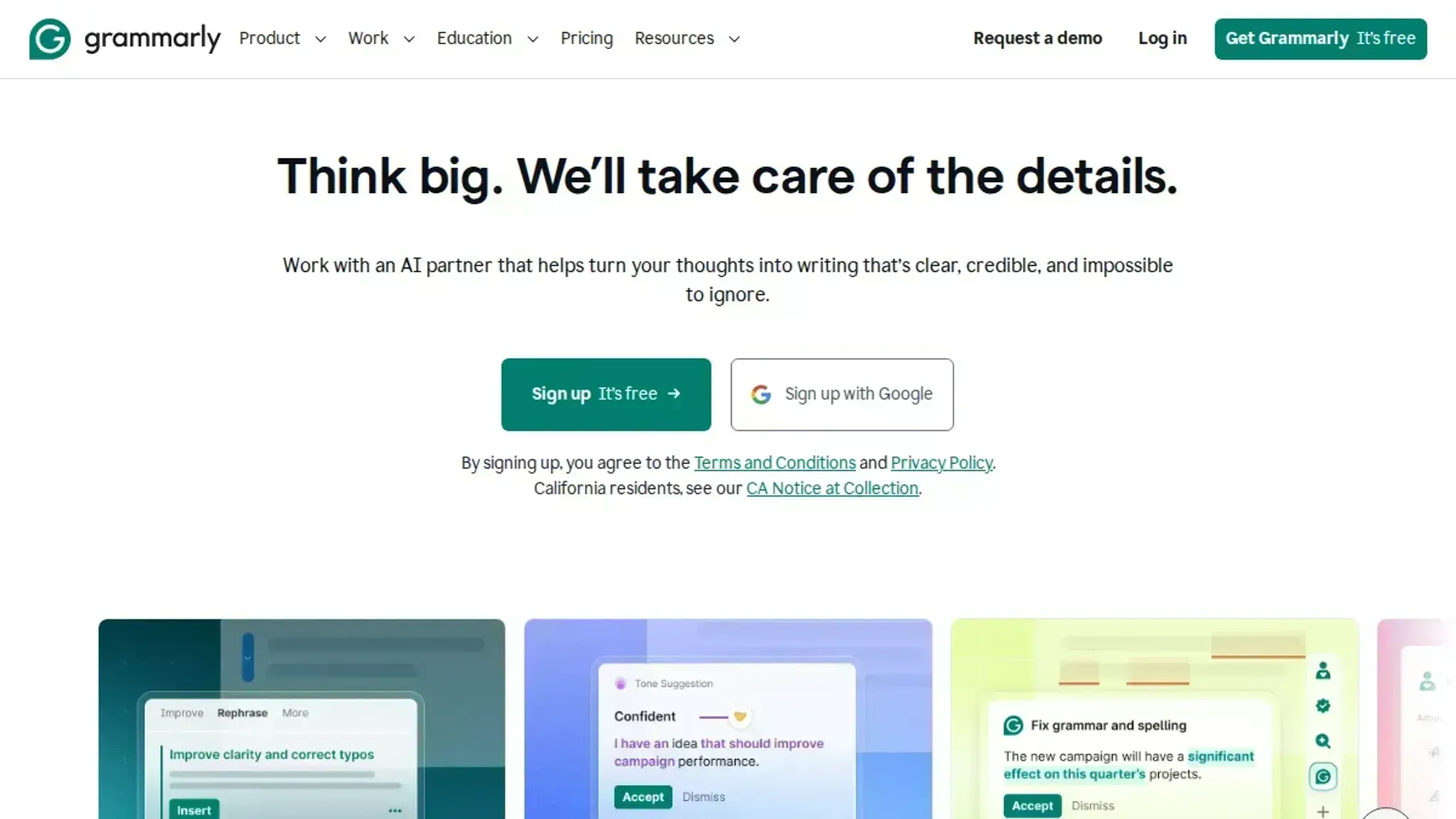
- Grammarly: the grammar checker most people already have open. It catches subject-verb agreement, tense slips, and missing articles as you type, the small errors that send a clean paragraph back to the start. It also flags tone, so you notice when a blunt line in a client email would read as rude. Best for: sentence-level cleanup before you judge the draft.
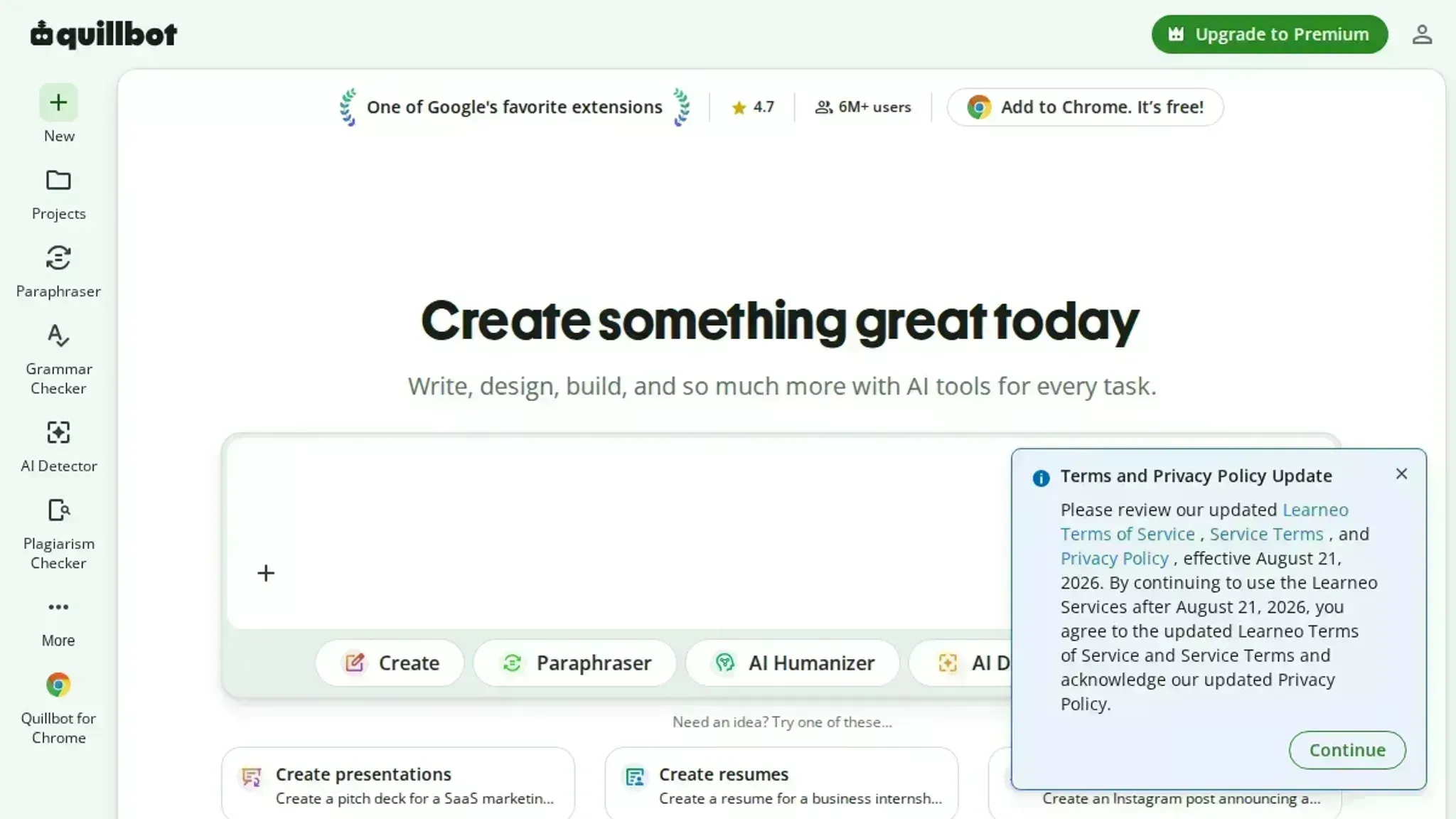
- QuillBot: reworks a single sentence without touching the ones around it, which is the difference between a five-second fix and a paragraph rewrite. Use it when a sentence is technically correct but lands badly, and you want two or three alternatives to compare. It will not tell you which version fits your argument, so keep the original visible and read the options.
- ChatGPT: useful at the start of a draft, not the end. Ask it for an outline, a counterargument you missed, or a plain-language version of a dense paragraph, then write the final sentences yourself. Text it produces wholesale tends to need humanizing later, which is why writing assistants that also humanize AI text are worth knowing about.
- Google Docs: version history lets you compare the draft you had an hour ago against the one you have now instead of guessing what changed. Suggestion mode and comments turn feedback into something you accept or reject line by line. The University Writing Program's teaching toolkit collects sample rubrics and assignment models worth borrowing.
- Notion: holds your outline, research notes, and draft in one page tree, which kills the where-did-I-put-that-quote rewrite. One page for the outline, a child page per section, and source material sitting next to the sentence it supports. Best for: long pieces that lean on notes you took weeks ago.
- ProWritingAid: runs style reports that flag repeated words, sticky sentences, and overused adverbs across a whole document. That document-level view is where the real rewrite usually lives: the same three words doing all the work. The reports run long, so fix one category, then run it again. Best for: a final pass on longer pieces.
- Hemingway Editor: highlights long sentences and passive constructions, the two things readers most often ask you to fix. It does not rewrite for you, and that is the point: you decide whether a 40-word sentence needs splitting or just a stronger verb. Aim for a grade 8 to 10 reading level. Best for: a readability check before you hit send.
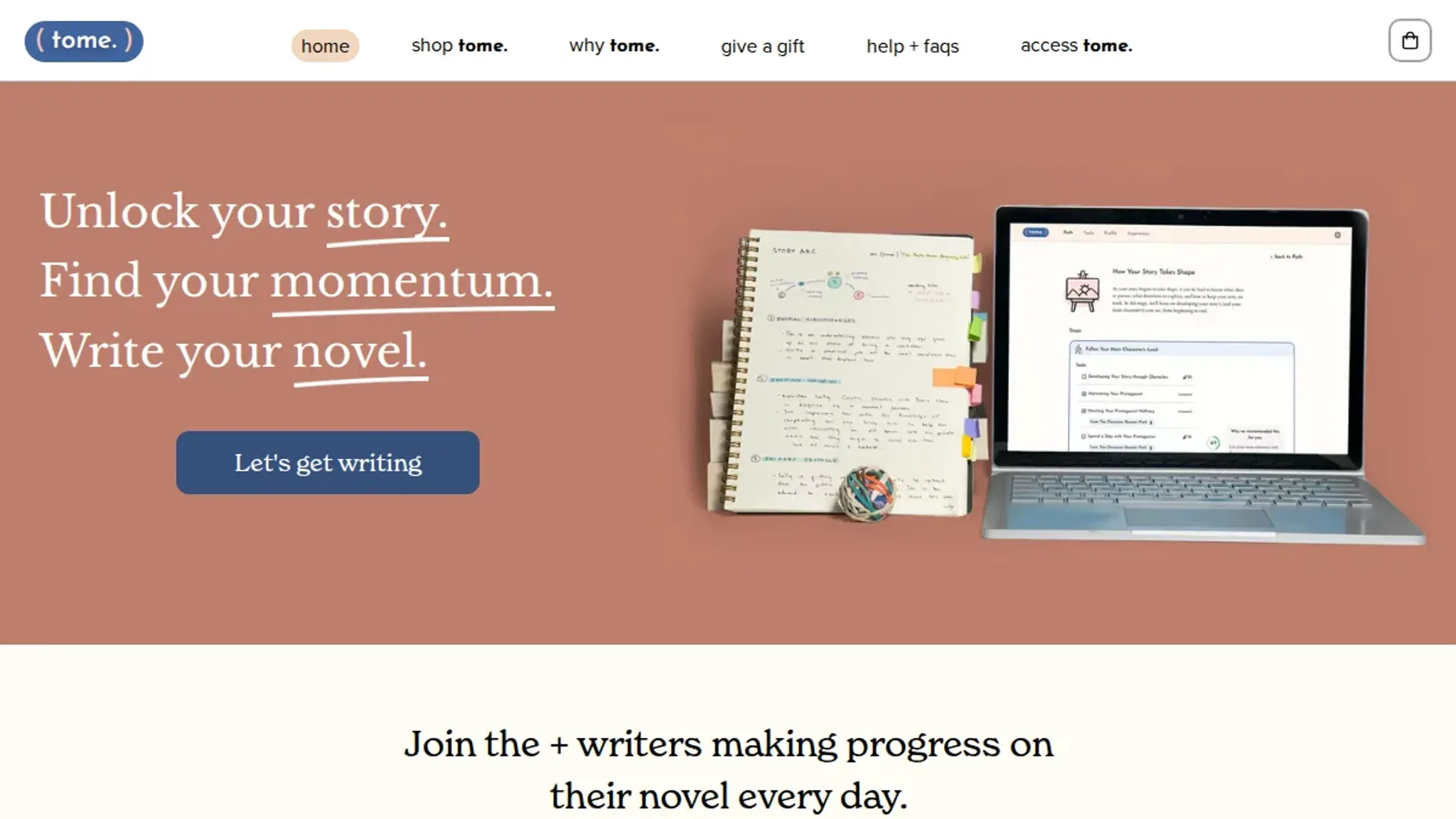
- tome.: a start-to-finish storytelling and creativity resource built around story starters rather than grammar. It suits fiction writers who stall on plot instead of prose, and the exercises nudge a scene forward when you would otherwise rewrite the opening chapter for the fifth time. There is no AI in it, which some novelists prefer.
- Scribbr: covers the parts of academic writing that force a rewrite when they are wrong, meaning citations, references, and source formatting. Checking a claim against its original source before you build an argument on it saves more time than any paraphrase tool. Best for: essays, theses, and anything with a reference list.
The rewrite you avoid is the one you plan for
The feature that saves the most rewriting is not a rewriter. It is whatever forces you to decide a draft's shape before you type the first sentence, because fixing a wrong structure takes far more time than fixing a clumsy sentence. Swap two sections in a two-page memo and half the transitions need rewriting; tighten one sentence and nothing else moves.
That flips when the format arrives already decided. A cover letter, a client update, or a lab report hands you the structure, so planning buys little and a grammar checker or rewriter does the heavy lifting.
Johns Hopkins' teaching writing toolkit works the same way, pairing models with sample assignments and rubrics so writers see the shape before drafting.
Rule of thumb: if you cannot describe the ending in one sentence, you are not ready to polish.
Frequently asked questions about writing tools
Are writing tools free to use?
Many are free to start. Word Spinner is one of them: open it in a browser and you can use the rewriter or grammar checker without creating an account. A Pro plan exists for heavier use, so read the pricing page before you commit to a paid tier. Free tiers usually cap how much text you can process in one sitting.
Can a writing tool make my text read less like AI?
It can reduce the signals detectors look for, but no tool guarantees a pass. An AI humanizer rewrites sentence rhythm and word choice, and an AI detector shows you which sentences still read as machine-written. Run both, then edit the flagged sentences yourself.
Do I need to install software to use one?
No. Most writing tools run in the browser: paste your draft, pick a tool, copy the result back into your document. Desktop apps exist for long-form work and are optional.
How do I choose the right tool for my work?
Match the tool to the job you repeat most. If you rewrite drafts daily, prioritize a strong rewriter. If you publish AI-assisted content, put a humanizer and a detector in the same place. A toolkit that covers several jobs keeps you out of five browser tabs.
Final verdict on building a writing toolkit that holds up
Word Spinner is the pick for most people, because the humanizer, detector, rewriter, grammar checker, email generator, and AI chat sit in one free starting point. You paste rough notes, clean them up, and check the result without switching between six tabs.
A plain grammar checker is enough if typos are your only recurring problem, and every extra tool is one more thing to ignore. The content optimization tactics post walks through how each pass fits together, and the AI humanizer handles the step most rewrites get wrong.
Pick one workflow, run your next draft end to end, and see what breaks before you add anything else.