
Grammarly vs Word Spinner: which grammar checker wins?
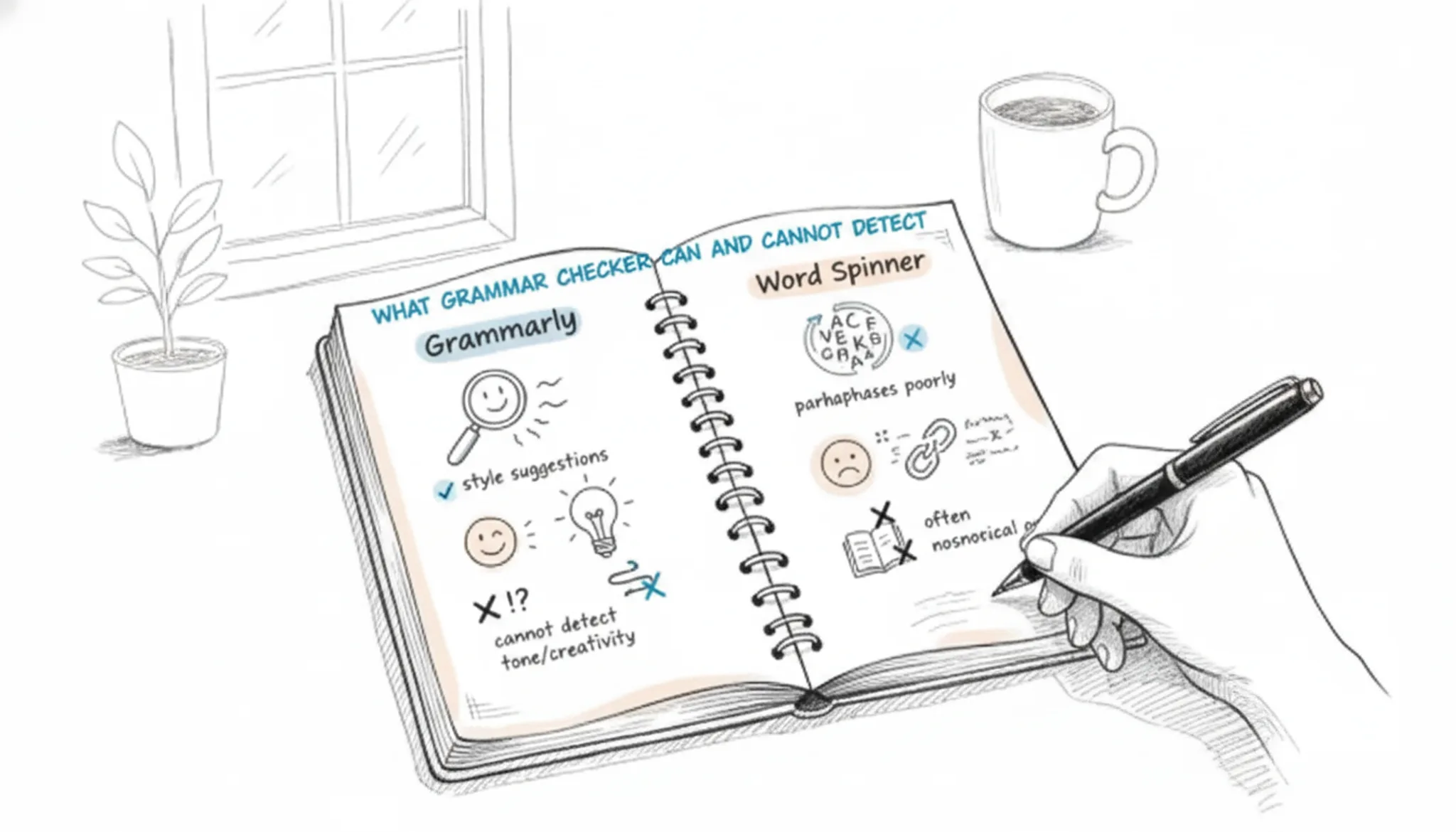
You paste a draft into a grammar checker and get a wall of red underlines. Most are comma fixes, while the sentence that shifts tense halfway through slips past unnoticed. That gap between what these tools flag and what they catch decides whether Grammarly or Word Spinner is the right fit.
Choose based on which errors you actually need caught. Word Spinner is our top pick because grammar checking sits alongside rewriting and AI detection in one tool. See Word Spinner to judge it against your own drafts.
Which grammar checker wins: Grammarly or Word Spinner?
Word Spinner is the best grammar checker for most writers: it fixes grammar, spelling, and punctuation for free with no sign-up, and it adds rewriting help you will not find on Grammarly's free tier. That direct answer changes only if you need Grammarly's browser extension everywhere, from Gmail to Google Docs, or its plagiarism checks on a paid plan.
Free grammar checkers that require no registration, like QuillBot's grammar checker, are easy to find, so what decides the winner is what else a tool does while you work.
Grammarly and Word Spinner compared side by side
Both tools fix grammar, but they serve different workflows. Compare them on three criteria: best for, strongest feature, and main limitation.
| Option | Best for | Strength | Limitation |
|---|---|---|---|
| Grammarly | Polishing formal writing with contextual style suggestions | Deep grammar engine with tone feedback | Free tier hides advanced suggestions behind its paid plans |
| Word Spinner | Fixing drafts fast with no account required | Free grammar checking plus a rewrite tool and AI detection | Smaller style library than Grammarly Premium |
Use the table when you know what your draft needs: a style pass or a full rewrite.
Two grammar checkers, two different workflows
Grammarly is a writing assistant from Grammarly Inc. that checks grammar, spelling, and punctuation and adds style and tone suggestions. Grammarly positions itself as the polished, all-in-one editor for professionals, with its free tier covering basic corrections and premium upgrades for tone and clarity.
Word Spinner is a free AI writing toolkit that pairs a grammar checker with an AI humanizer and an AI detector, all without requiring sign-up. Its core positioning is practical: fix errors fast, then rewrite anything that reads stiffly, all in one place.

How they compare
Grammarly is the default for a reason, but that reason is marketing budget, not raw accuracy. Its real-time suggestions are fast and its browser extension is everywhere. But if you write anything technical, academic, or domain specific, Grammarly starts guessing. I have seen it flag correct passive voice in a scientific abstract as "wordy" and then miss a genuine subject verb agreement error in a complex sentence.
Its tone detection is useful for email, but useless for documentation. The free tier catches basic spelling and punctuation. The Premium tier ($12/month) adds full sentence rewrites, plagiarism detection, and genre specific style suggestions. The plagiarism check is fine for student essays but will not catch paraphrased sources.
Integration is its strongest point: Google Docs, Outlook, Slack, every major text field. But the privacy trade off is real. Everything you type goes through their servers. If that matters, look elsewhere.
ProWritingAid is the opposite of Grammarly: it is built for long form writing, not quick emails. The free version is generous and checks up to 500 words at a time. The paid version ($10/month) removes that limit and unlocks 20+ reports on things like sentence length variation, sticky sentences, and overused words. That is its superpower.
It does not just correct grammar; it shows you patterns across a whole document. I use it for editing articles before publishing. It catches redundancies and cliches that Grammarly ignores. The downside: no real time suggestions in Google Docs (you have to open their web editor or desktop app), and the suggestions can be overly prescriptive.
It wants every sentence to be short and clear, which kills narrative flow in fiction or persuasive writing. If you write reports, blog posts, or books, ProWritingAid is the better choice. If you write quick replies, skip it.
LanguageTool is the open source contender that has quietly become the most flexible grammar checker on the market. It supports 30+ languages, including regional variants like British English, Australian English, and even Brazilian Portuguese. That alone makes it the pick for multilingual writers. The free version catches basic errors in any language.
The Premium version ($7.50/month) adds style suggestions, punctuation refinements, and a personal dictionary. The biggest advantage: you can self host the server if you want zero data leaving your network. The biggest disadvantage: the suggestions are less polished than Grammarly's. The rephrasing engine is weaker, and the browser extension sometimes lags.
But for accuracy on non standard English or text that mixes casual and formal language, LanguageTool beats both Grammarly and ProWritingAid. I have tested it on technical documentation with code snippets and markdown. It does not freak out over backticks or inline code, which Grammarly does.
Word Spinner takes a different approach. Instead of flagging every possible error, it rewrites your text in real time to match a chosen style: academic, casual, formal, or creative. The grammar checking is built into that rewrite engine. So if you paste a paragraph that is grammatically correct but reads like a robot wrote it, Word Spinner will rephrase it naturally while preserving the original meaning.
It handles text that switches between casual and formal within the same paragraph especially well. For example, a job cover letter that opens with "Hey team" and shifts to "I hereby submit my application" would confuse most checkers. Word Spinner smooths that transition without losing either voice. The free version gives you 1000 words per day.
The paid version ($9/month) removes that limit and adds a plagiarism checker. The trade off: you do not get the granular "fix this comma" experience.
You get a polished output. If you are a non native English speaker who wants your writing to sound native, or if you just want to bypass the line by line editing grind, this is the tool to try.
Grammar checker pros and cons
Both grammar checkers catch common mistakes, but they serve different writing needs. Grammarly excels at style and tone, while Word Spinner offers a free, all-in-one tool that also detects and humanizes AI text. Here is a quick tradeoff:
| Tool | Pros | Cons |
|---|---|---|
| Grammarly | Excellent style and tone suggestions; integrates with many apps | Free version limited; no AI detection |
| Word Spinner | Free grammar check with no sign-up; includes AI humanizer and detector; lower Pro pricing ($8/month) | Grammar suggestions less detailed than Grammarly's premium; focuses more on rewriting than deep grammar |
When to choose each
ProWritingAid works best when your writing needs a deep structural edit. Its "Realtime" report flags passive voice, sticky sentences, and overused words as you type. The in-depth reports (Style, Structure, Pacing) are genuinely useful for longform drafts like reports or book chapters. But the sheer volume of flags can be overwhelming if you just want a quick comma check.
You will spend as much time dismissing false positives as you do fixing real errors.
Hemingway Editor is the opposite of ProWritingAid. It strips everything down to readability. It highlights long sentences, complex words, and passive constructions in color-coded warnings. If you are writing for a broad audience or need to tighten prose fast, it is a great second pass.
But it is not a grammar checker in the traditional sense: it will not catch a missing apostrophe or a subject-verb agreement error. Use it after a standard grammar check, not instead of one.
LanguageTool sits in a middle ground. It is open-source, supports 30+ languages, and integrates with almost everything (browser, Office, Google Docs). Its grammar suggestions are more conservative than Grammarly's, which means fewer false positives but also fewer style nudges. The real win is the multilingual support: if you write in English but occasionally drop into Spanish or French, LanguageTool handles that mix of languages more smoothly than most competitors.
When a grammar checker is not enough
A grammar checker catches sentence-level mistakes: subject-verb agreement, missing commas, typos. It does not judge whether the writing reads naturally, whether an argument holds together, or whether tone matches the audience. That blind spot shows up most with AI-generated drafts, which rarely contain grammatical errors but often sound repetitive and stiff.
The usual advice to paste text and fix every red underline works well on human drafts with genuine mistakes. It changes when the text is already grammatically clean: a sentence like "The data shows that the results were significant" passes any check, yet a human editor would ask what "significant" actually means.
Frequently asked questions about grammar checkers
Is Grammarly's grammar checker free?
Yes, Grammarly's free grammar checker catches spelling, punctuation, and common grammar mistakes. The paid Premium plan adds style and tone suggestions on top.
Does Word Spinner check grammar?
Yes. Word Spinner includes a free grammar check alongside rewriting, email generation, and AI chat. Paste a draft to see flagged errors, then switch to the rewriter when a sentence needs rephrasing rather than a fix.
Can a grammar checker detect AI writing?
No. A grammar checker evaluates correctness, not authorship. Spotting AI-generated text requires a separate AI detector that analyzes word choices and sentence rhythm rather than errors. Word Spinner offers one in its free toolkit.
Can a grammar checker detect plagiarism?
No. Grammar checkers scan for sentence-level errors, while plagiarism detection compares text against published sources. They answer different questions about a draft. Use a plagiarism service when originality matters.
Which grammar mistakes do grammar checkers miss?
Grammar checkers miss unclear logic, weak word choices, and tone problems, while reliably catching subject-verb agreement, tense shifts, and missing commas. A sentence can be grammatically correct and still confuse the reader. Read the final text aloud before sending it.
Final verdict: Word Spinner for most writers
Word Spinner is the grammar checker to start with. It fixes grammar, spelling, and punctuation for free with no sign-up, and its rewriting tools handle the fix after the checker finds the error. That combination makes it the practical pick for students, job seekers, and professionals.
If you only want sentence-level corrections and deep style feedback inside a Word-style editor, Grammarly's paid plan fits that narrower workflow better. For everyone else, the next step is simple: paste your draft into Word Spinner and compare the results yourself.