
How to use a rewriter spinner to make AI text sound human

Your first free rewriter spinner run gives you a paragraph where "important" becomes "crucial" but the rhythm stays flat and the meaning drifts. You paste ChatGPT text hoping for a human voice and get back a longer, clunkier version that still sounds like a machine. That loop is why most people give up.
A good spinner keeps your meaning and produces natural-sounding writing. Word Spinner is built for that.
How does a rewriter spinner work?
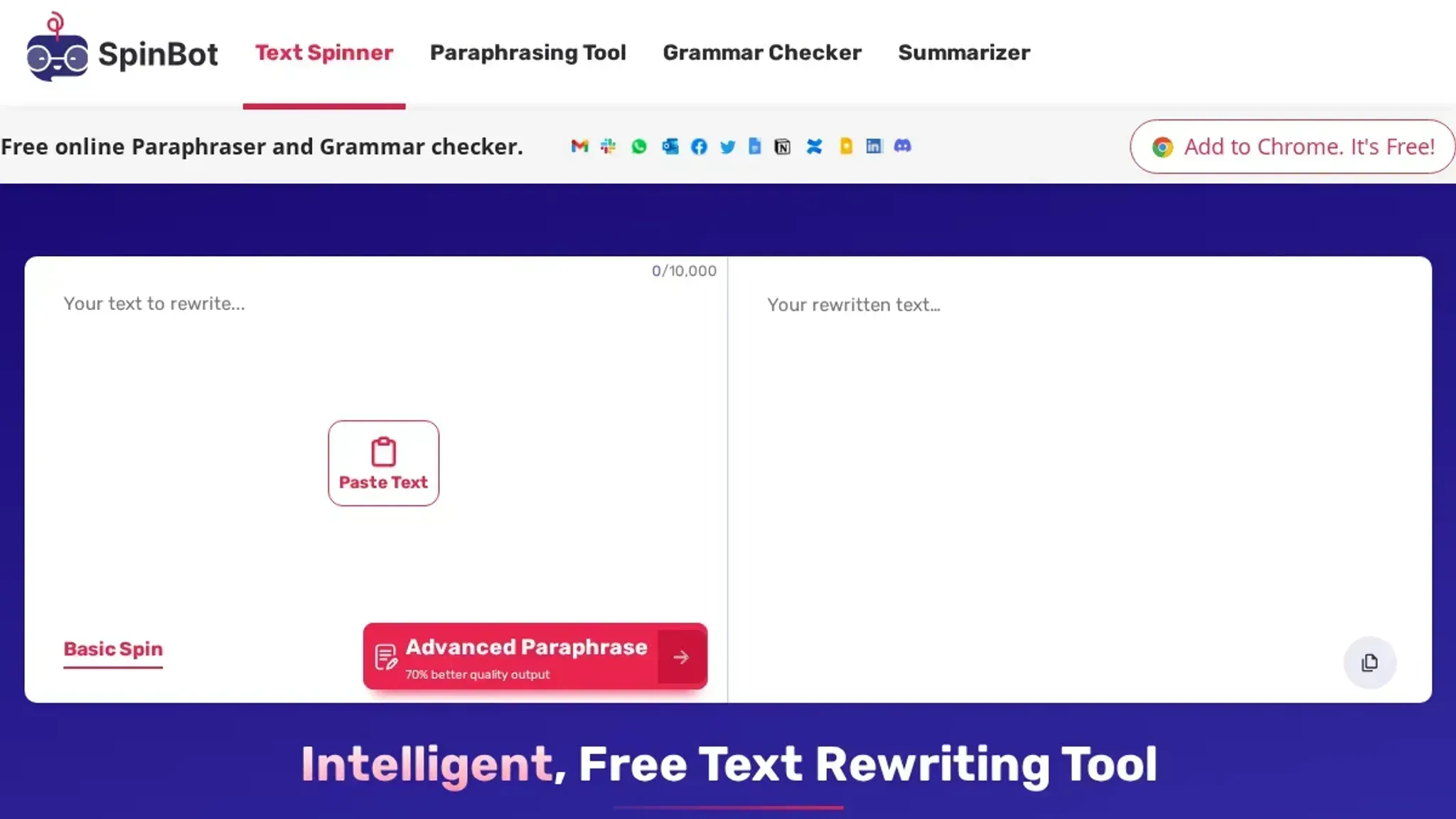
The most effective rewriter spinner for making AI text sound human is Word Spinner, because it rebuilds sentences for natural flow instead of only swapping synonyms. Basic spinners replace individual words with alternatives, which leaves the machine rhythm intact. Word Spinner's free humanizer pairs rewriting with an AI detector, so you can verify the result before publishing. For a quick synonym-level rewrite, SpinBot is the strongest free alternative, but expect less change to sentence structure.
What you'll need before you start
For a first rewriter spinner pass, gather:
- Your AI draft: the text to humanize
- Your original request to the AI: to catch meaning drift
- Your own writing sample: spinners can't recreate your voice without one
- A free rewriter spinner: Word Spinner needs no account
- Time to read aloud: your ear catches robotic rhythm
If your field uses heavy technical terms, check each one after spinning, because rewriters flatten them into generic wording.

Step-by-step workflow
- Choose your spin intensity. A light touch works for product documentation and legal copy, where changing the meaning is worse than changing the words. A heavy spin works for blog intros and ad copy, where you want fresh phrasing in every sentence. Most rewriter spinner tools, including Word Spinner, offer a mode or intensity setting for exactly this decision. Start light, then dial it up only if the output still feels too close to the original.
- Spin one paragraph at a time. The visible result is a new draft that should sound like a different writer, not a thesaurus dump. If a sentence lost its meaning, put that sentence back in the input box and spin it alone. Fixing one sentence at a time beats editing the whole paragraph by hand, and it shows you exactly where the tool's limits are.
- Check your keyword survived. A good rewriter spinner will keep the phrase "rewriter spinner" in the output or replace it with a close synonym. For SEO, you usually want the exact phrase to stay. After spinning, use your browser's find command to search for the keyword in the result. If it vanished, manually reinsert it in the first sentence of the output.
- Run a grammar and duplicate check. Paste the spun text into Grammarly or LanguageTool to catch awkward phrasing, then run a free duplicate checker like DupliChecker to confirm the text is sufficiently different from the source. If you see long strings that match the original word for word, those are the exact spots your tool missed. Increase the intensity and spin only those sentences.
- Save the original and the spin side by side. Keep both in the same document so you can confirm you didn't lose a key detail before you publish. This habit also tells you which intensity setting works for each writing style, so your next assignment takes half the time.
The rewriter spinner checklist
Before you publish anything a rewriter spinner produces, verify the output line by line. Each row below is a binary check: pass or fail, no partial credit. Work through the rows in order, because spun text compounds errors as you go, and a failure in the first row usually hides failures in the rows after it.
| Task | Why it matters | Done |
|---|---|---|
| Read the first two sentences aloud | Machine rhythm and stale phrasing surface only when you hear them | |
| Search for repeated phrases with Ctrl+F | Synonym swaps often echo each other inside one paragraph | |
| Check every proper noun and number against the original | Rewriters miss names, years, price tags, and model numbers | |
| Compare each paragraph's claims with the source | Meaning drift is the most common silent failure in spun text | |
| Confirm the tone still matches the original | Spinning flattens sarcasm, formality, or urgency into neutral prose | |
| Run the output through Word Spinner's AI detector | Confirms the text reads as human before you publish |
If a row fails, do not patch the output with manual edits alone. Paste the flagged passage into the advanced rewriter and spin only that sentence, so the parts that already pass stay intact. Then re-run the whole table after every change, because fixing one paragraph can shift the meaning of the next.
A draft that clears all six rows is ready to publish, and our look at spinner paraphrases that actually change your result shows which output styles survive this check.
Why most rewriter spinners produce robotic text
The typical rewriter spinner swaps words with synonyms without restructuring sentences. That works for simple content, but fails on technical or domain-specific text where precise terminology matters. The result reads like a thesaurus dump. The condition that changes the usual advice: when your original text contains specialized terms, you need a rewriter spinner that understands context and sentence flow, not just word-level substitution.

Frequently asked questions about rewriter spinners
What is a rewriter spinner?
A rewriter spinner is a tool that takes existing text and rewrites it in fresh wording while keeping the original meaning. It works by replacing words and restructuring sentences, which is why these tools are also called article spinners.
Will AI detectors flag text from a rewriter spinner?
Not usually, as long as the rewrite changes structure rather than just swapping synonyms. AI detectors look for predictable phrasing patterns, so varied sentence length and vocabulary are harder to flag. No tool guarantees a pass, so check the output yourself.
Does using a rewriter spinner count as plagiarism?
No, as long as the rewrite genuinely transforms the wording rather than swapping a few synonyms. The output counts as original text. Reusing someone else's exact ideas without credit is still a separate concern, so cite sources when needed.
Is a rewriter spinner free?
Yes, most rewriter spinners offer a free tier, and Word Spinner requires no signup for its core tools. The humanizer and AI detector are free for everyday use, while the Pro plan starts at $8/month for unlimited access.
Final verdict on rewriter spinners
For making AI text sound human, Word Spinner is the strongest choice among rewriter spinner tools. It rewrites whole sentences for natural flow instead of piling synonym swaps onto robotic structure, which is exactly where most free spinners fail.
Your next step is simple: paste one AI-generated paragraph into Word Spinner's humanizer, run it, and read the output aloud before publishing.
Choose differently only if your goal is bulk spinning of already-human content for SEO, where a basic synonym spinner is cheaper and fast enough.