
How to humanize a song lyric without losing its soul
You've got lyrics that sound flat, repetitive, or lifeless when you hear them spoken aloud or sung back through a mic. That robotic rhythm and generic imagery happen when AI-generated words lack the natural messiness a real person would write.
We'll cover the specific patterns that give AI lyrics away and show you how to fix them with a humanizer song approach that preserves your original meaning while ditching the telltale signs of machine generation.
Which humanizer tool keeps the meaning of song lyrics intact?
The most direct answer for song lyrics is the Free Lyrics Humanizer, because it was built specifically for verse structure, rhyme, and emotional cadence that general-purpose humanizers flatten into prose. Its AI rewrites syllable by syllable rather than sentence by sentence, so a line about a broken headlight stays a line about a broken headlight instead of becoming "a malfunctioning automotive lamp."
The trade-off: it's a free web tool with no bulk upload, so it works best for single songs, not album-length projects.
What you'll need before you start
Before running lyrics through a humanizer, gather a few things so the result sounds like you, not a generic rewrite. The right setup saves you from fixing artifacts later.
- The raw lyrics file in plain text, ideally with line breaks that match the song structure (verses, chorus, bridge separated). A wall of unbroken text causes most humanizers to guess where phrases end.
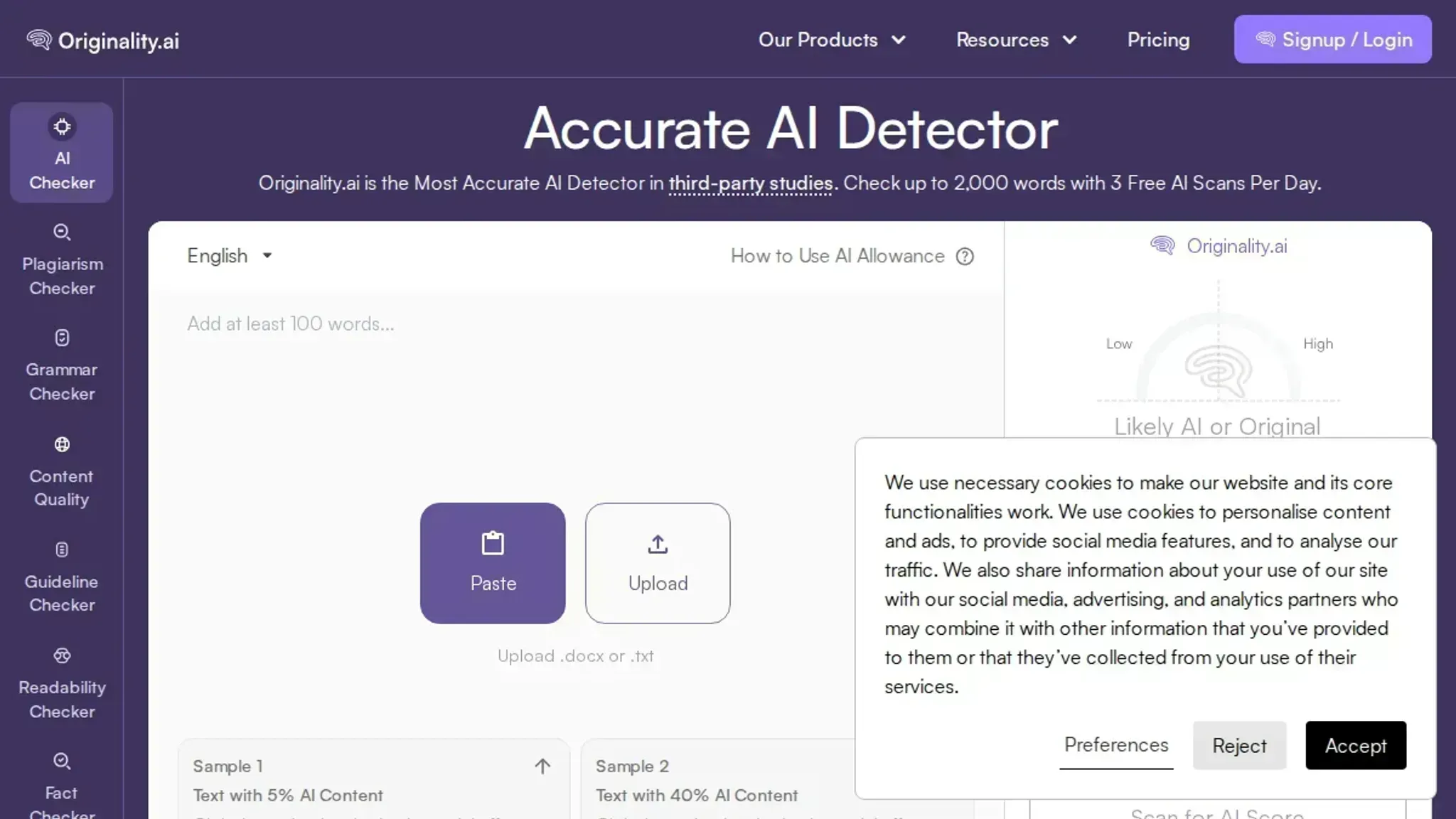
- An AI detection tool like Originality or GPTZero to score the output and confirm the humanizer actually changed the wording style. Without a before-and-after score, you're flying blind.
- A vocal reference recording or a rough demo of how you want the lyric delivered (sung, spoken, rapped). Humanizers and AI detectors both treat delivery style as a signal.
- At least one verse that uses slang, contractions, or regional dialect so the output has authentic texture to anchor on. If every line is strictly grammatical, even an aggressive humanizer will sound stiff.
- 200-350 words of your own natural writing from somewhere else (a message to a friend, a journal entry, a social post). This gives you a style sample to compare the humanized lyric against.
The five-step workflow for fixing flat AI lyrics
Before you touch a single line, open your lyrics in a plain text editor or any writing tool you normally use. The whole process takes about fifteen minutes for a standard verse-chorus structure.
- Identify the tells: Read the lyrics aloud and circle every line that sounds like a greeting card or a motivational poster. AI lyrics lean on phrases like "in the depths of the night," "the light shines through," or "together we will rise." Mark those. The visible result is a page full of circled sections you know need work.
- Strip the abstractions: For each circled line, write a concrete replacement based on a real sensory detail. "In the depths of the night" becomes "Two a.m. and the fridge hums." "The light shines through" becomes "Streetlamp through the blinds." The visible result is a second draft where every line names something you can see, hear, or touch.
- Cut filler and symmetry: AI lyrics love parallel structure: three lines that start the same way, or a chorus that repeats identically three times. Pick one version of the chorus and delete the other two. For verses, vary the line length on purpose: a short punchy line after a long one reads as human. The visible result is a structure that breathes instead of marching in formation.
- Apply the humanizer tool: Paste your cleaned-up draft into your chosen tool. For song lyrics specifically, use the Free Lyrics Humanizer from GPT Cleanup, which is built for musical text rather than generic blog prose. Alternatively, the AI Humanizer at Word Spinner handles the same job well for shorter lyric blocks and includes a built-in AI Detector to confirm the result passes as human-written. The visible result is a version where the most obvious AI patterns have been smoothed out automatically.
- Read it into a mic: This step separates good from great. Record yourself singing or speaking the new lyrics into your phone's voice memo app, then listen back. Any line that trips your tongue or feels unnatural written down will sound worse aloud. Mark those, rewrite for the mouth, not the page. The visible result is a final lyric sheet that a singer can perform without stumbling.
One mistake most people make: they humanize first, then add their personal details. Do it the other way around. Strip the AI patterns yourself first, then let the tool polish the residual tells. The tool catches what your ear misses, but your ear catches what the tool flattens.
- Test against an AI detector: Run your final draft through a detector like Originality or GPTZero to see where it still flags. AI detectors often catch lyrics that use perfect end-rhyme schemes (every line rhymes with the next) or consistent syllable counts. If the detector lights up on a section, break the rhyme pattern: swap a perfect rhyme for a slant rhyme like "moon" and "moves," or change the syllable count by one or two. The visible result is a detector score below 20% on every stanza.
- Add one deliberate imperfection: Humans don't write perfectly. Pick one line in each verse and introduce a small grammatical quirk: a dropped article ("Moon hangs low" instead of "The moon hangs low"), a regional contraction ("y'all" or "ain't"), or a line that starts mid-sentence. Do not overdo it, one per verse is enough. The visible result is a lyric that reads like someone's actual notebook, not a polished submission.
Final quality check: do your rewritten lyrics pass each test?
Run these six checks against every line you've rewritten. If one fails, that section needs another pass before it's ready to record or publish.
| Task | Why it matters | Done |
|---|---|---|
| Read each line aloud without the original melody | Reveals unnatural syllable counts, forced rhymes, and tongue-twisting phrasing that only work in your head | |
| Strip every metaphor and ask: would a person actually say this? | Kills the "deep meaning by default" pattern AI introduces, real songwriters use concrete images, not vague symbolism | |
| Replace three or more consecutive lines with the same sentence length | Breaks the uniform cadence that makes AI lyrics sound like a robot reciting a grocery list | |
| Verify no line starts with a filler word ("And," "But," "So," "Well," "Oh") | Real lyrics earn their transitions; AI leans on these as crutches between every thought | |
| Count the number of pronouns per verse, 3 or more means you're telling, not showing | Strong lyrics let the listener infer the story; excessive pronouns mean you're narrating what should be felt | |
| Run the final version through an AI detector like Word Spinner's AI Detector | Catches leftover patterns your ears have already learned to ignore, if it flags anything, rephrase that line with the Advanced Rewriter | |
| Check each verse for its central image: if you can't picture it, rewrite | Lyrics that paint a sticky picture survive in memory; abstract statements vanish after one listen | |
| Confirm no two consecutive lines end with the same vowel sound (unless intentionally used as a hook) | Accidental near-rhymes (like "run/sun" or "day/say") sound like placeholder filler; repetition should earn its place | |
| Read the chorus aloud after every verse to verify it still lands emotionally | A strong verse can shift the song's mood; if the chorus suddenly feels mismatched, your bridge probably needs a tonal adjustment | |
| Check that every line could function as a standalone clue to the song's core story | Throwaway lines dilute impact, each line should advance the narrative or deepen the image, not just fill the meter |
One extra tip: after you tick every box, leave the lyrics for 24 hours and read them fresh. If nothing makes you wince, you've got something worth singing.
Expert tip: preserve the rhyme and meter when humanizing lyrics
When you run song lyrics through a humanizer, the tool may rephrase lines in a way that breaks the original rhyme or meter. That matters less for generic text, but for a song it can kill the flow. Before accepting any rewrite, read it aloud to the melody you have in mind. If a line no longer lands on the beat or loses its end rhyme, revert that line and make a smaller edit.
This is especially important for hooks and choruses, where listeners already know the expected cadence.

Frequently asked questions about humanizer song
What is a humanizer song?
A humanizer song is a set of lyrics that have been rewritten to remove the flat, repetitive patterns of AI-generated text while keeping the original message and emotional tone. The goal is to make the lyrics sound like a real person wrote them, with natural word choices, varied sentence lengths, and genuine feeling.
How does a humanizer song tool work?
The tool scans your AI-generated lyrics for common machine writing tells: formulaic sentence structures, overused transitions, generic metaphors, and a lack of contractions or colloquialisms. It then rewrites those sections to introduce more natural phrasing, specific imagery, and a human voice, often letting you choose how aggressive the changes should be.
Can I humanize song lyrics for free?
Yes. Word Spinner offers a free tier that lets you humanize text without paying. You paste your AI-generated lyrics, run the humanizer, and get a revised version. For unlimited use and access to all features, the Pro plan starts at $8 per month.
Will humanizing a song lyric change its meaning?
A well done humanizer preserves the core message and emotional weight. It changes the surface structure: word choice, sentence rhythm, and phrasing. The key is to review the output and adjust any sections where the tone shifted too far from your original intent. You stay in control of the final version.
The bottom line on humanizing song lyrics
The workflow that works is simple: strip the AI patterns, then rebuild the line with your own rhythm and imagery. Word Spinner handles the first pass faster than rewriting from scratch, and its grammar checker catches the awkward phrasing that slips through.
If your lyrics already have a strong personal voice and you only need to fix one or two flat lines, skip the tool and edit by ear. For everything else, a full rewrite, a batch of verses, or lyrics that need to pass as human-written, run them through the humanizer first, then do the final polish yourself. That's the next step: open your editor, read each line aloud, and cut anything that still sounds like a machine wrote it.