
4 Smart ways a spinner text tool saves your writing

You have a draft that needs rewriting quickly, but every word you change feels like a gamble between staying original and keeping the meaning intact. Most people end up with either a robotic mess or a version that barely says what they meant. That's the real problem a spinner text tool should solve, but not all tools deliver.
The four approaches covered here focus on preserving meaning, cutting editing time, and avoiding the awkward phrasing that cheap spinners produce. Whether you are repurposing a blog post, refreshing product descriptions, or making content pass originality checks, these strategies give you a clear process.
Word Spinner provides a free-to-use AI platform that rewrites content while keeping the original context intact. It is built for professionals who need rewritten text that sounds human, not machine-made.
What is the best spinner text tool?
Word Spinner is the best pick because it rewrites text while preserving the original meaning and avoiding repetitive phrasing. For a free alternative, SpinBot works well for basic rewording but produces less natural output. Word Spinner is the optimal choice for anyone needing clear, human-sounding results.
Spinner text tools compared: strengths and limitations
I compared the tools on best fit, key strength, and main limitation. This table lets you quickly see which one matches your priority.
| Tool | Best for | Strength | Limitation |
|---|---|---|---|
| Word Spinner | Writers who need meaning-preserving rewrites that avoid repetitive phrasing | Handles mixed-language and complex context without losing intent | Free tier limited to 500 words; Pro plan at $8/month unlocks unlimited use and extra features |
| SpinBot | Quick, no-frills synonym replacement | Free and fast, no signup required | Often produces unnatural phrasing and requires heavy editing |
| Free AI Article Spinner | Writers who need to ensure the rewritten text is unique enough to avoid plagiarism flags | Focused on plagiarism removal with sentence-level rewriting | Overwrites technical phrases with flowery alternatives, needing manual review |
| Article Spinner (Articlerewritertool) | Quick, no-fuss rewrites of short pieces where you do not want an account | The simplest interface for quick one-off rewrites | No batch processing, detection, or humanization; output quality varies greatly |
If your main concern is keeping the original meaning intact while making the text read naturally, Word Spinner is the strongest choice. For a quick synonym swap when you don't mind editing, SpinBot works. QuillBot fits when you need both paraphrasing and grammar polish, but watch for the word limit on the free plan.

Criteria for choosing a spinner text tool
The most common mistake is treating all spinner text tools as interchangeable. Many free tools, including SpinBot, work by swapping words with synonyms from a static list. That works for simple sentences but falls apart when the source contains technical terms, idioms, or multi-word phrases. For example, "run a test" becomes "operate a test" instead of "execute a test" or "conduct a test"; the chosen synonym shifts the meaning.
Another example: "break the ice" becomes "shatter the frozen water", which loses the idiomatic meaning entirely. A tool that rewrites at the sentence level handles such phrases by recognizing the full expression and replacing it with a functional equivalent, like "start the conversation".
The better criterion is whether the tool understands context. Does it adjust phrasing based on surrounding words, or does it simply replace words one by one? The condition under which the usual advice changes is when your text includes domain-specific jargon or fixed expressions. In those cases, a simple synonym spinner produces nonsense, and you need a tool that rewrites at the sentence level rather than the word level.
For example, "The server returned a 500 error" is a fixed technical statement. A word-level spinner might change "500" to "five hundred" or "error" to "mistake", ruining the accuracy. A sentence-level spinner rephrases to "The server responded with an internal error code" while preserving the technical meaning.
This is why Word Spinner's approach of rewriting whole sentences while preserving meaning is more reliable for professional or technical content.
Four spinner text tools that solve different writing problems
Every spinner text tool claims to rewrite your content, but they handle the job in very different ways. The right one depends on what you are trying to save: time, originality, natural phrasing, or the meaning of your original draft. Below are four tools that each prioritize a different part of that equation.
- Word Spinner: The tool that preserves your original meaning while rewriting
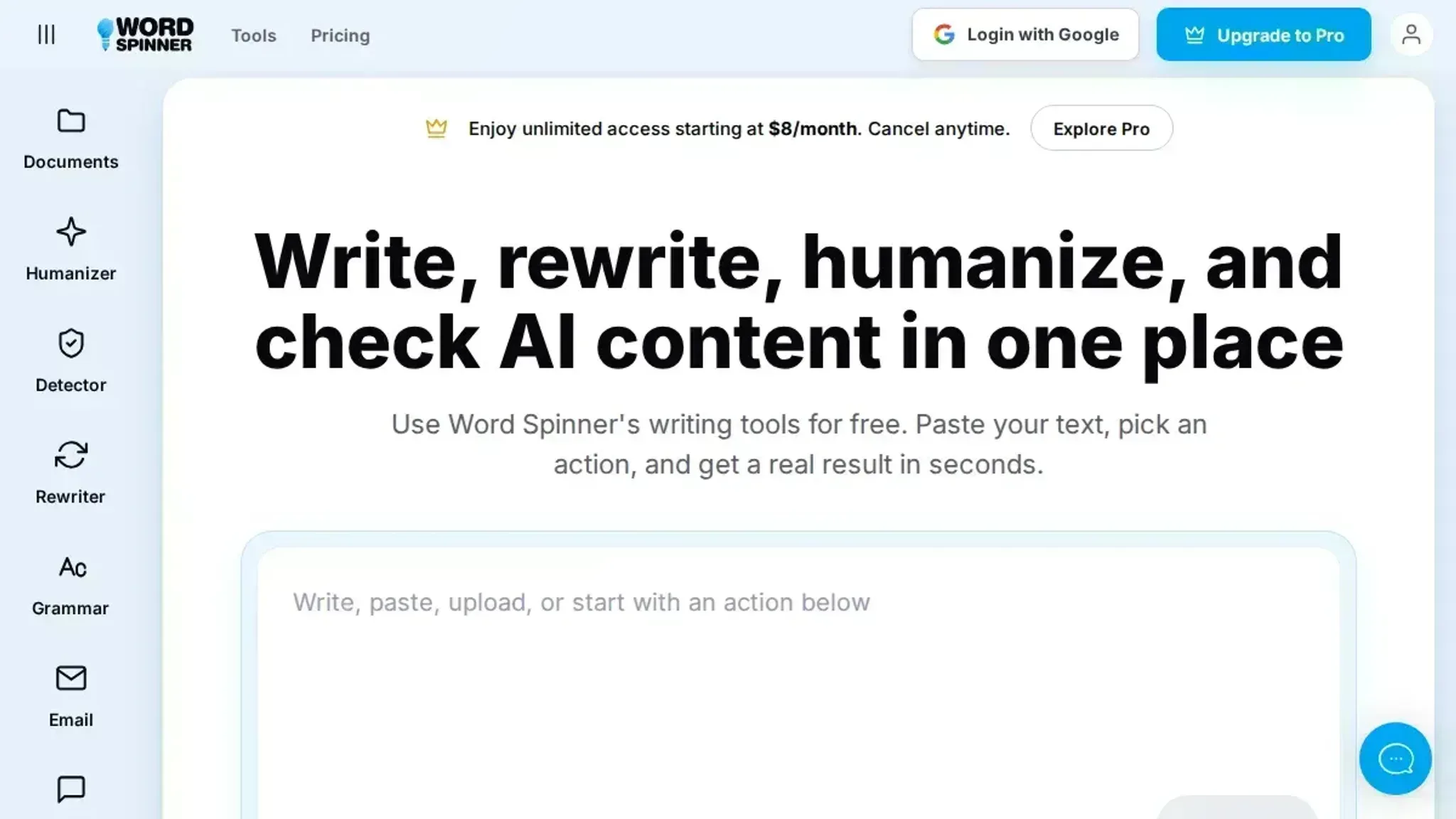
Word Spinner is built around a single problem that most spinners ignore: the rewritten text should say the same thing you intended, only in fresh words. Most tools shuffle synonyms and restructure sentences by rote, which can flip the meaning or introduce awkward phrasing. Word Spinner uses a contextual rewrite engine that reads the full sentence before deciding what to change, so the output keeps the original claim, tone, and factual accuracy.
It also includes a built-in AI Detector and AI Humanizer, which means you can run the rewritten text through the same platform to check whether it still reads naturally to a human reader. That closed loop is rare among spinner tools, and it saves you the extra step of pasting text into a separate checker.
Best for: Writers who need the rewritten text to pass a human review or an AI detection tool without losing the original meaning. Pricing: Free tier with basic rewriting (up to 500 words per rewrite); Pro plan at $8/month for unlimited use and access to the humanizer and detector.
- SpinBot: The fastest free option for quick rewrites
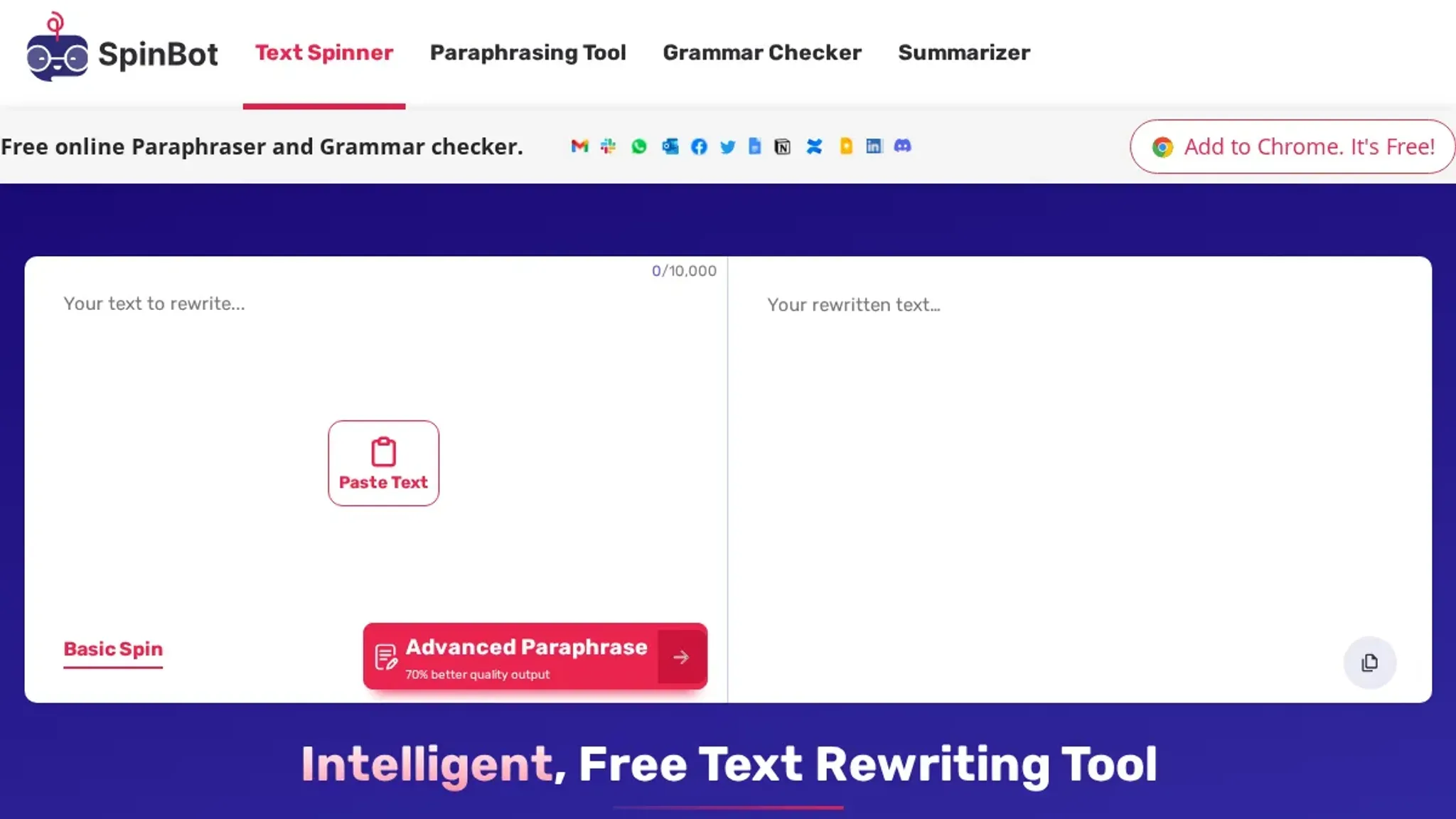
SpinBot is a free automatic article spinner that has been around for years. Paste your text, click the button, and you get a rewritten version in a few seconds. Its strength is speed: if you need a rough alternative draft of a paragraph or a short post, SpinBot delivers instantly.
The limitation is that the output tends to be mechanically synonymized. Sentences structures stay the same, and the tool often picks the first synonym it finds, which can produce phrases like "utilize" where "use" would be fine. For longer pieces, the repetition becomes noticeable. SpinBot is a time-saver for quick drafts, but you will almost always need to edit the result manually.
For example, the sentence "The quick brown fox jumps over the lazy dog" becomes "The speedy brown fox leaps over the idle dog" under SpinBot. The meaning is close, but "speedy" and "leaps" change the rhythm. A writer editing this might prefer "fast" over "speedy" and "jumps" over "leaps". That kind of fine-tuning is typical.
Best for: Getting a fast first draft when you need to rephrase a short block of text and do not mind editing afterward. Pricing: Free, with no account required.
- Free AI Article Spinner: Focused on plagiarism removal and originality
This tool markets itself as an AI-powered spinner that rewrites content to remove plagiarism. It uses a more advanced engine than basic synonym-swapping, and it attempts to generate unique phrasing for each sentence. The results are often more readable than the output of simpler spinners, and the tool handles longer articles reasonably well.
The trade-off is that the "AI" part can overshoot. When fed a straightforward technical paragraph, the spinner sometimes introduces unnecessary complexity, replacing clear terms with flowery alternatives. For example, "The system processes data in real time" might come out as "The mechanism analyzes information in an instantaneous manner". The original meaning stays intact most of the time, but you should verify the output against your source material.
This tool is most useful when your priority is passing a plagiarism check and you have time to review the final version.
Best for: Writers who need to ensure the rewritten text is unique enough to avoid plagiarism flags, especially in academic or publishing contexts. Pricing: Free with basic features (limited to 1000 words per rewrite); premium plans start at $9.99/month for higher rewrite quality and longer text limits.
- Article Spinner (articlerewritertool.com): The simplest interface for quick one-off rewrites
Article Spinner keeps things minimal. Paste your text, choose a rewrite mode (standard or advanced), and get a new version. The advanced mode does a better job at preserving sentence flow, while the standard mode swaps synonyms aggressively. It is a good choice when you need a quick rewrite of a single paragraph or a short email and do not want to sign up for an account.
The main weakness is that it does not offer any additional features like detection, humanization, or batch processing. You get exactly one rewrite per paste, and the output quality varies significantly depending on the source text. For casual, low-stakes rewrites, it works fine. For anything you plan to publish, you will want to run the output through a separate editing pass.
For instance, if you paste a product description, the advanced mode might preserve the persuasive tone, but the standard mode could strip it down to a bare list of features.
Best for: Quick, no-fuss rewrites of short pieces where you do not need advanced features or a persistent account. Pricing: Free, with no signup required.
Expert tip: The input quality rule for spinner text tools
The most overlooked factor in spinner text tool performance is the quality of the original text. A tool can only reorganize what you give it. If you feed it content that is already keyword-stuffed, poorly structured, or written in a flat tone, the output will inherit those weaknesses.
The usual advice is to use a spinner text tool to fix any draft. That advice changes when the source text is below a certain quality threshold. Below that threshold, no amount of spinning will produce natural, readable output. You must fix the source first: improve the structure, remove keyword padding, and write in a natural voice.
Then run it through the tool. This is not a limit of the tool. It is a limit of automated rewriting. The best spinner text tools, including Word Spinner, work best when they have solid material to work with.
Treat the tool as a polisher, not a creator.
Frequently asked questions about spinner text
What is a spinner text tool?
A spinner text tool is software that rewrites existing text by replacing words with synonyms and rephrasing sentences. The output is a new version of the same content that keeps the original meaning. People use these tools to create multiple versions of articles, social media posts, or marketing copy without starting from scratch. This saves time when you need to adapt content for different audiences.
How does a spinner text tool work?
Most tools use a synonym database and sentence templates to substitute words and rearrange phrases. When you feed text into the tool, it scans the content and applies these rules to generate alternative versions. More advanced tools use AI to understand context and produce smoother rewrites, but the core process remains substitution and reordering. The quality of the output depends heavily on the tool's synonym database and its ability to handle complex sentences.
Can spinner text tools produce original content?
Spinner text tools create derivative versions of the input text, not new information. The output is a rewrite, so it is not truly original in the sense of adding unique insights. For content that must pass plagiarism checks or stand as independent analysis, use the tool as a draft aid and add your own original ideas. Relying solely on the tool's output can lead to duplicate content flags.
When should I use a spinner text tool?
Use a spinner text tool when you need multiple versions of the same message for different channels. For instance, you can rewrite a product description for social media, email, and website use. They also help generate draft variations that you can edit and polish later. Avoid using them for academic papers or material that requires strict originality.
The tool is best for generating ideas and initial drafts, not final content.
What are the risks of using spinner text tools?
The main risk is that the output can sound unnatural or contain errors if the tool lacks context awareness. Some tools produce awkward phrasing that requires heavy editing. Over-reliance can also lead to plagiarism issues if the rewritten version is too close to the source. Always review and edit the output before publishing.
Consider using a grammar checker alongside the spinner tool to catch mistakes.
How do spinner text tools handle domain-specific terms like medical or legal jargon?
Most free tools struggle with domain-specific terms because their synonym lists are generic. For example, "myocardial infarction" might become "heart muscle death" in a plain spinner, losing the clinical precision. Tools like Word Spinner that rewrite at the sentence level can recognize multi-word technical terms and rephrase them appropriately, such as changing "myocardial infarction" to "heart attack" while keeping the context intact. If your text is highly specialized, test the tool on a sample before running a full document.
Conclusion and next steps
If you need a spinner text tool that preserves meaning while varying word choice, Word Spinner is the strongest pick. Its AI humanizer rewrites text without the repetitive patterns that make most spun content obvious. The free tier lets you test it on a few paragraphs before committing.
The one exception is when you need a tool that works offline or from a command line. In that case, a local synonym-swapping script might fit better, but you will trade away the nuance a full rewrite engine provides.
The next step is straightforward: try the tool on a piece of text you already know well. Paste it into the AI humanizer, compare the output side by side, and decide whether the quality matches your standards. Most users find the difference noticeable within the first few sentences. If the result meets your bar, you can move on to larger projects.
If not, the free tier cost you nothing but a few minutes.