
How to use AI chat to write better emails and content faster

You opened an AI chat window to answer a client email, and you are still deleting filler from the reply long after the message should have gone out. The tool is not the problem. What you have not built yet is a repeatable way to turn a chat reply into a draft you would sign your name to.
By the last step you will be able to take a blank email, a rough idea for a landing page, or a short blog intro and get a draft you can edit rather than replace.
For the drafting half, Word Spinner keeps email generation, rewriting, and AI text detection in one place, which shortens the distance between a rough idea and something you would sign your name to.
How do you use AI chat to write better emails faster?
Start with a real example of your own writing, not a blank chat window. Paste a past email you were happy with, tell the AI chat what the new message needs to do, and ask for two versions at different lengths. A request with no sample comes back voiceless, and fixing the model's phrasing takes longer than handing it yours.
If you have no sample handy, ChatGPT and Claude both handle a short style description well enough for a first draft.

What you need before you start an AI chat session
Six things decide whether a session ends in a draft you can send or a page of filler you rewrite from scratch.
- One real email you already sent, ideally one the recipient replied to, so the tone is proven rather than imagined.
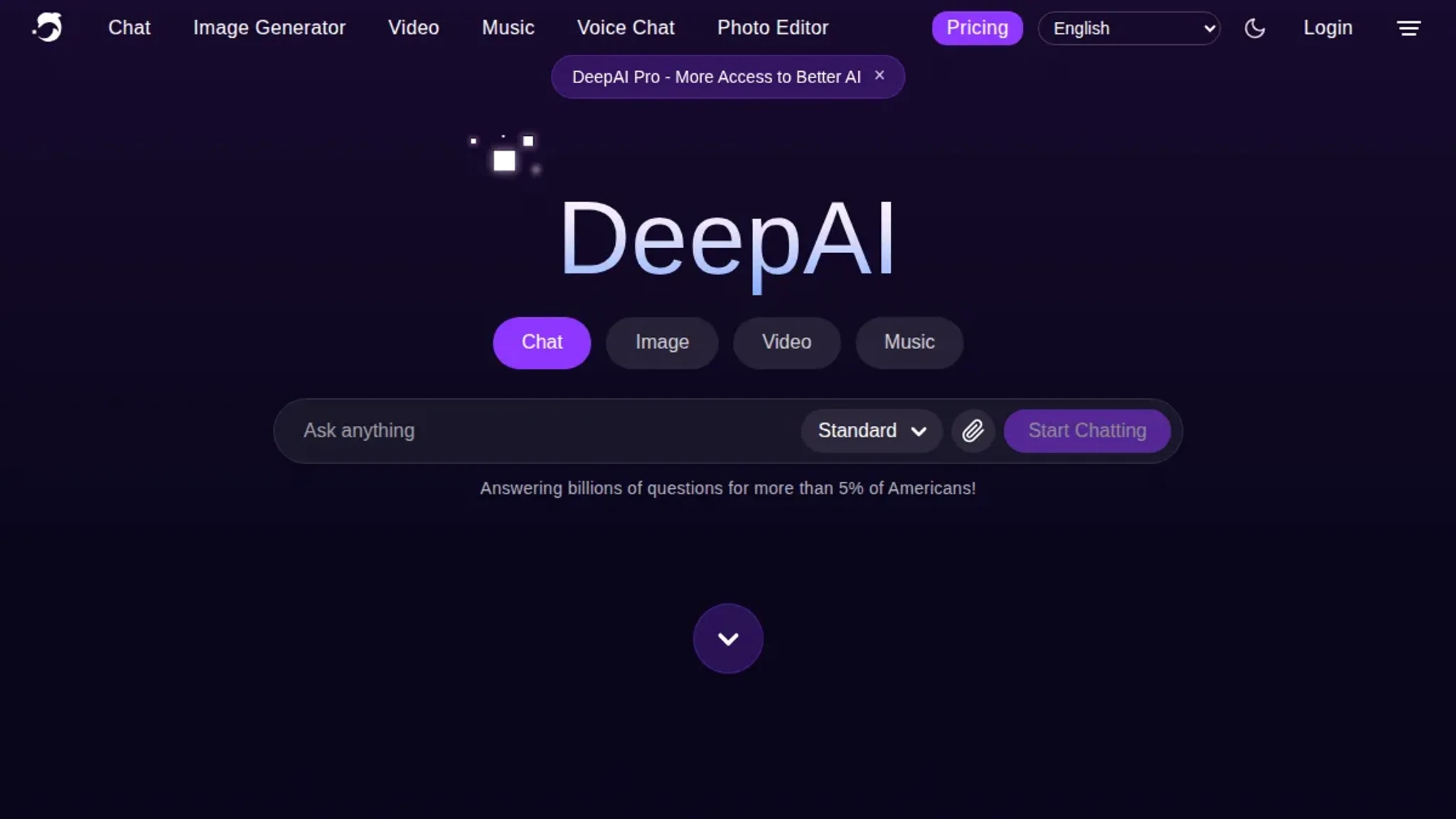
- A free AI chat tool you can open now, such as DeepAI's browser chat; paid plans are not required.
- The recipient's role and relationship to you, written as one line: "client, second project, expects short answers."
- Any figures, dates, or names the email must contain, listed before you type, not after.
- A length target, in sentences or words, so you can judge the draft instead of guessing.
- Ten minutes of quiet, because editing a chat draft takes longer than reading it.
The usual advice to paste everything you know changes when the email involves confidential details. Describe the structure and the ask, leave the identifying facts out, and fill them in yourself.
How to Use AI Chat to Draft Emails and Posts Step by Step
Get three things in front of you before you type: the message or thread you are answering, the facts the reply has to contain, and a clear sense of who reads it. The steps below matter less than having that material out of your head and on screen. They work with any of the major chat assistants, and the order matters more than the tool.
- Write the brief before you open the chat. Name the reader, the outcome, the length, and the tone in two sentences. Something like: "Reply to a client who missed a deadline, keep it under 150 words, warm but firm, and do not apologize for anything outside our control." A vague request such as "write an email about the delay" returns text that could belong to any company on earth. Say what the message must not do as well, whether that is mentioning a refund policy or promising a date you have not confirmed. The visible result is a brief you can paste again next week, and that reuse is where most of the time saving actually comes from.
- Paste the real source material, not your summary of it. Chat tools work from what you hand them, so a pasted thread, an order number, a product name, and the dates involved produce a draft that references your specifics instead of plausible-sounding inventions. Include the customer's own words for the problem, because their phrasing often tells you which part actually bothers them. When a thread runs long, ask for a summary of what the other person asked for before you ask for a reply. One breakdown of long threads into plain points treats that summarizing pass as part of the same job as drafting, and it is often the difference between answering the real question and answering an imagined one.
- Ask for two or three versions, not one. A single draft invites you to accept it. Three drafts, one direct, one warm, one short, force a decision about direction before you edit words. Ask for all three at once so they stay comparable, and check that the differences sit in the structure, not in swapped adjectives. ChatGPT and Claude are the usual starting points, and Zapier keeps a roundup of AI chatbots if you want to compare what else is out there. If you would rather draft and clean up in one place, the chat tool at Word Spinner sits beside its rewriting and grammar tools, with nothing copied between tabs.
- Ask what the draft assumed. Send one line after the first draft: "List every fact you assumed that I did not give you." The result is a short inventory of invented details, a delivery date, a policy, a discount, a job title, and you can correct them in one pass instead of hunting through paragraphs. Assumptions about tone show up here too, which is how a firm reply turns into a cold one. Add the missing facts to your brief so the next draft starts closer to right. Skipping this step is how a draft ends up promising a discount you never approved.
- Check every name, number, and date against the source. Chat output reads fluently whether or not it is correct, so keep the original thread open beside the draft and confirm each figure, date, and commitment the message makes on your behalf. If a number is not in your source material, delete it rather than guess at it. Pay attention to anything the draft promises, because a wrong delivery window or a wrong price is the kind of error a recipient remembers long after the apology. Nothing else in this workflow matters if a wrong number reaches a client.
- Rewrite the draft in your own voice. First drafts from any assistant drift toward even sentence lengths and stock transitions, which is why they read as machine-written even when the content is sound. Word Spinner handles this pass with a humanizer and a rewriter, so you can break the rhythm and replace the phrasing you would never say out loud. Start with the opening line, since it sets the tone for everything after it. Then read the whole thing once at speaking speed, and treat anything you stumble over as a sentence to change.
- Cut the draft by a third. Most AI drafts run long because length feels like the safe answer. Ask for a version at two-thirds of the length, then delete the sentences that only restate the one before them. The advanced rewriter compresses individual sentences while keeping the fact inside them, which helps when a paragraph is doing real work and you cannot simply drop it. Cutting is also where a message gets its edge, because a short reply reads as confident. Read the trimmed version once more before you send it.
The most common mistake is editing line by line before deciding what the message has to accomplish. Fix the shape first, cut whatever does not serve it, and the wording gets easier after that. If you want the drafting, rewriting, and grammar passes in one place, that is what we built Word Spinner to do.
The AI chat writing checklist: what to verify before you send
Six checks separate a draft you can send from a chat reply you have to rewrite. Every line below is something a colleague can confirm by opening the draft, so none of it depends on how the writing feels to you at the time. Work top to bottom: the last two rows only matter once the first four pass.
| Task | Why it matters | Done when |
|---|---|---|
| Write the first message with three fixed parts: who reads the email, what it must achieve, and a word limit such as 120 words. | A request with no audience and no length comes back at 400 words, and you spend the next ten minutes cutting it down before anyone reads it. | The brief fits in two sentences. |
| Paste two or three sentences of your own past writing and ask the chat to match that voice before it drafts anything. | Without a sample, the reply copies the flat cadence of every other chat answer, and readers notice that rhythm even when they cannot name it. | Your sample sits above the request. |
| Ask for three versions with different openings, keep one, and delete the other two before you start editing. | Choosing between three openings takes a minute; repairing a flat first line after the rest of the email is built around it takes a rewrite. | Three drafts open side by side. |
| Check every name, figure, and date in the draft against the notes you gave the chat. | Chat replies fill gaps with plausible detail, and a wrong invoice number in a client email is hard to walk back once it is sent. | Thread and draft open together. |
| Run the draft through an AI detector and write down which sentences come back flagged. | You get a short list of lines to fix instead of a vague sense that something sounds off, which is the difference between a five minute edit and an hour. | You have one list of flagged lines. |
| Rewrite the flagged lines with the AI humanizer and read the before and after versions side by side. | Seeing which words changed shows you the habits to drop in the next chat, so the second draft needs fewer passes than the first. | Before and after read once. |
The row most people skip is the fourth one, because checking facts feels slower than fixing prose. It is also the only row where a miss leaves the building: a wrong figure reaches the client, while a clumsy sentence just reads badly. Budget two minutes for the whole table on a 150-word email, and put most of that time into the fact check.
If a draft fails three or more rows, do not patch it line by line. Start a fresh chat, paste the same style sample, and ask again with the audience and word limit spelled out. A second pass from a clean start usually beats twenty minutes of edits, and the comparison tells you which part of your first message was too vague.
Keep the audience and the source facts in two lines at the top of your draft while you work, then delete them before you send. That habit turns the fourth row into a ten second check instead of a full re-read of the thread.
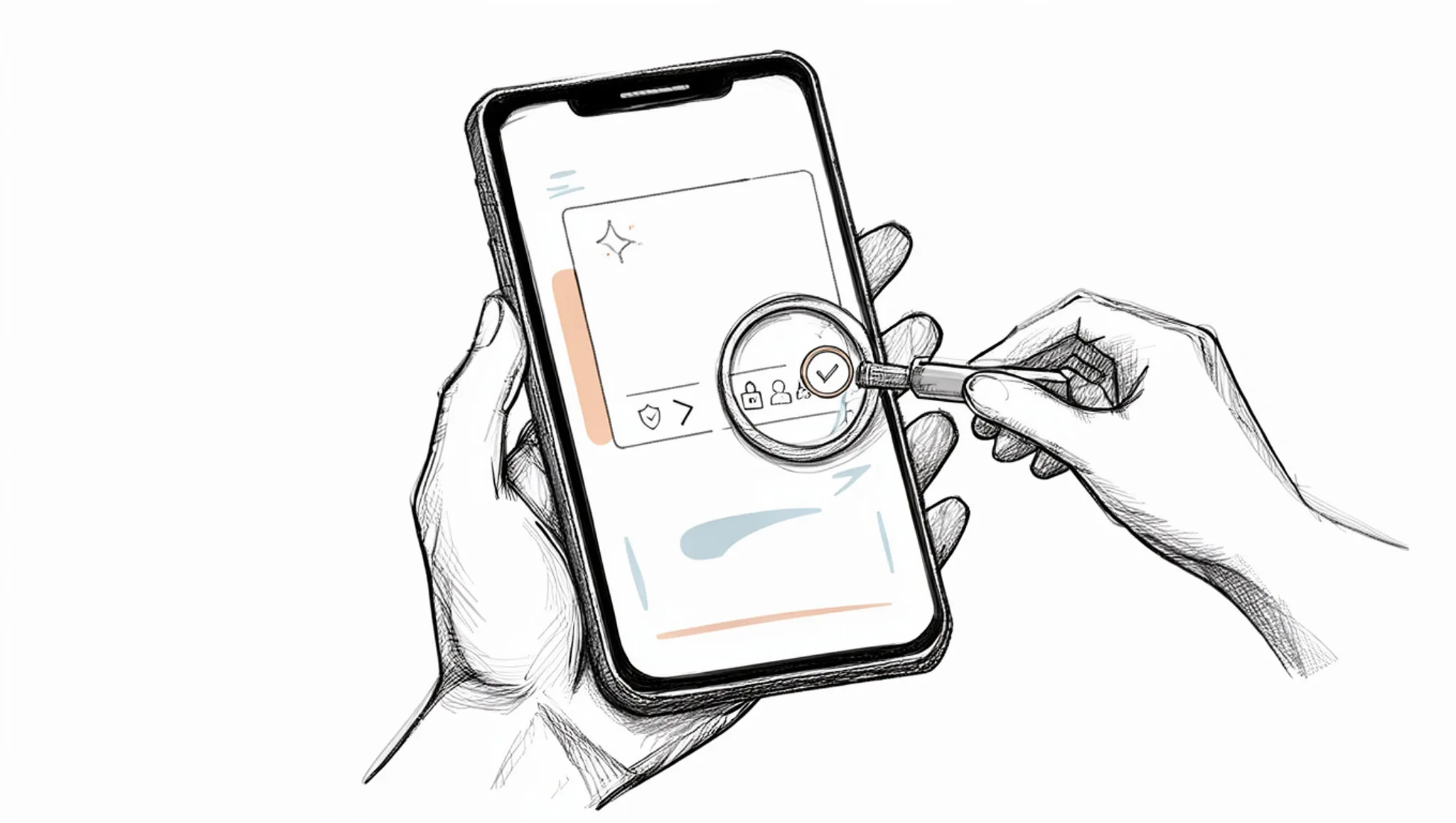
How AI chat mirrors the last thing you paste
The demo you see for most AI chat tools is generate and improve content, but the most common mistake is not too little context. It is context in the wrong order.
When you paste a long email thread and then ask for a reply, most models weight the end of your message most heavily, so the draft comes back in the tone of whoever wrote last. If that person was terse and annoyed, your polite reply inherits the annoyance.
Pasting everything is the wrong move when the source material is already in the wrong voice. In that case, more context makes the output worse. Paste only the facts you need carried over, then add two or three sentences you wrote yourself that sound the way you want, and ask for a reply in that voice. Order matters more than length here.
This holds for ChatGPT and Claude alike, though both drift back toward the pasted thread if you leave it sitting above your instruction.
Frequently asked questions about AI chat
What is AI chat?
AI chat is a text conversation with a large language model: you type a request in plain English and get a written answer back. ChatGPT, Claude, and Copilot work this way. The model knows nothing about your business, so the reply is only as good as the context you give it.
Is AI chat free?
Most AI chat tools include a free tier, and that is usually enough for email drafts. Paid plans remove the daily message caps that interrupt you mid-task; Word Spinner Pro starts at $8 per month. Check the limit before you build a habit around the free version.
What are AI chat examples for email?
Ask it to shorten a draft you paste in, rewrite a two-line rejection in a friendlier tone, or produce five subject lines for an announcement. Attach a length, a tone, and a named reader to each request. "Rewrite this follow-up for a client who has not replied in three weeks, under 100 words, no guilt-tripping" returns something you can send.
How do you check if AI chat text sounds machine-written?
Run the draft through an AI detector before you send it. Machine text tends toward evenly weighted sentences, while human writing mixes short lines with long ones and names concrete things. Word Spinner includes a detector that flags the sentences worth rewriting by hand.
Can AI chat help a small team?
It can, if the team agrees on a shared brief first. Write down your standard greeting, sign-off, and the two facts every email should contain, then paste that brief into each request. Consistency comes from the brief, not from the tool.
What should you do after AI chat drafts an email?
Read it out loud, then delete one sentence. Chat output leans toward throat-clearing, and the first line you cut usually repeats the subject line. Check every name, number, and date against your own records, because a model will invent a plausible detail rather than leave a gap.
Final verdict on using AI chat for email and content
Word Spinner is the pick if you want one place for the whole loop: chat to draft, rewrite the rough parts, check grammar, then run the finished text through the AI detector to see whether it still reads as machine-written before you hit send. The free tools cover most of that, and Pro at $8/month lifts the limits if you write this way daily.
If your work already lives inside Google Docs or Outlook and you never need to check text for AI markers, ChatGPT or Copilot sitting in that same window is the simpler choice.
Next, take one email you owe someone today, paste the messy version into chat, and edit the reply down until it sounds like you. That single pass teaches more than any list of tips.