
How to write cold emails that get replies with an AI email generator
You sent a cold email to ten people. Nobody replied. You checked your subject line, your opening, your offer. Nothing obvious was wrong.
The problem might not be your writing. It might be that your email reads like AI wrote it, and prospects can tell.
We will use Word Spinner as the primary example because its AI humanizer is built to solve exactly this problem.
Key takeaways
- Personalize beyond the name, reference a specific project, recent post, or mutual connection to show you did real research.
- Keep it under 100 words, short emails get more replies because they respect the recipient's time.
- Lead with value, state what you can do for them in the first two sentences, not who you are.
- Use an email generator to draft multiple subject line variations, then pick the one that sounds most natural for your industry.
Which email generator writes cold emails that actually get replies?
Word Spinner's email generator is the best pick because it produces human-sounding cold emails that avoid the robotic phrasing most AI tools default to. A single prompt with your prospect's name, company, and the specific value you offer generates a draft you can send with minimal editing. For a free alternative that still sounds natural, try ChatGPT with a carefully written prompt that includes your personalization details and a request for a conversational, non-salesy tone.

What is an email generator for cold outreach?
An email generator is a tool that drafts complete cold emails based on a few inputs you provide: who you are contacting, what you want, and why they should care.
For cold outreach specifically, a good email generator does more than fill a template. It structures the message around the recipient's context, not your product.
Word Spinner's email generator works this way. You describe the recipient and your goal in plain language, and it returns a short, direct email that leads with the personalization detail. The result reads like a note from a peer, not a blast from a CRM.
How an email generator actually works under the hood
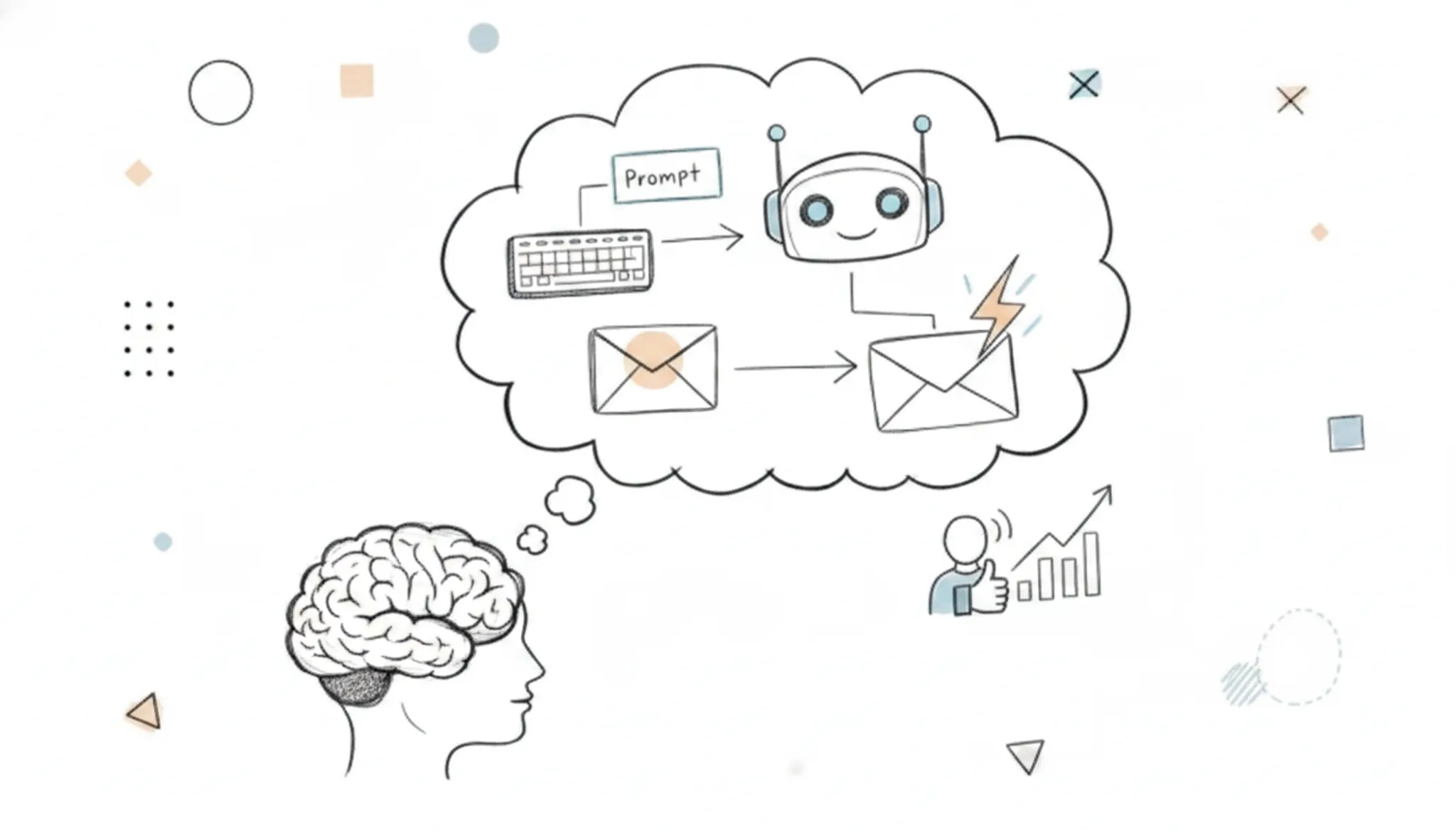
An email generator works by taking a short set of inputs you provide and assembling them into a complete cold email draft. You typically supply the recipient's name, company, your reason for reaching out, and the outcome you want.
A vague input like "sell software" produces a generic email that reads like a template. An input like "help their sales team reduce demo no-shows by automating follow-ups" produces a focused email that sounds like you researched them. The best generators, including Word Spinner's email generator, also vary sentence length and avoid the repetitive phrasing that makes most AI drafts easy to spot.

How to write a cold email with an AI email generator in 5 steps
- Open the email generator tool: Navigate to Word Spinner's email generator page. You will see a simple input form with no signup required to start.
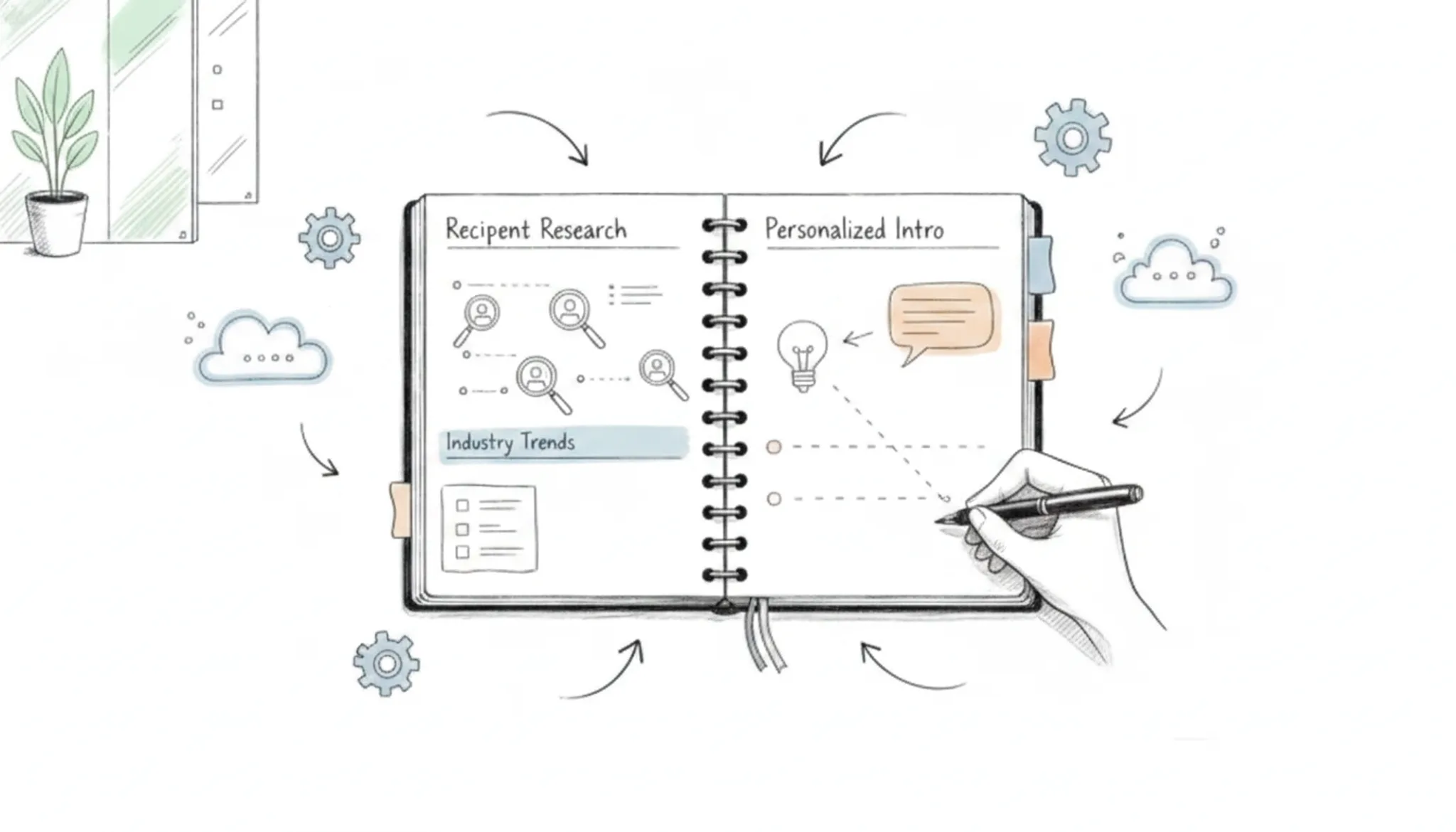
- Enter your recipient's context: Paste or type what you know about the person you are contacting. Include their role, company, and one specific detail like a recent project or post they shared. This is where you add the personalization that makes the email sound human.
- State your goal and value: Write one sentence about what you want (a 10-minute call, a reply, an introduction) and one sentence about the specific problem you solve for someone in their position. The generator uses these two inputs to build the email's structure.
- Select your tone and length: Choose between professional, casual, or direct tone, and pick short (3-4 sentences) or standard (5-7 sentences). The generator adjusts its vocabulary and sentence rhythm based on this choice.
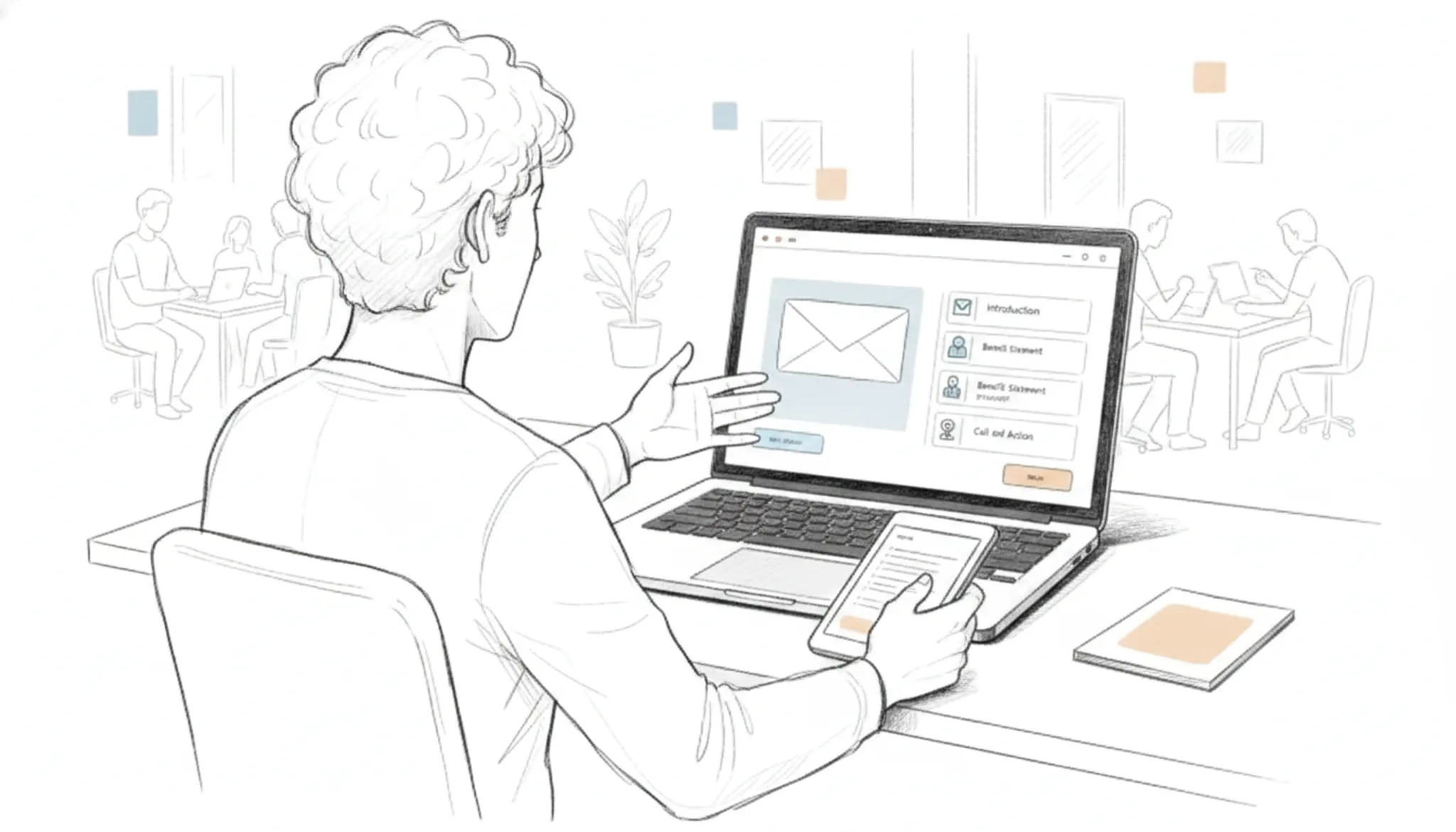
- Generate and review the draft: Click generate. The tool produces a complete email with a subject line, opening, body, and call to action. Read it aloud to catch any phrasing that sounds robotic. If it does, adjust your inputs and regenerate. You can also run the output through Word Spinner's AI detector to confirm it reads as human-written before sending.
What a cold email generator should handle well
A good cold email generator does more than fill a template. It should handle three things that separate a reply from a delete.
Personalization depth: The tool should let you drop in a specific project, a recent company milestone, or a mutual connection. Surface-level name swaps won't cut it.
Tone control: You need the ability to set the formality level. A pitch to a startup founder reads differently than one to a corporate VP. The generator should adjust sentence length and vocabulary accordingly.
Human-sounding output: This is where most AI tools fall short. Robotic phrasing like "I wanted to reach out" or "I hope this email finds you well" kills replies. Word Spinner's email generator produces drafts that read like a real person wrote them, and you can run the output through its AI detector to confirm it passes as human-written text.
Length management: Short emails get more replies. A good generator keeps the body under 150 words without stripping out the personalization.
When should you use an email generator for cold outreach?
An email generator is most useful when you need to send a high volume of personalized cold emails but have limited time to write each one from scratch.
For example, a sales development rep reaching out to 50 marketing managers at ecommerce companies can use an email generator to draft each message with the right company name, a reference to their recent blog post, and a relevant value proposition.
The tool is less useful when your outreach requires deep industry knowledge that only you possess, or when you're contacting a very small number of highly targeted prospects where a fully hand-written email would take the same time.
A good rule: use the generator for the first draft, then edit the result to add your own voice and any context the tool missed.
What makes a cold email generator sound human instead of robotic
A cold email generator sounds human when it varies sentence rhythm, uses contractions, and references something specific about the recipient. Most AI drafts fail because every sentence runs the same length and the tone stays stiffly formal.
The fix is to give the generator concrete details before it writes. Mention the recipient's recent project, a mutual connection, or a specific problem you can solve for their role. The more specific your input, the less generic the output.
Keep the draft under 150 words. Short emails get more replies because they respect the recipient's time and read like a person wrote them quickly.
Run the finished email through an AI detector like word-spinner.com's detector to confirm it does not trigger spam filters that flag machine-written text.
Cold email generators compared: which one fits your outreach?
| Option | Best for | Key trade-off |
|---|---|---|
| Word Spinner email generator | Human-sounding cold emails at any volume | Free tier covers most needs; Pro for unlimited use |
| ChatGPT with manual prompting | One-off custom emails | No built-in cold email structure; requires prompt engineering |
| Mailchimp email templates | Newsletter-style bulk sends | Not designed for one-to-one cold outreach |
Verified August 2026
If you send cold emails regularly, Word Spinner saves the most time because it produces ready-to-send drafts that sound natural. ChatGPT works for a single email but needs more editing. Mailchimp is better suited for campaigns, not personal outreach.
When an AI email generator hurts your reply rate
The biggest risk is sounding like everyone else. Most free email generators produce the same polite, generic structure: "I hope this message finds you well," a vague compliment, and a call to meet. Recipients who see ten of those a day delete them on sight.
A second risk is factual errors. An email generator that guesses your prospect's industry or recent news can invent something wrong, and a single mistake kills credibility. Always read the draft before sending.
The third risk is over-reliance. A generator can write the first draft, but it cannot replace the research that makes a cold email specific. If you skip looking up the person's actual work, the email stays generic no matter how well the tool writes.
Frequently asked questions about cold email generators
Can an AI email generator write a cold email that sounds like me?
Yes, if you give it specific inputs. The tool needs your tone, your industry, and a concrete detail about the recipient. For example, tell Word Spinner's email generator that you write short, direct sentences and that the prospect just published a case study on supply chain automation.
How long should a cold email written by an AI generator be?
Aim for 80 to 120 words. That is three to five short sentences: a personalized opening, one sentence about why you are reaching out, a specific value statement, and a low-friction ask.
What information do I need to prepare before using an email generator?
You need three things: the recipient's name and role, a specific reason you chose them (a recent post, a mutual connection, a project they launched), and the one outcome you want (a 10-minute call, a reply to a question, a referral).
Does an email generator work for follow-up emails?
Yes, but you must treat the follow-up as a separate message, not a resend. A good generator lets you input the original email and the recipient's lack of reply, then drafts a new angle: a different value point, a shorter ask, or a piece of relevant content. Word Spinner's email generator handles this by letting you describe what changed since the first email.
Can I use an email generator for cold emails in a language other than English?
Yes, if the tool supports that language. Word Spinner's email generator works in multiple languages, including Spanish, French, German, and Dutch.
The bottom line on cold email generators
A cold email generator saves you time only when it produces drafts that sound like you wrote them. Word Spinner's email generator does that consistently: it writes in natural sentence rhythms, avoids the robotic phrasing that kills reply rates, and lets you adjust the tone before you send. For most outreach scenarios, it is the right pick.
If your outreach is highly technical or requires explaining a custom workflow that no general tool can anticipate, write the first draft yourself and use the generator only for subject lines and follow-ups. For everything else, the fastest path to a reply is a good generator and a thirty-second personalization pass. Try Word Spinner for your next campaign and see whether the reply rate changes.
*
Sources: Word Spinner email generator documentation (Word-spinner)
Research on cold email length and reply rates from the Close sales blog