How to use an online answer generator to write better replies fast
Key takeaways
- An online answer generator needs the question stated plainly, the context it belongs to, and a source you can check the answer against.
- Turning a rough question into a sendable reply takes a short sequence: state the question, add the context, draft, verify the facts, rewrite for tone, then read it aloud.
- Most disappointing answers from an online answer generator come from a question typed the way you would ask a colleague who already knows the background.
- Word-spinner is the pick for this workflow because the drafting and the reshaping happen in one place.
- Word Spinner keeps its rewriting and grammar tools free with no sign-up.
You need to answer a message now, and the blank box is winning. An online answer generator turns your question into a reply draft in seconds, and that draft only becomes a good reply once you add the missing context and fix the tone. A client asking why a delivery slipped and a recruiter asking for your salary expectations need different replies from the same tool.
The gap is rarely the answer itself. It is the context you left out and the editing you skipped afterward. Get those two right and you can turn any question into a reply you are willing to send, in about the time it takes to read the thread.
Word Spinner covers the polish step that most generators leave out: its Advanced Rewriter and Grammar Checker clean up tone and flow after the draft exists. The free tools need no sign-up.
What does an AI answer generator actually do?
Start by writing your own one-line direct reply to the ask, then run it through Word Spinner to fix tone and flow. Free no-signup answer generators and tools like ChatGPT produce a full reply from scratch, which is faster but often drifts away from your point. A generator works best as a drafting partner: you supply the fact, it supplies the phrasing.
If you have no idea what to say yet, ask for three short options and pick the one closest to your voice.
What you need before you ask an answer generator anything
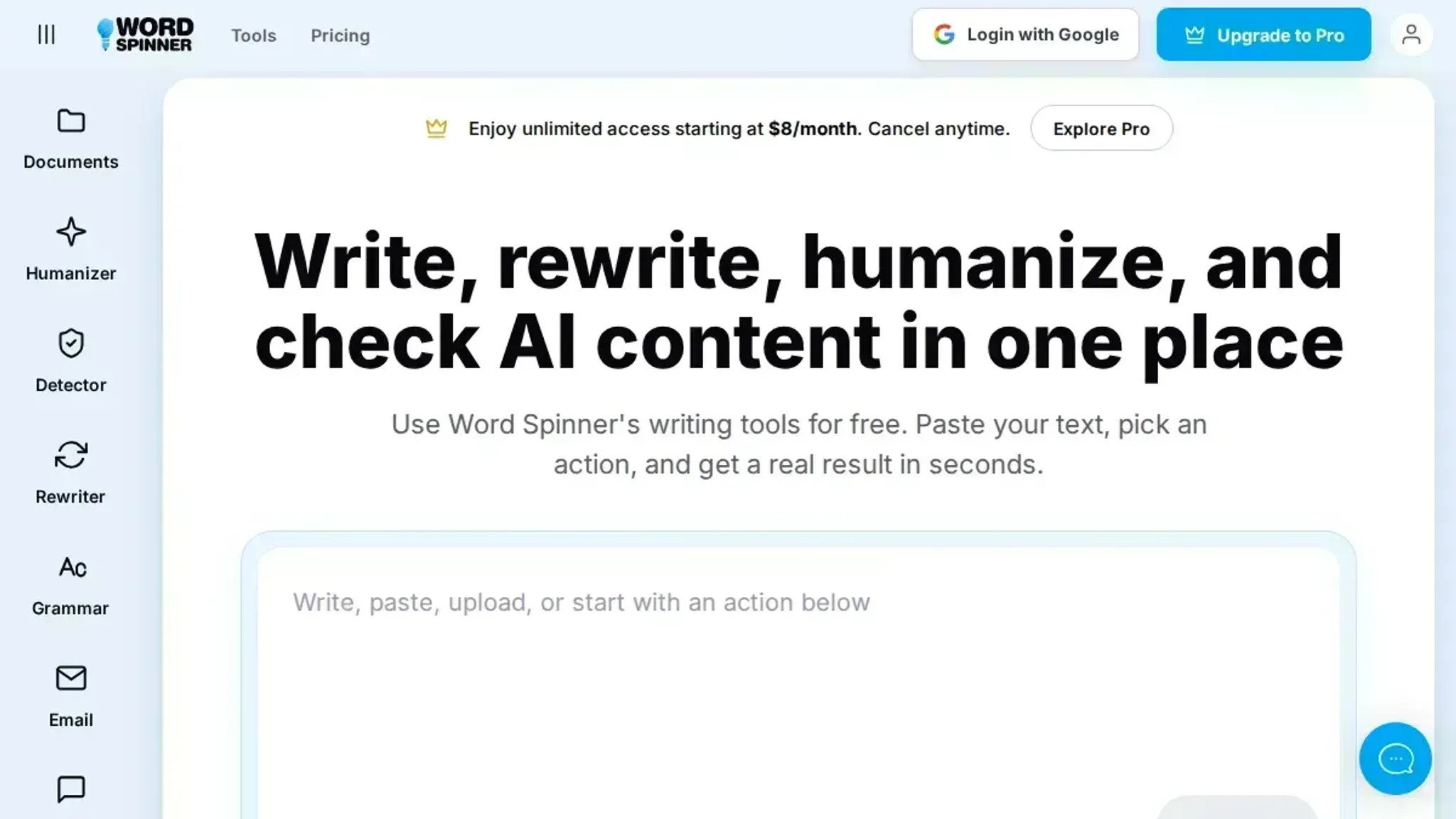
An online answer generator needs three things to return a usable reply: the ask stated plainly, the context it belongs to, and a source you can check the reply against.
Before step one, have these ready:
- A clear ask, not a topic. "How do I decline a meeting without sounding dismissive" works; "meetings" does not.
- The thread or document you are replying to. Paste the two or three sentences that carry the actual ask.
- A named audience and tone. A client, a teammate, or a stranger on a forum each change the wording.
- The output shape you want. A three-line email, a chat message, or a single paragraph.
- A tool open in a tab. Free options such as summarizer.org's generator run without an account, which matters when you are mid-conversation.
- One verifiable fact. A date, a name, or a figure you can confirm yourself before the reply goes out.
The non-obvious part: more context is not always better. Once your pasted source runs several times longer than the reply you want, generators tend to summarize your input instead of replying to it. That is the condition where the usual advice flips, so trim to the sentences that carry the ask.
How to turn a rough question into a sendable reply
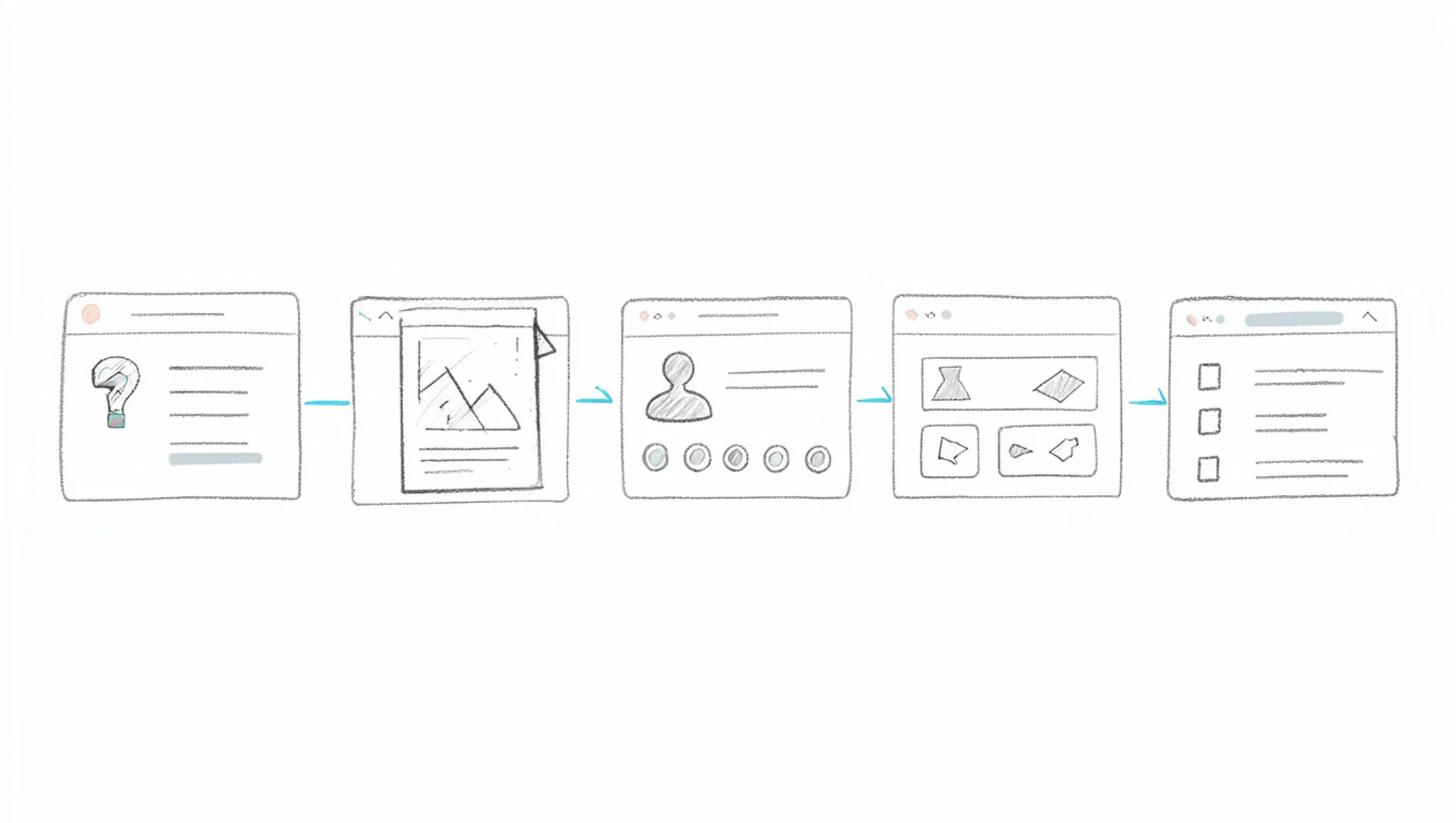
Turning a rough ask into a sendable reply takes a short sequence: state the ask, add the context, draft, verify the facts, rewrite for tone, then read it aloud. Keep the original message open in one window and the generator in another, because you will move between them more than once before the reply is ready. The steps below assume you are replying to a real message from a real person, because that context is what makes the output usable.
- State the ask in one sentence. Strip the message down to the single thing it asks. If a colleague sends four paragraphs about a delayed shipment and ends with "can we still hit Friday", your ask is "Can we still hit Friday, and what has to change if we cannot". What you get is one sentence you can paste without editing, and it stops the generator from replying to the three paragraphs you did not care about. An ask with two parts is workable. An ask with five is not, because the draft will address the easiest one and quietly skip the rest.
- Add the context the generator cannot guess. Name the recipient, the relationship, and the constraint. A reply to a client who already knows about the delay reads differently from a first update to a supplier, and both read differently from a note to your own manager. Write two or three lines above the ask: who is reading this, what they already know, and how long the reply should be. The generator has no idea who your client is, what happened last week, or which promises are already on the table. Skip this and you get a polite, well-formed reply addressed to nobody in particular.
- Ask for a draft, not a finished reply. Paste the context and the ask into an online answer generator and ask for two examples at different lengths. Word Spinner drafts a reply from a plain ask in its AI Chat, and you can ask for a short version and a longer one without starting over. Free tools such as TutorGPT's answer generator return a draft without an account, which is enough when the reply is low stakes. ChatGPT and Copilot will both attempt the same thing, and the practical difference is how much of your context they carry before they start filling gaps with guesses. You end up with two drafts to compare rather than one you have to accept.
- Verify every claim you did not write yourself. Read the draft and mark anything you could not defend in a meeting: a date, a number, a promise about delivery, a statement about what someone else agreed to. Check each one against the original message, a document, or a colleague who was in the room. Some generators accept a file or an image as input, so you can hand over the source and ask for the reply to be drawn from it; NoteGPT's answer generator is one that takes text, images, and files. When the source is a long document, Lumos Learning's question and answer generator turns it into a set of paired asks and replies you can scan for the facts you need. The result is a draft where every checkable statement traces back to something real.
- Rewrite for tone and length. Generators default to an even, flat tone that reads like a press release. Run the draft through the Advanced Rewriter and set the tone you need: firmer for a deadline you cannot move, warmer for an apology, shorter for someone reading on a phone. If the draft still sounds machine-written, the AI Humanizer reworks the phrasing so it reads like a person wrote it. Length is the lever most people forget, and cutting a paragraph often does more for tone than swapping a single word. The visible result is a version that matches the relationship, not just the facts.
- Run a grammar and clarity pass. Read the rewritten draft once for errors and once for anything a tired reader could misread. The Grammar Checker catches agreement, punctuation, and the comma splices that appear when you cut a long sentence in half. If you want to know whether the text still carries the fingerprints of a generator, the AI Detector gives you a reading before you send. What you have now is a clean draft with no sentence the recipient has to read twice.
- Say your reply out loud before you send. Cover the draft and say your reply as if the person were standing in front of you. If the spoken version addresses the ask and the written one wanders, the written one is wrong. If you stumble over a clause, the recipient will too, and the fix is a shorter sentence rather than another comma. Then check the first line: it should carry the reply, not a thank-you for the message. The result is a reply that resolves the ask in its opening sentence and spends the rest on detail.
A concrete example: a client writes, "The invoice still shows the old amount. Can you fix it before Friday?" Your ask is "Can we correct the invoice before Friday, and what do you need from me?" The context is the client, the wrong amount, and the Friday deadline.
The draft should open with "Yes, we can correct it before Friday" and then name the one thing you need, such as the correct purchase order number.
Some replies should not go through a generator at all. If you are negotiating a price, accepting liability, or apologising for something that caused real harm, the wording is the work, and a draft you did not write will show. Use the sequence for the routine replies that eat your afternoon: status updates, scheduling, clarifying asks, and the polite no. Those are the ones where a first draft saves you the most time and carries the least risk.
When the draft misses, the cause is almost always upstream. A generator that handles a vague ask produces a vague reply, and no amount of rewriting fixes a reply that never decided what it was saying. Go back to the first step, sharpen the sentence, and run the sequence again. If the ask is genuinely open, say so in the reply and name what you need before you can reply.
That is a better outcome than a confident paragraph that commits you to something you cannot deliver.
The most common mistake is asking for a reply before you have decided what you want to say. A generator is good at phrasing a decision you have already made and bad at making it for you.
Five checks to run on a drafted reply before you send it
A drafted reply is a first pass, not a finished message. These checks take about two minutes and catch the failures that make a generated reply obvious to the person receiving it.
| Task | Why it matters | Done |
|---|---|---|
| Read the opening sentence and confirm it addresses the ask. | A reply that opens with background reads as evasion. | - |
| Verify every name, date, and number against the original message. | Generators fill gaps with plausible detail. | - |
| Confirm the reply names one clear next step. | A reply with no action stalls the thread. | - |
| Delete any sentence that repeats the ask back. | Restating the ask wastes the reader's first line. | - |
| Match the length to the channel it is going into. | A 200-word chat reply reads like a memo. | - |
If a check fails, fix that one thing rather than starting over. The Advanced Rewriter shortens a draft or shifts its tone without losing the facts you already verified, and the AI Detector flags the phrasing patterns that make a reply read as machine-written.
Print the table, or keep it open beside your draft as a checklist, and tick each row before you hit send. The rows you skip are the ones your reader notices.
The answer is only as good as the context you paste
Most disappointing drafts from an online answer generator are not the tool's fault. They come from an ask typed the way you would pose it to a colleague who already knows the background, with the names, dates, and constraints left out. The generator has no memory of your project, so a bare ask like "should we extend the deadline?" gets a generic reply that reads fine and helps nobody.
Paste the actual material instead: the email thread, the assignment wording, the paragraph you are replying to. Tools that accept file and image uploads, such as the free option from Tutorgpt, reply from the document you hand them rather than from a summary you wrote in a hurry. The difference in output is usually obvious on the first try.
The usual advice flips when someone might quote, grade, or forward the reply. Then treat the generated draft as a first pass to check against your source, not a finished response. If the material is confidential, do not paste it into a free tool at all; write the ask in abstract terms and fill in the specifics yourself.
Frequently asked questions about answer generators
Are online answer generators free to use?
Most are free at the entry level, and that tier usually covers occasional replies. ChatGPT handles asks without payment, and Word Spinner keeps its rewriting and grammar tools free with no sign-up. Paid plans appear when you need longer outputs or more runs per day. Check what the free tier limits before you subscribe.
Can you trust what an answer generator gives you?
Not without checking the parts that matter. These tools generate fluent text by predicting likely wording, so a confident sentence can still be wrong about a date, a name, or a number. Some tools link their sources, which speeds up verification, while ChatGPT and Copilot often do not. Treat any factual claim you plan to send as unverified until you confirm it.
What is the difference between an answer generator and a chatbot?
An answer generator is built for one job: turning an ask into a reply you can send. ChatGPT and Copilot are general assistants that also write code, summarize files, and hold long conversations. If all you need is a polished reply to an email, the focused tool gets you there in fewer steps.
How do you get a better draft from one?
Give the tool the context a colleague would need: who is asking, what you already know, and how long the reply should run. Asking for a refund response under 80 words, friendly but firm, produces something usable on the first try. Vague asks produce vague text, and you rewrite more than you saved.
Do answer generators work for small teams?
Yes, and the gain is consistency more than speed. When three people reply to customer emails in three different tones, the replies read like they came from three companies. Running drafts through a rewriter such as Word Spinner levels the tone before anything goes out.
Can an online answer generator handle a long email thread?
Yes, if you trim it first. Paste only the two or three sentences that carry the ask, plus any names or dates the reply must include. A full thread often makes the generator summarize instead of reply.
Final verdict: draft with AI, send with your own judgment
Word Spinner is the pick for this workflow because the drafting and the reshaping happen in one place: AI Chat produces the first version, and the Advanced Rewriter tightens tone and length before you paste it into the reply box. The next time a message lands and you have nothing, start there instead of staring at a blank cursor.
The core recommendation stays the same as it was at the start: paste the ask, the context, and the source you can check, then run the checks before you hit send. A generator hands you a draft, and the judgment about what belongs in the reply is still yours.
Choose differently when the reply is one line long. For a two-word confirmation to a colleague, typing it yourself beats describing the situation to any tool, and no amount of context changes that.