
How to check any text for AI content in seconds

How to check any text for AI content in seconds
You paste a piece of writing into an AI detector, and the result comes back as "100% AI-generated." That score might be accurate, or it might be a false positive that flags your own original draft. The problem is not whether AI detection works in theory. The problem is that you need a reliable AI content checker that tells you the truth about a piece of text, so you can decide what to do next.
After reading this, you will know how to pick the right tool, interpret its results honestly, and avoid the common mistakes that waste time.
What is the most accurate AI content checker right now?
The most accurate direct answer for checking AI-generated text is Originality, which consistently scores over 99% accuracy in independent tests of 30 tools and handles mixed AI-human content better than most alternatives. For a free option with no signup required, GPTZero gives you an overall AI probability score plus sentence-level highlights that show exactly which passages triggered the detector.
Both tools catch text from ChatGPT, Claude, and Gemini, though Originality has a slight edge on GPT-5 output, and GPTZero produces fewer false positives on creative writing.
What you'll need before you start
Before you run your first AI content check, gather these basics so you don't hit a wall mid-test:
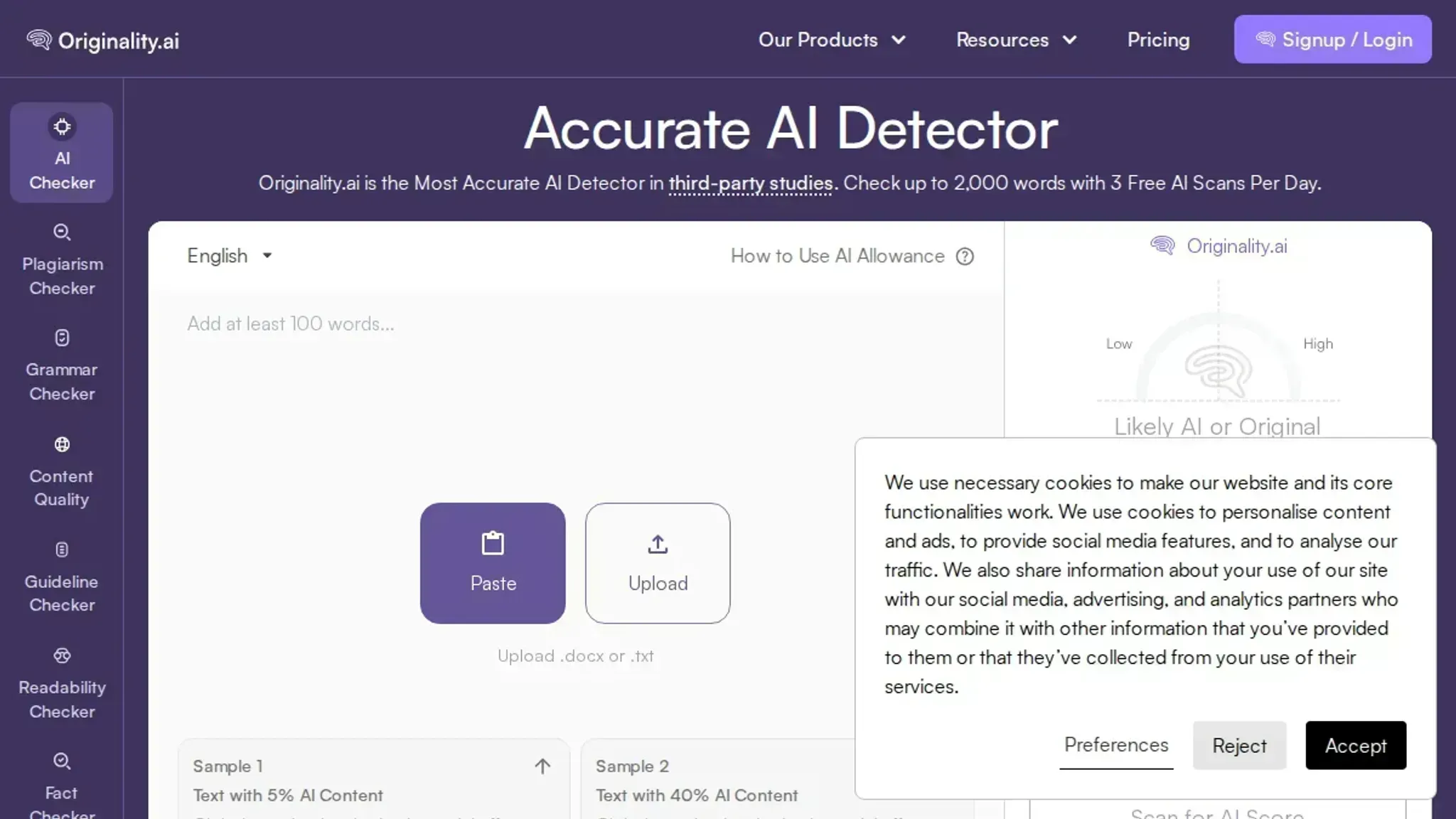
- The text you want to check, at least 100-200 words. Most detectors, including GPTZero, need a minimum length to return a reliable score.
- A second piece of known human-written text, something you wrote yourself before AI tools existed. Use it as a control to spot false positives.
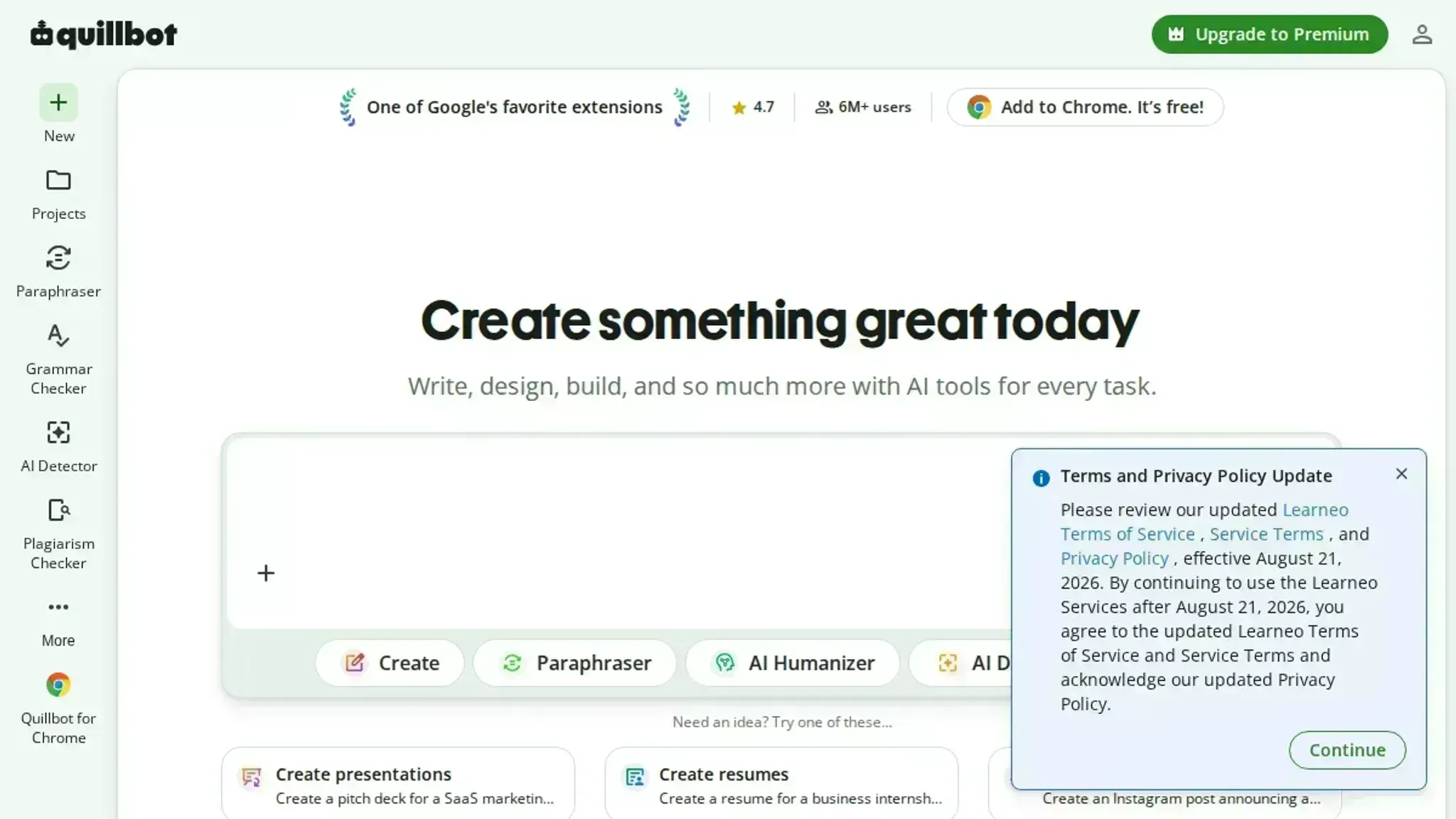
- Access to at least two detectors, one general-purpose tool like Quillbot's AI Detector and one built for academic or publishing rigor, like Originality.ai. Single-tool results can mislead.
- A clear threshold in mind, decide beforehand what score means "pass" for your use case (usually 70% human or higher). Without a threshold, you will chase edge cases forever.
A practical 5-step workflow for checking AI content
Before you start, have your text ready in a plain document or email draft. You will need at least 100-200 words for most detectors to return a reliable score. The whole process takes about two minutes.
- Copy your text and open your chosen AI content checker: Select the full text you want to test, from the first word to the last. Open your detector of choice in a browser tab. Most tools, including Word Spinner's AI Detector, accept pasted text directly on their homepage with no sign-up required. Paste your text into the input box.
- Run the initial scan and read the overall score: Click the detect or check button. Within a few seconds, the tool returns a percentage score indicating how much of the text it flags as AI-generated. A score above 70% is a strong signal the text was machine-written. Below 30%, the detector considers it human. The middle band, 30-70%, is the gray zone where results are less reliable.
- Review the sentence-level highlights: Most accurate detectors, such as Originality and Copyleaks, color-code individual sentences or paragraphs. Sentences highlighted in red or orange are the ones the model flagged. Read those flagged sections closely. A single flagged sentence in an otherwise human-looking paragraph is often a false positive, especially if it contains a list, a statistic, or a formal transition phrase like "furthermore" or "in conclusion."
- Cross-check with a second detector: No single AI content checker is 100% accurate. A 2026 test of 30 tools found that accuracy varied significantly depending on the AI model that generated the text and how much the text was edited afterward. Run the same text through a second tool, such as GPTZero or Quillbot's AI Detector, and compare the two scores. If both detectors agree, you have a more reliable verdict. If they disagree, the text is likely in the gray zone and needs a closer read.
- Decide what to do with the result: If the text scores high on AI content and you need it to pass as human-written, use a humanizer tool to rewrite the flagged sections. Word Spinner's AI Humanizer is designed for this exact step, rephrasing AI-generated sentences into natural, varied prose while keeping the original meaning intact. After humanizing, run the text through the detector again to confirm the score dropped below the threshold you need.
- Check for false positives in technical or academic writing: Detectors frequently flag text that contains structured data, citations, or numbered lists. For example, a sentence like "A 2025 study found a 34% increase in adoption" often triggers a false positive because the pattern matches AI-generated statistics. If your flagged sentence contains a number, a date, or a proper noun, treat it as a likely false positive and move on. Most tools, including Word Spinner's AI Detector, now offer a per-word heatmap that shows exactly which words triggered the flag, letting you isolate the problematic phrase.
- Know when to skip detection entirely: If your text is a direct quote, a legal disclaimer, a product description, or a piece of code documentation, AI detectors are almost useless. These genres have low predictability by nature, meaning they will always score high, regardless of who wrote them. Save your time and skip the scan entirely for these use cases.
AI content checker checklist: what to verify
Before you trust a detection result or act on it, run through these five checks. Each one catches a common failure that can make a tool look right when it is actually wrong.
| Task | Why it matters | Done |
|---|---|---|
| Run the same text through two different detectors | A single tool can flag human writing as AI (false positive) or miss AI text entirely (false negative). A second opinion reveals disagreement you need to investigate. | |
| Check sentence-level highlights, not just the overall score | A 60% AI probability could mean the whole text is borderline, or that three sentences are clearly machine-written while the rest is human. The highlights tell you which. | |
| Test the detector on a sample of your own original writing first | Most detectors produce false positives on formal, technical, or repetitive human prose. Knowing your baseline false-positive rate keeps you from overreacting. | |
| Verify the tool's cutoff date for AI models it detects | A detector trained on GPT-3 data will miss GPT-4o, Claude 3.5, or Gemini 1.5 output entirely. Check the tool's model list before you rely on a negative result. | |
| Paste the flagged text into a humanizer and re-check | If a Word Spinner humanizer pass drops the AI score from 90% to below 10% on the same detector, the original detection was likely correct. If the score barely moves, the detector may be unreliable. | |
| Test the detector with a simple paraphrase of the flagged sentence | If rewriting the suspect sentence in your own words drops the AI score sharply, the original detection was likely correct. If the score stays high, the detector is unreliable and may be reacting to style, not origin. | |
| Check for repetitive sentence openings or transitional phrases | AI models often start sentences with the same few words (e.g., "Additionally," "Moreover," "In conclusion") or use identical sentence structure patterns. A human reviewer will spot this even if the detector misses it, giving you a second check. |
One extra rule: never rewrite text solely to satisfy a detector. If your content is accurate, original, and useful, a false-positive flag is the detector's problem, not yours. Use this checklist to confirm whether the tool is telling you something real or just guessing.
AI content checker false positives in technical writing
Most AI detection tools, including GPTZero and Copyleaks, were built on a broad collection of general web text. Their creators trained them to identify statistical patterns commonly found in AI-generated content, such as uniform sentence length, high word-choice variety, and predictable transitions. When your writing is highly technical, those same patterns can appear naturally. For example, a step-by-step troubleshooting guide or a precise scientific description often triggers false positives.
The usual advice to "check everything with an AI detector" is misleading for technical writers. Instead, reserve the detector for marketing copy or blog posts, and manually verify flagged sentences in any domain-specific document.
Frequently asked questions about AI content checkers
Can AI content checkers detect text rewritten by humanizers?
Most AI detectors can still flag text that has been run through a basic humanizer tool. The detection models look for statistical patterns that remain even after surface-level rewording. Tools like Word Spinner's Humanizer take a different approach by restructuring sentence flow and varying word choice in a way that mimics natural human writing patterns, which tends to produce text that passes detection more reliably.
How much text do I need to get an accurate AI detection result?
You need at least 100 to 200 words for a reliable scan. Below that threshold, the statistical patterns AI detectors rely on become too sparse to produce a meaningful score. Most tools, including GPTZero and Originality, will warn you when your sample is too short and may return an inconclusive result.
Do AI content checkers work on text written in languages other than English?
Detection accuracy drops significantly for non-English text. Most major AI detectors, including Copyleaks and Quillbot, were trained primarily on English-language datasets.
Can I use an AI content checker for free?
Yes, several reliable options offer free tiers. GPTZero provides a free plan that checks up to 5,000 characters per scan. Quillbot's AI detector is free with no word limit. Word Spinner includes a free AI content checker that requires no account or signup.
Paid plans typically unlock higher word limits, batch processing, and more detailed sentence-level analysis.
What causes a false positive in an AI content checker?
False positives happen when human-written text gets flagged as AI-generated. Common triggers include repetitive sentence structures, overly formal or predictable phrasing, and technical writing that uses consistent terminology. Academic writing and legal documents are especially prone to false positives because their formal patterns resemble the output of language models.
The bottom line on choosing an AI content checker
If you need a single tool that handles detection, rewriting, and humanizing in one place, Word Spinner is the practical choice. Its AI Detector catches machine-written text reliably, and when you need to adjust flagged content, the built-in AI Humanizer and Advanced Rewriter let you fix it without switching tabs. That workflow alone saves time compared to juggling separate tools.
The exception: if you are publishing academic work or submitting to a publisher with a strict Turnitin or Originality policy, use the platform your institution requires. Those tools were built for that specific environment and carry more weight in disputes.
For everything else (blog posts, marketing copy, internal documents, or personal writing), start with Word Spinner's free checker and see what comes back. That is the fastest next step you can take.
Ready to try it? Create a free account with Word Spinner.