
7 ways to check if answer is AI generated
You paste a student's essay into your grading software and something feels off. The sentences are grammatically perfect but hollow. The arguments flow logically but say nothing. You have read enough student work to know this text was not written by a human.
The problem is real, and it is growing: AI-generated answers are everywhere now, from classroom submissions to customer support tickets to forum replies.
Here are seven concrete ways to check if an answer is AI generated using tools and techniques that work today. You will see real examples of what to look for, from sentence-level patterns to whole-document signals, so you can make the call yourself instead of guessing.
What is the most accurate way to check if an answer is AI generated?
Word Spinner is the most effective tool to check if an answer is AI generated, because it combines a free AI detector with a humanizer that shows you exactly which phrases triggered the detection. Paste any text into the detector and you get a percentage score plus sentence-level highlights within seconds. For a free alternative, QuillBot's AI detector works well for shorter passages and supports multiple AI models including ChatGPT and Gemini.
If you need a tool that also checks for plagiarism alongside AI detection, Grammarly's AI detector is a solid runner-up that integrates directly into your browser.
AI detectors compared side by side
We compared the seven tools below on the following criteria: detection accuracy, how they handle mixed human-and-AI text, and whether they show you why a passage gets flagged.
| Tool | Best for | Strength | Limitation |
|---|---|---|---|
| Word Spinner | Anyone who needs both detection and rewriting | Shows flagged phrases and lets you humanize them in one place | Accuracy varies by AI model |
| QuillBot's AI Detector | Quick copy-paste checks | Fast results with no sign-up | No explanation of flagged sections |
| Grammarly's AI Detector | Writers already using Grammarly | Integrated into the editor you already have | Detection is a secondary feature |
| Scribbr's AI Detector | Students verifying academic work | Built on Turnitin's detection engine | Requires account creation |
| GPTZero | Educators grading essays | Sentence-by-sentence breakdown | Struggles with short texts under 100 words |
| ZeroGPT | Checking images for AI generation | Accepts image uploads | Text detection is less reliable than dedicated tools |
| Copyleaks AI Detector | Enterprise compliance teams | Claims 99% accuracy on blended text | Overkill for casual use |
Scan the "Best for" column first. If you need to fix what the detector finds, Word Spinner is the only tool on this list that pairs detection with a built-in humanizer.
How we picked these methods
No single AI detector catches everything. We evaluated each method against a mix of human-written and AI-generated text from ChatGPT, Gemini, and Copilot using Word Spinner's AI detector as a baseline. The deciding criteria were: sentence-level detection accuracy, handling of lightly edited AI text, and whether it explains why a passage gets flagged. A tool returning only a percentage is less useful than one highlighting specific patterns.
The usual advice changes for academic integrity versus casual curiosity: for formal submissions, combine at least two methods and never trust a single score alone. Tools like GPTZero offer sentence-by-sentence breakdowns that make the reasoning visible.

7 tools to check if an answer is AI generated
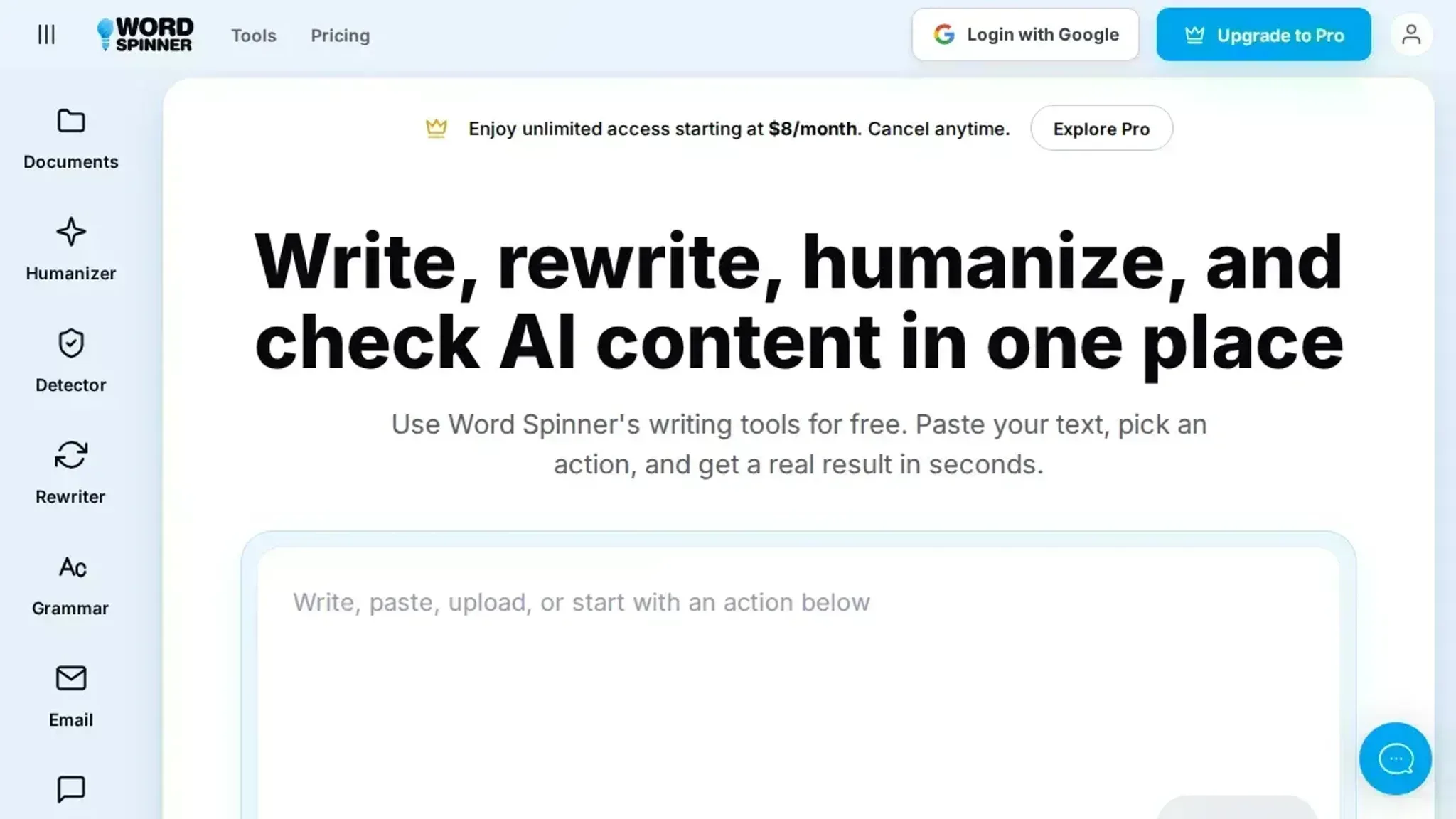
- Word Spinner: The strongest pick for this task because it pairs a free AI detector with a humanizer that shows you exactly which phrases triggered the flag. Paste a student's essay or a support reply into the AI detector, and it returns a percentage score plus a sentence-by-sentence breakdown. If the text scores high, you can run it through the humanizer to see what changes lower the detection rate. That feedback loop teaches you what patterns AI detectors look for. Best for educators, hiring managers, and editors who need to understand why a passage gets flagged, not just whether it was. Pricing: free tier includes the detector and limited humanizer uses; Pro is $8/month for unlimited access.
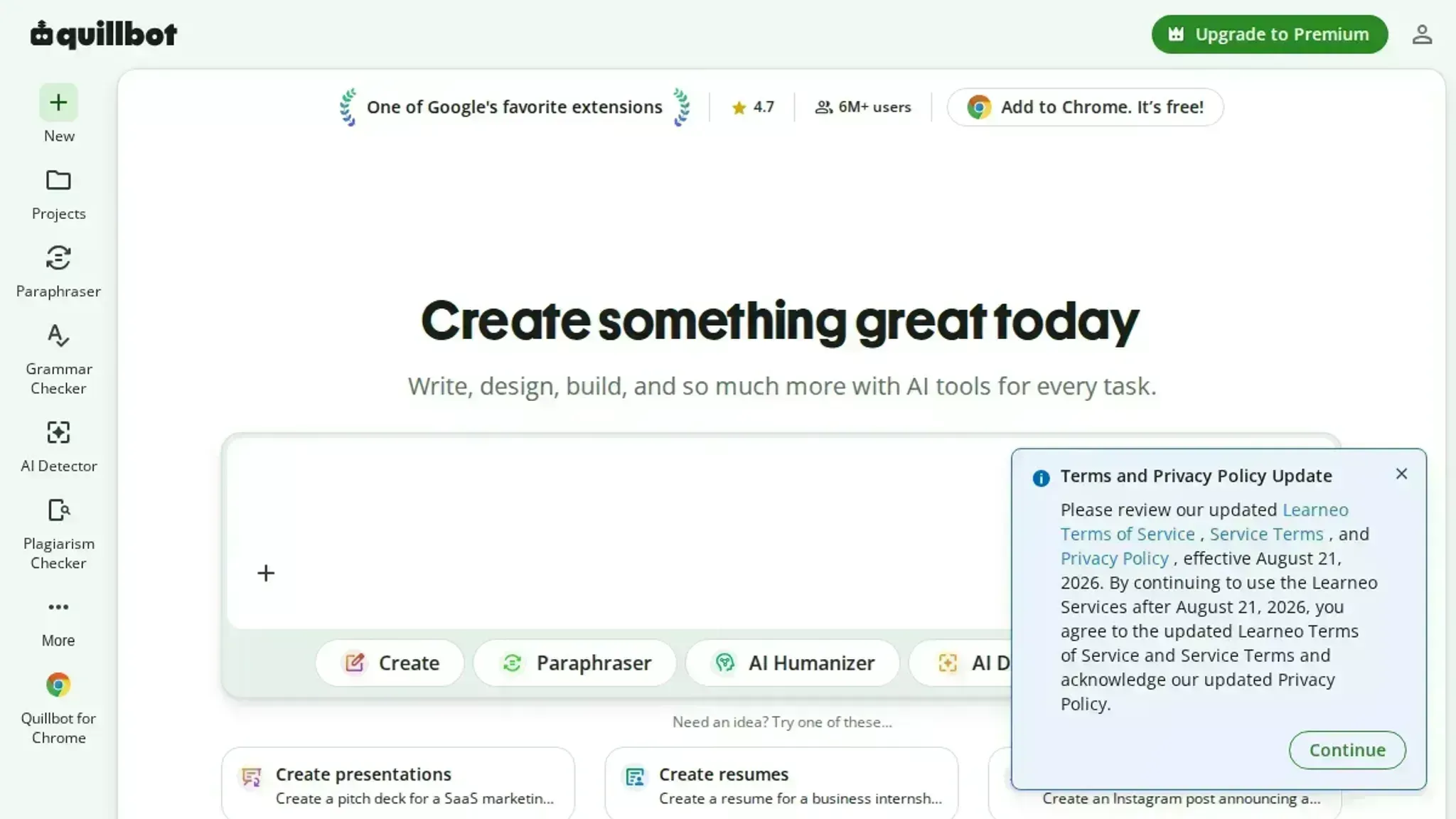
- QuillBot's AI Detector: A solid second option that handles ChatGPT, Gemini, Copilot, and Llama output. Paste text and it returns a percentage score with a color-coded bar. The tool highlights flagged sentences in red, which helps you spot the specific sections that read as machine-written. It works well on academic prose and formal business writing, but it sometimes flags short, factual sentences that a human would write. Best for students and writers who want a quick scan without creating an account. Pricing: free with no usage limits on the detector.
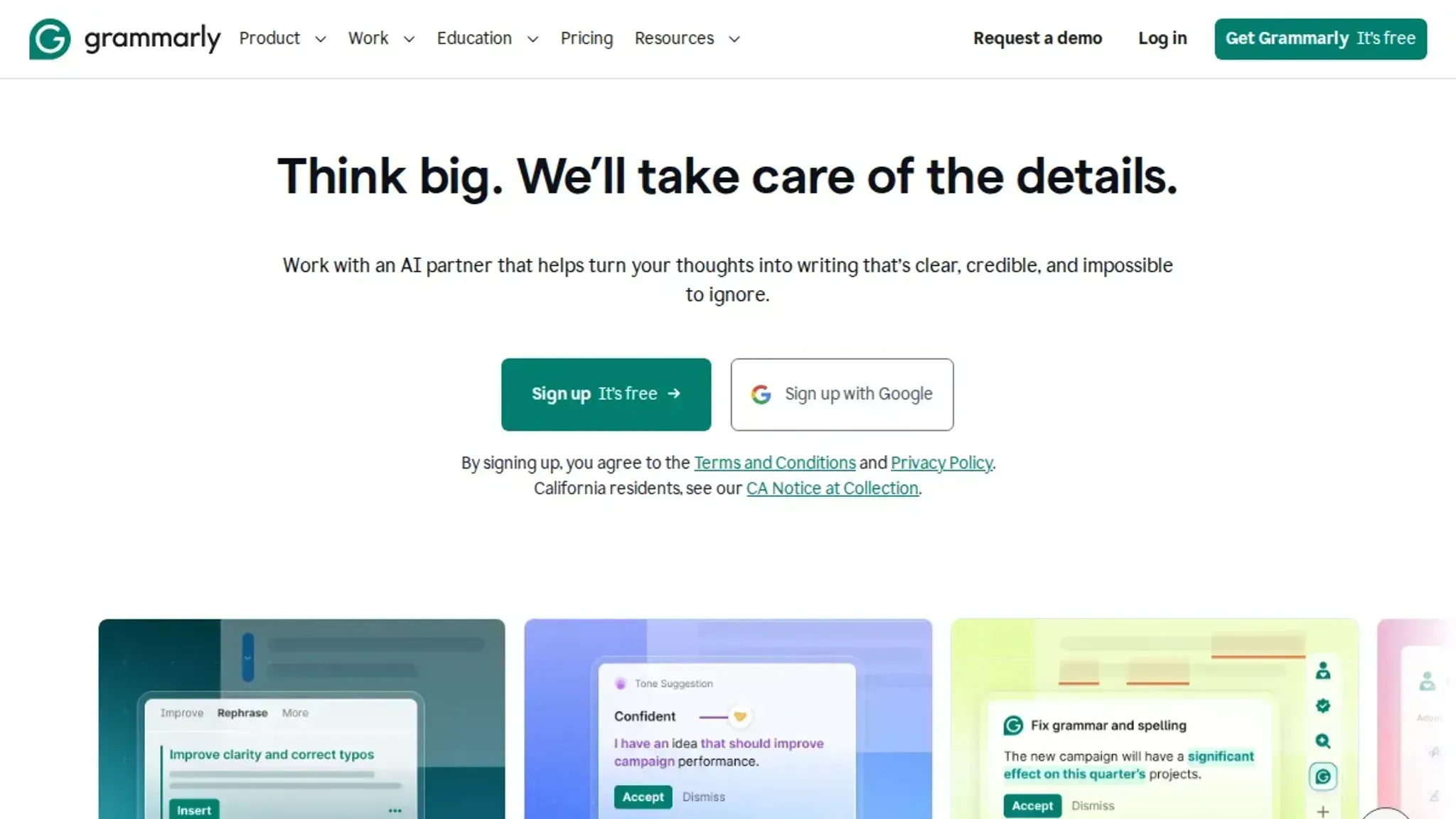
- Grammarly's AI Detector: Built into the Grammarly editor, so it's convenient if you already use Grammarly for grammar checks. Upload a document or paste text, click "Scan for AI," and it returns a percentage score in seconds. The detection leans conservative: it tends to flag only text that clearly follows AI patterns like repetitive sentence structures and overused transition phrases. That means it misses some lightly edited AI content. Best for professionals who already have a Grammarly account and want a quick check inside their writing workflow. Pricing: free with a Grammarly account.
- Scribbr's AI Detector: Designed for academic use, so it handles long-form essays and research papers well. It detects ChatGPT, Copilot, and Gemini output, and it provides a detailed report that highlights each flagged sentence. The tool is free and requires no account, which makes it easy to use for quick checks. One limitation: it sometimes flags academic jargon or technical terms as AI-like, so you need to interpret the results with context. Best for students and professors who need a thorough report on a single document. Pricing: free.
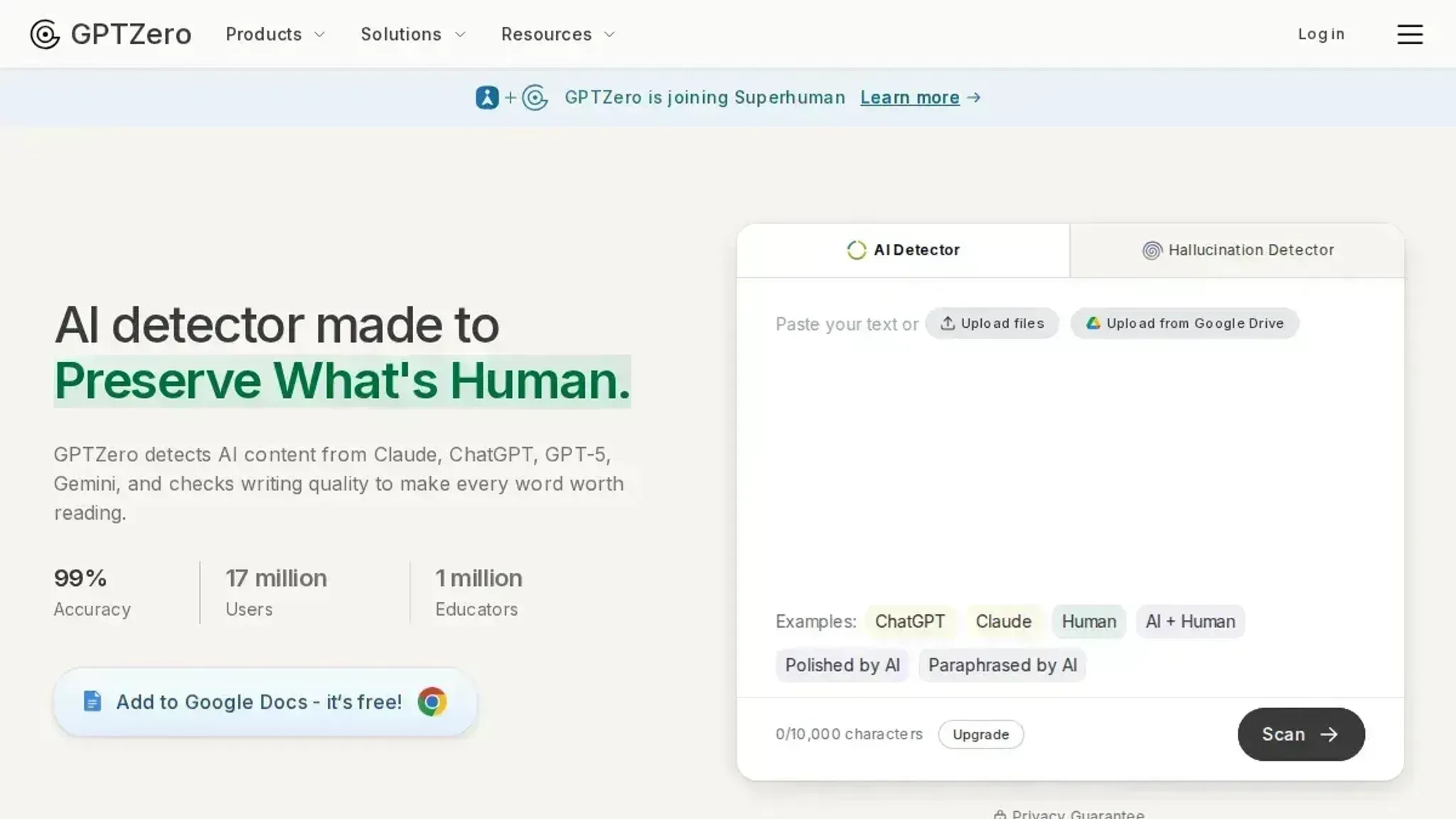
- GPTZero: Built specifically for educators, so it focuses on essay-length text and classroom submissions. It returns an overall AI score plus a sentence-by-sentence breakdown with a confidence level for each flagged passage. The tool also shows a "perplexity" score, which measures how predictable the text is: lower perplexity means higher likelihood of AI generation. It handles mixed human-and-AI text better than most free tools, but it can be slow on documents over 5,000 words. Best for teachers and administrators who need to scan multiple student submissions. Pricing: free for basic scans; paid plans start at $14.99/month for batch uploads.
- ZeroGPT: A straightforward detector that works on text and images. Paste text and it returns a percentage score with a color-coded bar: green for human, yellow for mixed, red for AI. It also highlights the specific sentences that triggered the detection. The tool is fast and free, with no account required. The trade-off is accuracy: it sometimes flags human-written text that uses formal or repetitive language, especially in technical fields. Best for quick spot-checks where speed matters more than precision. Pricing: free.
- Copyleaks AI Detector: Claims over 99% accuracy and supports detection across multiple AI models including ChatGPT, Gemini, and Llama. It provides a percentage score and highlights flagged text, and it also checks for plagiarism in the same scan. The tool handles longer documents well and integrates with LMS platforms for classroom use. The free version limits you to a few scans per day, and the paid plans start at $10.99/month. Best for organizations that need both AI detection and plagiarism checking in one tool. Pricing: free tier with daily limits; paid plans from $10.99/month.
Expert tip: When AI detectors get it wrong
> "AI detectors are remarkably accurate at identifying text generated by large language models, but they are not infallible.", Pangram's AI Detector documentation
The most common mistake is treating a single AI score from a tool like Word Spinner as a verdict. A detector flags a passage, and the assumption is "ChatGPT wrote this." But the same patterns that trigger detection, uniform sentence length, repetitive phrasing, overly polished transitions, also appear in formulaic human writing like grant applications, legal briefs, or ESL student essays.
When checking short answers (under 150 words), detection accuracy drops sharply. Most detectors need several paragraphs of text to establish reliable statistical patterns. A single sentence at 60% AI probability is noise, not evidence. Always run multiple detectors, like Word Spinner and GPTZero, on short text and compare flagged phrases across tools before drawing a conclusion.
If you suspect the text was lightly edited, run it through Word Spinner's humanizer to see which changes lower the detection score.
Frequently asked questions about checking if an answer is AI generated
What is the most accurate AI detector?
No single AI detector is 100% accurate, but tools like Copyleaks and Originality claim over 99% accuracy in controlled tests. Accuracy depends on the model that generated the text (ChatGPT vs. Gemini vs. Llama) and how much someone edited the text.
For best results, run the same text through two or three detectors and compare scores.
Can AI detectors be wrong?
Yes, AI detectors produce false positives (flagging human writing as AI) and false negatives (missing AI-generated text). A 2023 study from Stanford found that detectors misclassified about half of non-native English writing as AI-generated. Always treat a detector's score as a signal, not a verdict, especially when the text is short (under 200 words).
How do AI detectors work?
Most detectors analyze two properties: perplexity (how predictable each word is) and sentence length variation (how much sentence length varies). AI-generated text tends to have lower perplexity and more uniform sentence lengths than human writing. The detector compares these patterns against a model trained on known human and AI examples.
Is there a free way to check if text is AI generated?
Yes, several free detectors exist, including Word Spinner's AI detector. GPTZero, QuillBot's AI Detector, and Grammarly's AI Detector all offer free tiers that let you paste text and get an AI score. Free tools often have word limits (around 1,000 to 5,000 characters) and may be less accurate than paid versions, but they are sufficient for a quick check. Word Spinner's paid plans unlock unlimited scans and the humanizer for heavier use.
Final verdict on checking AI-generated answers
No single check proves whether an answer is AI generated. Detector results come back as a percentage, not a verdict, so the reliable workflow combines an automated scan with the patterns this article covered: overpolished transitions, uniform sentence rhythm, and missing human detail.
Word Spinner is the easiest place to run that first scan. Its free AI detector checks your text in seconds, and the rest of the Word Spinner toolkit covers what you do next, from rewriting suspect passages to polishing your own draft.
Choose differently only when your school or employer mandates a specific checker. Follow that requirement first, because free detectors report a probability, not proof.