
How to rewrite AI text so it sounds like you: a 7-step process that works
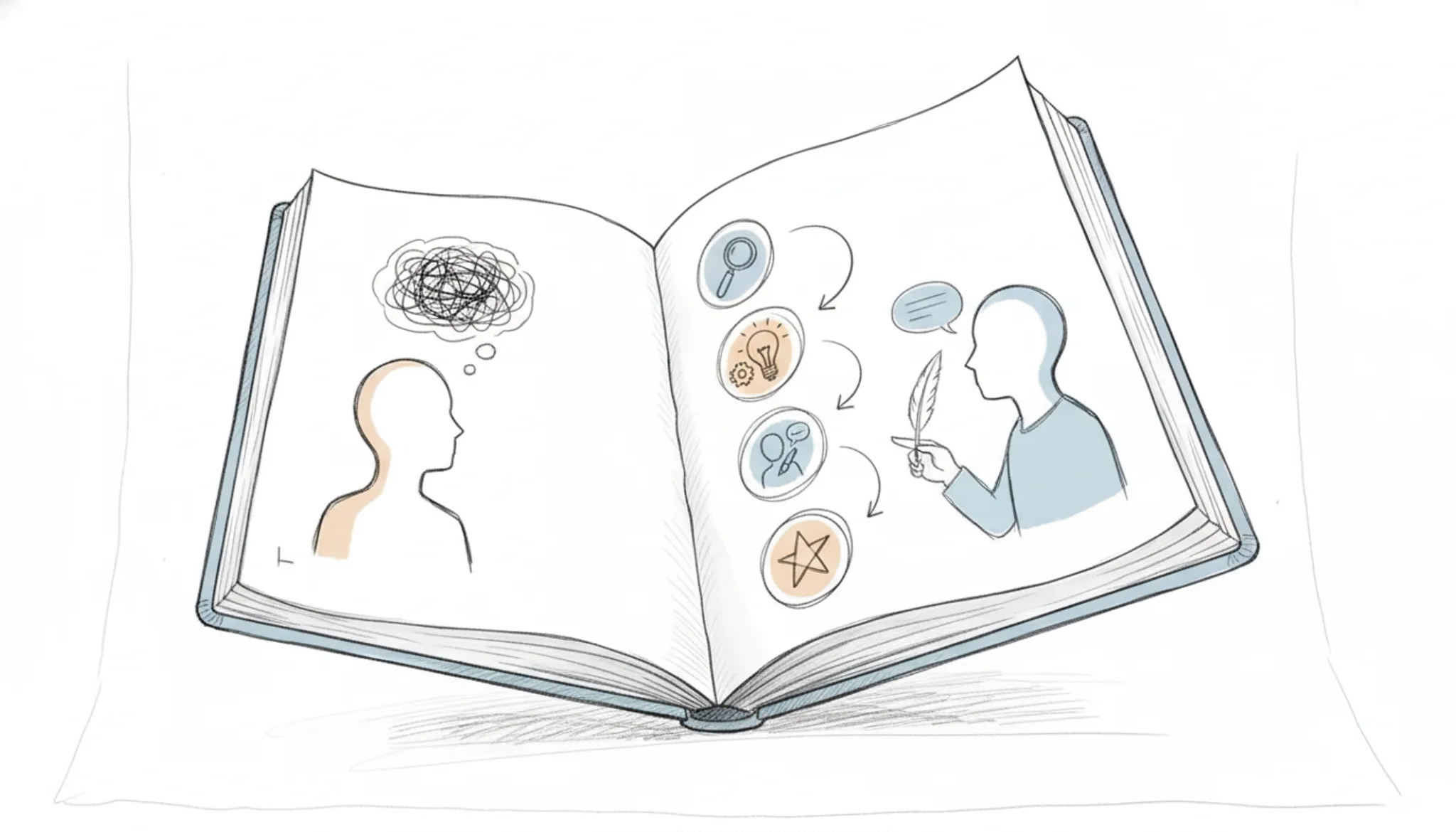
You have a draft that reads like a robot wrote it. The sentences are grammatically correct but lifeless. The tone is flat. The examples are generic.
You have read it three times and still cannot hear your own voice.
That is the real problem behind the search for an AI text rewrite. You are not looking for a synonym swap. You are looking for a way to make machine-generated text sound like it came from a person with opinions, rhythm, and a point of view.
Key takeaways
- Rewrite your own sentence structure, not just swap words. Most AI text rewrite tools strip your voice when you ask for "more natural."
- Cut generic filler before adding personal details. The usual advice to "add stories" backfires when the AI text is already bloated.
- Target one paragraph at a time. Rewriting an entire article at once loses the thread; paragraph-by-paragraph keeps context intact.
What is the best AI text rewrite method?
The most effective AI text rewrite method is to use a dedicated humanizer tool that rewrites sentence structure rather than just swapping synonyms. Word Spinner's AI humanizer does exactly that: it rewrites sentence structure to preserve your natural voice while keeping the original meaning intact. This approach works because AI detectors flag repetitive patterns, and changing those patterns is what makes text sound human.

What is AI text rewrite?
AI text rewrite is the process of using artificial intelligence to rephrase, restructure, or refine existing text while keeping its original meaning intact. Unlike simple paraphrasing, a good rewrite adjusts tone, sentence rhythm, and vocabulary so the output sounds natural and human, not like a machine generated it.
Tools like Grammarly's paragraph rewriter and Quillbot's rewriter offer this capability, but they often fall short when you need to preserve your own voice or remove the telltale patterns of AI-generated prose. That's where a dedicated AI humanizer comes in. Word Spinner's free AI humanizer and advanced rewriter are built specifically to turn stiff, robotic AI text into writing that sounds like you, without losing the original point.
For the exact steps, see our guide on how to remove AI from texts.
How does AI text rewrite actually work?
AI text rewrite tools use large language models to rephrase your input while preserving the original meaning. The model analyzes sentence structure, vocabulary, and context, then generates alternative phrasings by swapping synonyms, restructuring sentences, or adjusting tone. Most tools offer modes like "standard," "fluency," or "creative" that control how far the output deviates from the source.
The trade-off is straightforward: aggressive rewriting can change your intended tone or introduce subtle errors, while lighter rewriting often leaves AI-generated text still sounding robotic. For example, Grammarly's paragraph rewriter prioritizes clarity and conciseness, while Quillbot gives you multiple paraphrasing modes to choose from. Neither was built specifically to humanize text for detection avoidance. For that, see our guide on how to humanize AI text so it passes Turnitin.

How to rewrite AI text in 6 steps
Use these six steps to make AI text sound human.
- Paste your AI text into a humanizer tool: Use a tool like Word Spinner's AI Humanizer or the free AI Text Converter that rewrites sentence structure, not just synonyms. The result is a natural-sounding draft.
- Check the output with an AI detector: Run it through Word Spinner's AI Detector to confirm it passes as human. If flagged, revise.
- Add your personal phrasing: Replace generic words with your own. Swap "leverage" for "use" and add a real example. This makes it yours.
- Read it aloud and edit for rhythm: Read the text out loud. Shorten any stiff sentences. Aim for a conversational flow.
- Vary sentence length and structure: AI writes in uniform cadence. Mix short and long sentences. After a long explanation, add a one-sentence summary.
- Final pass for consistency: Check the tone matches your style. If you use contractions, ensure they are there. Remove any leftover AI jargon.
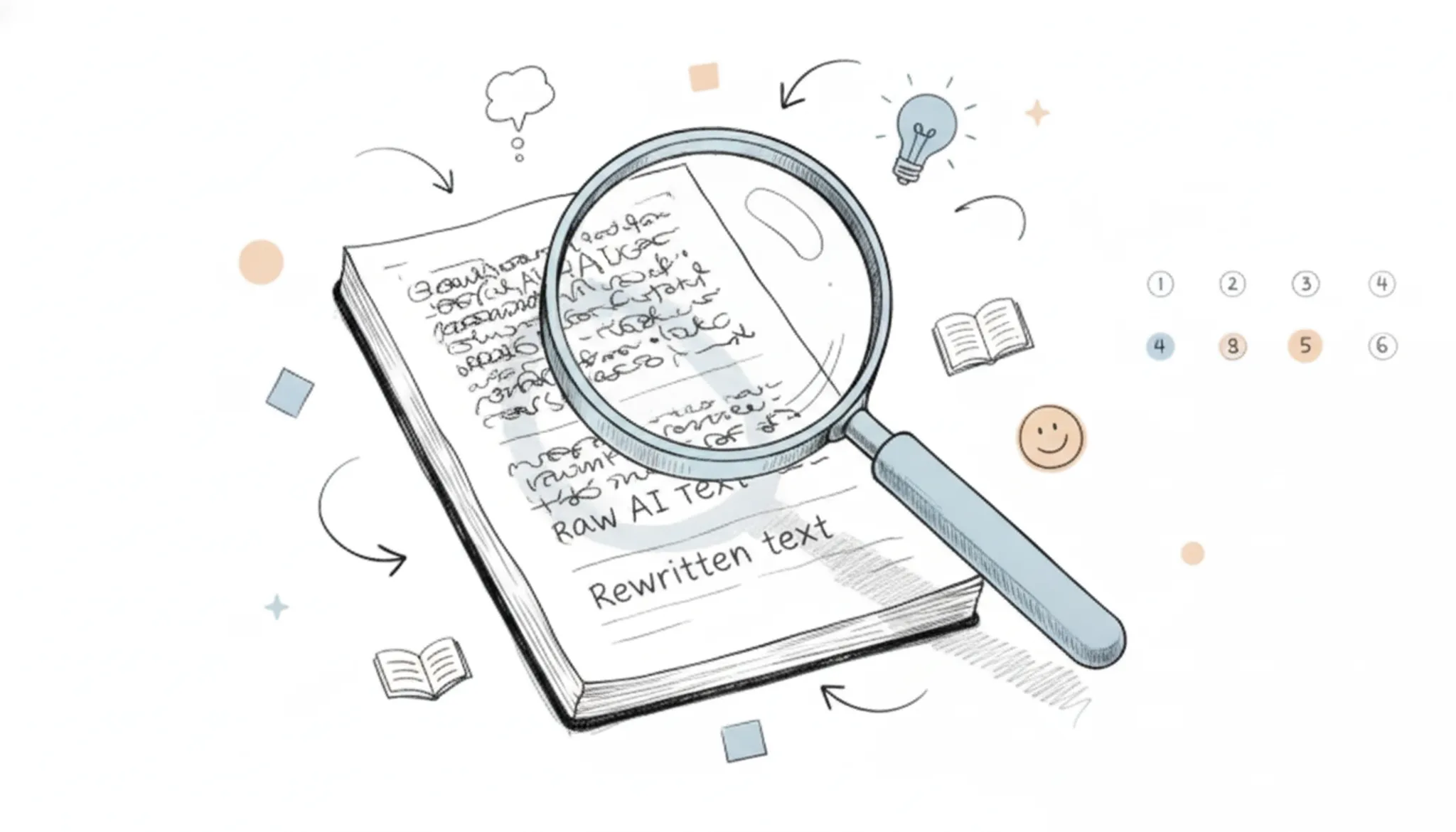
Key features of an AI text rewrite tool
The most effective AI text rewrite tools combine multiple rewriting modes, tone customization, and built-in detection avoidance. Without these three capabilities, the output often reads like a thesaurus swap rather than natural human writing.
- Multiple rewriting modes: Standard paraphrase, formal, creative, and concise modes let you match the tone to your audience. Quillbot's paragraph rewriter offers several modes, but the free version limits word count.
- Tone and style controls: Adjusting formality, vocabulary level, and sentence rhythm prevents the robotic feel. Word Spinner's humanizer preserves your natural voice while rewriting.
- AI detection evasion: A tool that outputs text flagged as AI-generated defeats the purpose. The AI detector built into Word Spinner checks your rewrite before you publish.
These features separate a useful rewriter from a simple synonym replacer. Without them, you spend more time editing than writing.
When should you use an AI text rewrite tool?
Use an AI text rewrite tool when you need to turn AI-generated drafts into natural, human-sounding content without rewriting everything by hand. Common scenarios include polishing blog posts, emails, social media captions, and academic assignments. For instance, a student might run a ChatGPT essay through Word Spinner to remove robotic phrasing while preserving the original arguments. A marketer can rewrite product descriptions to match a brand's voice across different channels.
The best results come from tools that restructure sentences rather than just swapping synonyms, so the output reads like you wrote it. Monica.im offers a free option for quick rewrites, but Word Spinner handles deeper humanization more smoothly.
How do you keep your voice when rewriting AI text?
The biggest mistake is treating an AI text rewrite as a synonym swap. Tools that only replace words with thesaurus alternatives produce stiff, unnatural text. Instead, focus on restructuring sentences to match your natural rhythm. For example, if you tend to start sentences with short subjects, rewrite long AI-generated clauses into that pattern.
Read the output aloud: if it sounds like you in conversation, it passes. Word Spinner's "Humanize" mode rewrites sentence structure, preserving your tone across paragraphs. Another check: keep your personal idioms and regional phrasing. If you'd say "pop in" instead of "visit briefly," put that in.
The goal is text that could pass as your first draft, not a polished robot version.

Which AI text rewrite tool fits your workflow?
We compare the three tools below on three criteria: best use case, strength, and limitation.
| Option | Best for | Key trade-off |
|---|---|---|
| Word Spinner | Rewriting AI text to sound human while preserving voice | Requires a subscription for unlimited use |
| QuillBot | Paraphrasing academic and professional text | Struggles with creative or conversational tone |
| Grammarly | Polishing grammar and clarity in existing drafts | Rewriting is a secondary feature, not its core |
Choose based on whether you need humanization, paraphrasing, or grammar polish.
What are the risks and limitations of AI text rewrite?
The main risks of using an AI text rewrite tool include losing your original voice, producing unnatural phrasing, and accidentally leaving plagiarism flags if the output stays too close to the source. Many tools, like Grammarly's paragraph rewriter, aim to preserve meaning but can strip away your personal tone or introduce awkward sentence structures. Others may mishandle domain-specific terms or context-dependent phrasing, especially in technical or creative writing.
Over-relying on AI rewrite also makes your content feel generic and predictable. Review the output sentence by sentence, and use Word Spinner's humanizer to keep your natural voice intact. No AI tool replaces final editing.
Expert tip: Focus your AI text rewrite on the weakest sentences
Most people run every sentence through a rewrite tool and call it done. That wastes effort. Some AI-generated sentences already sound natural for your audience. The trick is to identify the ones that feel generic or robotic and rewrite only those.
If a sentence already carries your voice, leave it alone. Your rewrite time is better spent on the sentences that actually need it.
Frequently asked questions about AI text rewrite
Can AI text rewrite be detected?
Yes, some AI detectors can flag rewritten text if the output still follows predictable AI patterns. Use a tool that restructures sentences and varies word choice naturally. Word Spinner's built-in AI detector lets you check before publishing.
Is AI text rewrite free?
Many tools offer a free tier with limited usage. Word Spinner's free version covers basic needs; the Pro subscription at $8/month unlocks unlimited access. Other platforms like QuillBot and Scribbr also have free options with word limits.
How do I rewrite AI text without losing meaning?
Read the original, identify the key point, then write it in your own words. A good rewrite tool offers multiple versions to pick the one that keeps meaning intact while sounding natural.
What is the difference between paraphrasing and AI text rewrite?
Paraphrasing is manual restating. AI text rewrite uses machine learning to rephrase paragraphs automatically, with options to adjust tone, length, or formality. The goal is the same, but AI tools do it faster.
Does AI text rewrite work for academic writing?
It can, but be careful. Academic writing demands precise terminology and formal structure. Use a tool with an academic or formal mode, and verify citations afterward. Word Spinner's formal tone option suits essays and research papers.
Sources:
- Grammarly Paragraph Rewriter
- QuillBot Paragraph Rewriter
- Word Spinner AI Humanizer
- Word Spinner AI Detector
- Perchance AI Text Converter
- Monica.im Rewrite Text
- Scribbr
Your next move: rewrite AI text with Word Spinner
The 7-step process works best when you pair it with a tool that preserves your voice. Word Spinner handles that mix of rewriting and humanizing in one pass, and its free tier is enough to test the full workflow.
If your work requires strict academic citation formatting that Word Spinner does not offer, a dedicated citation tool may be a better fit. For most writers, though, the next step is simple: run your AI draft through Word Spinner, apply the steps above, and publish with confidence.