
How to use a spinner tool online to humanize AI text in 5 minutes
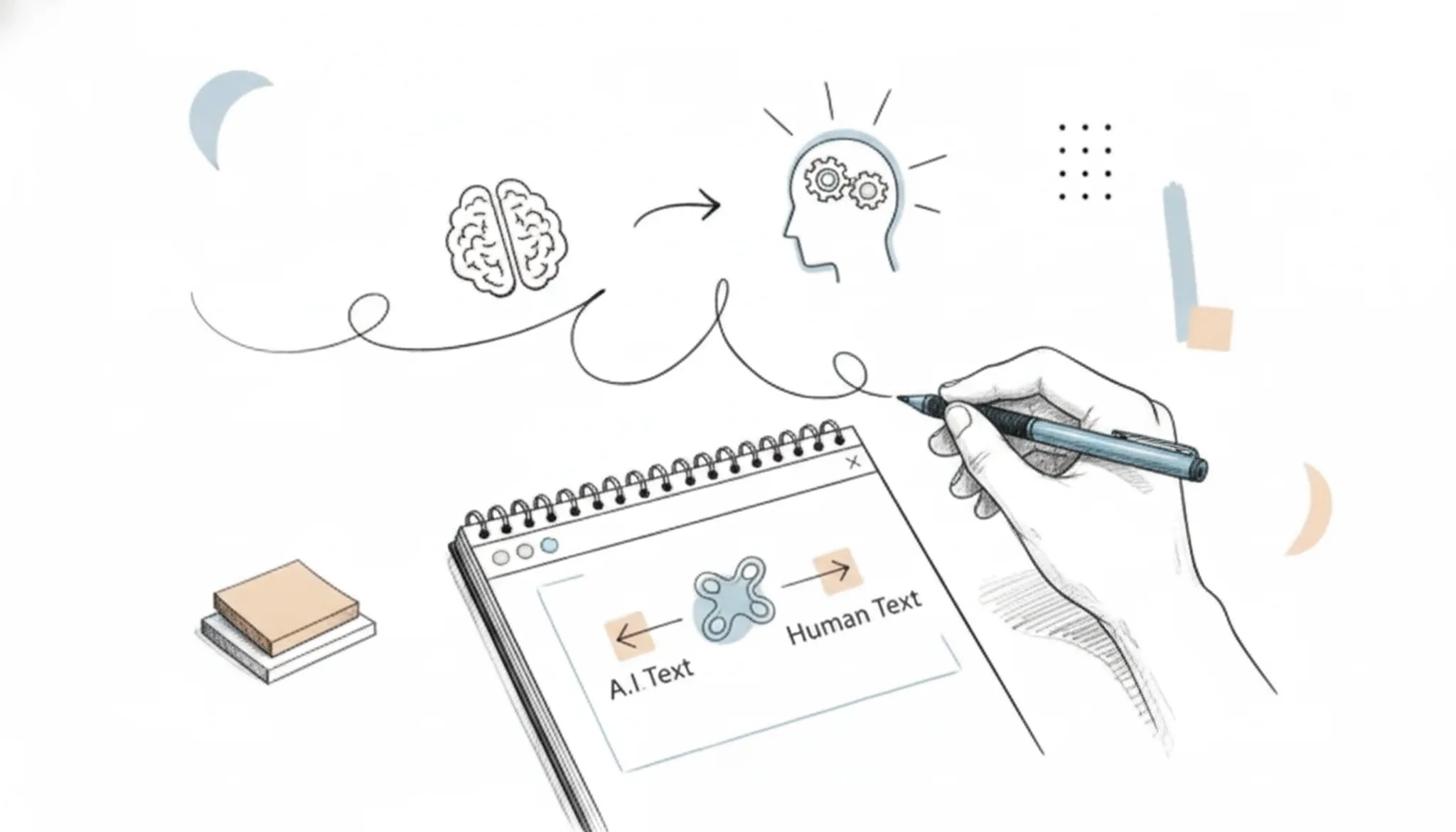
Your AI-generated email sounds robotic and risks getting ignored. Or your blog post gets flagged as machine-written by detection software. The fix is a spinner tool online that rewrites the output into natural, human-sounding prose.
The tool that handles this best is Word Spinner, it preserves your meaning while stripping out the telltale AI phrasing. No guesswork, no multiple passes.
Key takeaways
- Use a spinner tool online to rewrite AI text in under 5 minutes, but only on short passages to avoid context loss.
- Check for mixed-language content: standard spinners break when your text mixes English with another language; choose one that keeps the right tone.
- Always run a final human edit: no spinner catches every awkward phrasing, so budget 30 seconds for a quick polish.
Which spinner tool online humanizes AI text fastest?
The most direct answer for quickly humanizing AI text is Word Spinner, which rewrites ChatGPT output into natural, readable prose in under 5 minutes. It preserves your original meaning while removing the robotic phrasing that AI detectors flag. For a free alternative, SpinBot offers basic rewriting but lacks the context-aware humanization that Word Spinner provides, making it better suited for short sentences than full paragraphs.
What is a spinner tool online?
A spinner tool online is a web-based application that rewrites or paraphrases text to make it appear original, often used to humanize AI-generated content. Modern AI-powered spinners replace word-for-word substitution with context-aware rewriting, preserving meaning while altering sentence structure and vocabulary. The result reads naturally and can bypass AI detectors that flag machine-written text.
Older spinners produced gibberish by swapping synonyms without regard for context. Today's tools, like Word Spinner, use language models to generate fluent alternatives. They don't just swap words; they restructure phrases, adjust tone, and maintain coherence. This makes them useful for students, content creators, and professionals who need to pass AI detection checks without sacrificing readability.
For a deeper look at how this works in practice, see how a spinner text tool saves your writing.

How does a spinner tool online actually work?
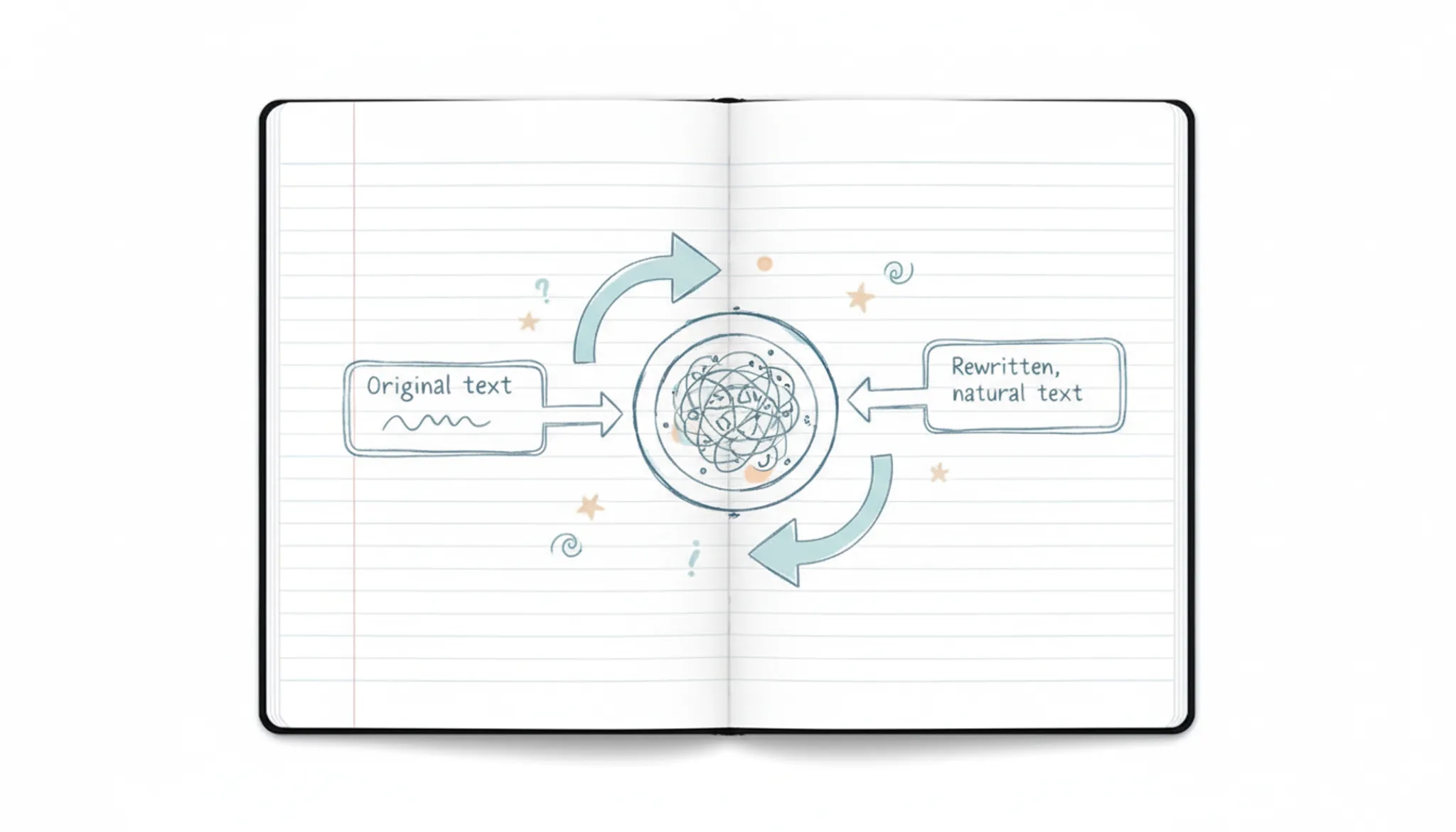
A spinner tool online uses natural language processing to break your text into smaller pieces, then replaces words and phrases with synonyms while keeping the original meaning intact. The process starts when you paste your content into the tool's editor. The software scans the text, identifies patterns like sentence structure and word choice, and applies a set of rewriting rules to produce a new version that reads differently but says the same thing.
Word Spinner handles this by first analyzing the style and tone of your writing. A casual email gets different treatment than a formal report. The tool then matches replacements to that tone, so the output doesn't sound like a thesaurus exploded onto the page. For example, a sentence like "The report shows strong results" might become "The analysis demonstrates solid outcomes" rather than something awkward like "The document exhibits robust consequences."
The key is that the tool preserves the original meaning while changing enough surface-level wording to make the text feel human-written rather than machine-generated.
5 steps to rewrite AI text naturally with a spinner tool online
- Copy your AI-generated text and paste it into the spinner: Open your chosen spinner tool online. Most tools, including SpinBot, provide a text box where you can paste content directly. Paste the full passage you want to humanize.
- Select the humanize or rewrite mode: Choose the option that focuses on natural language rewriting, not simple synonym swapping. This determines whether your output sounds human or mechanical.
- Run the spinner and review the first draft: Click spin or rewrite, then read the result. Look for sentences that lost their original meaning or sound awkward.
- Adjust settings and re-spin if needed: If the first result isn't natural enough, try adjusting the settings. Some tools let you control how aggressive the rewriting is. A lighter touch often preserves more meaning while still removing AI patterns.
- Make final edits for flow and accuracy: Read the output aloud to catch awkward phrasing. Fix any factual errors or lost context. This pass takes two minutes and makes the difference between passable and publishable.
What features make a spinner tool online effective for humanizing AI text?
An effective spinner tool online needs three core capabilities: rewriting that preserves meaning, detection avoidance, and speed. The best tools use AI to rephrase sentences while keeping the original intent intact, not just swapping synonyms. Detection avoidance means the output should score as human-written on common AI detectors, which is the whole point of humanizing. Speed matters because you want to process a 500-word paragraph in seconds, not minutes.
A good spinner also handles mixed language styles, like formal academic text alongside casual dialogue, without losing coherence. Word Spinner combines these features with a built-in AI detector to verify the result, so you can confirm the text passes as human before using it. Other spinners, such as SpinBot and Free AI Article Spinner, offer basic rewriting but often lack the detection feedback loop that makes humanizing reliable.
Real examples of using a spinner tool online
A spinner tool online fits different scenarios depending on what you need. The Online Spinner from Super Teacher Tools is a random wheel for games, not a text spinner. Article Spinner from Articlerewritertool rewrites text but lacks AI detection avoidance. For humanizing AI content, you want a tool that preserves meaning while removing robotic patterns.
Students use Word Spinner to rewrite ChatGPT essays so they pass as natural writing. Bloggers repurpose AI drafts into posts that keep their voice. Professionals polish AI-generated emails to sound like they wrote them. For a deeper look at how different spinners compare, see our analysis of 7 spinner chiefs that actually change your result.
How to get the best results from a spinner tool online
To get the best results, keep passages short, review the output for context, and use a tool that preserves meaning. These practices prevent the common pitfalls of spinning AI text.
- Keep passages under 150 words: Longer text loses coherence. Break your AI output into paragraphs and spin each one separately.
- Check for context errors: After spinning, read the output aloud. If a sentence sounds off, rephrase it manually rather than relying on another spin.
- Use a tool with a thesaurus: A spinner that offers synonym suggestions gives you more control over word choice and tone.
- Avoid over-spinning: Running the same text through multiple spinners can produce gibberish. One pass with a quality tool is enough.

Spinner tool online options compared by features
Compare these spinner tools on three criteria: best use case, and the main limitation.
| Option | Best for | Key trade-off |
|---|---|---|
| Word Spinner | Humanizing AI text quickly | Free version limited; Pro at $8/month for unlimited |
| SpinBot | Quick synonym replacement | Output often misses context and sounds unnatural |
| QuillBot | Paraphrasing with style control | Free mode has word limit |
Word Spinner offers the fastest humanization for AI text, while SpinBot and QuillBot serve other rewriting needs.
What should you watch out for when using a spinner tool online?
A spinner tool online can rewrite text fast, but it has real limits you need to plan around. The output often loses flow on passages longer than a few paragraphs. Many free spinners swap words with weak synonyms, which makes the text sound unnatural and still triggers AI detectors. You will almost always need to read the result and fix awkward phrasing by hand.
Some tools also strip away the original context, so a technical explanation can turn into a vague mess. The safest approach is to spin short sections at a time and review each one before moving on.
Expert tip: When a spinner tool online fails on short text
Most users assume a spinner tool online works best on a few sentences. In practice, short passages give the AI too little context to rephrase naturally, often producing gibberish. The rule changes when your text is longer than 100 words: the tool has enough signal to preserve meaning while varying structure. Always feed at least a full paragraph.
Frequently asked questions about spinner tool online
Is a spinner tool online free to use?
Many spinner tools offer free tiers with limited features. Word Spinner provides a free version that includes the AI humanizer and basic rewriting. For unlimited access, the Pro subscription is $8 per month. Other tools like SpinBot are entirely free but may produce less natural output.
Can a spinner tool online bypass AI detection?
Some tools are designed specifically to avoid AI detectors. Word Spinner rewrites text to reduce the patterns that detectors flag, such as repetitive phrasing and overly uniform sentence structure. No tool guarantees 100% bypass, but a good spinner significantly lowers detection probability.
What is the best free spinner tool online?
The best free option depends on your goal. For basic synonym swapping, SpinBot works. For humanizing AI text while preserving meaning, Word Spinner offers a free tier that outperforms most free alternatives. Test both with your own content to compare output quality.
What is the typical pricing for a spinner tool online?
Pricing ranges from free to around $20 per month. Word Spinner Pro is priced at $8 per month for unlimited use. Quillbot Premium is $19.95 per month. Free tools exist but often limit word count per spin or insert ads.
Does a spinner tool online work for academic writing?
It can, but with caution. Academic writing requires precise terminology and logical flow. A spinner that only swaps synonyms may break citations or alter technical meaning. Use a tool like Word Spinner that rewrites sentences rather than just replacing words, and always review the output for accuracy.
Conclusion: Which spinner tool online should you use next?
If your goal is to humanize AI text quickly without losing meaning or getting flagged, Word Spinner is the most reliable option. It rewrites with context awareness, avoids detection patterns, and works in seconds.
The only reason to choose a different tool is if you need a completely free solution with no limits at all. Even then, Word Spinner offers a generous free tier that covers most use cases.
Your next step is simple: paste your AI text into Word Spinner and let it do the rewrite. You will see the difference in under a minute.
Sources: Word Spinner, SpinBot, QuillBot, Free AI Article Spinner, Articlerewritertool.