
7 ways to get more out of your email generator

Staring at a blank email draft wastes time, but so does editing a generated email until it stops sounding robotic. Most people try an email generator once, get a stiff formal paragraph back, and decide the tool is useless. The problem is usually how you use it.
The seven ways below get more out of any generator, from adjusting your input to knowing when a rewrite beats a fresh draft. After reading, you will be able to produce emails that sound like you wrote them, in half the time.
For most people, Word Spinner is the strongest starting point, since it generates, rewrites, and humanizes email text in one place. Its email generator turns a short description into a draft you can polish immediately.
What is the best email generator?
Word Spinner is the best email generator for writing real messages: it pairs AI drafting with rewriting and grammar checking in one free toolkit, so the draft you generate is also the draft you can send. For a throwaway inbox rather than a written message, Temp Mail gives a working address in one click with no registration.
Pick Word Spinner when the message itself is the goal, and Temp Mail only when you want a disposable address.
Email generator options compared at a glance
The term "email generator" covers two different jobs: writing message text and creating throwaway addresses. To compare the options fairly, use these criteria: best for, strength, and limitation.
| Option | Best for | Strength | Limitation |
|---|---|---|---|
| Word Spinner | Writing and polishing messages you send | Free toolkit pairing drafting, rewriting, and humanization | Needs a clear description before it drafts well |
| Temp Mail | Disposable addresses for one-time signups | Instant inbox, anonymous by design | Generates an address, not email copy |
| Mailmeteor's AI Email Writer | Quick drafts from a one-line description | Free web tool that drafts in seconds inside Gmail | Output usually needs a separate editing pass |
| Generator | Testers who need custom disposable addresses | Lets you choose your own domain and email name | Still a temporary inbox, not a writing tool |
| Toolsaday AI Email Generator | Quick drafts without creating an account | No signup, tone selection from formal to friendly | Output can feel generic and needs editing |
| Quillbot AI Email Writer | Writers who generate and then fine-tune tone | Built-in paraphraser to rephrase the first draft | Free tier limits word count |
| Fyxer AI Email Generator | Busy professionals needing a fast draft | Focuses on speed with short, direct output | Less customization than full-featured tools |
Use the strength column to pick, the limitation column to set expectations. For real messages, Word Spinner is the only row that ends in a sendable draft.
How we picked these email generator tips
We evaluated each tip based on three criteria: how much it improves output quality, how easily it fits into a real workflow, and whether it works for both quick replies and longer outreach. The non-obvious finding: most email generators produce usable text, but the best ones let you control tone and length without extra editing. That matters most when the email carries real weight, like a job application or a cold pitch.
If you are sending routine internal updates, almost any generator works. For high-stakes emails, prioritize tools that let you set a specific tone from the start, like Mailmeteor's AI Email Writer does with its tone selector. Word Spinner's humanizer also helps adjust tone after generation, which is useful when the first draft sounds too formal.
7 email generators worth trying
- Word Spinner: This tool stands out because it does more than generate email drafts. It also humanizes AI-written text and checks it against AI detectors, so your emails sound natural and avoid being flagged as machine-generated. That matters when you send cold outreach or professional correspondence where authenticity counts. Word Spinner's email generator lets you describe what you need, then polish the result until it reads like you wrote it. For example, if you need to follow up after a conference, describe the person you met, the topic discussed, and the next step you want. The tool drafts a message, then you run it through the humanizer to remove any robotic phrasing. The free tier covers basic generation and humanization, and the Pro plan unlocks unlimited use starting at $8 per month. Best for: anyone who needs AI-generated emails that pass as human-written, especially for sales, networking, or client communication.
- Temp Mail: If your goal is to test sign-up flows or avoid spam, Temp Mail gives you a disposable email address that works instantly. No registration, no password, and mail arrives in your browser. It is not a writing tool, but it is essential for validating email generator outputs or checking how a generated email renders in an inbox without using your real address. Best for: testing email delivery and avoiding spam during development or one-time sign-ups. Pricing: free.
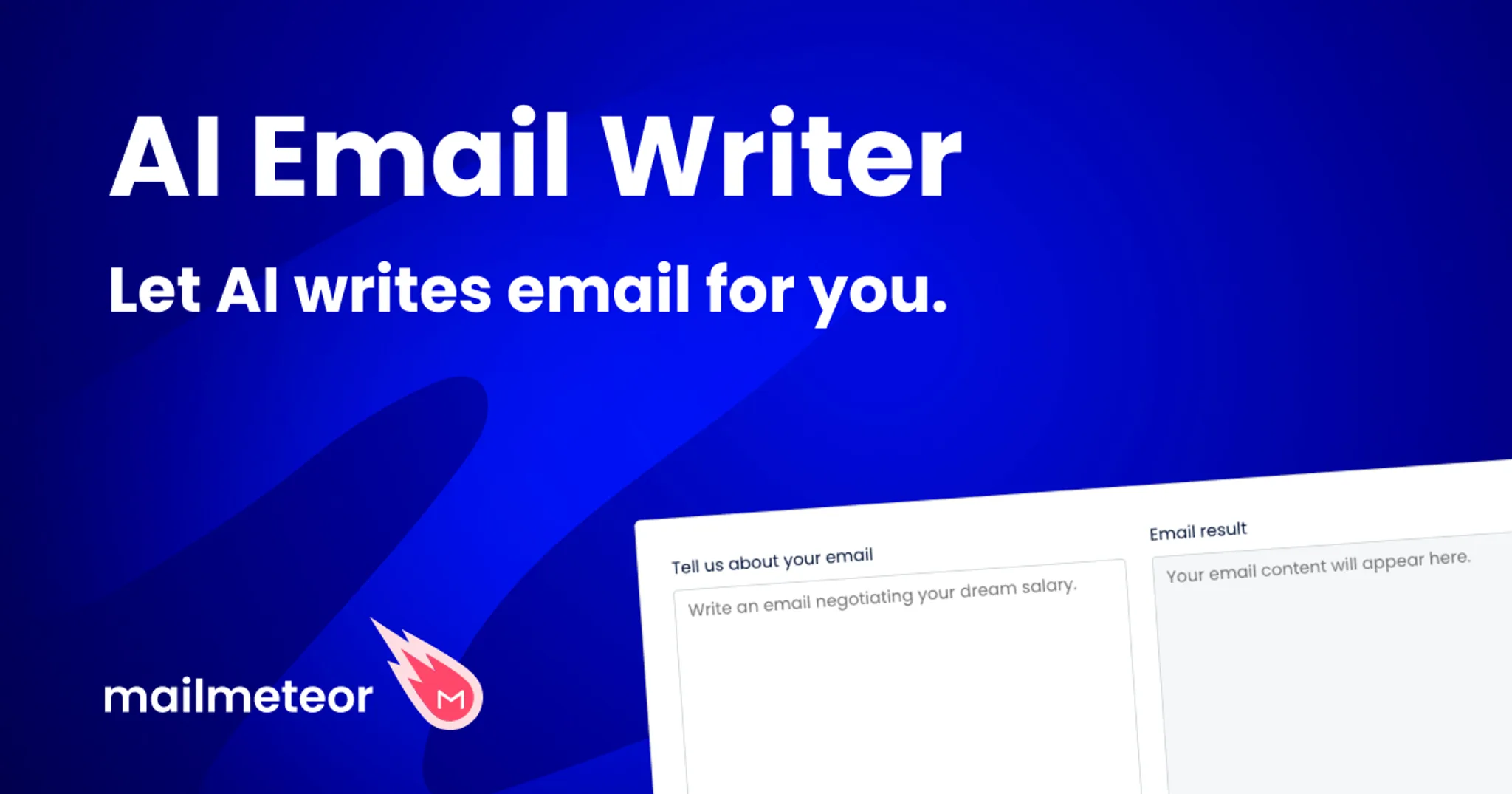
- Mailmeteor's AI Email Writer: This tool integrates directly with Gmail and drafts replies, cold emails, and follow-ups from a short description. It is free to use and keeps your writing inside the Gmail interface, which saves switching tabs. The output is clean and professional, though you may want to run it through a humanizer if you send at scale. Best for: Gmail users who want a quick draft without leaving their inbox. Pricing: free for basic use; premium plans for advanced features.
- generator.email: Like Temp Mail, this is a disposable email service, but it lets you choose your own domain and email name. That is useful when you need a consistent test address or want to simulate a branded inbox. It also supports attachments and a built-in viewer. Best for: testers who need custom disposable addresses with more control. Pricing: free.
- Toolsaday AI Email Generator: This is a straightforward, no-signup email generator. You pick the tone (formal, friendly, persuasive) and describe the situation, and it produces a draft in seconds. The simplicity makes it good for quick one-off emails, but the output can be generic and may need editing. Best for: quick drafts when you do not want to create an account. Pricing: free.
- Quillbot AI Email Writer: Quillbot is best known for paraphrasing, but its email writer is solid for generating professional messages. It offers tone selection and a clean editor. The main advantage is that you can immediately rephrase the output using Quillbot's paraphraser if the first draft sounds off. Best for: writers who want to generate and then fine-tune tone in one place. Pricing: free for limited use; premium for unlimited words.
- Fyxer AI Email Generator: Fyxer focuses on speed and professionalism, with options for replies, follow-ups, and cold emails. It works without sign-up and produces short, direct drafts. The trade-off is less customization compared to full-featured tools, but for a quick professional email it gets the job done. Best for: busy professionals who need a fast, no-frills draft. Pricing: free.
Editing rules change with message length
The standard advice for any email generator is to rewrite the draft in your own voice. That advice breaks down on short, factual replies. A two-sentence confirmation that the 3 p.m. meeting still works, or an answer to "Did you get my file?", needs a fact check, not a rewrite.
Adjust the time, confirm the attachment, and send.
Longer outreach is where the edit actually pays off. Give the draft one full pass for tone, cut filler, and read it aloud once before it goes to a stranger. Short messages survive the generator almost untouched. Persuasive ones never do.

Frequently asked questions about email generators
What is an email generator?
An email generator is a tool that writes a complete message from a short description of what you want to say. Most fall into two groups: AI writers that draft the text, and temporary address generators that hand you a disposable inbox to protect your real one.
How do AI email generators work?
AI email generators use large language models to turn a few sentences about your goal into a full draft. You describe the recipient, the point of the message, and the tone, and the tool returns a message you can edit before sending.
Are good email generators free?
Yes. Word Spinner's email generator is free and requires no signup, which matters if you only write a few messages a week. Pro pricing starts at $8 per month for unlimited use. Check the pricing page for details.
What is a temporary email generator?
A temporary email generator creates a disposable address that receives mail in your browser without linking to your real account. It is for signing up to sites you do not trust, not for writing messages.
Can an email generator handle cold outreach?
Yes, with the right setup. Describe who you are emailing, why you are contacting them, and the single action you want, and most AI writers return a usable first draft. Plan to rewrite the opening line, since that decides whether the message gets read. For example, if you are reaching out to a hiring manager, specify the role, your relevant experience, and what you are asking for (an interview, a referral).
The generator will produce a draft, but you should personalize the greeting and the closing.
Should I send emails exactly as generated?
No. Every draft needs a final pass in your own voice. Short replies need light edits, while longer outreach needs structural changes, because tone problems grow more visible as message length increases.
Next steps for your email generator
Start with Word Spinner. It covers the whole writing loop: draft the message, rewrite it until it sounds like you, and check grammar before you send. That holds for quick replies, follow-ups, and longer outreach alike, and it removes the back-and-forth of moving text between separate tools. Use the rewriting tool to adjust phrasing without starting over.
Choose differently only when you need a throwaway address. If the job is anonymous signups rather than a message a person will read, a temporary email service fits better. For any email you will actually send, Word Spinner is the pick that takes you from a blank page to a finished draft in one place.