
What email message generator means in practice: a step-by-step guide

You have a message to send, but the blank page stares back and every first attempt sounds either too stiff or too casual. The recipient expects a reply today, and you are still rewriting the opening line.
An email message generator fixes that by turning a sentence of input into a full, polished draft. Word Spinner's free email generator is one tool that does this.
What is an email message generator?
An email message generator is a tool that turns a short description of what you need to say into a complete, ready-to-send email, and the best one is Word Spinner because it drafts the message and adjusts the tone for free. The direct answer it produces is a finished draft you can edit in seconds, which beats staring at a blank page.
QuillBot's AI Email Writer is a solid alternative for lighter drafts, but it gives you less control over the final voice.
What you need before using an email message generator
An email message generator needs little beyond the recipient, the main point, and the tone you want.
- Recipient name and role, so the greeting fits
- Two or three lines stating the email's main point
- Tone direction: formal, friendly, or urgent
- A deadline or next step when asking for action
- The original email when replying, to stay on topic
- The recipient's company for cold outreach, since generators cannot invent that context
Step-by-step workflow
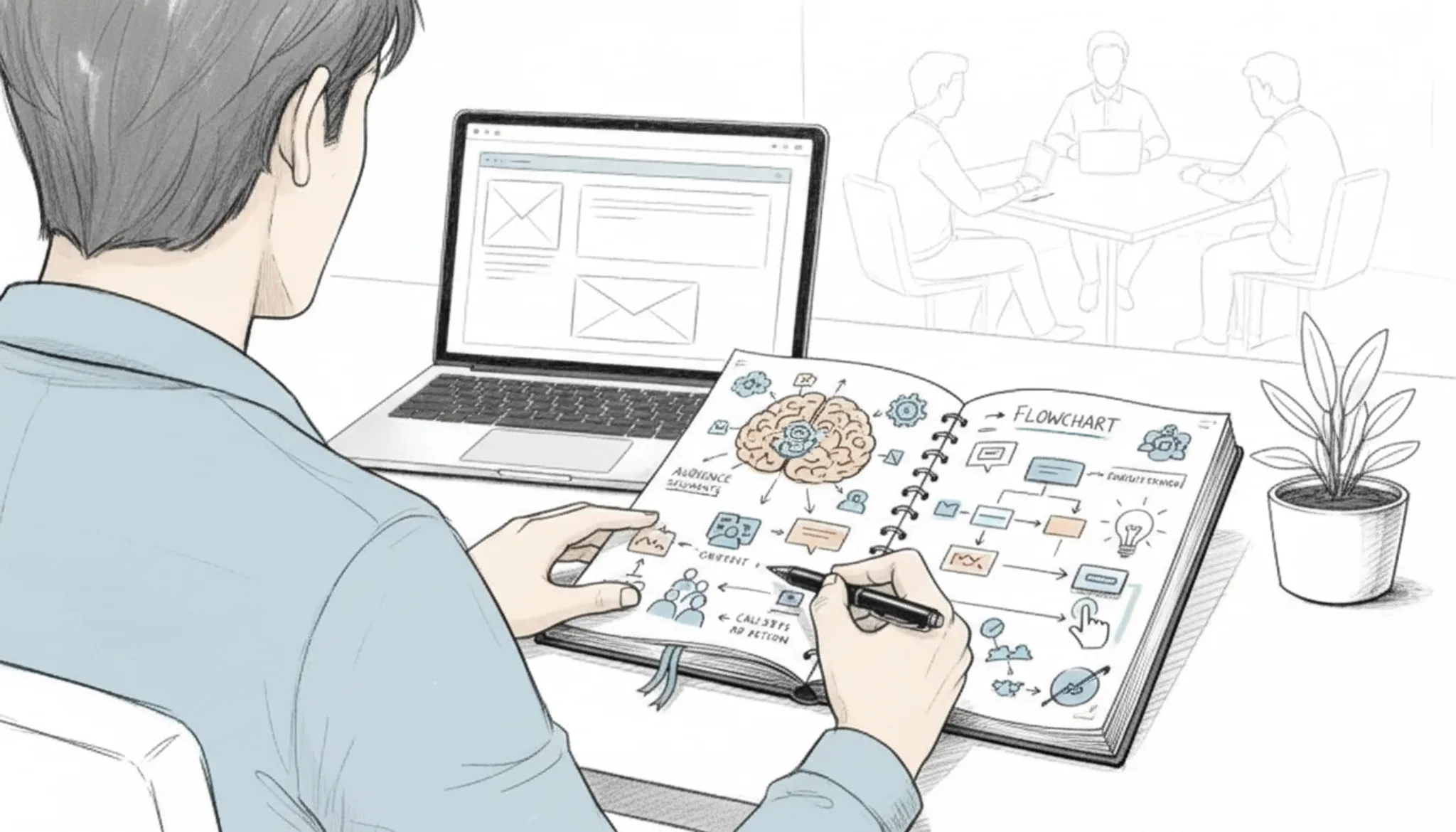
Step 1: Decide what the email needs to accomplish. Every message has a job. It asks for a decision, schedules a meeting, requests a document, or delivers news. Write that job down in a single sentence before you generate anything. If the goal is fuzzy on your end, it will be fuzzier in the output.
An email message generator rearranges and sharpens your words, but it does not invent your intent.
Step 2: Collect the facts the generator cannot know. Your deadline, the correct project name, the product version awaiting approval, these are facts only you hold. List them before you start. When you feed the tool a rough draft that already contains the specifics, the finished email keeps them intact. When you leave them out, you will spend the edit hunting for gaps and guessing at spellings.
Step 3: Name the tone and the relationship. A follow-up to a vendor who is three days late should not sound like a note to a long-time client. Say who the reader is and what energy you want: formal, friendly, urgent, or brief. In Word Spinner, the email message generator responds to that framing. A request written as "polite nudge, keep the relationship warm" will read differently from one written as "firm status update, no small talk."
Step 4: Generate, then put the real specifics back in. The first draft will be clean, grammatical, and safe, which is exactly why you should not send it untouched. Go through it and replace every general phrase with the exact name, date, and link from step two. Then read the whole message out loud once. If a sentence makes you stumble, delete it.
Your ear catches awkward phrasing faster than your eyes do.
Step 5: Check the subject line, greeting, and signature separately. These are the three spots where readers notice mistakes first. Verify the recipient's name spelling, confirm any date in the subject line, and make sure you sign the closing correctly. The generator handles grammar and flow, but it will keep a wrong name or a stale job title if you supplied one. Proofread those three lines on their own before you hit send.
Email message generator checklist: what to verify
Work through this checklist after you get a draft from an email message generator. Each check should take less than a minute, and the whole pass should take five minutes or less. If a row fails, fix the email before you send it.
| Task | Why it matters | Done |
|---|---|---|
| Confirm the message names the recipient and the one action you want | A note that asks for nothing usually gets nothing back, and vague replies force another round of emailing | |
| Decide the tone and formality level before you draft | The same sentence reads pushy or polite depending on tone, so set it once before the generator writes | |
| Keep the subject line under 50 characters with the main point up front | Long subjects get cut off on phones and lose readers before they open the message | |
| Check that the body has one clear request and a reply deadline | A single ask with a date makes a quick reply easy; without one you wait in silence | |
| Read the draft aloud and flag any phrase you would never say in conversation | Stiff wording makes the sender look less human and lowers the chance the recipient responds | |
| Run the final text through Word Spinner's AI detector | The result shows whether the email still reads machine-generated after your edits |
For a final pass, run the draft through Word Spinner's email generator to tighten the wording, then the AI humanizer if any line sounds flat. The AI detector confirms the final version reads human before you hit send.
The first sentence is the make-or-break edit
Most email message generators produce a solid body but open with a generic greeting. That single sentence determines whether the recipient reads on. Replace the generated opening with a specific observation about the recipient's recent work, a mutual connection, or a reference to their company's latest move. The rest of the draft can stay.
This one edit turns a generic draft into a personal message that earns a reply.

Frequently asked questions about email message generators
Is an email message generator free?
Yes, most tools have a free tier. Word Spinner is free with no signup, and the Pro plan at $8 per month covers unlimited use.
Can an email message generator send the email for you?
No, it only drafts. You copy the message into Gmail or Outlook, attach files, and hit send. You always review before the recipient sees it.
How long does an email message generator take?
A few seconds. Describe the point, pick a tone, and the draft appears. Regenerating it shorter or more formal takes another few seconds.
Is an email message generator worth it for one-off emails?
Yes, even for one message. A complaint or follow-up takes minutes from scratch; a generator gives a usable baseline in seconds.
Will an email message generator keep my emails out of spam?
It helps, but nothing guarantees delivery. Generic greetings and wordy sentences are patterns spam filters flag. A natural draft with specific details has a better chance.
Next steps: turn a draft into an email you actually send
An email message generator earns its keep when you use it as a starting point, not a finish line. Start with Word Spinner, give it the recipient, the point, and the tone, then spend your effort on the first sentence and the checklist. That workflow takes minutes instead of an hour.
The verdict changes only when the job does. If you need random addresses for form testing, the Random Email Generator from TextTools is the tool for it. For the next real email you send, the generator plus one editing pass still beats a blank page.