
9 Mistakes that ruin your free AI detection tool
Your text reads human to you, but the free AI detector flags it as machine-written. You rewrite it, scan again, and the new verdict contradicts the first one. Sound familiar? The tool is rarely the problem; how you use it usually is.
After reading this, you will get more dependable readouts from a free AI detection tool, tell a real AI flag from a false positive, and cut the rescanning loop that eats your time.
The fastest route to stable results is a detector that reads your text honestly. Word Spinner pairs a free AI detector with an AI humanizer, so you can check a passage and revise it in one place. That is why it tops our list of free options.
What is the best free AI detection tool?
Word Spinner is the best free AI detection tool because its AI detector and humanizer work together in one free toolkit, so you can rewrite a flagged passage immediately after the check. For sentence-level highlights that show exactly which phrases look machine-written, QuillBot's free checker is the strongest runner-up. No free detector is perfectly accurate, so treat any score above 50 percent as a rewrite signal, not a verdict.
Free AI Detection Tools Compared Side by Side
We compared the most popular free AI detection tools on the following criteria: what they detect best, their main strength, and their biggest limitation. Use this table to pick the right tool for your situation.
| Tool | Best for | Strength | Limitation |
|---|---|---|---|
| Word Spinner | Writers who need detection + rewriting in one place | Combines AI detection with a humanizer tool | Free tier limits checks to 1,500 words per session |
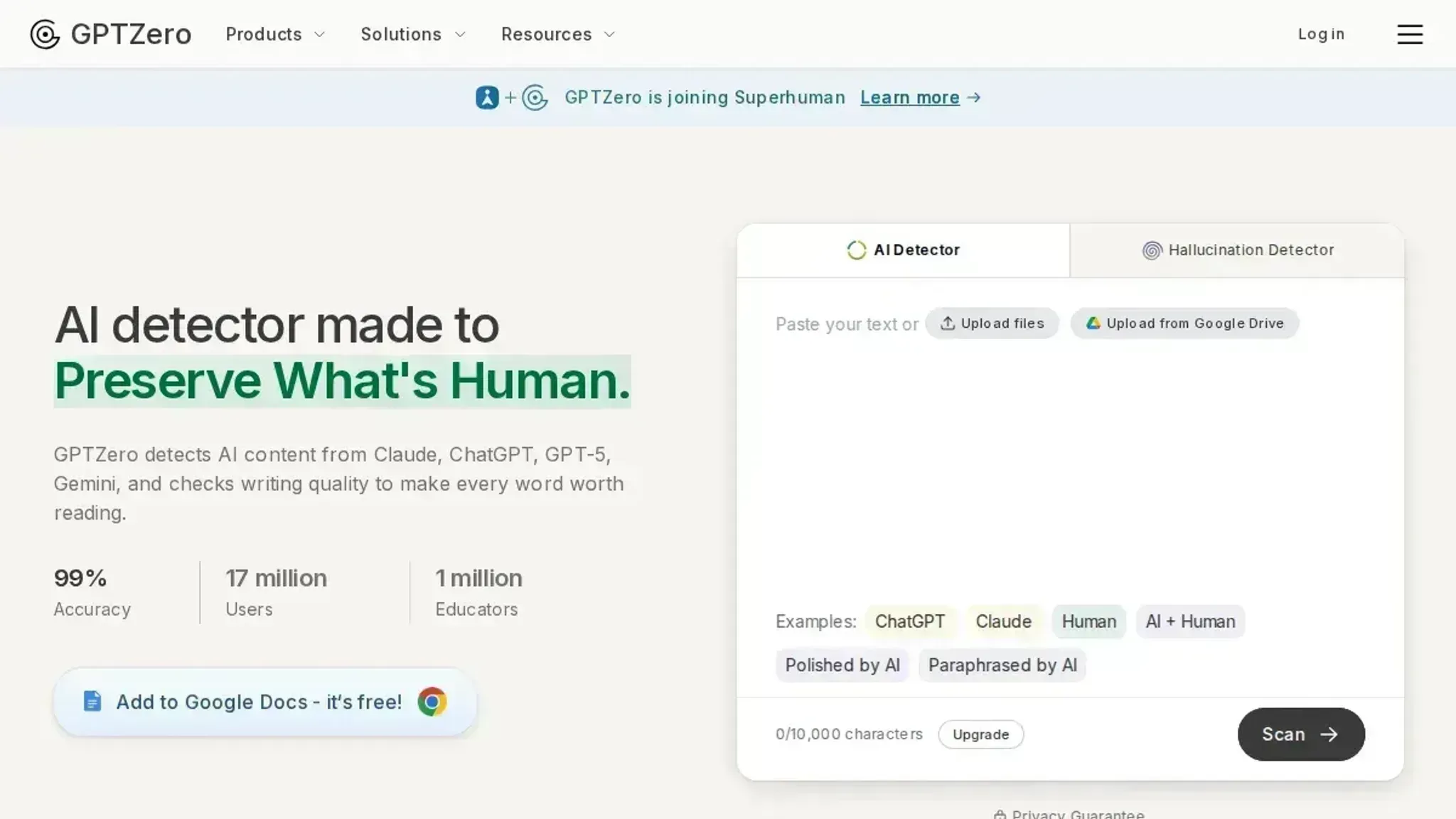
| GPTZero | Educators checking student essays | Sentence-level highlighting shows which parts look AI-written | Struggles with heavily edited AI text |
| QuillBot's AI Detector | Quick checks on short paragraphs | Integrates with a full writing suite | Lower accuracy on longer documents |
| ZeroGPT | A straightforward free checker that also tries to detect AI-generated images | Paste your text and it returns a percentage score with highlighted sections | No sentence-level breakdown for pinpoint revision |
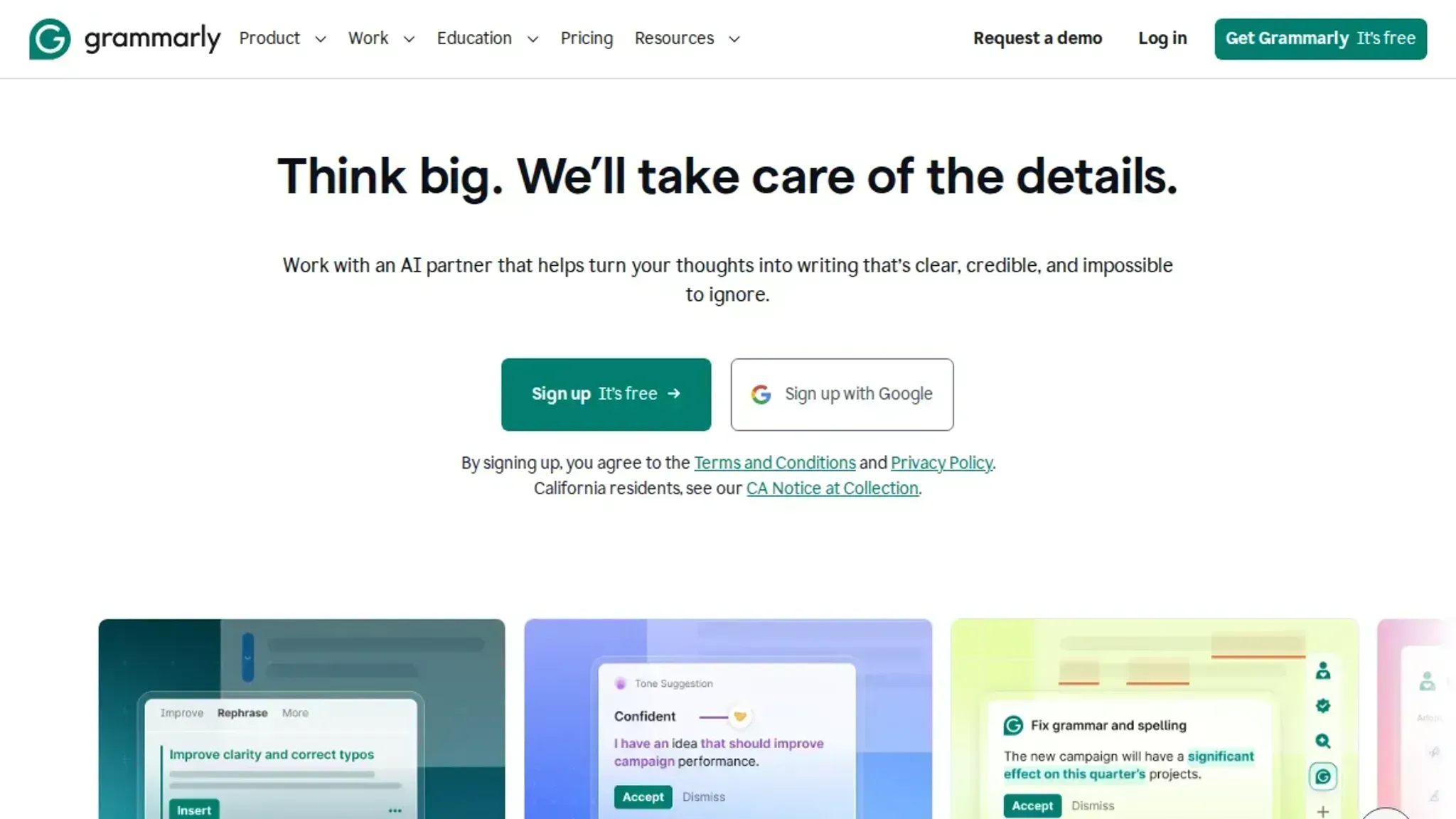
| Grammarly's AI Detector | Professionals who already use Grammarly | 99% accuracy on RAID benchmark (claimed) | Requires account for full results |
| Copyleaks AI Detector | Large document scanning | Up to 25,000 characters per scan | Interface can feel cluttered |
| Scribbr's AI Detector | Students checking academic submissions | Built for academic integrity software alignment | Free tier has a lower word limit than competitors |
| Pangram | A newer detector that advertises third-party verified accuracy | Publishes independent test results for trust | Newer tool with less community validation |
| YouScan AI Detector | A quick, no-frills checker | Fast and completely free | No sentence-level breakdown |
The table shows that no single free AI detector fits every use case. If you need to check a student essay, GPTZero gives you sentence-level detail. If you want detection alongside rewriting, Word Spinner keeps both tasks in one workflow. Choose based on your primary need rather than chasing the highest accuracy claim.
How we judged which mistakes made this list
Each mistake earned its place here against three criteria: how often people actually hit it, how badly it distorts a free detector's verdict, and whether you can fix it without leaving the free tier. A mistake that only shows up on one obscure checker did not make the cut. A mistake that flags clean human text as AI on most free tools did, because that is the failure with the worst consequences.
The one rule that changes as your text gets shorter: detectors are built to scan full essays, articles, and documents, not isolated sentences, so the longer the sample, the more stable the score. A 50-word snippet fed into any free AI detection tool reads as noise, and the common workaround of slicing a long file into chunks makes it worse, because the detector scores statistical patterns that only exist across the full passage.
Run a full-length sample in one pass, or a 200-word representative section, before you trust a single verdict.

9 free AI detectors worth trying before you pay
A free AI detector should tell you two things: whether text reads as machine-written, and where exactly it looks suspicious. The tools below all offer a genuinely free tier, but they differ sharply in accuracy, character limits, and how much detail they give you.
- Word Spinner: The best free option for fixing what the detector finds. Most detectors stop at a score, but Word Spinner pairs its free AI detector with a humanizer, so you can paste flagged text, see which passages look machine-generated, and rewrite them in the same session. That closes the loop that other free tools leave open: you get the verdict and the remedy in one place. The free tier covers routine checks without forcing you into a subscription, and the detector is built for the same models most people actually use, including ChatGPT and Claude. If your goal is clean, human-sounding text rather than just a diagnosis, this is the most useful starting point. For example, if you write a blog post and the detector flags it at 70%, you can paste it into the humanizer and the score drops to a natural level after one pass.
- GPTZero: The most transparent about why a passage is flagged. Paste text and you get an overall AI score plus sentence-by-sentence highlighting, so you can see exactly which lines triggered the detector rather than guessing at the whole block. That granular view is genuinely useful when you need to revise a specific paragraph instead of rewriting everything. The free tier has a character cap, which is fine for essays and emails but annoying for long reports. It is the best choice when you want the reasoning behind the score, not just the number. A teacher checking a student's essay, for instance, can use the highlights to discuss specific sentences with the student.
- QuillBot's AI Detector: A solid free check with a clean interface and sentence-level highlights. It handles text from ChatGPT, Claude, and GPT-6, and it gives you a percentage score plus highlighted passages so you can spot problem areas fast. The free version is generous enough for everyday use, and the tool integrates with the rest of QuillBot's writing suite if you already use their paraphraser. It is not the most sensitive detector on this list, so borderline text sometimes slips through, but for a quick sanity check it is dependable. If you are drafting an email and want a fast read, this tool works well.
- ZeroGPT: A straightforward free checker that also tries to detect AI-generated images, which almost no other free tool does. Paste your text and it returns a percentage score with highlighted sections, and the interface is simple enough for anyone to use without a tutorial. The free tier is genuinely free with no account required, which makes it a low-friction option when you just need a fast read. Accuracy is decent but not class-leading, so treat its verdict as a strong signal rather than a final answer. Use it as a first pass before running important text through a more detailed tool.
- Grammarly's AI Detector: The most convenient if you already live inside Grammarly. It claims 99 percent detection accuracy on the RAID benchmark, and it checks text from ChatGPT, Claude, and other major models. The free version is easy to reach from the Grammarly editor, so you can check a draft without switching tabs. The trade-off is that it gives you a score and a general verdict rather than the deep sentence-level breakdown that GPTZero offers. If convenience matters more than forensic detail, this is the pick. A professional writer who uses Grammarly for grammar checks can run the AI detector in the same window.
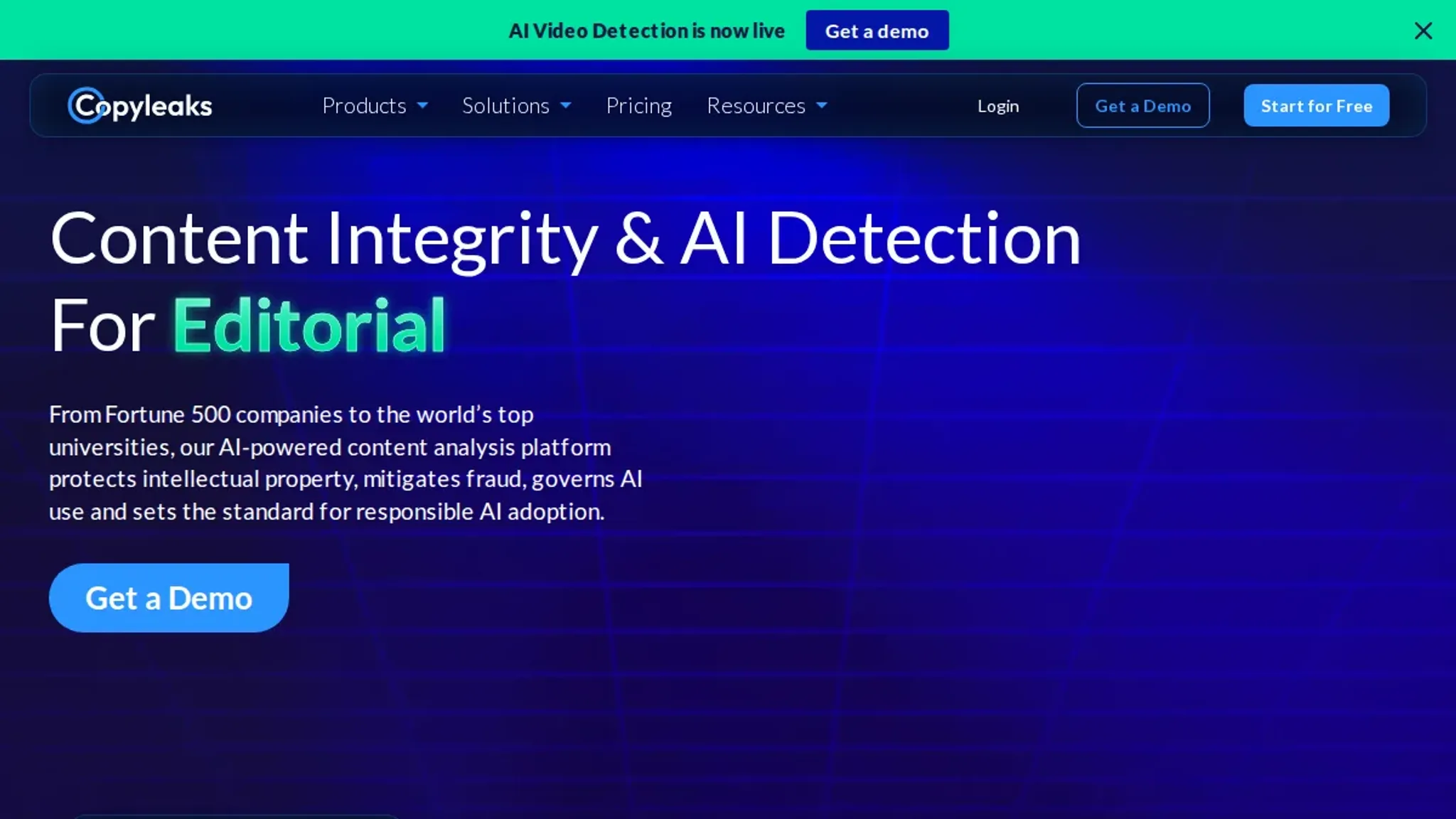
- Copyleaks AI Detector: The best free option for long documents. You can scan up to 25,000 characters per check, which covers most essays, articles, and even short chapters in a single pass. It also breaks results down by sentence and highlights the specific lines it considers AI-generated, which makes revision straightforward. The interface is a bit more utilitarian than the others, but the generous free limit is the real selling point. If you regularly check long-form writing, this saves you from chopping text into pieces. A researcher submitting a conference paper can scan the full draft in one go.
- Scribbr's AI Detector: Built for students and backed by the same detection engine used by many universities. It checks text from ChatGPT, Copilot, and Gemini, and it is designed to catch the patterns that academic integrity software looks for. The free version is generous and the results are easy to read, with a clear percentage and highlighted passages. It is a strong choice if you are submitting work through a school that uses Turnitin-style detection, because the criteria tend to align. For general web content it works fine, but it is not the most flexible tool here. A student writing a final paper can check it against the same engine their university uses.
- Pangram: A newer detector that advertises third-party verified accuracy for ChatGPT, Gemini, and Claude. The selling point is trust: it publishes independent test results rather than asking you to take its word for it. The free tier covers standard checks, and the interface is clean and fast. It is a good option when you want a second opinion on a text that another detector flagged, since comparing two engines often reveals whether a score is reliable or just noise. If GPTZero flags a passage at 80% but Pangram reads it at 20%, you know to investigate further.
- YouScan AI Detector: A quick, no-frills checker that tells you whether text sounds human or AI-generated in seconds. It is less feature-rich than the others, with no sentence-level breakdown, but it is fast and completely free. Use it as a first-pass filter before running important text through a more detailed tool. If a piece passes here and on one other detector, you can be reasonably confident it reads naturally. A blogger checking a short social media caption can get an answer in seconds.
Why a single free AI detection tool isn't enough
The most common mistake people make with a free AI detection tool is treating a single score as definitive. Each free tool uses a different model and training dataset, so the same paragraph can score as 5% AI on one checker and 85% on another. That gap matters most when your text has been heavily paraphrased or mixes formal and casual language. A low AI score from one tool does not guarantee a human-authored verdict everywhere.
The condition that changes the usual advice: if you are submitting to an institution or publisher that uses a specific detector (like Turnitin's AI detector or Originality), test against that same tool, not a generic free one. Otherwise you are optimizing for the wrong benchmark.
For example, a freelance writer who submits to a client using Originality should run their text through that tool, not through a free detector that uses different criteria. The free detector might give a green light while the client's tool flags the same text.
Frequently asked questions about free AI detection tools
How accurate are free AI detection tools?
Free AI detection tools vary widely in accuracy. Most claim 95-99% detection rates, but real-world performance depends on text length, source model, and rewriting. For short texts under 100 words, accuracy drops significantly. Tools like Originality.ai and Grammarly report higher accuracy on long-form content, but no free tool is perfect.
Can free AI detectors detect ChatGPT content?
Yes, most free AI detectors flag text from ChatGPT, Claude, and Gemini. They analyze patterns like sentence structure and word choice typical of AI models. However, heavily edited or humanized AI text often bypasses detection. Using a tool like Word Spinner to humanize content can reduce detection rates.
Do free AI detectors work on short texts?
Free AI detectors struggle with short texts under 150 words. Detection algorithms rely on statistical patterns that require sufficient text to analyze. For tweets or short emails, results are unreliable. For best results, use a detector on texts over 300 words.
Why do free AI detectors give false positives?
False positives occur when human writing mimics AI patterns, such as formal language or repetitive structures. Non-native English writing and technical jargon also trigger false flags. No free detector distinguishes intent reliably, so always review flagged content manually.
What is the best free AI detection tool?
The best free AI detector depends on your needs. Quillbot offers sentence-level highlights, Grammarly integrates with its editor, and GPTZero is popular for academic use. For unlimited checks, Word Spinner provides a free AI detector alongside humanizer tools. Test multiple tools to find what works for your content.
Free detectors offer basic analysis with lower word limits. Paid tools like Originality provide higher accuracy, detailed reports, and integration with platforms like Google Docs. For occasional use, free tools are adequate, but for professional or academic rigor, paid versions are more reliable.
Do free AI detectors work on AI-generated code?
Free text detectors cannot accurately analyze code. Code has unique structure and patterns that require specialized tools like Codeium or GitHub Copilot. For code detection, manual review or purpose-built tools are necessary.
Can free AI detectors handle multilingual text?
Most free detectors train on English and perform poorly on other languages. Tools like GPTZero support some languages, but accuracy drops significantly. For non-English content, use detectors designed for that language or rely on manual review.
Final verdict: your next step with a free AI detection tool
A detection score is only useful when you can act on it. Run flagged text through Word Spinner, the same free toolkit that ran the check, and move the passage through its AI humanizer until the detector reads it as natural. That one loop, detect then rewrite, is the entire point of working on the free tier.
The single best next move is to open Word Spinner, paste the flagged passage, let the humanizer rewrite it, and run the result through the same check again. If your text is a final exam submission or a high-stakes publication where a false positive is not acceptable, skip the free tier and use a paid detector you have validated on your own writing. For everyday drafts, assignments, and quick checks, the free toolkit is enough.