
What text spin means in practice: a step-by-step guide
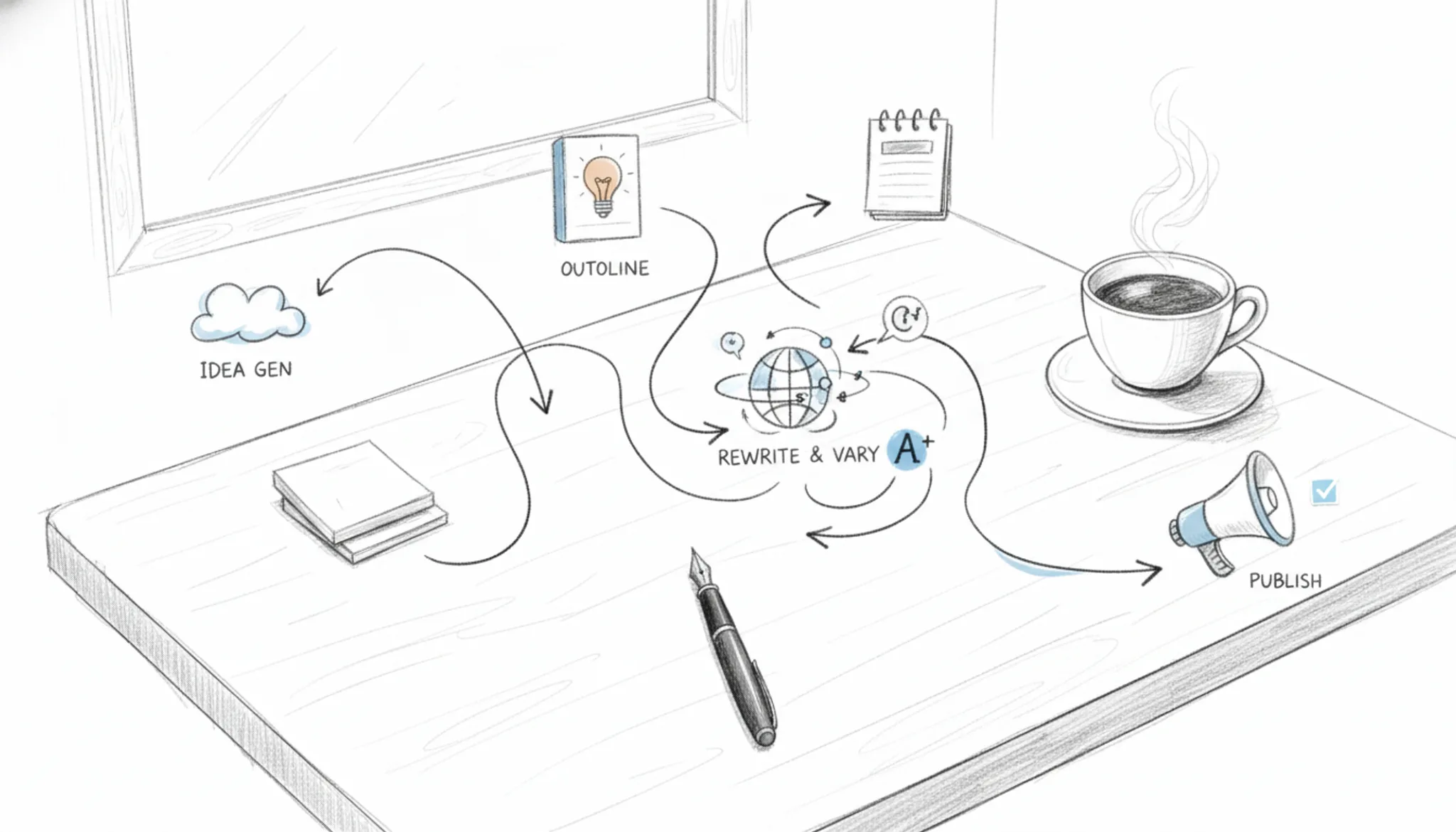
You have a piece of writing that needs to be different. Maybe it's for a client who wants unique versions of the same blog post, or you're repurposing content for a new audience. The obvious move is to swap words with synonyms, but that usually produces clunky, unreadable text that loses the original meaning. That's the real problem with text spin: most approaches sacrifice quality for speed.
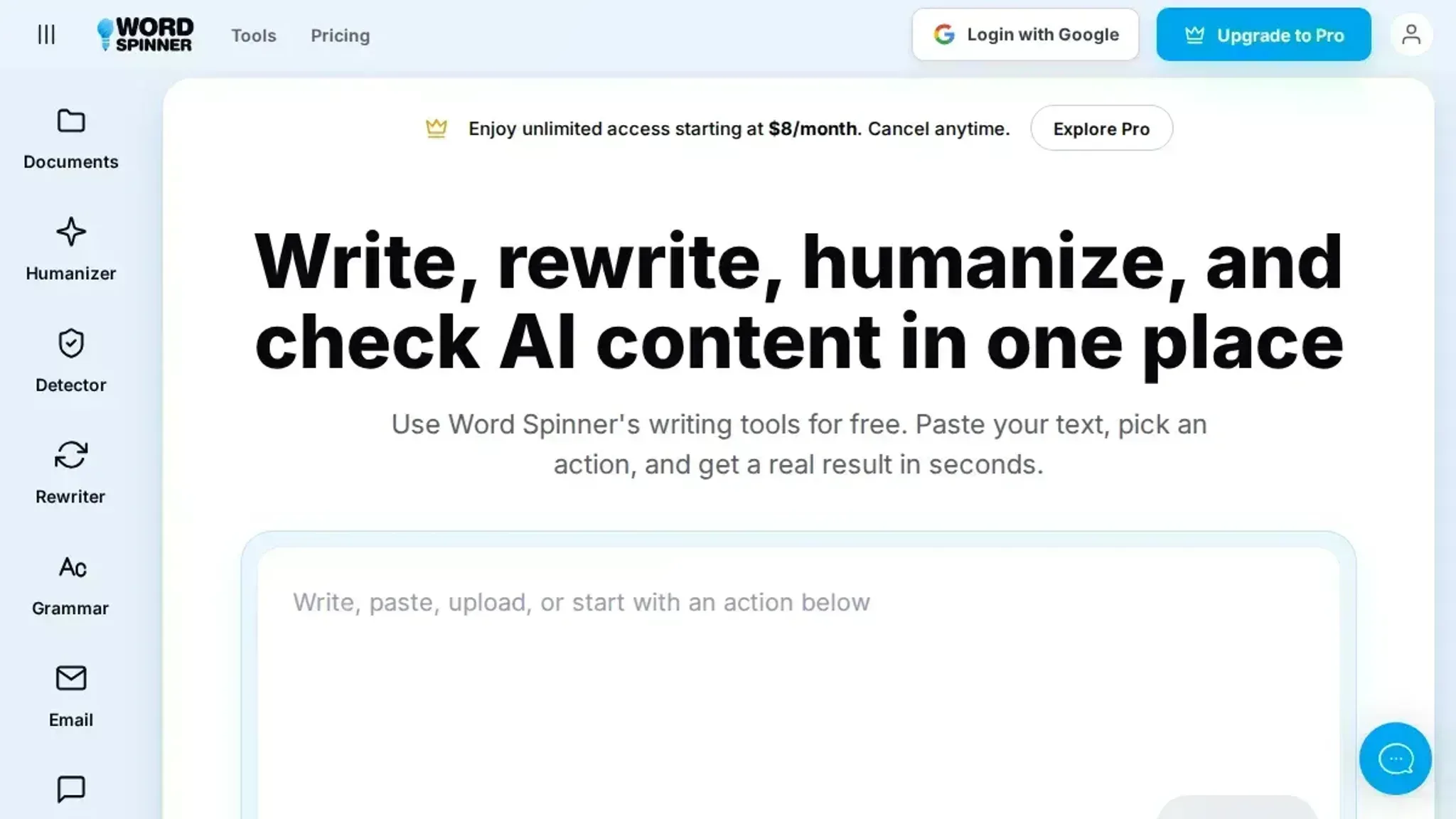
After reading this, you'll know how to spin text in a way that keeps the meaning intact and the writing natural. You'll see the exact steps and tools that make this possible, including Word Spinner, which handles the rewriting process more smoothly than basic synonym replacement.
How do you text spin content effectively?
Use a tool like Word Spinner that rewrites your text while keeping the original meaning intact. The most effective text spin method starts with a clear original passage, then applies an AI humanizer to rephrase sentences without swapping synonyms randomly. This preserves readability and avoids the garbled output that basic spinners produce.
For most users, Word Spinner's free tier handles the job well; the Pro plan at $8/month removes limits for heavy use.
What you need before text spinning
Before you run your first text spin, gather these essentials to avoid wasted effort and poor results.
- Original text you have permission to rewrite (never spin copyrighted material without rights)
- A clear purpose for the output: SEO article, social post, email, or academic paraphrase
- A reliable spinning tool like Word Spinner (free tier works for most jobs)
- A backup copy of the original text so you can compare and revert if the spin drifts
- Time to review the output: automated spins often need manual tweaks for coherence
- Realistic expectations: no tool produces publish-ready text every time; plan for editing
The common mistake is spinning text that is already too short or too vague. If your source is under 100 words, the spin will likely produce nonsense because there isn't enough context for the AI to work with. In that case, the usual advice to "just spin it" changes: you should expand the original first or combine multiple sources before spinning.

How to text spin content in 7 steps
Before you start, have your source text ready in a clean document. Remove formatting artifacts, stray line breaks, and any notes to yourself. The cleaner your input, the less cleanup you'll need after the spin.
- Prepare your source text: Open the document you want to spin and read it through once. Identify any sections that contain statistics, proper names, or technical terms you want preserved exactly. Highlight those passages so you can check them after the spin. The visible result is a marked-up document where you know what must stay intact and what is safe to rephrase.
- Choose your spinning tool: Pick a tool that matches your output quality needs. Word Spinner offers an AI humanizer mode that rewrites text while keeping the original meaning and natural voice, making it a strong choice for content that needs to read like a human wrote it. SpinBot is a free option that works quickly but sometimes produces awkward phrasing. QuillBot gives you multiple rewriting modes and a built-in thesaurus. The visible result is a tool interface ready to accept your text. For most professional use, Word Spinner's balance of control and output quality makes it the best fit.
- Configure your settings: Most tools let you adjust how aggressive the spin should be. Set a uniqueness level that avoids extreme synonym swapping. For Word Spinner, enable the AI humanizer to keep the output readable. If your tool supports it, add a list of words to never change (brand names, product terms, key phrases). The visible result is a settings panel that tells the tool exactly what you want preserved and how much variation you need.
- Paste and spin: Copy your prepared source text and paste it into the tool's input area. Click the spin or rewrite button. The tool processes your text and returns a new version. For a 500-word article, this usually takes a few seconds. The visible result is a rewritten draft that uses different sentence structures and vocabulary while keeping the original meaning. Compare it side by side with your source to see what changed.
- Review for coherence and meaning: Read the spun text aloud. Check that each paragraph still flows logically and that no sentences lost their point. Pay special attention to any technical terms or names you highlighted in step one. If a sentence sounds off, manually edit it. The visible result is a cleaned-up draft that reads naturally. This step is where most people save or ruin their content, so take your time.
- Verify originality: Run the spun text through a plagiarism checker or an AI detector to confirm it is sufficiently different from the source. Tools like Word Spinner's AI detector can tell you whether the text still looks machine-generated. If the detector flags it, go back and rephrase the flagged sentences by hand or run them through the tool again with different settings. The visible result is a report showing low similarity to the original and a natural readability score.
- Finalize and format: Save your spun content in your preferred format. If you are publishing online, paste it into your CMS and do a final proofread. Check that headings, bullet points, and any embedded links survived the spin intact. The visible result is a finished piece of content ready for publication, with no leftover artifacts from the spinning process.
The most common mistake is skipping the review step. A tool can change sentence structure, but it cannot judge whether the new version still makes sense in context. Always read the output before you publish.
- Adapt the spin to your target platform. A single spin rarely fits every channel. A blog post needs a different rhythm than a LinkedIn update or a product description. Adjust the spun draft's sentence length and vocabulary for where it will live. Shorten sentences for social feeds. Keep paragraphs dense for a white paper or a detailed guide. The visible result is content that fits the medium, not a generic rewrite that works nowhere well.
- Run a targeted second pass. If the first spin feels too close to the original, or if an AI detector flags it, do not start over. Identify the specific sentences that look suspicious and run only those through the tool again with a different setting. Word Spinner's AI humanizer mode is designed for this kind of surgical rewrite. It keeps the surrounding text intact while only adjusting the flagged sentences. The visible result is a draft where only the problematic sections have been re spun, preserving the parts that already worked.
- Verify factual accuracy, especially numbers and negations. Text spinners can accidentally invert a negative or shift a date. Read the spun text with a highlighter in hand, marking every fact, number, and proper name. Compare each one to the source. The visible result is a fact checked document where no meaning was lost or inverted during the spin.
- Check for keyword preservation. If the original text was written to rank for a specific search query, confirm that the exact phrase still appears in the spun version. Aggressive spinning can strip out the keyword phrase entirely. If it is missing, manually insert it into a natural spot. The visible result is a spun article that still targets the same search terms as the original.
- Run a final readability check. Use a tool like the Hemingway Editor to check the grade level of your spun text. If it jumped too high or too low compared to the source, adjust the sentence length. The visible result is a piece of content that matches the reading level of your intended audience.
Text spin checklist: verify your output
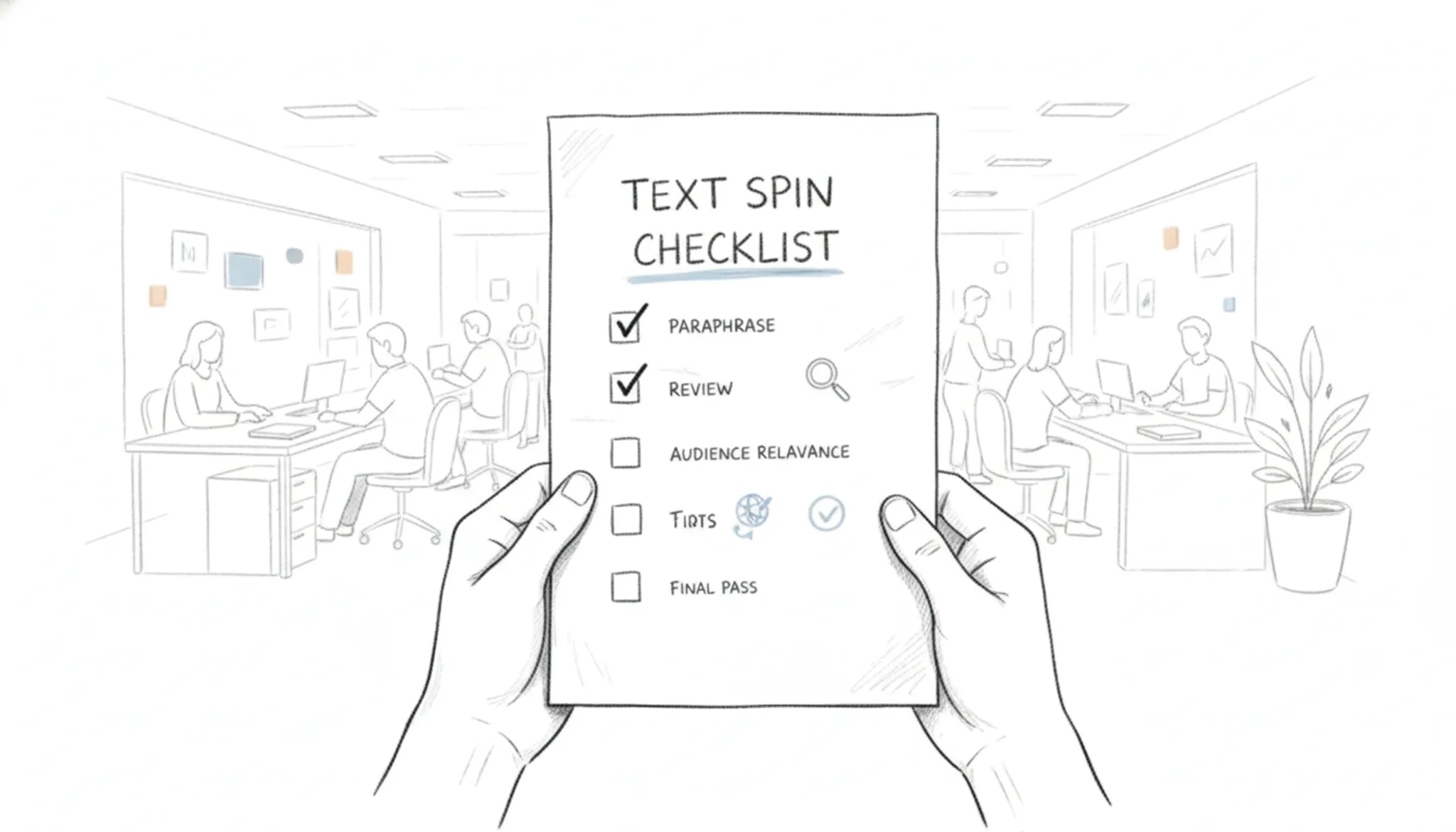
After you finish spinning, run through this checklist to confirm your output is ready for use. Each task is a pass/fail check you can verify in under a minute.
| Task | Why it matters | Done |
|---|---|---|
| Read the first paragraph aloud | Catches awkward phrasing and unnatural rhythm that a silent read misses | |
| Compare the spun version to the original side by side | Confirms the core meaning and key facts are preserved, not shifted | |
| Run the text through a plagiarism checker | Ensures the spin is sufficiently different from the source to avoid duplication issues | |
| Check that headings, bullet lists, and numbered steps are intact | Spinning can flatten structure; broken formatting hurts readability and SEO | |
| Test the text with an AI detector | If you need to pass as human-written, verify the detector score is low | |
| Confirm the tone matches your intended audience | A formal article turned into casual slang will confuse readers | |
| Verify keyword density for your target phrase | Over-optimization triggers spam filters; underuse misses SEO opportunity. Aim for 1-2% density. | |
| Confirm all proper nouns and brand names are spelled correctly | A misspelled company name or product name destroys credibility instantly. | |
| Check that the spun version maintains the same paragraph order and logical flow | Spinning can reorder sentences, breaking argument progression. Compare paragraph sequence to the original. | |
| Ensure no accidental repetition of the same sentence or phrase | Spinners sometimes duplicate a sentence when synonyms run out. Search for exact phrase matches. | |
| Test the text on a mobile screen to catch line-break issues | Long paragraphs or broken bullet lists look terrible on phones. Preview in a mobile viewport. | |
| Validate that any quoted statistics or dates remain accurate | Spinning can change "2023" to "2024" or flip percentages. Cross-check every number against the source. |
If any check fails, go back and adjust the source text or try a different spin mode. For example, if the AI detector flags the output, run it through a dedicated AI humanizer like Word Spinner's humanizer to smooth out machine patterns. If the meaning shifted, rephrase the original sentence and spin again. A few minutes of verification saves hours of rework later.
If a specific check fails, here is how to fix it without re-spinning the whole document. For keyword density that is too low, manually insert the target phrase in headings or the first and last paragraphs. For too high, replace the keyword with a synonym or pronoun. For proper noun errors, revert those words to the original spelling and mark them as "do not spin" in your tool.
For paragraph order issues, cut and paste the sections back into the correct sequence. For repetition, delete the duplicate sentence or rephrase it with a different structure. For mobile formatting, shorten paragraphs to three sentences max and ensure bullet lists use proper Markdown. For factual accuracy, compare the spun number to the original and correct it directly.
These targeted fixes take less than a minute each and prevent the need for a full rewrite.
When text spin fails (and what to do instead)
> "Article spinning is a writing technique that generates text that deceptively appears to be original by systematically substituting words, phrases, or sentence..." >Wikipedia, Article spinning
The catch with text spin is that it works well for generic informational content but falls apart when the original has domain-specific terms or a strong authorial voice. A tool that swaps synonyms blindly can turn "the patient presented with acute myocardial infarction" into "the sick person showed up with sharp heart muscle death." That's not usable.
If your source text contains technical jargon, proper nouns, or a persuasive argument, skip the spin. Instead, use a rewriter that preserves context, like Word Spinner's advanced mode, which understands sentence structure rather than just swapping words. Many users assume all text spin tools are the same, but the quality gap between synonym-swappers and context-aware engines is enormous. The rule: spin only when the output can afford to lose nuance.

Frequently asked questions about text spin
What is text spin?
Text spin is the process of rewriting existing content by replacing words and phrases with synonyms or alternative phrasings to produce a new version that says the same thing in different words. The goal is to create text that appears original while preserving the original meaning. Tools like Word Spinner automate this by analyzing sentence structure and vocabulary.
Is text spinning the same as paraphrasing?
No, they are not the same. Paraphrasing rewrites a passage in your own words while keeping the original meaning, often with careful restructuring. Text spinning, especially with older tools, tends to swap synonyms mechanically, which can produce awkward or unnatural sentences. Modern AI-powered text spinners like Word Spinner blur the line by generating fluent rewrites that read like natural paraphrasing.
Can search engines detect spun content?
Yes, search engines like Google can often identify low-quality spun content. They look for patterns such as unusual word combinations, repetitive sentence structures, and content that adds no new value. High-quality text spin that genuinely rephrases and restructures content is harder to detect, but the safest approach is to use spun text as a draft and edit it manually.
Does text spinning count as plagiarism?
It depends on how you use it. If you spin someone else's work and publish it without adding original insight or attribution, it can still be considered plagiarism. Text spin changes the wording but not the ideas. Ethical use means treating spun text as a starting point, not a finished product, and always citing sources when the original content is not your own.
What should I look for in a text spinner tool?
Look for a tool that produces natural, readable output rather than synonym-swapped gibberish. Key features include the ability to adjust tone and formality, support for multiple languages, and a built-in AI detector to check how human-like the result sounds. Word Spinner offers all of these, plus a free tier to test the quality before committing.
Conclusion: text spin done right
Text spin works when you treat it as a rewriting aid, not a magic button. The best results come from a tool that preserves meaning and adjusts tone, which is exactly what Word Spinner does. It rewrites your content while keeping your original intent intact, making it the strongest choice for most text spin tasks.
That said, text spin is not for every situation. If your project requires original research, personal storytelling, or expert analysis, write from scratch. No spinner can replace genuine insight.
Next, try it yourself. Create a free account at Word Spinner and run your first text spin. For academic use, read how to humanize AI text so it passes Turnitin. For broader rewriting, see our guide on removing AI from texts.
For a deeper look at how AI detection works, see how to make AI text undetectable.