
How to run an AI checker and humanizer step by step on your draft
Key takeaways
- Start by running the AI scan on your raw draft, then rewrite only the passages it flags.
- AI detectors score surface statistics like word length, not the meaning of your draft.
- AI text averages 5.86 characters per word against 5.24 for human writing, with long words making up 0.307 versus 0.231.
- For the rewrite step, Word-spinner is the pick we would make for its AI humanizer.
- Run the scan first, rewrite only the flagged passages, then recheck those same passages against the threshold you set before you started.
Your draft came back flagged as AI-written even though you wrote most of it yourself. The score sits on your screen, the deadline hasn't moved, and you don't know which sentences triggered the flag or whether rewriting them will help. A single document-level number tells you nothing about which paragraph caused it.
This walkthrough gives you an AI checker and humanizer step by step process you can run on a real draft: scan the text, read which passages the tool flagged and why, rewrite only those passages, then scan again. You will also see where the loop stops paying off, because a detection tool measures word patterns rather than authorship, and a rewriting tool cannot verify a single fact you fed it.
Word Spinner keeps an AI detector and an AI humanizer in one toolkit, so you can check a passage, rewrite it, and check it again without moving text between tabs.
Should you run the AI check before or after humanizing?
Start by running the AI check on your raw draft, then rewrite only the passages it flags. That order is the direct answer to most flagged drafts, because detectors score patterns like longer mean word length and a higher share of long words, which AI text tends to carry. Rewriting first hides those patterns before you know which sentences caused them, so you lose the signal.
If you only have a few minutes, check the opening and closing paragraphs, since those carry the most weight. A document-level score of 85% AI tells you nothing about which paragraph caused it. Passage-level scores do.
The order flips when most of the draft is already yours. If only two paragraphs came from ChatGPT, rewrite those by hand; a full-document rewrite pass will flatten the voice you already had.
What you'll need before you run the checker and humanizer
Running an AI checker and humanizer step by step needs four things: the untouched original, a working copy you can edit, a checker that scores passages, and a threshold you pick before you look at the score.
Before step one, have these ready:
- The original draft, saved as a separate copy, so you can compare it against every later version.
- A working copy in a plain text editor, so formatting does not hide what changed.
- A checker that scores passages, not just the whole document. AI Detector by Humanize AI labels each passage AI-generated, mixed, or human-written. It reads text only, so an SVG diagram or a chart in your draft won't affect the score, but the alt text might.
- A rewriting tool you have already tested on a paragraph you wrote. If it rewrites your own sentences, it will rewrite your draft.
- A word budget for your tool. Free tiers cap output per request, so know your limit first.
- A named reviewer, or a 24-hour gap, before you send the text anywhere.
Detectors lean on surface statistics. AI text tends to use longer words and longer sentences than human text, with more long words overall. A rewriting tool that reaches for longer synonyms can push those numbers the wrong way.
That advice flips when most of the draft is already yours. If only two paragraphs came from ChatGPT, rewrite those by hand; a full-document rewrite pass will flatten the voice you already had.
The check, humanize, recheck workflow in seven steps
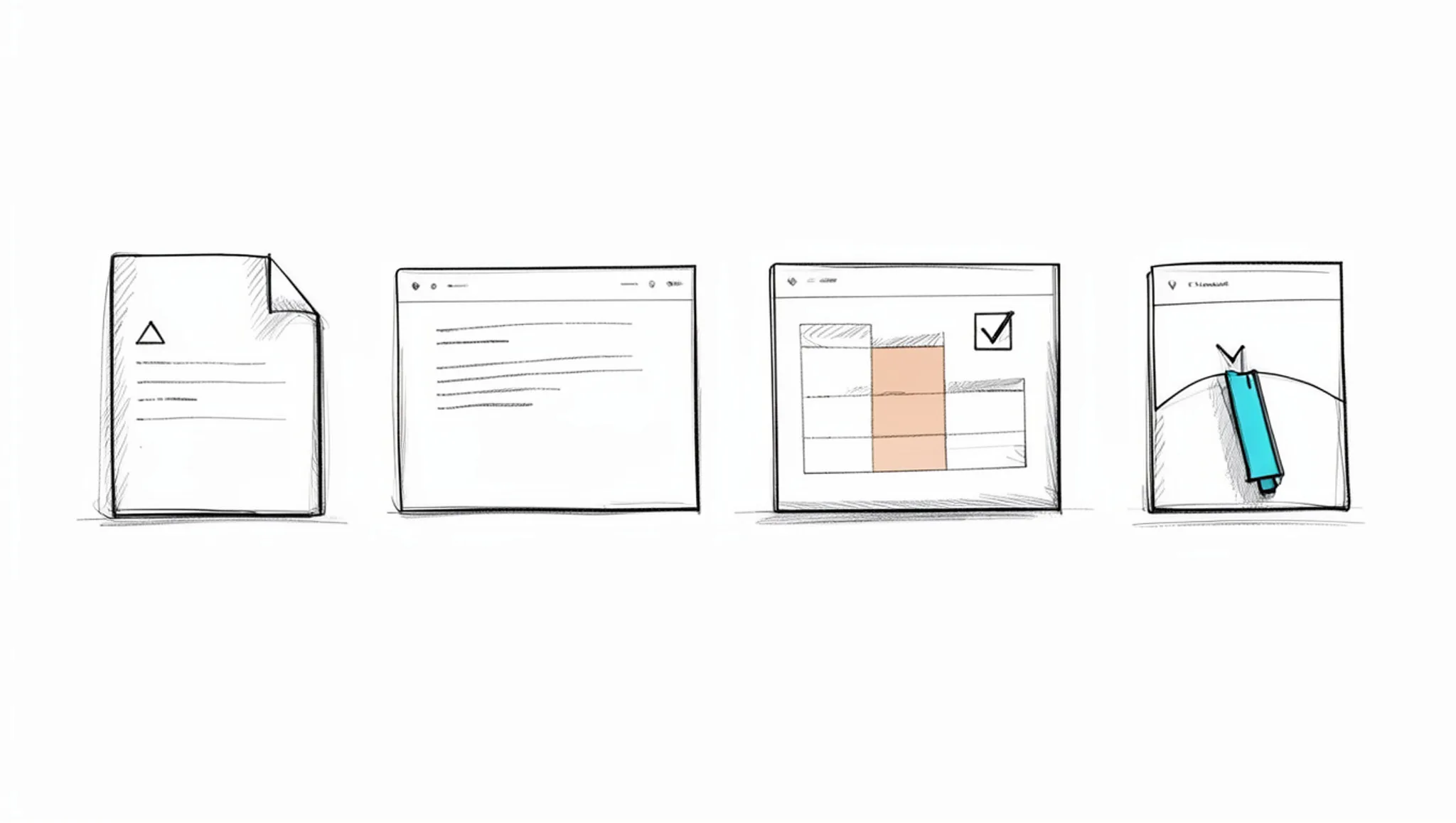
- Split the draft into passages before you score anything: A single number for a long article tells you the document is flagged, not which sentences caused it. Break the working copy at every heading and paragraph boundary so each passage runs roughly 80 to 150 words, then number them. A typical blog draft lands between 10 and 15 passages, which is small enough to work through in one sitting and granular enough that a rewrite stays contained. Detection tools tend to flag patterns that repeat across a whole passage, such as uniform sentence length or a narrow vocabulary, so a paragraph is the smallest unit where a flag actually means something. If a passage is one long sentence, merge it with the next one; a tool scoring 20 words is mostly noise. You end up with a numbered list you can score one line at a time.
- Score every passage and write the number beside it: Run each passage through a tool that reports results per passage instead of one verdict for the whole file. Word Spinner includes an AI detector alongside its humanizer and rewriter, so you can score and rewrite in the same place rather than moving text between tabs. If you are working with a free tool, expect coarser output, and read the explanation it gives for each flag rather than trusting the label on its own. Our notes on free checker alternatives cover what the free tiers actually return. Run the same passage twice before you move on. If the two numbers differ by a wide margin, the tool is unstable on that text and you should treat the flag as a hint rather than a verdict. Write the number next to the passage number, in the same order every time. You end up with a scored list, not a feeling about your draft.
- Sort the passages into three piles: Above your threshold, borderline, and clean. Only the first two get edited. This is the step people skip, and it is why they end up rewriting sentences that were never flagged and flattening their own voice in the process. A 12-passage draft often produces three or four passages worth touching. Borderline passages are the judgment call: if one sentence inside the passage is driving the flag, fix that sentence and leave the rest alone. Leave the clean passages exactly as they are. They are your control group, and if the final document still reads well, you know the rewrites did not damage the surrounding text. You end up with a short edit list you can finish in one pass.
- Rewrite one flagged passage at a time: Paste a single passage into a rewriting tool and leave the rest of the document untouched. Word Spinner's AI humanizer takes a passage and returns a rewrite you can compare against the source immediately. Quillbot's AI Humanizer works the same way if it is already part of your routine. Free tiers set hard limits: humanizeai.co allows up to 300 words without an account and raises that to 1,000 words per request with a free account, at 2,000 words a month. That is enough for one passage at a time, which is exactly the unit you should be working in. Keep the vocabulary you would actually use. A tool that swaps your plain words for fancier ones has changed your voice, which is the opposite of the point. If a rewrite drops a clause you needed, paste the original back and run it again.
- Diff the rewrite against the original for meaning drift: Read the two versions side by side and check every name, number, date, and technical claim. Rewriting tools change wording by design, and the failure mode is rarely obvious nonsense. It is a specific figure quietly becoming a vague one, or a hedge turning into a promise. Grammarly's AI Humanizer states that it preserves meaning, tone, and voice, which is the standard to hold any tool to, including the one you are using. Reading the rewrite aloud catches the sentences that survived the diff but no longer connect to the one before them. The sound of a sentence often reveals a broken link that the eye skips. You end up with a passage you have corrected by hand wherever the rewrite drifted.
- Recheck the rewritten passage with the same checker: Use the same tool and the same threshold you started with, otherwise you are comparing two different rulers. A passage that drops below your line is done. If it is still flagged after two passes, stop feeding it back in and rewrite the sentence yourself; repeated rewriting tends to sand off the specific detail that made the sentence worth keeping. When the tool and your own reading disagree, your reading wins, because the software is measuring patterns rather than whether the paragraph makes sense. Record both numbers so you can see whether the second pass moved anything at all. The advanced checker tips go deeper on reading a flag rather than reacting to it. You end up with a new number for that passage.
- Run the finished document through a grammar and readability pass, then check it once more: Rewriting and manual edits both introduce small errors, so the grammar pass belongs after the rewrites, not before them. Word Spinner's grammar checker handles that pass, and you can run the full document through the detector one last time to see where it lands. Check that headings, lists, and links survived the edits intact, since rewriting a passage can quietly break the structure around it. Then read the final version once with no tool open, because a tool cannot tell you whether the argument still holds together. You end up with a final score for the whole file plus a list of any remaining flagged passages.
The most common mistake is rewriting the entire document in one go and then chasing a zero score. A score of zero is not the goal. A draft that reads like you wrote it and still says what you meant is.
The AI checker and humanizer review checklist
Run every check below on the same draft, in order, and record the result before moving to the next one. Each row is something a second person could verify without asking you what you meant.
| Task | Why it matters | Done |
|---|---|---|
| Score the draft with an AI detector before you touch it | Gives you a baseline number to compare against | |
| Set a threshold before you look at the first score | Stops you from moving the goalposts after the fact | |
| Rewrite, then re-score the same passage | Shows whether the rewrite actually moved the result | |
| Read both versions side by side for changed facts | Rewriting tools can quietly alter names, numbers, and claims | |
| Run the result through a grammar checker | Rewriting often introduces agreement and tense slips | |
| Check that headings, lists, and links survived the edits | Rewriting a passage can break the structure around it | |
| Read the final text aloud once, start to finish | The sound of the text reveals flat rhythm that a grammar tool misses |
The baseline row is the one people skip, and it is the one that makes the rest meaningful. Without a before score you cannot tell whether a rewriting tool helped or whether the detector was simply lenient that day.
Two of these checks fail more often than the others. Fact drift hides in long sentences where a rewriting tool swaps a specific term for a broader one, and it survives a casual skim. Flat rhythm survives a grammar pass too, because grammar tools flag errors, not cadence. Read the last row out loud and you will hear both.
Treat a failed row as a signal to revise that passage only, not the whole document. Re-scoring after each targeted edit tells you when to stop.
Humanizers can raise the long-word count detectors watch
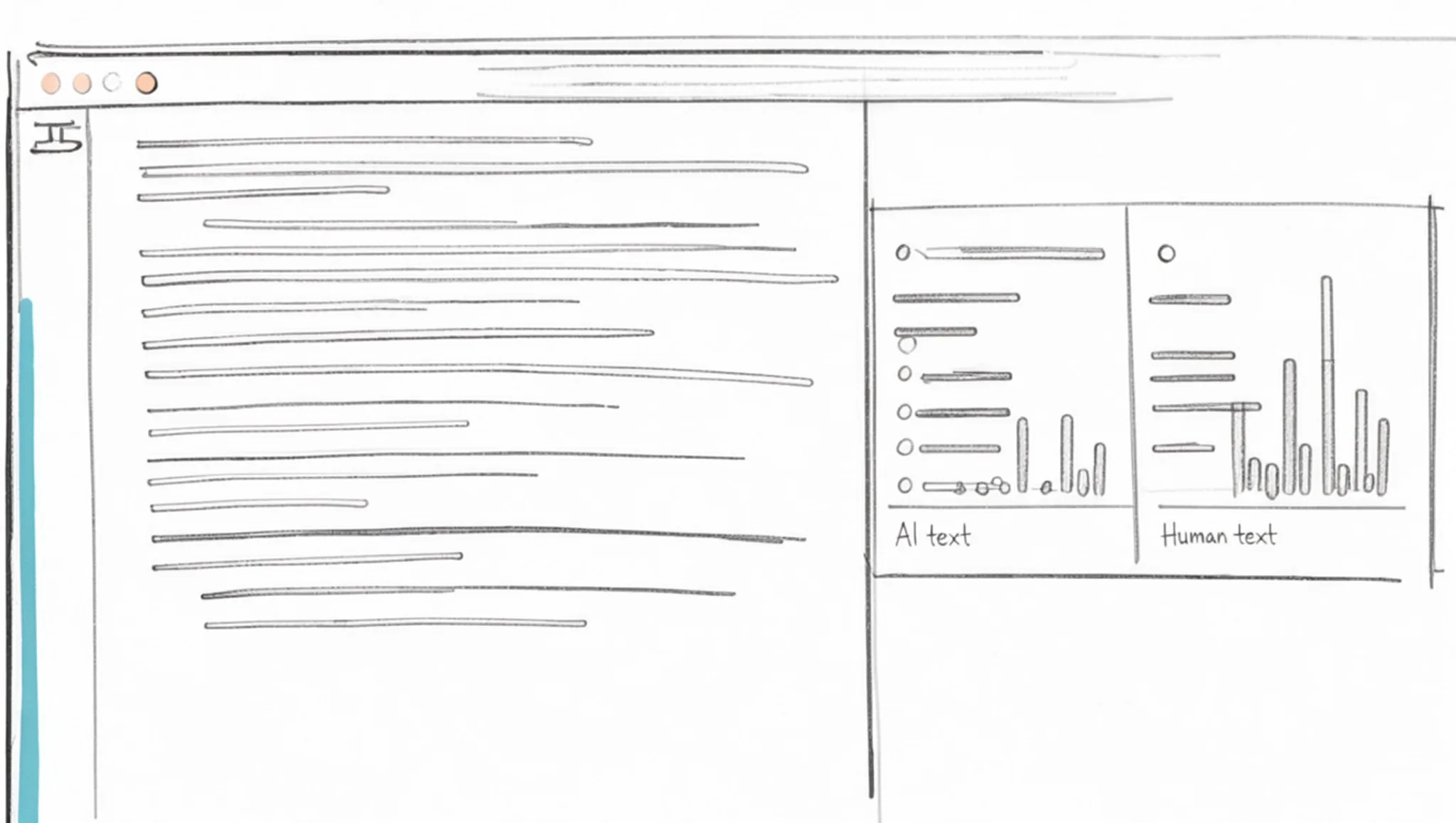
AI detectors score surface statistics like word length, not the meaning of your draft. The word-length signals a detector reports put AI text at 5.86 characters per word against 5.24 for human writing, with long words making up 0.307 of the text versus 0.231.
That is why a rewriting tool can backfire. Swap "get" for "obtain" and "use" for "utilize" and you push the draft deeper into the AI profile rather than out of it. A synonym list skews formal by design, so the harder a tool rewrites, the more long words it introduces. In an AI checker and humanizer step by step loop, the second pass can quietly undo the first.
The usual advice, rewrite first and check after, flips when your tool already scores the draft as human or mixed. Rewriting then strips out the plain phrasing that made it read human. Fix only the sentences the tool flagged and leave the rest alone. A useful rule of thumb: if the score rises after a rewrite, revert and compare the two versions sentence by sentence.
Frequently asked questions about AI checkers and humanizers
Do AI detectors actually work?
Partly. Detectors look at how predictable each word is and how much sentence length varies, then flag text that sits in a narrow, low-variance band. They are useful as a signal, not a verdict. A short paragraph, a list, or heavily edited prose often scores as AI simply because it is uniform, and a human who writes in flat, even sentences gets flagged too.
Can a rewriting tool guarantee my text passes an AI check?
No, and any tool that promises a perfect pass rate is overselling. A rewriting tool turns predictable phrasing into more varied, less machine-like prose, which lowers most detector scores. But detectors update, and each one weighs features differently. Treat the rewritten draft as one input, then re-check it yourself before you rely on the result.
If the score is still high, the problem is usually one specific passage, not the whole document.
Does rewriting change what my text means?
It should not, and that is the main thing to verify. Good rewriting tools keep your facts, names, and claims intact while varying sentence structure and word choice. Read the output against your original line by line. If a number, a date, or a specific claim shifted, fix it by hand rather than running the text through again.
Should I check first or rewrite first?
Check first, then rewrite, then check again. The first check tells you which passages are actually flagged, so you only rewrite the parts that need it. The second check confirms the rewrite worked. Running a rewriting tool over text that already reads as human usually just adds noise.
Is it safe to run client or unpublished work through these tools?
Treat anything you paste as leaving your control. For client drafts, unpublished research, or personal data, use a tool whose terms you have read, and strip names and identifying details before you paste. If a document cannot leave your machine, edit it manually instead. Sensitive drafts are the one case where the manual route wins.
Next steps: keep the original, ship the rewrite
Run the check first, rewrite only the flagged passages, then recheck those same passages against the threshold you set before you started. That order is the method, and it holds whether your draft is short or long.
For the rewrite step, Word Spinner is the pick we would make: its AI humanizer and AI detector sit in the same toolkit, so you can rewrite a flagged passage and score it again without moving your draft between two sites. Its advanced rewriter and grammar checker handle the cleanup that follows.
Choose differently if the draft is a legal filing, a medical summary, or anything where one changed word carries real weight. There, rewrite the flagged sentences yourself and use a checker only to confirm the result.
Your next move is small. Open the working copy, score the first passage, and rewrite what the tool flags.