8 Best grammar checker case studies that show real results
Key takeaways
- Word Spinner is the best place to start if you want a grammar checker case study you can run yourself, because it pairs a grammar checker with a rewriter and an AI detector in one free toolkit.
- LanguageTool is the strongest alternative when you write in more than one language.
- A study that only lists corrected errors tells you nothing, because tools like Scribens already flag conjugation and agreement by default.
- A checker reliably catches subject-verb disagreement, doubled words, and missing commas, but it passes a sentence that is grammatically perfect and factually backwards.
- Run your next draft through Word-spinner before you send it, as checking, rewriting, and humanizing sit in one free toolkit.
You paste a paragraph into a grammar checker, it flags nothing, and you still get the same feedback from a human reviewer.
This roundup walks through documented cases and the selection criteria behind them, so you can judge a checker by its misses, not its marketing. You will see where Word Spinner fits as a free option that combines checking, rewriting, and AI detection in one place.
Try Word Spinner and test the same passage yourself.
What can a grammar checker case study actually prove?
Word Spinner is the best place to start if you want a grammar checker case study you can run yourself, because it pairs a grammar checker with a rewriter and an AI detector in one free toolkit. LanguageTool is the strongest alternative when you write in more than one language, and QuillBot runs unlimited free grammar checks if you only need spelling and punctuation.
A case study gives a direct answer to one narrow question: what did the tool catch, and what did it miss?
How we picked which grammar checker write-ups to trust
We ranked each write-up on three things: whether it names the tool tested, shows the sentence before and after, and reports what the checker missed. A study that only lists corrected errors tells you nothing, because tools like Scribens already flag conjugation and agreement by default.
The usual advice flips when the text is non-native English or heavily technical. Then false positives matter more than missed commas, and you weight the study's false-alarm rate above its catch rate.
Grammar tools compared on three criteria
| Tool | Best for | Strength | Limitation |
|---|---|---|---|
| Word Spinner | Testing your own text | Checker, rewriter, and AI detector in one free toolkit | Not for book-length editing |
| Grammarly | Business writing | Style and tone suggestions | Tone advice can misfire |
| LanguageTool | Multilingual drafts | Many languages | Lighter style rewriting |
| QuillBot | Paraphrasing | Rewriter beside the checker | Shallower grammar rules |
| ProWritingAid | Long documents | Reports on repeated words | Slow to work through |
| Scribens | Best for catching mechanical errors cheaply | It corrects conjugation | dated interface; fewer style suggestions - Verdict: a solid |
| Trinka | Best for academic and technical writing | It targets the conventions of research papers rather than general prose | narrow focus makes it a poor fit for marketing copy |
| Ginger | Best for sentence-level rewrites | Its Rephrase tool rebuilds whole sentences | the free tier limits daily text length |
| Grammarcheck | Best for a quick pass with no sign-up | Paste text into the editor and it flags spelling, grammar | no rewriting or humanizing |
The best grammar checker tools, ranked
The best grammar checker for most people is Word Spinner, because it combines checking, rewriting, and humanizing in one free toolkit.
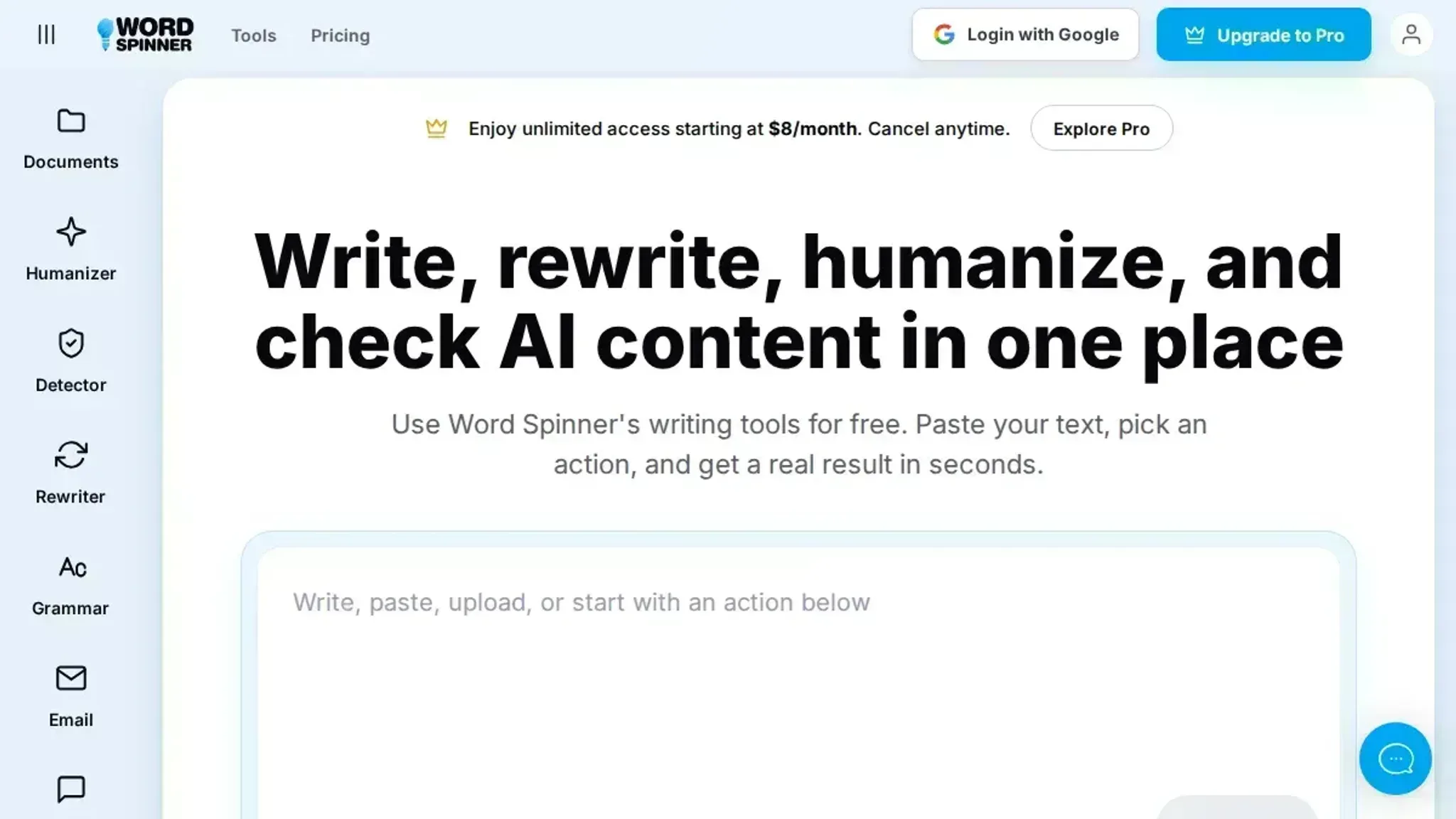
- Word Spinner: Best for fixing a draft and then rephrasing it in the same place. The grammar checker sits beside an AI humanizer, detector, and rewriter, so one draft gets corrections and a new voice. Before you trust any checker, read up on the mistakes grammar checkers still miss.
- Key features: grammar, spelling and punctuation checks; AI humanizer; advanced rewriter; AI detector; email generator
- Limitations: no shared team style guide; newer name than Grammarly
- Verdict: the strongest free all-rounder here.
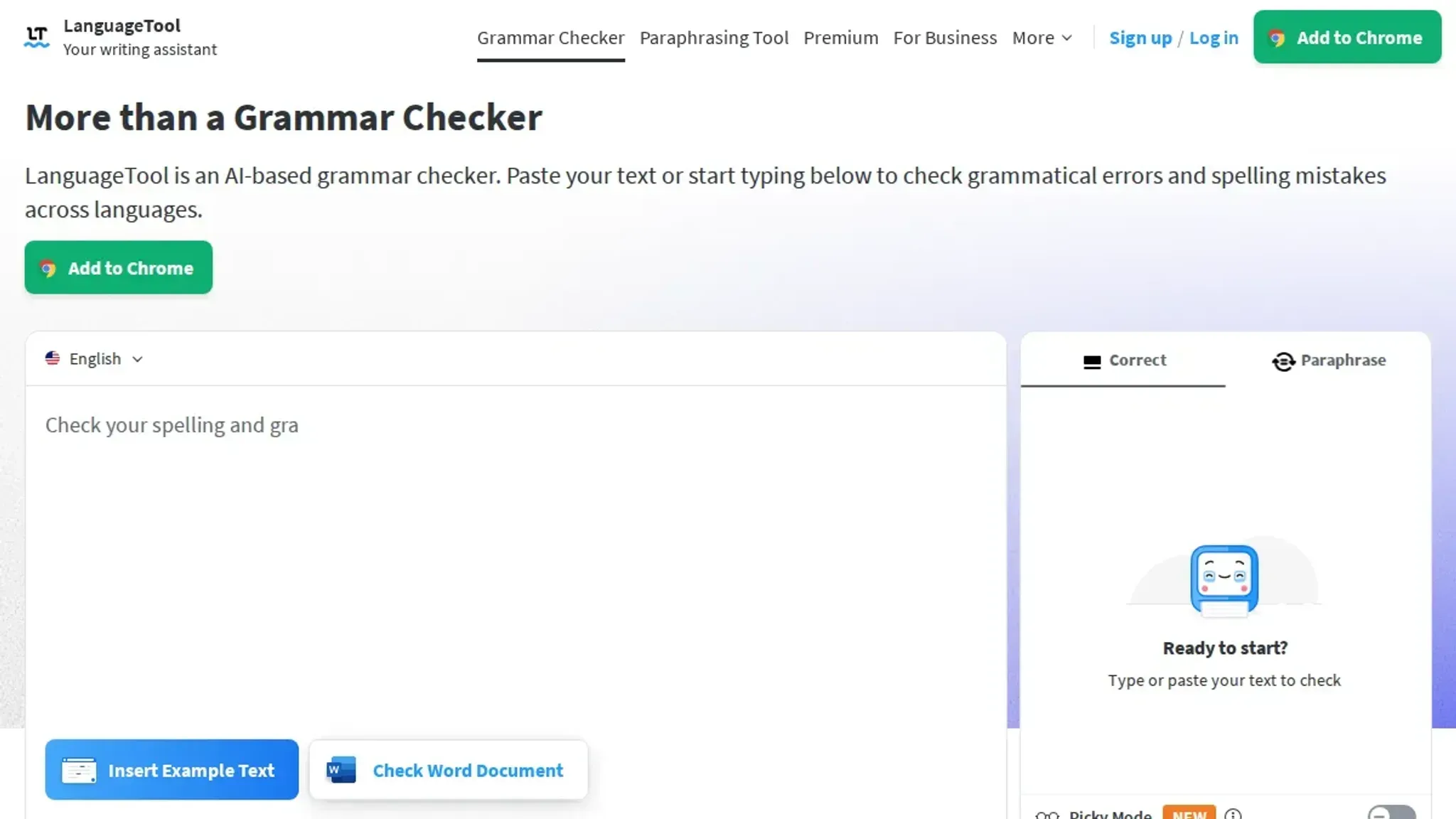
- LanguageTool: Best for multilingual writers. It checks English plus more than 25 other languages, which most rivals do not.
- Key features: multi-language checking; open-source core; browser add-on
- Limitations: style suggestions are shallower than Grammarly's
- Verdict: the pick when you write in more than one language.
- QuillBot: Best for free, unlimited checking. You can run unlimited grammar checks for free, and a paraphraser sits next to the editor.
- Key features: free unlimited checks; paraphraser; summarizer
- Limitations: the paraphraser can flatten a distinctive voice
- Verdict: the best free checker if you do not need humanizing.
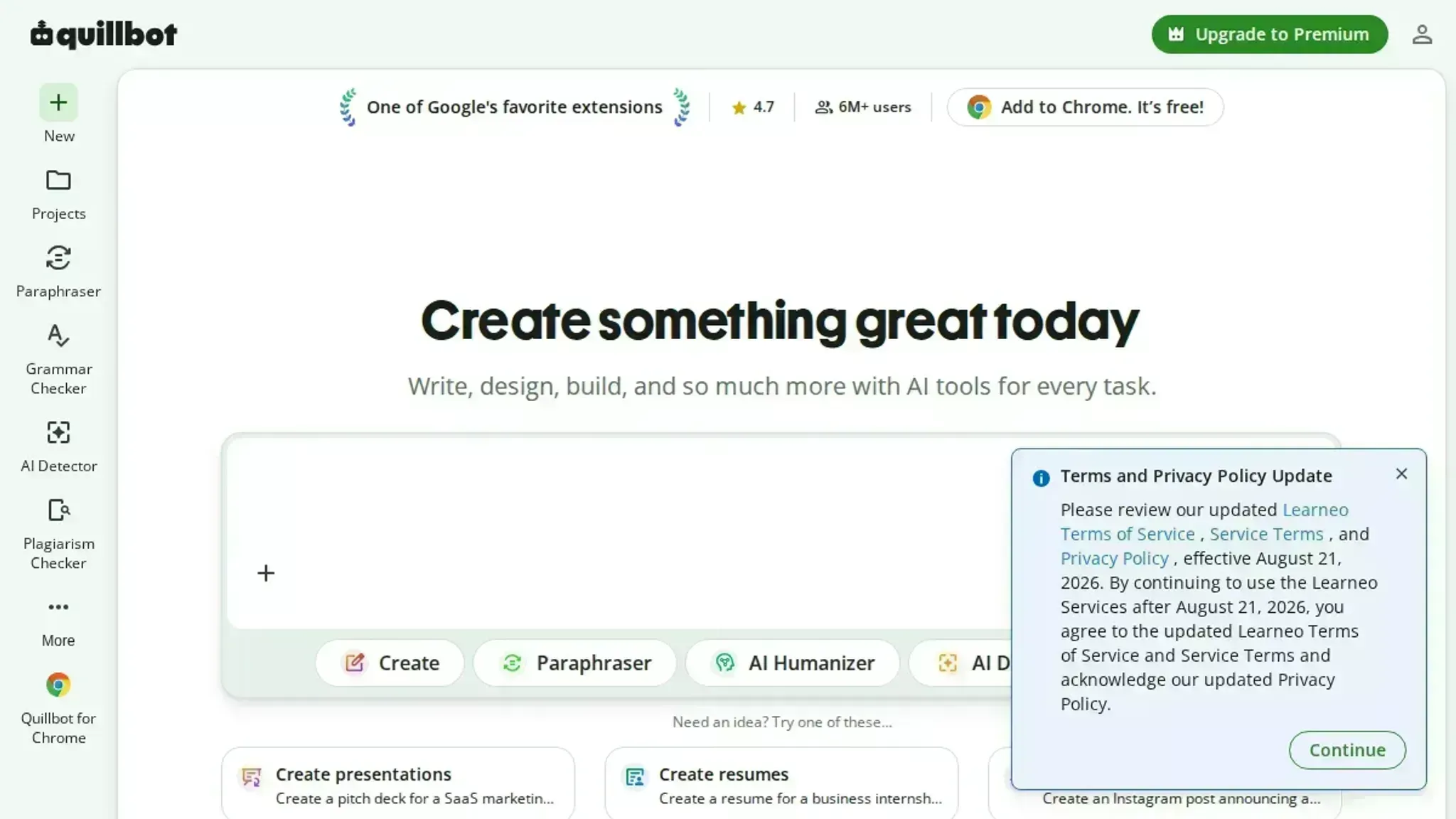
- ProWritingAid: Best for long-form and fiction. Its reports cover pacing, repetition, and readability, not just grammar.
- Key features: 20-plus writing reports; readability scores; manuscript integration
- Limitations: the volume of reports overwhelms casual users
- Verdict: the deepest analysis for book-length work.
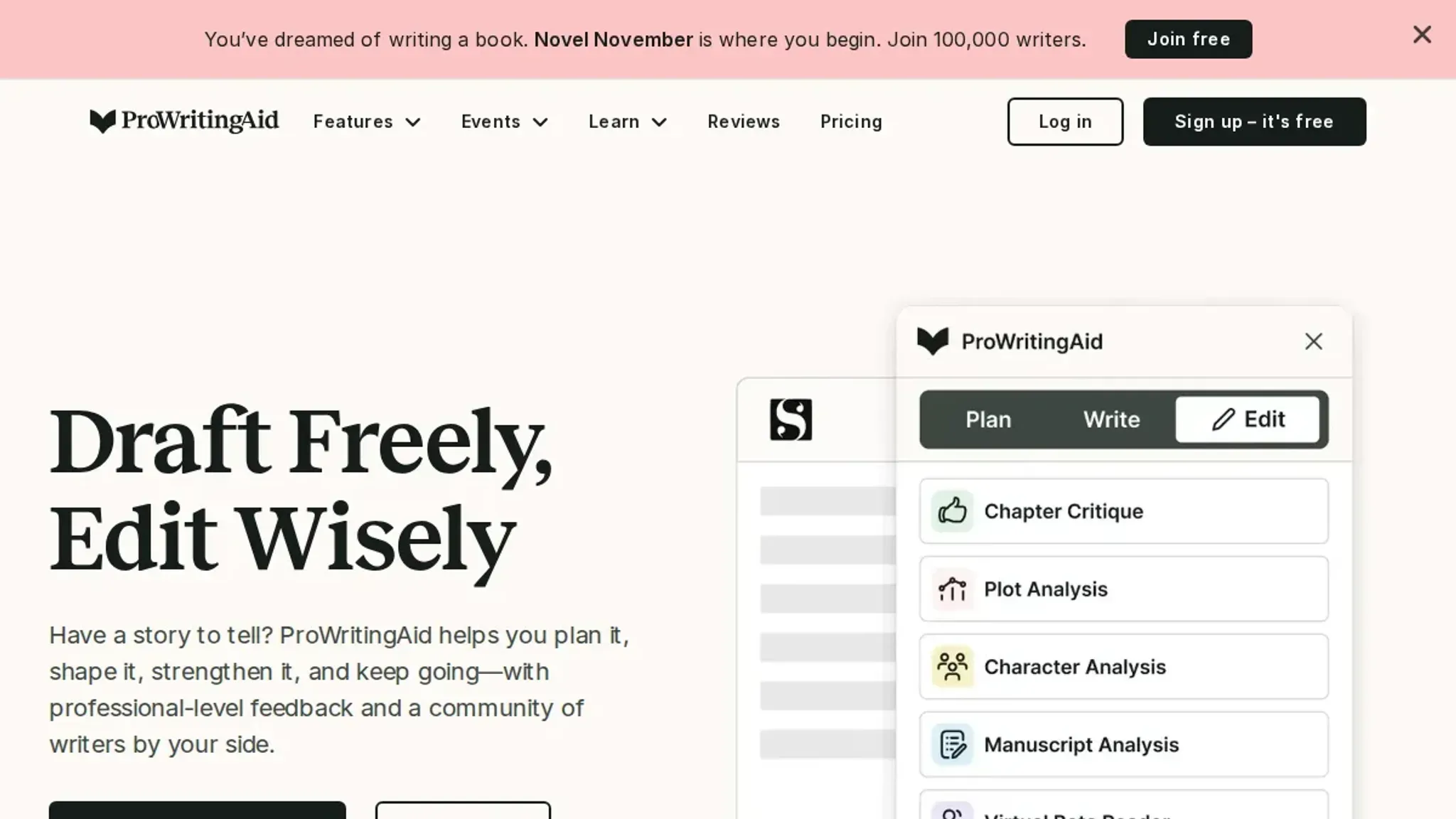
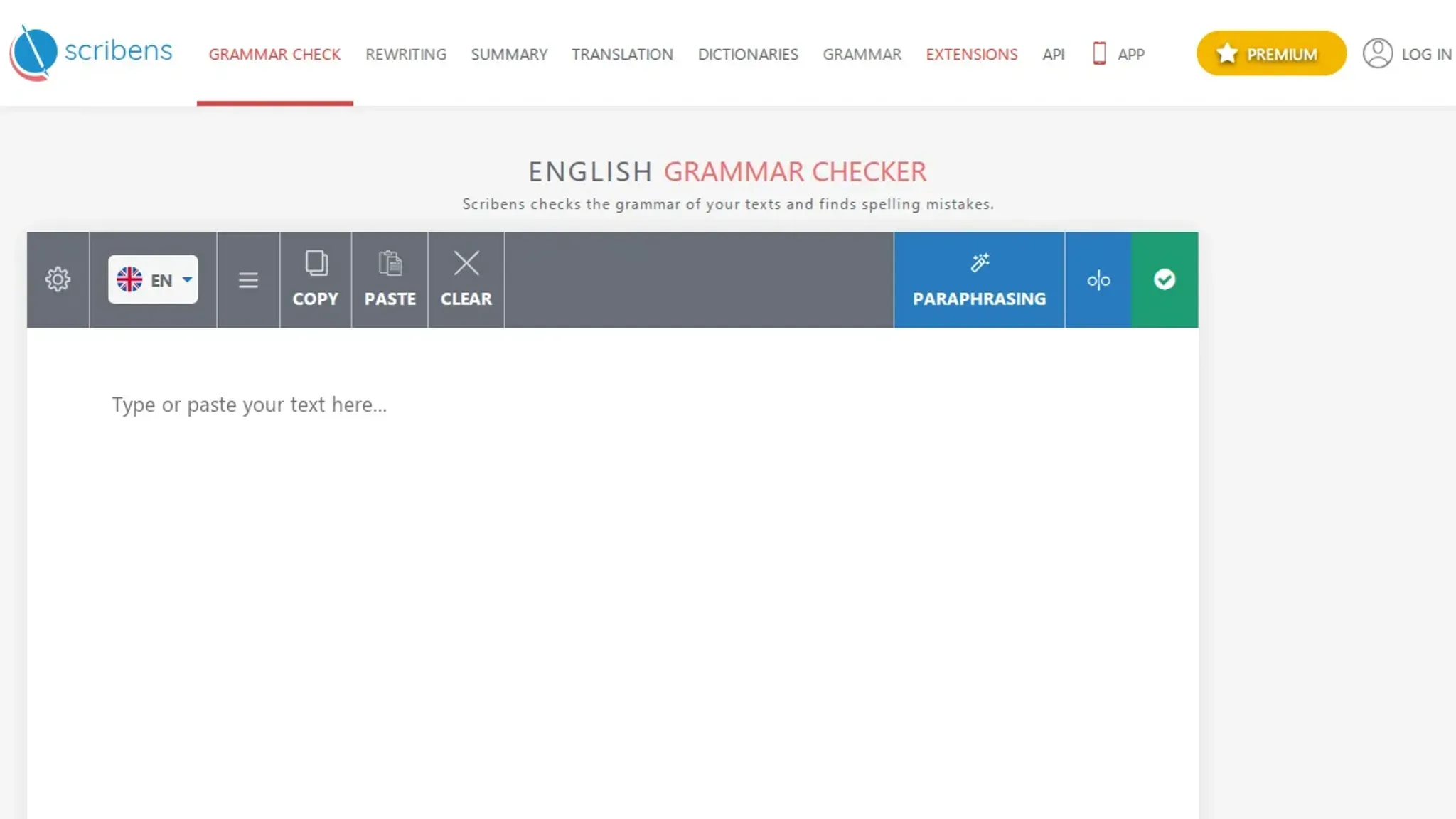
- Scribens: Best for catching mechanical errors cheaply. It corrects conjugation, agreement, word confusion, punctuation, and typography.
- Key features: free tier; conjugation and agreement checks; typography fixes
- Limitations: dated interface; fewer style suggestions
- Verdict: a solid free backup checker.
- Trinka: Best for academic and technical writing. It targets the conventions of research papers rather than general prose.
- Key features: academic tone checks; technical vocabulary; document upload
- Limitations: narrow focus makes it a poor fit for marketing copy
- Verdict: the pick for papers and reports.
- Ginger: Best for sentence-level rewrites. Its Rephrase tool rebuilds whole sentences, not just single words.
- Key features: sentence rephrase; translation; personal trainer
- Limitations: the free tier limits daily text length
- Verdict: useful when a sentence needs rebuilding, not fixing.
- GrammarCheck.net: Best for a quick pass with no sign-up. Paste text into the editor and it flags spelling, grammar, and punctuation.
- Key features: no account needed; free editor; readability score
- Limitations: no rewriting or humanizing
- Verdict: fine for a fast sanity check.
Expert tip: a clean pass hides the errors that matter most
Most grammar checker case study write-ups count flags instead of meaning.
The usual advice to trust the clean result changes when your sentences run long. Long clauses push the subject and verb far apart, and the checker starts proposing rewrites that flatten your meaning. Treat each suggestion as a question rather than a correction.
Frequently asked questions about grammar checker case studies
What can a grammar checker not detect?
A grammar checker cannot judge whether a sentence is true, relevant, or pitched at the right reader. It flags surface errors such as subject-verb disagreement and missing commas, but a factually wrong claim passes untouched.
How do you measure whether a grammar checker improved your writing?
Count the errors a second human reader still finds after the tool has run. Accept only the suggestions you agree with, then log what your reviewer catches. A falling count across three drafts is the signal.
Are free grammar checkers enough for a small team?
Free tools cover most everyday business writing. LanguageTool and QuillBot handle spelling, punctuation, and agreement well enough for emails and reports. A paid plan earns its place only for long documents with house style rules.
Do grammar checkers work on non-native English writing?
They catch more errors in non-native writing, and they also produce more false suggestions. Read every correction before accepting it, particularly around articles and prepositions.
Final verdict: what to do next with your grammar checker
Run your next draft through Word Spinner before you send it. It is the strongest fit for most people because checking, rewriting, and humanizing sit in one free toolkit, so a flagged sentence gets reshaped rather than just corrected.
Choose differently only if your writing is academic or heavily technical and you need a checker tuned to citation style and field vocabulary, where a general-purpose tool keeps flagging terms it does not recognize.
Whatever you pick, test it on a paragraph you already know is wrong. That is the fastest way to see what a checker catches and what it quietly lets through.