Best grammar checker mistakes alternatives for cleaner writing
Key takeaways
- Word Spinner is the best fix for grammar checker mistakes, because it pairs a grammar and spelling engine with an advanced rewriter and an AI humanizer in one free toolkit.
- Word Spinner returns a rewritten sentence you can actually use, not just a flag.
- False positives matter more than missed errors.
- Word Spinner, LanguageTool, Grammarly, QuillBot, and Ginger Software are the strongest alternatives for catching false positives.
- Proofreading tools aim at a general reader, so the sentences they flag hardest are often the ones your specialist audience reads most easily.
You run a paragraph through a grammar checker, see no red underlines, and hit send. Then a colleague points out the sentence that makes no sense.
Most grammar checker mistakes live in the gap between a clean pass and clean writing. Some belong to the tool: it misses a missing verb, or flags a good sentence over passive voice. Others are yours, like accepting every suggestion unread.
Here is the pattern in the wild: "The migration ran without errors, but the index rebuild never finished." Every term is spelled right, the tenses agree, and the sentence still tells your reader the opposite of what happened. No rule engine catches that, because nothing is broken at the level it inspects.
You will finish knowing which errors the tool catches, which it cannot, and how to fix the rest. Word Spinner bundles a proofreading engine, a rewriter, and an AI detector in one free toolkit, a practical first stop for a second opinion.
What should you do when a grammar checker gets it wrong?
Word Spinner is the best fix for grammar checker mistakes, because it pairs a proofreading engine with an advanced rewriter and an AI humanizer in one free toolkit. Where most tools only flag a term, Word Spinner returns a rewritten sentence you can actually use.
LanguageTool is the strongest free runner-up, with over 4 million users trusting it for a quick second opinion, and Grammarly suits anyone who wants suggestions inside the sites they already type in.
What criteria we used to pick these alternatives
We ranked each tool on three things: how it handles false positives, how many languages and writing styles it covers, and whether the free tier stays usable. False positives matter more than missed errors. A tool that flags every passive sentence in a spec trains you to click Ignore, and after a week you stop reading the suggestions at all.
Coverage is the second filter. Grammarly runs across desktop and mobile apps on over a million sites, which matters if you write in Gmail and Word on the same day.
The usual advice flips when you write in a second language: there, missed errors hurt more than false alarms. A German engineer drafting an English incident report needs the tool to catch a dropped article, not to complain that "the deployment was rolled back" sounds passive.
Grammar checker alternatives compared side by side
We compare the following options on the following criteria: false-positive handling, language coverage, and whether the free tier stays usable.
| Tool | Best for | Strength | Limitation |
|---|---|---|---|
| Word Spinner | Fixing false flags | Grammar and rewriting in one | Newer than the others |
| LanguageTool | Multilingual drafts | Transparent rule engine | Style advice is cautious |
| Grammarly | Polished English prose | Catches punctuation and tone slips | Free tier stops at basic fixes |
| QuillBot | Rewriting flagged sentences | Unlimited free passes | Rewrites can flatten your voice |
| Ginger Software | Vocabulary lookup alongside grammar fixes | Dictionary with 500,000 entries | Grammar engine trails LanguageTool |
Read the table by picking the limitation you can live with.
Grammar checker alternatives ranked for false positives
Word Spinner, LanguageTool, Grammarly, QuillBot, and Ginger Software are the strongest alternatives for catching false positives, each trading off free limits against style depth. The order below reflects how well each one handles the specific problem of flagging correct sentences, not how many features it ships.
Word Spinner
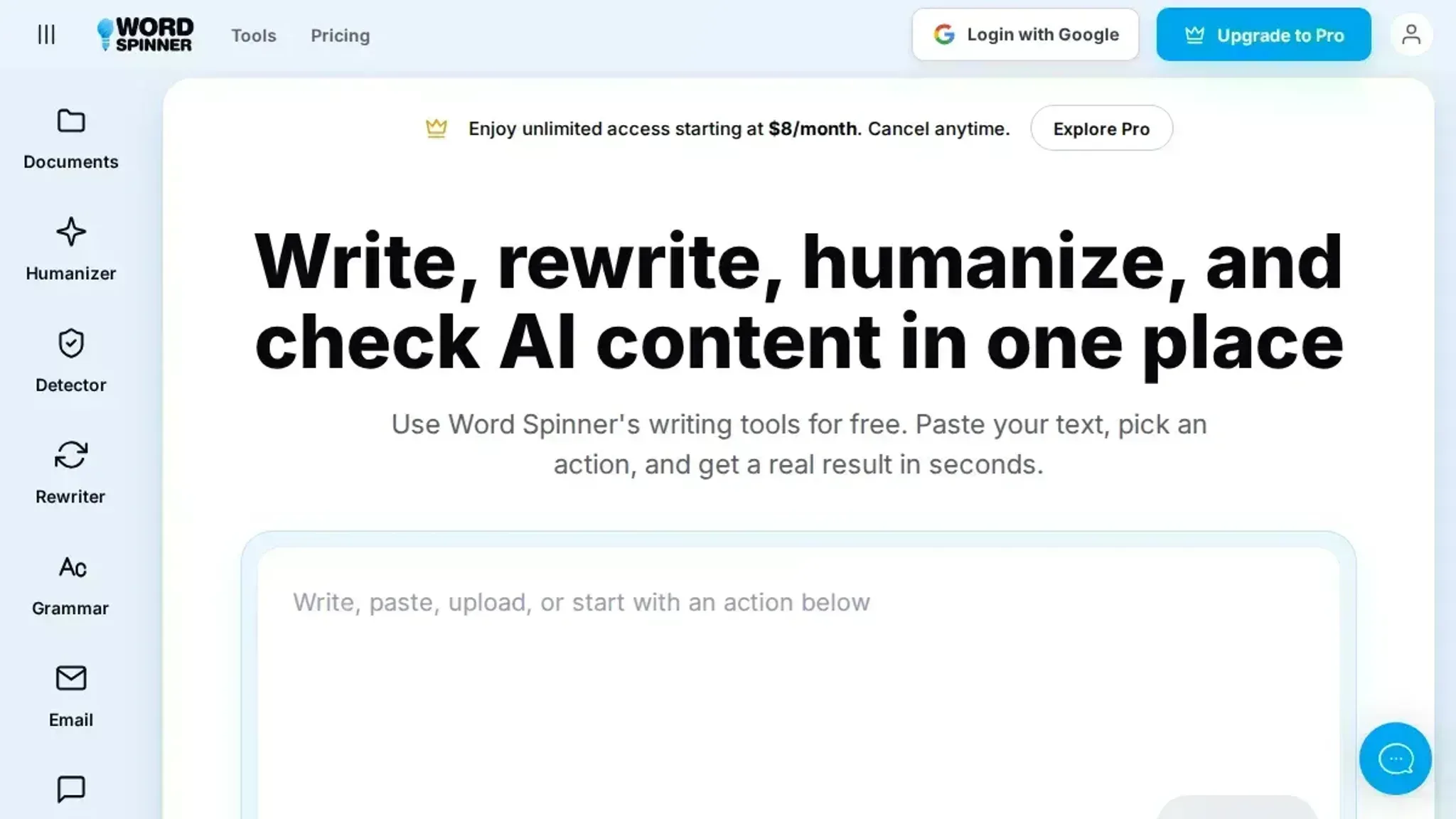
Word Spinner is a free AI writing toolkit that bundles a proofreading engine, an advanced rewriter, and an AI humanizer in one place. That combination matters when the tool keeps flagging correct sentences: instead of just accepting or rejecting a suggestion, you can rewrite the sentence and see whether the flagged pattern was actually a problem or just an unusual construction.
The grammar checker is the entry point, and the rewriter and humanizer sit alongside it in the same toolkit. It suits writers who want a second opinion on the same paragraph without paying for a second subscription. The trade-off is that Word Spinner is newer than Grammarly or LanguageTool, so its rule set for niche academic or legal phrasing is thinner.
If you write mostly in English, it is the most direct fit for grammar, rewriting, and humanizing in one place.
- Best for: writers who want grammar, rewriting, and humanizing in one free toolkit.
- Skip if: you need deep citation or academic style rules.
Choose it over the incumbent if your tool keeps flagging correct sentences and you want a rewrite pass in the same place.
LanguageTool
LanguageTool is an open-source grammar checker that covers more than 25 languages and runs in a browser, a desktop app, and a browser extension. Its rule engine is transparent: you can see why the tool flagged a phrase, which is useful when you are trying to work out whether the engine or your sentence is wrong.
It suits multilingual writers and anyone who wants to proofread German, French, or Spanish text with the same tool. The trade-off is that its English style suggestions are shallower than Grammarly's, so it catches agreement and punctuation errors well but rarely rewrites a clunky sentence. The desktop version handles long documents better than the browser extension.
- Best for: multilingual drafts and transparent rule explanations.
- Skip if: you want style and tone suggestions, not just grammar.
Choose it over the incumbent if you write in more than one language and want to see the rule behind every flag.
Grammarly
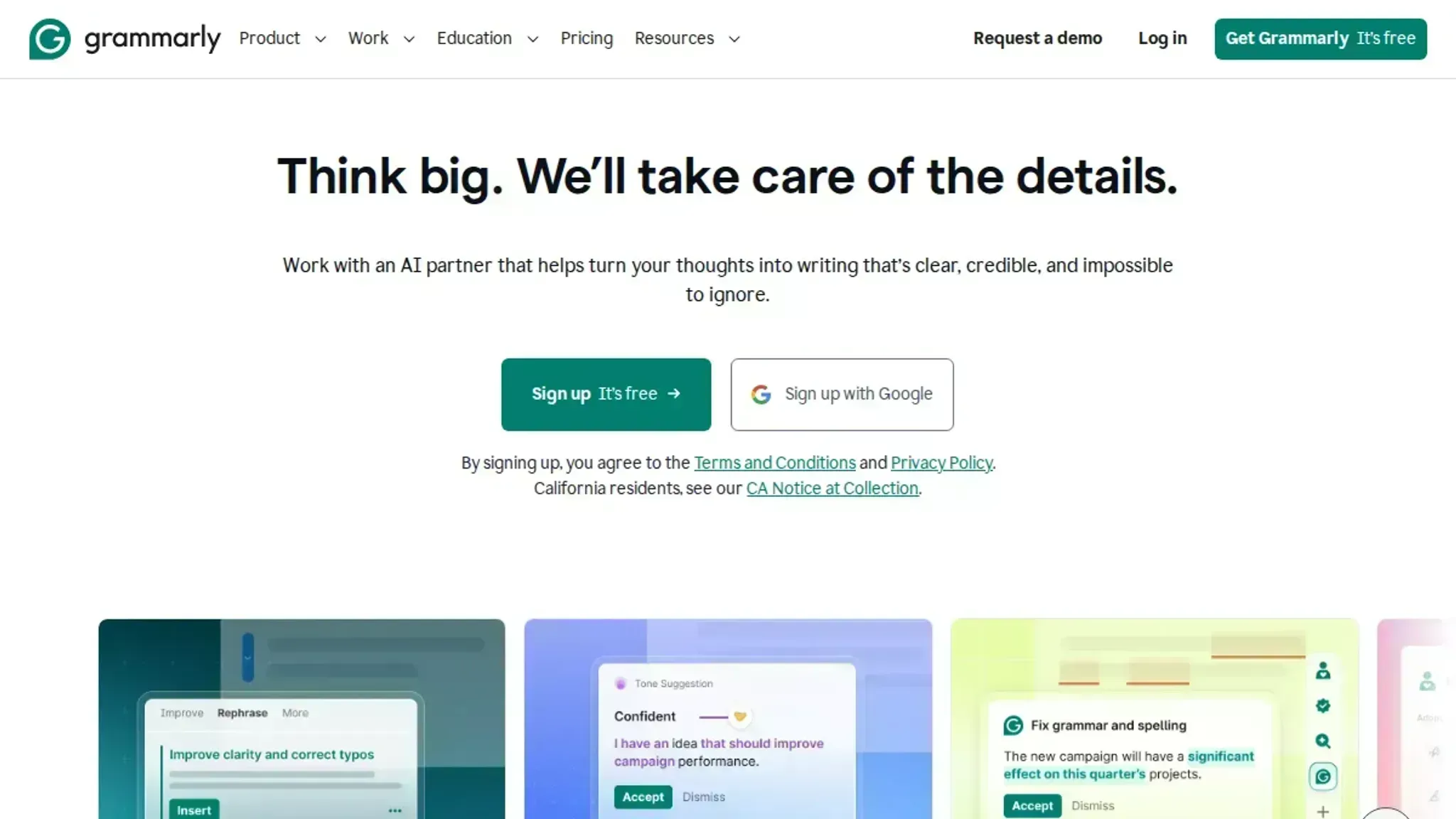
Grammarly is the most widely used grammar checker, with a free tier that covers spelling, grammar, and punctuation, and a paid tier that adds tone, clarity, and full-sentence rewrites. Its strength is style depth: it will flag a passive construction or a wordy phrase that LanguageTool would let through.
It suits writers who want a second pair of eyes on tone and readability, not just correctness. The trade-off is that the free tier stops short of the style advice, and the paid plan is the priciest option here. If you are weighing the two, the Grammarly vs Word Spinner comparison breaks down where each one wins.
- Best for: tone, clarity, and readability suggestions.
- Skip if: you only need basic grammar and punctuation fixes.
Choose it over the incumbent if your drafts read correctly but still feel flat.
QuillBot
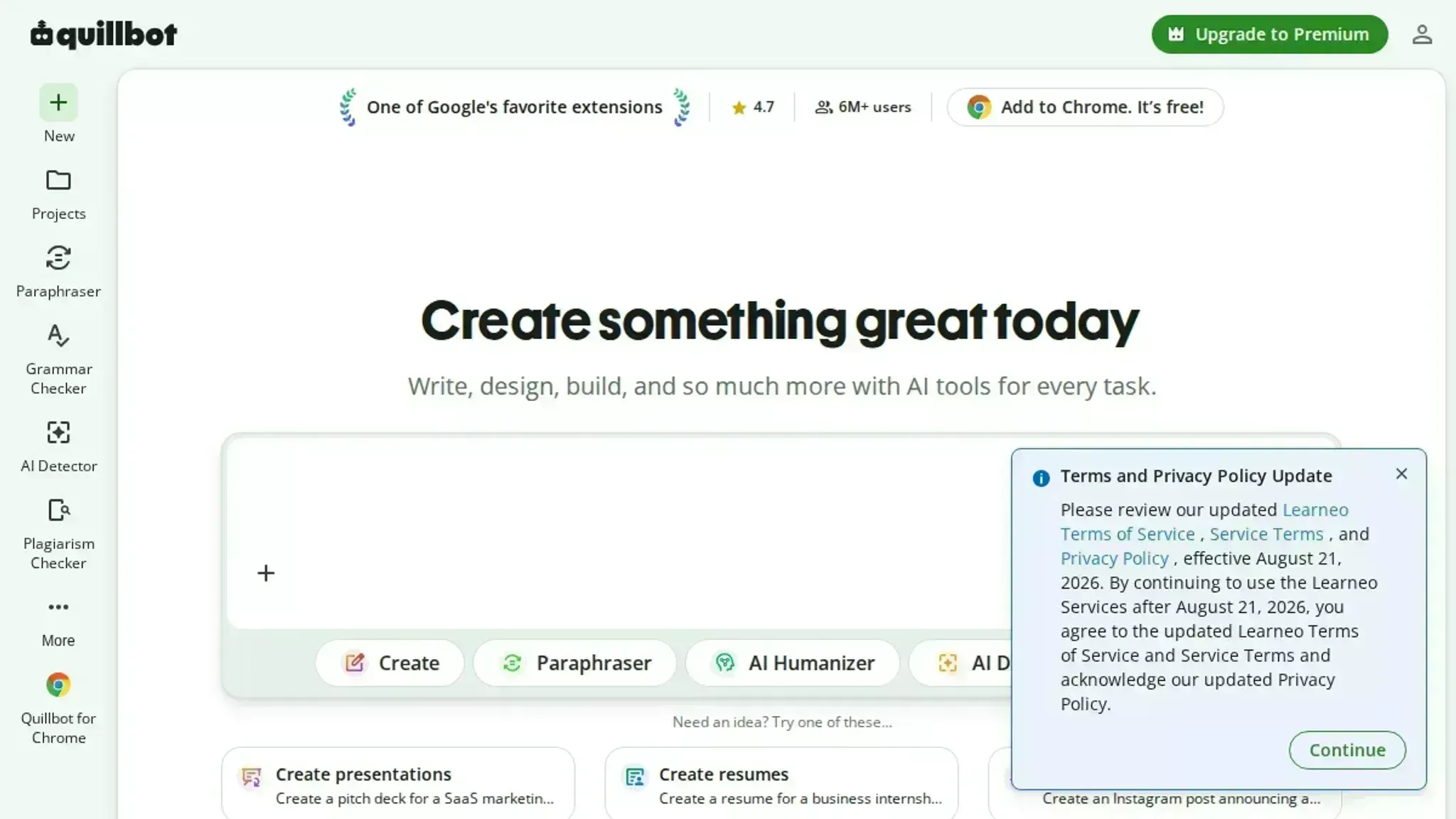
QuillBot pairs a free proofreading engine with a paraphraser, summarizer, and citation generator. The grammar checker itself is solid for spelling and punctuation, and the paraphraser is the real draw: it can rewrite a flagged sentence in a different register, which is useful when the tool is right that something sounds off but wrong about why.
It suits students and anyone who wants to rephrase a sentence rather than just correct it. The trade-off is that the free paraphraser caps how much text you can process at once, and the grammar engine is less thorough than Grammarly's.
- Best for: rewriting flagged sentences in a different register.
- Skip if: you need deep grammar rules for technical writing.
Choose it over the incumbent if you want to rephrase, not just correct.
Ginger Software
Ginger Software combines a proofreading engine, a paraphraser, and a dictionary with 500,000 entries and translations across 30 languages. That dictionary is the differentiator: when the tool flags a term you are unsure about, Ginger lets you look it up without leaving the page.
It suits writers working in a second language who need both correction and vocabulary support. The trade-off is that its grammar engine is less accurate than LanguageTool's on complex sentences, and the free tier is tighter than it used to be.
- Best for: vocabulary lookup alongside grammar fixes.
- Skip if: you need the most accurate grammar engine available.
Choose it over the incumbent if you want a dictionary and a proofreader in the same window.
Which grammar checker alternative fits your workload
The right alternative depends on where you type and how many languages you handle.
- Grammarly: pick it if you type across many surfaces, since it works on 1 million+ websites, apps, and browsers.
- LanguageTool: pick it for multilingual drafts and Chrome-heavy work, trusted by over 4 million users.
- QuillBot: pick it for unlimited free passes when volume matters more than style advice.
- Ginger: pick it when you want dictionary depth alongside corrections.
For a workflow that catches what these tools miss, see these grammar checker tips.
The flags you should never accept
Proofreading tools aim at a general reader, so the sentences they flag hardest are often the ones your specialist audience reads most easily. A tool trained on everyday prose, even one trusted by over 4 million users, treats a long technical noun phrase or a deliberate passive as an error. Accepting those rewrites flattens the wording your colleagues recognise.
That advice changes once your draft is dense with domain terms. When the same term draws a flag in every paragraph, add it to your personal dictionary instead of rewording it, because repeated rewrites around one term are how meaning drifts.
Frequently asked questions about proofreading tools
What are the most common grammar mistakes that a grammar checker can detect?
Spelling, punctuation, subject-verb agreement, and article use are the four it handles reliably. It also catches doubled terms and mismatched verb tenses inside a sentence. What it cannot detect is a sentence that is grammatically perfect but says the wrong thing.
Can a grammar checker catch a wrong word that is spelled correctly?
Sometimes, and only when the surrounding text makes the error obvious. A grammar spell pass compares each term to a dictionary, so a correctly spelled wrong term sails through. LanguageTool flags "their" for "there" because that pattern is common. A misused technical term or a wrong name usually passes untouched.
Do free grammar checkers miss more mistakes than paid ones?
Free tiers miss fewer mistakes than most people assume; the real gap is style depth and document length. grammarly.com and quillbot.com both handle spelling and punctuation without payment. Paid plans add tone suggestions, not a different error list.
What should you check yourself when a grammar checker finds nothing?
Read the paragraph backwards, sentence by sentence, and ask whether each one makes the claim you intended. These tools verify form, not meaning, so a missing negative or a swapped number survives every pass. Reading aloud catches most of these.
Final verdict on grammar checker mistakes
Word Spinner is the pick to start with, because it pairs a proofreading engine with an advanced rewriter and an AI humanizer, so you can fix the flagged sentence and rework the meaning in the same place. Run your draft through it, then read the result aloud once.
Your next step is to stop treating a clean pass as proof. Keep the grammar checker alternatives breakdown open while you edit, and switch tools only if you write mainly in a language Word Spinner covers thinly, or you need a style guide enforced across a large team.