
How an AI word changer rewrites your text without changing your meaning
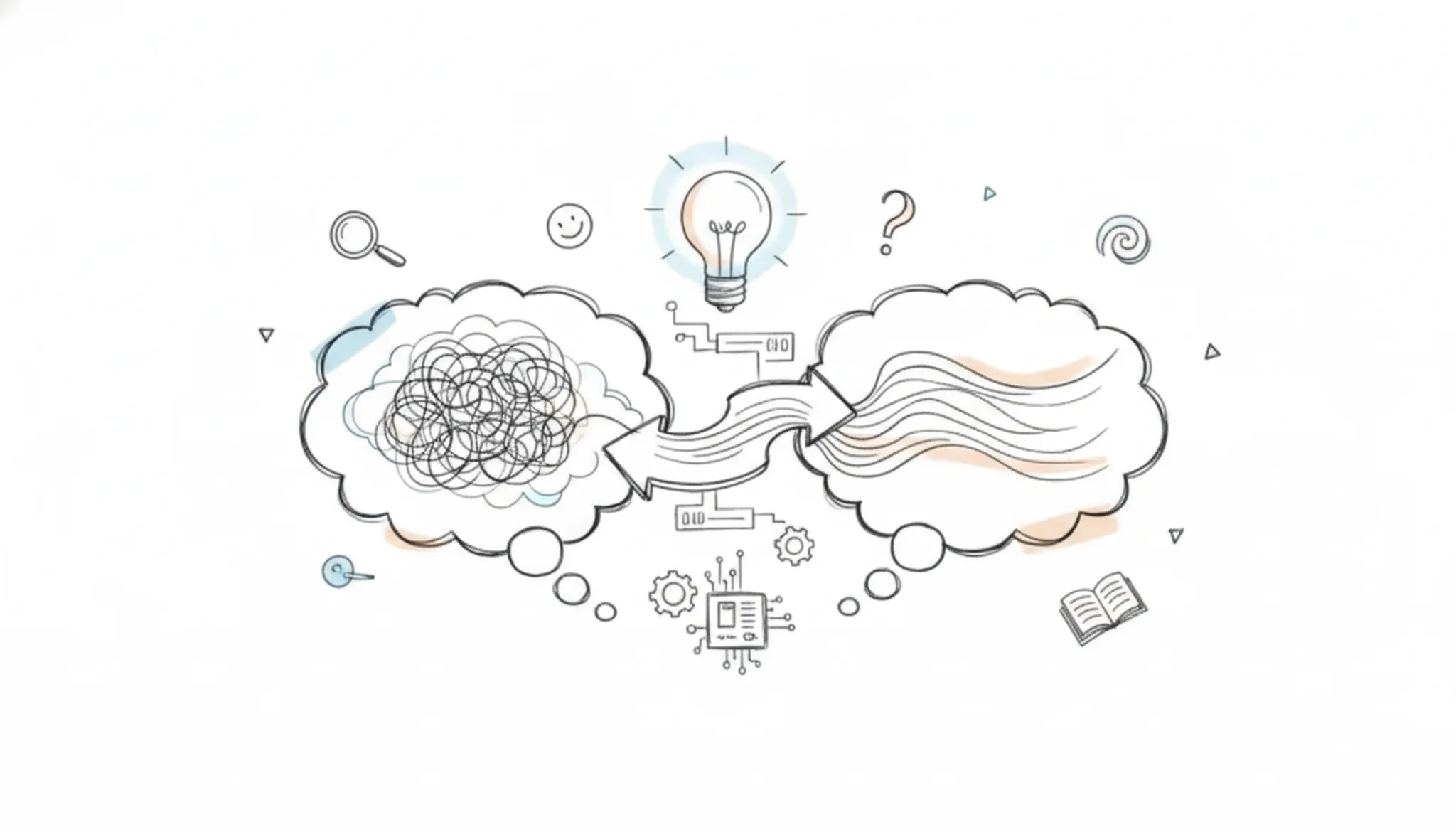
You wrote something important, but the words sound flat and generic. The meaning is there, but your voice is gone.
That is why people search for an AI word changer. Not because they want synonyms, but because they wrote something important and it does not sound like them. After reading this, you will know exactly how these tools rewrite text while holding your meaning steady, and which one does it without stripping your personality away.
Key takeaways
- See how AI word changers keep your meaning by rewriting sentences, not just swapping words.
- Learn which rewriting mode (formal, creative, etc.) fits your content without distorting your message.
- Find out that free tools limit word counts, while premium options like Word Spinner offer unlimited use.
- Know when to double-check output: technical terms and idioms can trip up even advanced AI changers.
What is the most reliable AI word changer to use now?
Word Spinner is the most reliable pick because it combines a dedicated AI humanizer, a rewrite mode that preserves sentence structure, and a built-in AI detector that checks whether the output still reads as machine-written. A direct answer for anyone testing an AI word changer: paste a sample of ChatGPT-generated text into Word Spinner, run it through the humanizer, then paste the result back into the same tool's AI detector.
If the score drops below the AI-likely threshold, the changer did its job without altering your facts or tone. For a free alternative that works well on shorter texts, Word Changer offers 12 tone options and requires no sign-up for the first 300 words, useful for quick edits on a single paragraph.
How does an AI word changer keep your original meaning intact?
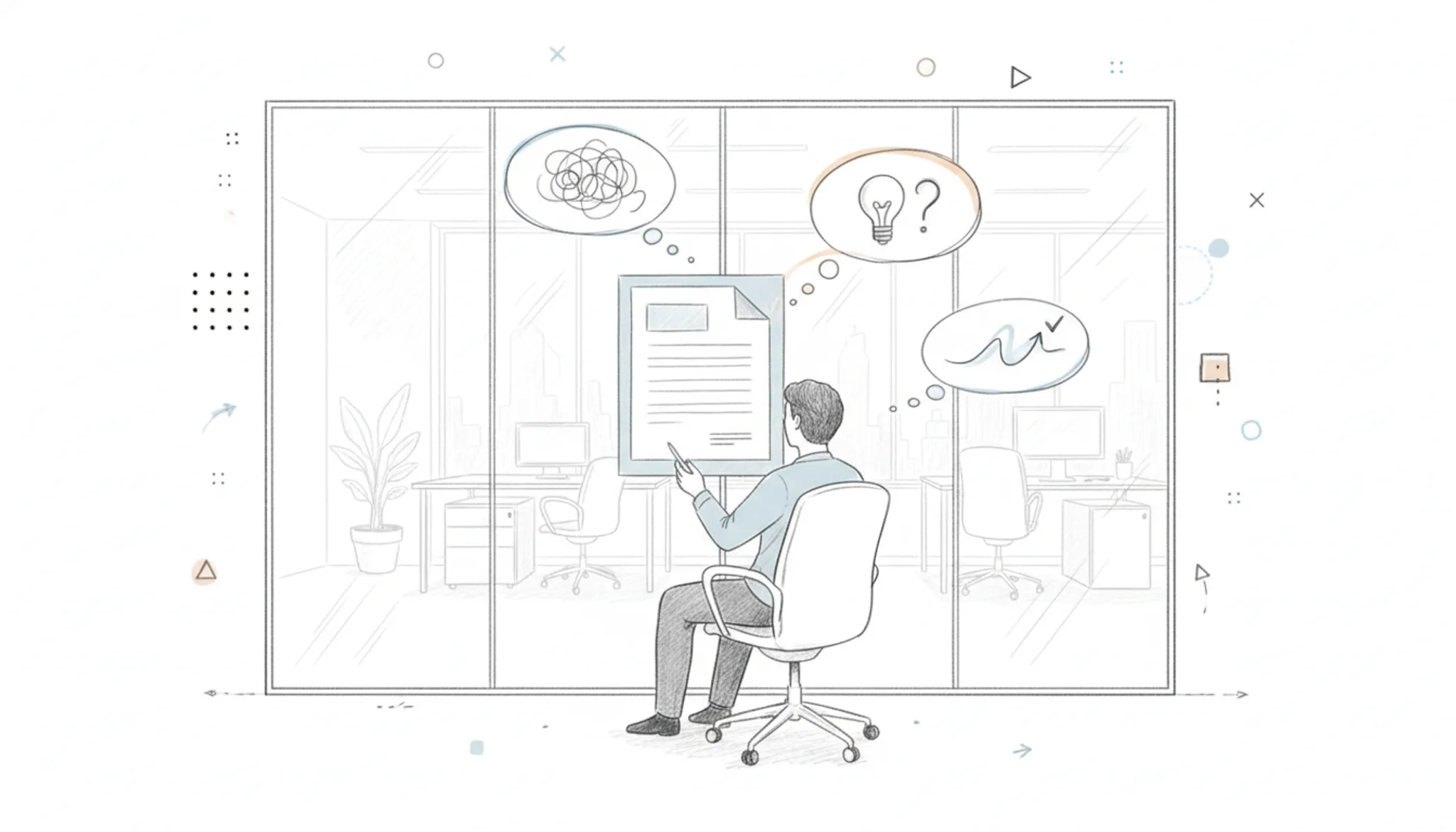
An AI word changer preserves your original meaning by analyzing the full context of your sentence, not just swapping individual words for synonyms. The tool understands grammar, sentence structure, and the relationship between ideas, then rewrites using equivalent phrasings that express the same thing differently.
For instance, when you paste "The quarterly report missed its revenue target due to declining customer retention" into a tool like Word Spinner's advanced rewriter, it recognizes cause-and-effect and can produce "Lower customer retention caused the quarterly report to fall short of its revenue goal." The meaning stays identical, though the sentence structure changed completely.
This works because the AI models trained on millions of human-written sentences showing which word combinations carry equivalent meaning. The tool evaluates every alternative against the original context, rejecting synonym swaps that would shift the tone or introduce ambiguity.
How AI word changers preserve tone while rewording
An AI word changer keeps your tone intact by analyzing patterns beyond word choice. It detects whether your text reads as formal, casual, or persuasive and adjusts synonyms accordingly. A tool like Word Spinner scans your sentence structure and word choice level before making replacements. For example, it recognizes that "utilize" in a formal business report should become "use" rather than "hack" or "score."
The same logic prevents a sarcastic passage from sounding flat. Most good changers also let you select a target tone before rewriting. This is where free tools often stumble. If you feed it a mix of academic language and slang, the tool may default to a neutral middle that strips both voices.
The better systems retain the original's personality.
How do you use an AI word changer step by step
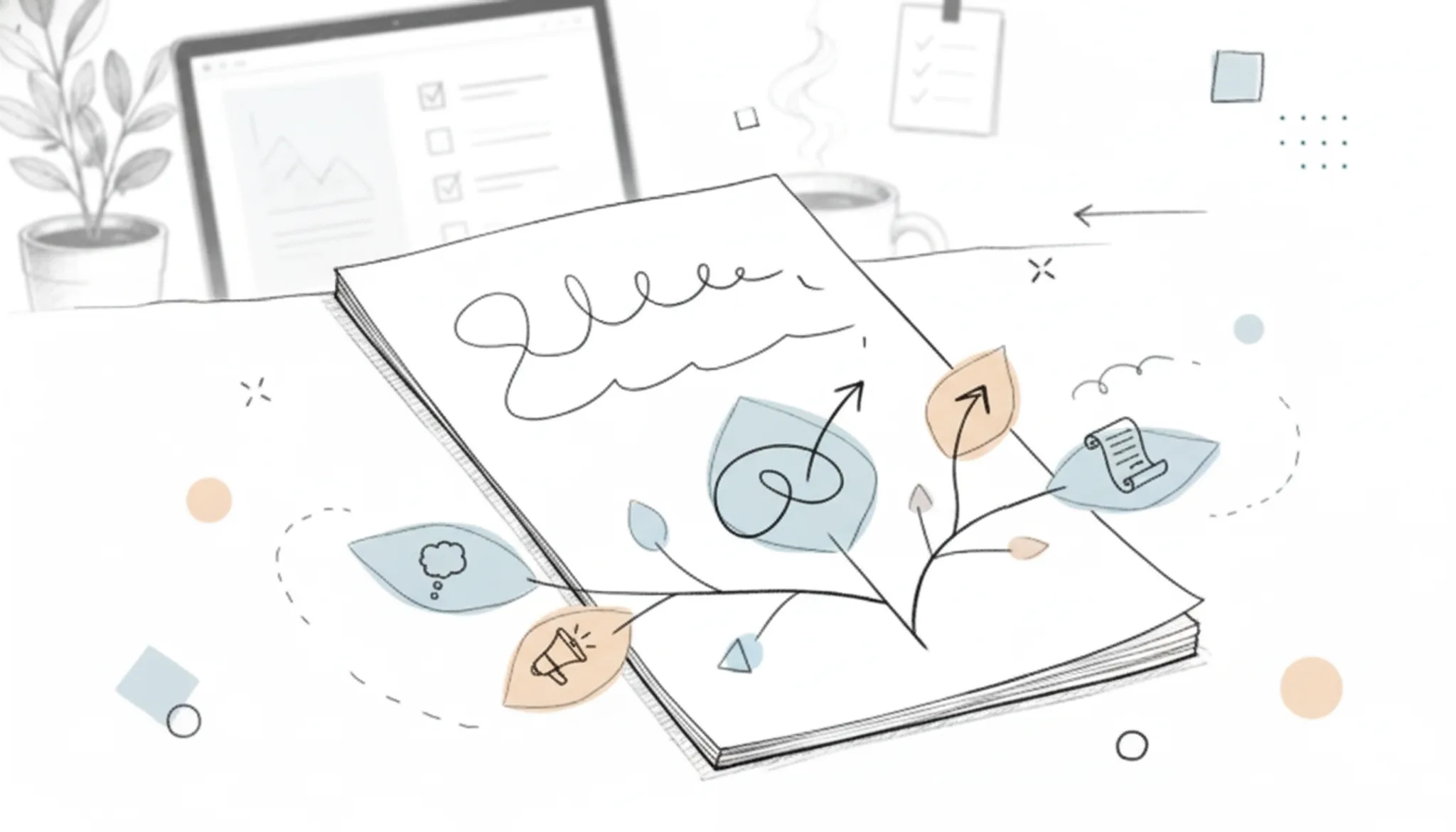
Using an AI word changer takes a few minutes once you know the workflow. Here is the exact sequence that produces reliable results.
- Paste your original text: Copy the text you want to rewrite and paste it into the tool's input box. Most tools accept plain text only, so strip any formatting (bold, headers) beforehand. For example, Word Spinner gives you a clean editor where you paste and see the character count.
- Select a tone or style: Pick the output style that matches your goal. Common options include formal, casual, creative, or academic. This step tells the AI whether to tighten your prose for a report or loosen it for a blog comment. Some tools offer 12 or more tones.
- Click the rewrite button: The tool processes your text in a few seconds. The output appears in a second panel or replaces the original text. Read the result aloud to catch awkward phrasing before you finalize it.
What key features should you look for in an AI word changer
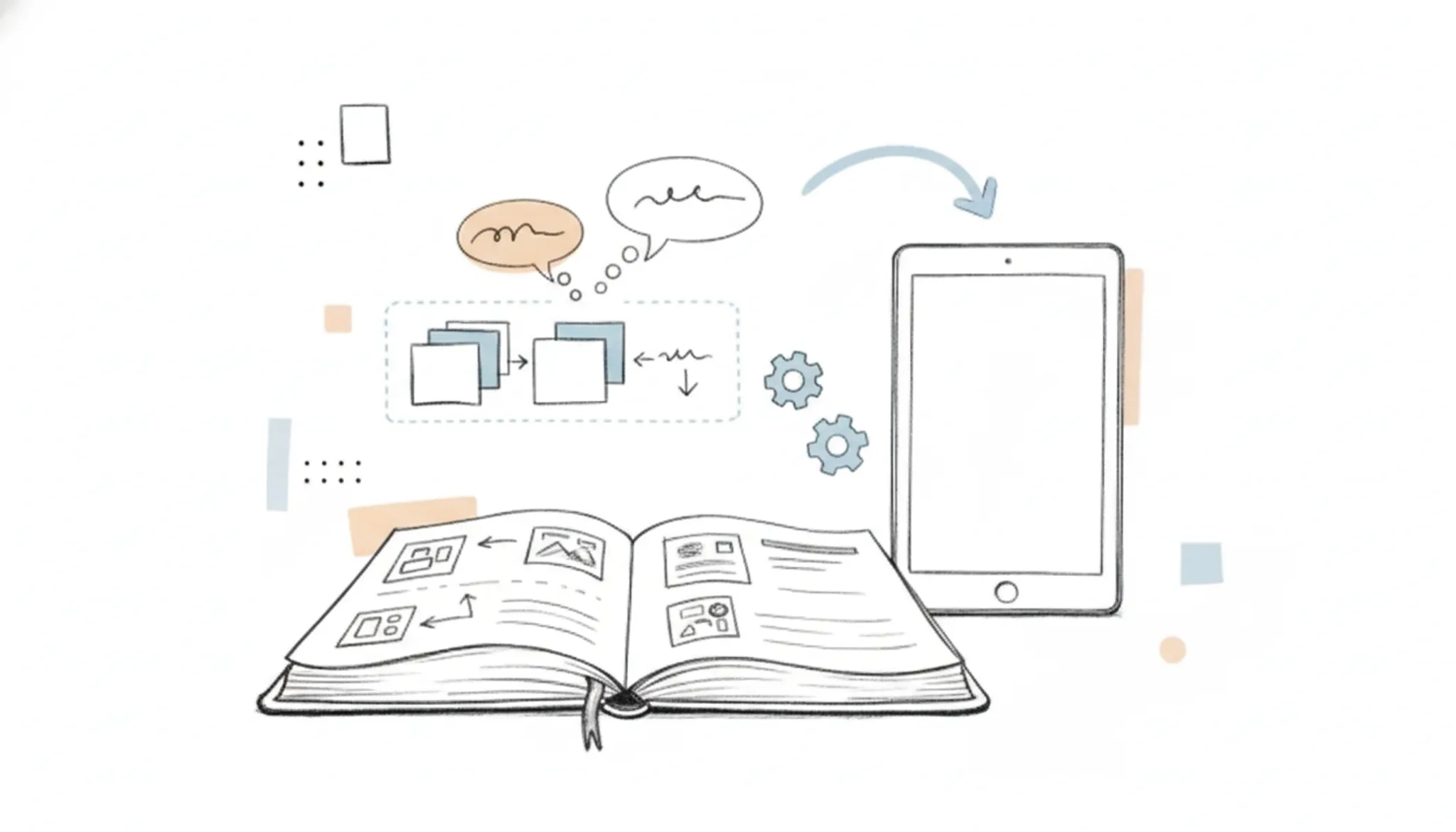
Not every AI word changer does the same thing. The ones worth using share a few core capabilities that separate a reliable rewrite from a synonym dump.
Context-aware rewriting is the most important. Tools like Quillbot and Word Spinner analyze the full sentence structure, not just individual words.
A built-in AI detector matters more than most people realize. A word changer that rewrites your text into something detectable as machine-written has defeated its own purpose. Word Spinner includes a detector that checks its own output, and standalone detectors like ZeroGPT can verify the final result.
Tone controls give you useful flexibility. Scribbr's paraphrasing tool offers academic and standard modes.
Output length matching keeps you from losing formatting. The best tools, including paraphraser.io, maintain roughly the same word count so paragraphs stay in place.
What are the best use cases for an AI word changer?
An AI word changer is most useful when you need to rephrase content while preserving its original meaning, such as avoiding plagiarism in academic writing, adjusting tone for different audiences, or improving clarity in professional communication. For students, an AI word changer helps paraphrase sources without losing the core argument. For content marketers, it can rewrite blog posts to target different keywords or refresh old articles. For non-native speakers, it can simplify complex sentences while keeping the message intact.
Tools like Word Spinner offer rewriting options that let you control the degree of change. Quillbot's paraphrasing tool, for example, provides modes like "Standard" and "Fluency" to match the desired output. The key is that the tool understands context, not just synonym swapping.
What habits make an AI word changer produce better results?
The quality you get from an AI word changer depends more on how you use it than on the tool itself. Start with clean input: remove typos, clarify pronouns, and finish half-written sentences before pasting. A vague sentence like "The process was not good" leaves the AI guessing what to improve, so the output stays generic. Tell the tool what you want instead of letting it decide alone.
Most changers offer tone and style modes, so pick one that matches your audience instead of accepting the default. After the rewrite, read the result aloud. If a sentence sounds unnatural or shifts the meaning, adjust the original phrasing and run that part again rather than editing the output.
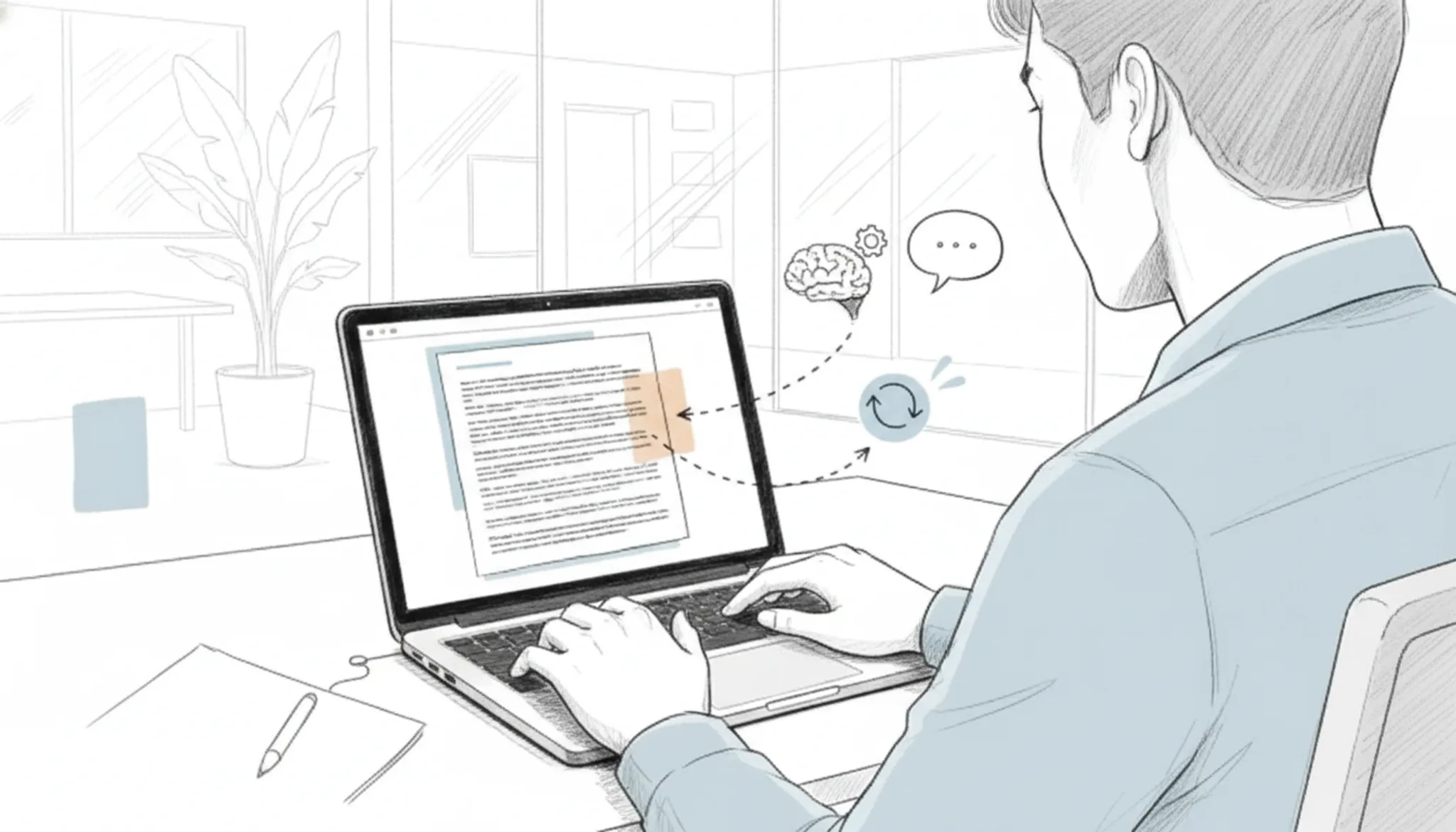
How AI word changers compare: which one should you pick
The table below compares the main options on three criteria: best use case, strength, and limitation. Each row covers a real tool you are likely deciding between.
| Tool | Best for | Key trade-off |
|---|---|---|
| Word Spinner | Rewriting AI text to pass detectors | Requires a Pro subscription past the free tier |
| Quillbot | Academic paraphrasing with tone control | Free version caps rewrites at 125 words |
| Scribbr | Academic citations and avoiding plagiarism | Output leans formal and can feel rigid |
| ZeroGPT | Quick detection and rewrite in one tab | Rewrite quality drops on longer content |
What are the risks of using an AI word changer?
An AI word changer can introduce subtle shifts in meaning, sound unnatural, or strip away your original tone. The biggest risk is meaning drift. The tool swaps a word for a synonym that does not fit the context. Changing "argue" to "discuss" when the original tone was confrontational changes the entire point.
Another issue is unnatural phrasing. Over-reliance on synonym replacement creates clunky, robotic sentences. You also risk losing your voice. Academic, marketing, or personal writing has a specific style.
An aggressive rewrite flattens your unique style into generic prose.
Running text through a changer multiple times degrades it into nonsense. The convenience of a one-click rewrite trades directly against the precision of your original phrasing. Always proofread the output against your original intent.
When an AI word changer shifts meaning
An AI word changer can rewrite text without changing your meaning, but only if the original text uses common vocabulary. For domain-specific terms like "statistical significance" or "breach of contract," a synonym swap can alter the intended meaning entirely. You should always review the output for technical accuracy.
Frequently asked questions about AI word changers
Can an AI word changer rephrase my text without changing the meaning?
Yes, when you use a tool that analyzes entire sentences rather than swapping individual words. Word Spinner and Quillbot both use context-aware rewriting that preserves your original intent. The risk of meaning shift increases with idiomatic phrases, technical jargon, or culturally specific references. Always read the output before publishing.
What is the difference between an AI word changer and a paraphrasing tool?
An AI word changer specifically replaces words and phrases with synonyms while keeping your sentence structure largely intact. A paraphrasing tool, like Scribbr or NeuralWriter, can restructure entire sentences and change the order of ideas.
Will an AI word changer help me avoid AI detection?
Some AI word changers include a built-in detector that checks whether the output still reads as machine-written. Word Spinner offers this combination: you rewrite your text, then run it through the detector to confirm it passes as human-written.
How many words can I rewrite for free with an AI word changer?
Limits vary widely. Wordchanger offers free rewriting up to 300 words without login. Word Spinner provides free use across its humanizer and rewrite tools with no word cap on the free tier. Quillbot limits its free plan to 125 words per rewrite.
Pro subscriptions typically remove these limits.
Is it safe to use an AI word changer for academic writing?
Only if your institution allows it and you verify the output. An AI word changer can help you rephrase content to avoid accidental plagiarism, but it does not replace proper citation or original research.
Sources
- Word Spinner: Word-spinner
- Quillbot: Quillbot
- Scribbr: Scribbr
- ZeroGPT: Zerogpt
- Wordchanger: Wordchanger
Final verdict on AI word changers
For daily rewriting where preserving meaning is the priority, Word Spinner is the pick that earns its place. It analyzes full sentence context before making changes, and its free tier gives you a real feel for how it handles your writing before you commit to anything.
That said, if your primary need is purely academic paraphrasing with citation support, Scribbr does that one job better. No tool covers everything. The smart next step is to run your text through Word Spinner's AI Humanizer and see whether the output reads like you. If it does, you are done.
If not, you have a clear benchmark for what to look for elsewhere.