
How to pick popular writing tools that fit your budget
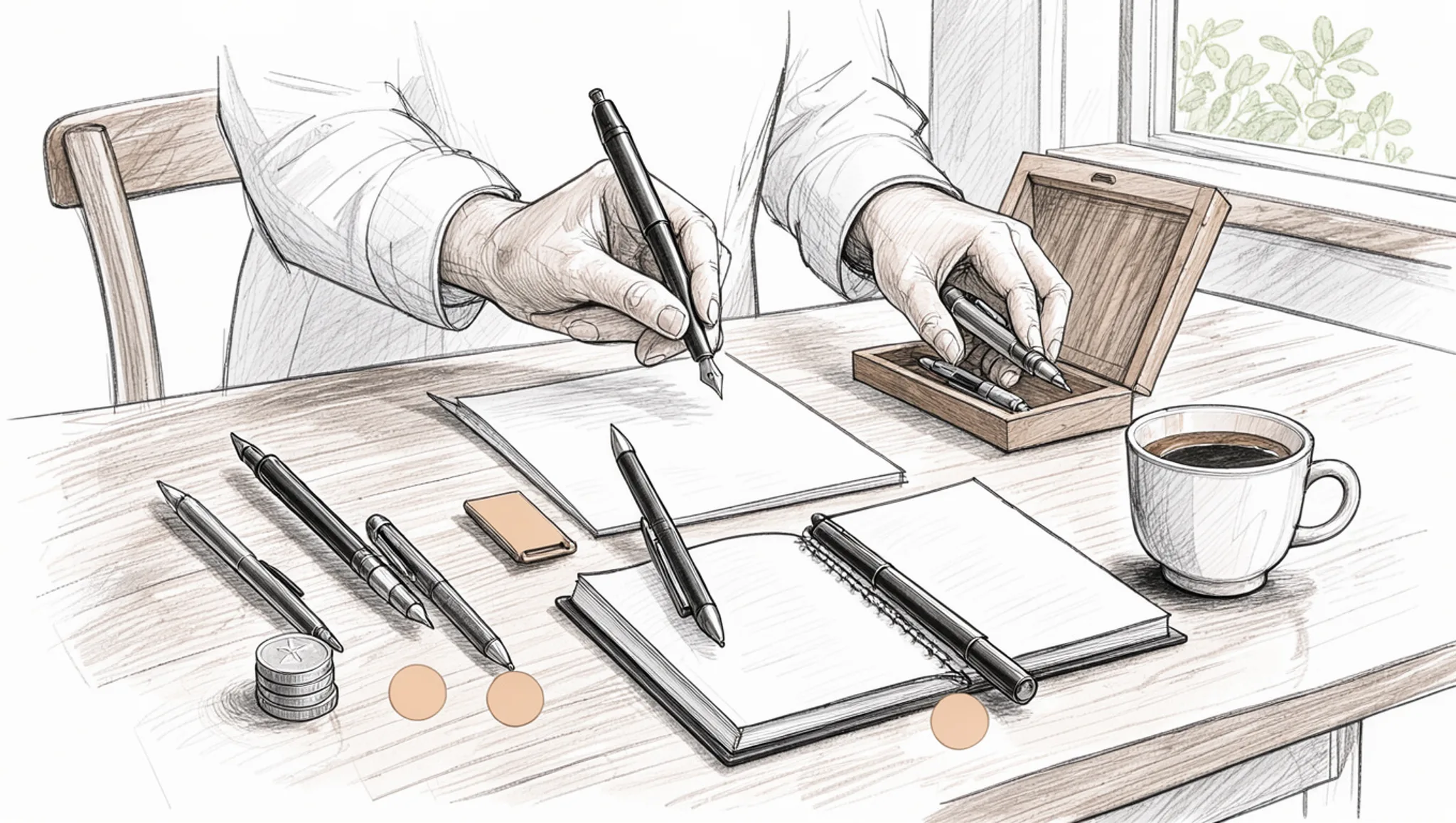
Most people searching for popular writing tools are not short on options. They are short on a way to choose. Open three roundups and each recommends a different stack: a grammar checker, a long-form editor, a paraphrasing tool, and an email assistant.
Four want a subscription, and the free plans rarely cover the whole job. You end up paying twice for overlap and patching the gaps by hand.
Narrow that down in four moves: list the jobs you need done, test each free tier against one of them, compare what the paid tier adds, then pay only where it earns the price. For the writing side, Word Spinner covers grammar checks, paraphrasing, and AI text detection in one place, so you are not stacking four subscriptions for one draft.
Which popular writing tools are worth paying for?
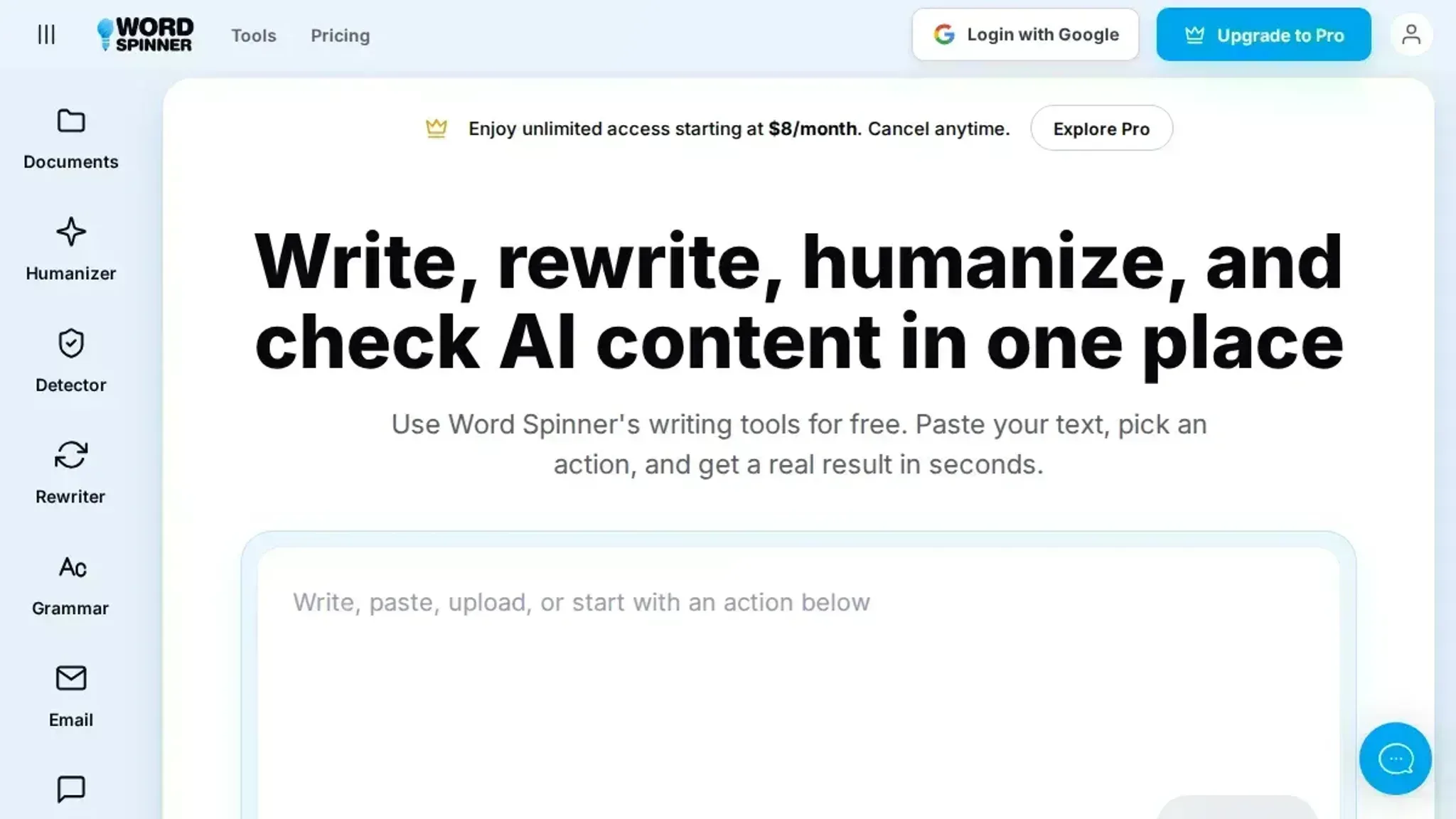
Word Spinner is the best single pick for most people comparing popular writing tools: its free tier covers humanizing AI text, detecting AI content, rewriting, and grammar checks, and the Pro plan is $8 per month when you outgrow the limits. That is the direct answer on a tight budget, since one subscription doing several jobs beats three overlapping ones.
If you only draft long pieces, ChatGPT on the free tier is enough to start, and you can add Word Spinner later for the human pass.
What you need before you compare popular writing tools
Write down your own numbers before you open a pricing page. The prerequisite most people skip is a realistic monthly word count, because every free tier and paid plan is measured against it.
- A monthly word count. Add up your last three documents, or multiply a typical week by four.
- The billing period you can commit to. Many pricing pages show the annual rate divided by twelve, so the figure on the page is not what leaves your account in month one.
- One real document in progress. Test tools on your own text, not a demo paragraph.
- The free-tier ceiling for each tool. Words per day, documents per month, or messages per hour.
- A shortlist of two or three tools. Writers who tested more than twenty writing tools found that the differences that matter show up in quirks, not feature lists.
- A payment method and a renewal date.
The usual advice to stack free tiers changes once you need one consistent voice across several documents in the same week. Three free tiers that reset on separate schedules take more time than one plan billed annually.
How to run popular writing tools through the same task
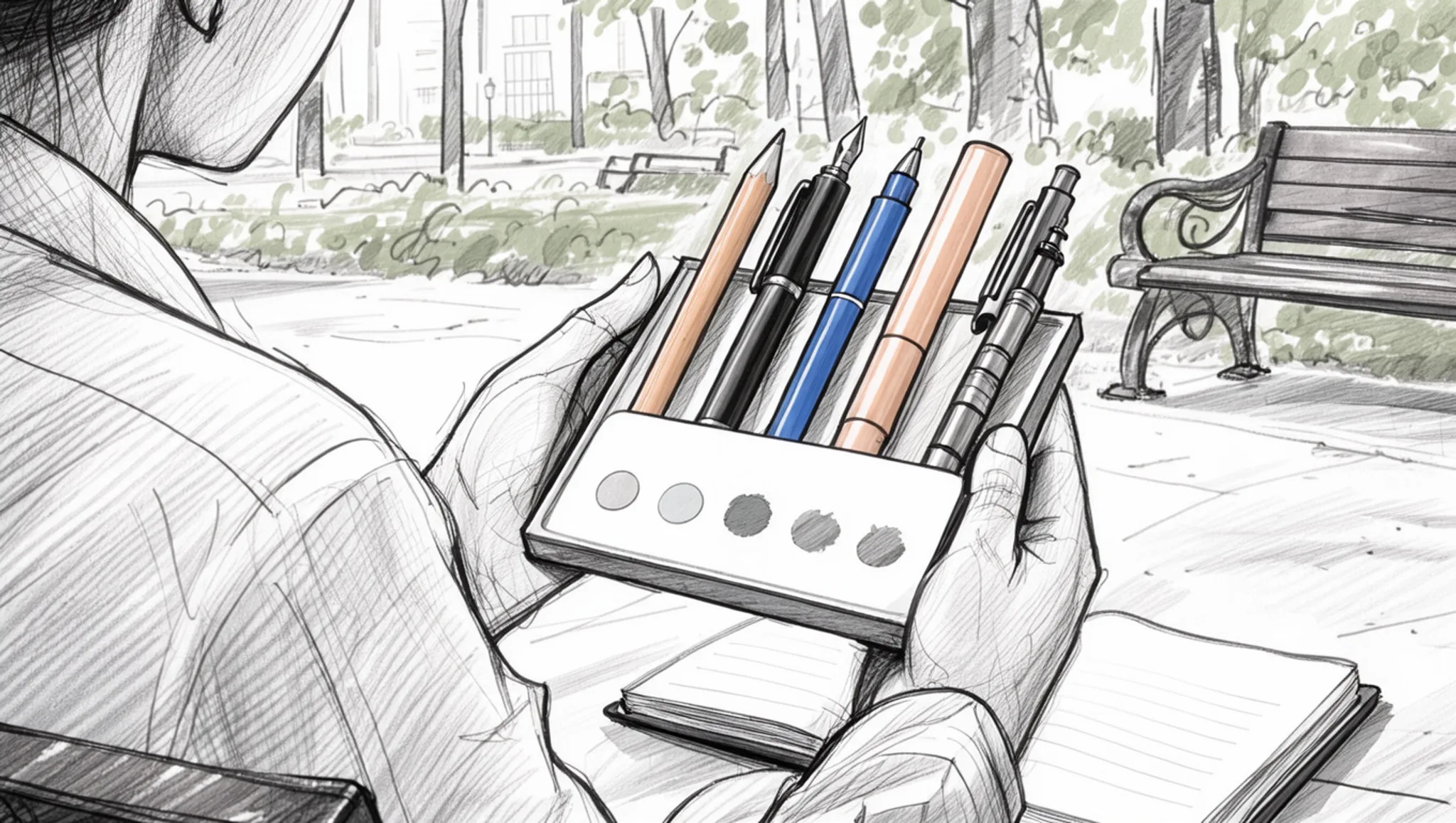
Before you start, gather one finished piece of your own writing, a free hour, and a note of the monthly amount you can spend on software. Then give the same text to every tool you are considering, because a comparison only holds when the input does not change.
- Choose one real piece of writing as your test sample: Pick 400 to 800 words you have already finished, ideally a draft that shows the flaws you keep producing, such as sentences that run past 30 words or paragraphs that open with a throat-clearing clause. Anything shorter than 300 words hides the pattern you are trying to catch. Every roundup, including Kindlepreneur's list of expert-recommended writing tools, ranks tools against each other, while your sample ranks them against your own work. Visible result: one passage of text you can paste anywhere, so no difference you spot later comes from a different input.
- Run the sample through a free grammar check first: Grammarly and ProWritingAid both offer free plans, and both will flag issues on identical text. That gives you a baseline number instead of a feeling, and numbers from two tools can be compared directly. A survey of free and paid writing aids describes Grammarly as an AI-powered grammar checker, which is the right way to read its output: suggestions to weigh rather than verdicts to accept. Free plans also cap how much text they check at once, and the cap sits on the pricing page rather than in the toolbar, so paste your sample in chunks if a check stops partway.
- Test the AI claims you cannot judge by reading: If some of your text begins as machine output, paste it into Word Spinner's AI detector to see how it reads, then send the flagged sections through the AI humanizer and compare both versions line by line. Run it on the original draft rather than an edited version, or the readout tells you nothing useful. Detection shows what a classifier sees in a paragraph, while humanizing shows what you can change about it. Visible result: a before and after you can judge yourself, plus a clear answer on whether this step deserves a paid plan.
- Convert every plan into a price per finished piece: Take the annual figure, divide by twelve, then divide again by how many pieces you write in a month. A plan at $8 a month, which is where Word Spinner Pro starts, is easy to defend if you write weekly. A plan priced at four times that has to save you an hour every month to break even. Keep the results in one column, because plans get quoted in different units on purpose: monthly, yearly, per seat, per word. Visible result: a single column where the priciest line stands out without mental arithmetic.
- Rewrite the sample with two tools and count your own edits: QuillBot paraphrases sentence by sentence, while Word Spinner's advanced rewriter works across longer passages. Run both on the sample, then edit each output by hand until you would put your name on it. The version that needs fewer manual fixes wins, and that count is the honest price of the tool. Four edits per paragraph from a paid plan beats nothing, but five edits per paragraph from a free tool beats the paid plan. Visible result: two versions, two edit counts, one decision you can point at.
- Drop anything you did not open twice: Working stacks are small, and the third subscription is usually the one you forget you have. In a long-running discussion among self-publishing writers, one writer describes a stack of two, Grammarly and ProWritingAid, and stops there. Let your shortlist shrink to one paid subscription plus the free tools that cover the jobs you do twice a year. Visible result: a stack you can name from memory, which is the only kind that survives past the first month.
- Write the decision down before the first renewal: Two lines cover it: the tool, the plan name, and the date money next leaves your account. A renewal date you did not write down is a renewal you will not question. Add one line on what the tool is for, because the subscription you bought for grammar will quietly get used for rewriting. Note the free alternative beside each paid line, so the next time you wonder whether a plan still earns its place, the answer is already written. Visible result: a note you can read in ten seconds instead of repeating the whole comparison.
The most common mistake is judging a tool on the sample text in its own demo, which is written to flatter the tool. The second is paying for a bundle to solve a problem you meet once a month, when free tools handle those jobs well enough. Neither mistake hurts much in the first month; both get expensive by the third.
Popular writing tools checklist: audit what the trial produced
A week of trial output only becomes a decision when you check it against a fixed list. The six tasks below are observable: either both outputs are open in front of you or they are not, either you counted the hand edits or you guessed at them.
Run them in order, once you have finished the same task in every tool on your shortlist. Tick the Done column only when you can point at the evidence, not when a tool felt pleasant to use.
Evidence for a pass is something you can name: two outputs open in the same window, a tally of edits, a price with a date next to it. Date the figure you write in row five, because trial offers expire and a number without a date tells you nothing six weeks later.
| Task | Why it matters | Done |
|---|---|---|
| Paste the same source text into each shortlisted tool and keep every output open side by side | matched input is the only way the differences mean anything | - |
| Count the sentences you rewrote by hand in each output, and write the total next to the tool's name | hand edits show the minutes a tool gives back and the minutes it takes | - |
| Check the free plan's word or character cap against your longest real piece | a cap you hit mid-draft pushes you to upgrade earlier than planned | - |
| Read one full output and mark every name, figure, or claim you never supplied | invented detail is the failure that takes longest to notice | - |
| Open the pricing page on the day you decide and write the monthly figure into your note | trial offers and annual-only rates move the real number | - |
| Run the job you do most, such as humanizing an AI draft or fixing grammar before you send | a tool that wins on an edge case can still lose on daily work | - |
A failed row is information, not a verdict. A missing feature can often be covered by a second tool, and a word cap matters less if your pieces are short. Output you have to rewrite from scratch cannot be fixed by either, and that row is the one to treat as a hard stop.
If two tools pass all six checks, give the decision to the smaller plan. Extra seats and higher limits only earn their keep once you know which task would use them, and most people cannot answer that in the first month of writing. The bigger plan is worth revisiting when a month of real work shows you exactly where the limits bite.
Keep the finished table and run it again in three months against the same source text. Default settings and prices move, and your own earlier notes are the quickest way to see which parts of the output changed.
If most of your writing is applications, cover letters, and profile summaries rather than long documents, AI writing tools for job seekers runs the same checks with those documents in mind. For the rewriting and humanizing rows, Word Spinner is the first one to test: the free tools cover humanizing an AI draft, paraphrasing, and a grammar check, and the Pro plan starts at $8 a month if the free runs are not enough.
Expert tip: pay for the popular writing tool you open daily
Most people overpay for the tool with the loudest marketing and underpay for the one they open every day. A rule of thumb that holds up: scan your last ten writing sessions and note which tools you touched in each. Anything that shows up in fewer than three is a subscription you are funding out of habit rather than use.
The standard advice, start free and upgrade when you hit a wall, flips once you bill your time by the hour. If you charge $60 an hour and a paid plan saves two hours of manual editing a month, the free tier is the pricier choice. Writers in threads like this r/selfpublish discussion routinely name two paid grammar checkers at once, which is one more than the work usually needs.
A free general assistant such as ChatGPT handles drafting well enough that a second paid drafting tool is rarely the first upgrade worth making.
Frequently asked questions about popular writing tools
Do free versions of popular writing tools cover everything you need?
For one-off tasks, often yes. Most free tiers cap how many times per day you can run a tool, or how much text you can paste in at once.
Run the same paragraph twice in a row and see whether the second pass is allowed. Word Spinner keeps its tools free, with unlimited use on a Pro plan that starts at $8 a month, so you can test a full draft before paying anything.
What are examples of popular writing tools worth comparing?
Grammarly and Quillbot come up most often in comparisons, and ChatGPT sits in a different slot because it drafts new text rather than correcting text you already wrote.
Word Spinner covers several of those jobs in one place: rewriting, grammar checking, detecting AI written text, and making AI text read more naturally.
How many popular writing tools does a small team actually need?
Two, in most cases: one that helps you produce or rewrite text, and one that checks grammar and flags text that reads as machine generated.
For a small team, one paid plan covering both jobs usually beats several free accounts, each of which hits its limit at a different moment.
Does paying for a writing tool mean you can stop editing?
No. A paid plan raises how much you can run through a tool, not how well the output matches your own voice.
Keep one edit pass for anything with your name on it. Tone matters more than grammar in job applications, client emails, and anything a customer will read twice.
What should you check about pricing before you subscribe?
Check the renewal price and the billing period before you enter payment details, not just the headline monthly figure.
Introductory rates often apply to annual billing, so the second year can be higher. If you are buying for a team, confirm how many people one subscription covers.
Final verdict on popular writing tools
Pay for the tool you already open every day and let the rest of the shortlist go. For most people, that is Word Spinner: the free tools handle rewriting, grammar checks, and spotting AI text, and Pro at $8 a month covers unlimited use.
Your next step is small. Run the one piece of your own writing you tested everywhere through the tool you kept, then judge it against the same checklist you built before the trials. If it clears, subscribe and stop comparing.
One case flips the answer. If your recurring job is drafting book-length fiction with outlines and scene boards, Scrivener earns its price and Word Spinner is not the pick. For everything else, the daily-open test points the same way.