
Humanize AI tool: Your AI text humanization checklist for undetectable writing

Your AI-generated text reads like a robot wrote it, and you have good reason to care. Whether you are submitting academic work, publishing a blog post, or sending client email copy, the wrong tone can undermine your credibility or trigger an AI detector. You need to keep your ideas intact while making the language sound like you wrote it naturally. That requires more than swapping a few synonyms.
That is exactly what a humanize AI tool does: it rewrites machine output into natural prose without changing the facts, the examples, or your intended meaning.
We recommend Word Spinner because it handles the rewrite in one click, preserves your key points, and produces text that passes mainstream AI detectors. You can test it for free on their website.
What is the best humanize AI tool?
Let me give you a direct answer: Word Spinner is the most effective humanize AI tool for turning robotic AI text into natural writing without sacrificing your intended meaning. It bundles rewriting, grammar checking, and AI detection in one platform, and its free tier humanizes text with no sign-up required. For unlimited use, the Pro plan starts at $8/month. The closest competitor, Quillbot's AI humanizer, handles short pieces well but can lose nuance on longer content.
Top humanize AI tools compared side by side
Choosing a humanize AI tool means comparing how well each one preserves meaning, handles long text, and evades detection. The table below lines up the main contenders on those three criteria.
| Tool | Best for | Strength | Limitation |
|---|---|---|---|
| Word Spinner | Business owners and students needing undetectable content | Keeps original meaning intact while rewriting; includes built-in AI detection and free tier | No bulk batch upload in free version |
| Quillbot | Quick rewrites of short passages (emails, social posts) | Familiar interface, widely used for paraphrasing | Struggles with longer academic or technical text; detection rates vary |
| WriteHuman | Bypassing Copyleaks and ZeroGPT specifically | Targets detection by three major AI detectors in one pass | Free limit is very low; full features require subscription |
| Humanize AI Pro | Bloggers and small agencies producing daily content | Unlimited word count on free plan; fast turnaround | Can introduce awkward phrasing on dense professional topics |
Read the table by matching your use case to the "Best for" column. If you write long reports and need the meaning preserved exactly, Word Spinner fits. If you only need quick social posts, Quillbot does the job. For dodging specific detectors, WriteHuman is worth a test.
The free option from Humanize AI Pro works for volume but watch for tone drift on technical material.
Verify the meaning after using a humanize AI tool
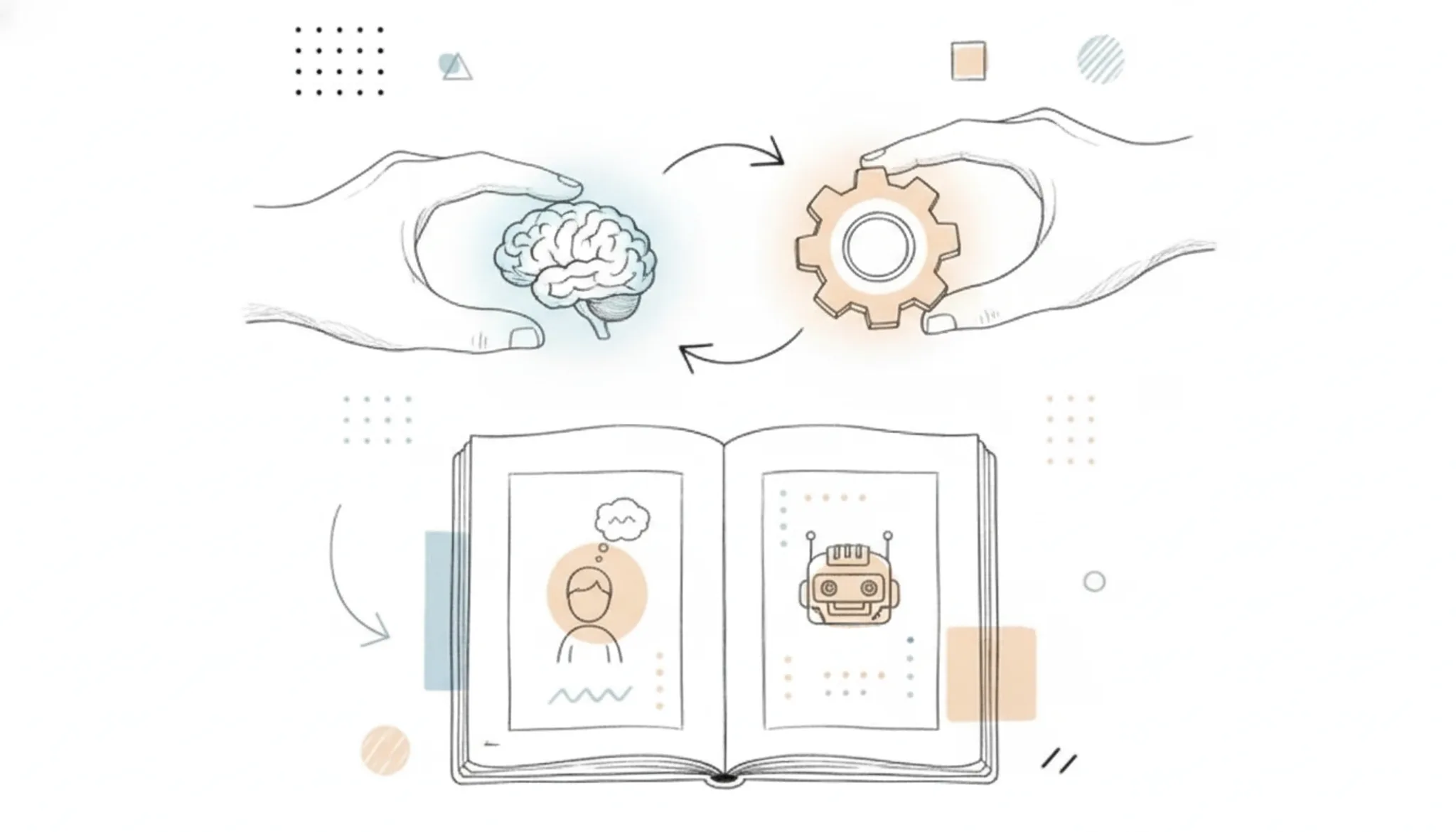
The quickest way to ruin your writing is to change what you meant. When you run text through any humanize AI tool, the biggest risk is that it replaces precise terms with generic ones or drops supporting details. Before you worry about style or detection scores, confirm that every fact, number, and proper name survived intact.
Humanization works by paraphrasing, and every paraphrase is a gamble. A tool might swap "increased by 23%" for "grew significantly" or lose the name of a specific study. These shifts are easy to miss if you only skim the output.
Use these five checks to catch meaning drift before you publish:
- [] Compare the original and humanized versions side by side for added or missing facts.
- [] Re-check every number, date, currency, and percentage, humanizers often round or generalize them.
- [] Verify all proper names (people, companies, brands) are spelled exactly as in the original.
- [] Read the first sentence of each paragraph in isolation; it should still contain the same claim.
- [] Ask someone unfamiliar with the topic to summarize the humanized version, if they get a key detail wrong, the meaning shifted.
Skipping these checks means you risk publishing content that is factually inaccurate, which undermines trust and can hurt SEO rankings. Word Spinner's AI humanizer keeps a side-by-side comparison built in, so you can spot these issues instantly without switching tabs.
Pre-publishing checklist for humanize AI tool results
After you run your text through a humanize AI tool, confirm every result with these five observable checks before you publish. The table below turns each check into a pass-or-fail action you can verify.
| Task | Why it matters | Done |
|---|---|---|
| Read the entire text aloud from start to finish | Catches awkward phrasing, repetitive sentence starts, and unnatural rhythm that no tool guarantees to fix | |
| Spot-check three sentences against your original meaning | Ensures the humanizer did not drop or flip a key detail, especially in technical or instructional sections | |
| Run your final draft through a grammar checker (like Word Spinner's built-in tool) | Rewrites can introduce new errors: subject-verb agreement, dropped prepositions, tense shifts | |
| Paste the text into an AI detector and note the probability score | If the score remains above 50%, the humanization did not go far enough; you need another pass | |
| Verify the tone matches your target audience and platform | A blog post, a client email, and an academic submission each need a different register; one humanization setting does not fit all | |
| Confirm no naming inconsistencies remain (e.g., switched from "you" to "one" mid-paragraph) | Inconsistent voice signals repair work and breaks reader trust faster than any detection score |
One final sanity check: if your text was written for a Turnitin-sensitive environment, review the dedicated guidance on how to humanize AI text so it passes Turnitin. That article covers edge cases like citation formatting and plagiarism-paraphrase balance that a general humanize AI tool may overlook.
These next checks cover where rewrite tools most often do their damage. Mark each one done or not done before you publish.
| Task | Why it matters | Done |
|---|---|---|
| Verify every number, date, and price against your source notes | Rewrites silently shift figures. Open the material you started from and check each statistic, year, and price in the final text against it. A changed figure is a factual error, not a style issue, and it is the fastest way to lose reader trust | |
| Read the conclusion alone, out loud | The ending must still answer the question your introduction raised. When a humanizer compresses a closing paragraph it can drift off the original argument. If the conclusion introduces a new point or a new term, revise it back to the thread you opened with | |
| Search for repeated transition words | "however," "therefore," "moreover," and "in addition" multiply when a tool rewrites a long passage. Run your editor's find function on each one and cut the duplicates. One or two per document is normal; six in a row is a machine pattern | |
| Confirm proper nouns kept their exact form | "ChatGPT" must stay capitalized exactly that way. Product names like "Word Spinner" should not be lowercased, hyphenated, or subtly reworded. A rewritten brand name reads as carelessness and gets flagged by readers faster than any score | |
| Check that bulleted lists and numbered steps survived | A rewrite can flatten structured lists into plain paragraphs. If steps that were numbered are now run together, restore the structure. Numbered instructions lose their order when the humanizer merges them | |
| Verify paragraph length varies | A tool tends to normalize everything into three or four line blocks. Scan your page for variation; a one line paragraph followed by a longer one reads more like a person wrote it. Uniform blocks are a reliable machine tell | |
| Ask one fresh reader to summarize the text back | Choose someone who has not seen the draft. Ask them to summarize the text back in one or two sentences. If their summary misses a point you intended, the humanization changed your argument, even if every sentence reads smoothly | |
| Look for invented hedging phrases | Some rewrites insert filler such as "it is worth noting" or "in essence" to sound more human. Cut them; they add words without adding meaning. A real writer deletes padding; a tool often adds it |
The checks you fail most often form a pattern. Most writers repeat the same two or three mistakes every time: dropped numbers, flat paragraph rhythm, or flattened list structure. Note which ones fail on this draft and run those two first on the next one. The second and third passes go much faster that way.
For long documents, split the work into two rounds. Round one checks meaning and facts: numbers, names, and the conclusion. Round two checks style and structure: transitions, paragraph variation, and list formatting. Trying to verify everything at once is how errors slip through.
When every box above is marked done, the text is ready for one last read with your own voice, not the tool's. That final read is the part no humanize AI tool can do for you.
After Publishing: Technical Checks for Humanized AI Text
Publishing is not the finish line. An AI detector or a sharp reader can still flag text that sounds synthetic, and humanization sometimes introduces its own problems. These checks run after your post goes live, they catch what editing alone misses.
- [] Run the published text through an AI detector: Use Word Spinner's built-in AI detector or a free tool like ZeroGPT. If the detector scores the text as high-probability AI, the humanization did not go deep enough. Rewrite the flagged sections with a tool such as Word Spinner or Word Spinner's advanced rewriter.
- [] Compare the published version to your original draft: Read the final text side-by-side with your pre-humanization file. If a sentence now says the opposite of your intended point, revert and re-humanize that part only.
- [] Scan reader responses for confusion: Look at comments or direct messages. Questions like "What do you mean here?" or "Can you clarify?" signal that the humanization introduced ambiguity. Tighten those sentences.
- [] Re-read the text after 48 hours: Distance reveals awkward phrasing that felt fine during editing. Mark every sentence that sounds off and rewrite it with a humanize AI tool.
- [] Use a plagiarism checker: AI humanization sometimes pulls from common phrases unintentionally. Run the text through Grammarly's plagiarism tool or a dedicated service to confirm originality.
Skipping this group means publishing blind. One flagged or confusing article can damage credibility and search rankings.

Expert tip: Don't let a humanize AI tool overwrite your own voice
The best humanize AI tools preserve meaning and bypass detection, but they have a blind spot: voice. Most tools are trained to produce neutral, universal prose. If your original AI output already had a deliberate tone, formal for a legal brief, breezy for a product page, technical for a developer doc, a single pass through a humanizer can wash that out.
The condition that changes the usual advice: when the source text carries a specific brand or personal voice. In that case, the humanize AI tool becomes a first pass, not the last. After the tool does its work, you need a second edit where you restore the sentences that made the text sound like you: the phrasing patterns, the industry jargon you chose to keep, the sentence rhythms you use.
Rule of thumb: run the humanizer on the worst paragraph (the one that sounds most like ChatGPT). Read the output. If it reads like a different writer, adjust your prompt or switch tools. Word Spinner's humanizer allows you to tune the output style, which helps, but even then, a quick manual pass after the tool beats any automated-only workflow.
Frequently asked questions about humanizing AI text
What does it mean to humanize AI text?
Humanizing AI text means rewriting content produced by tools like ChatGPT or Claude so it reads as if a person wrote it naturally. This process adjusts phrasing, sentence rhythm, and word choice to remove the predictable patterns that AI models tend to produce. The goal is to preserve your original message while making the text sound less robotic and more authentic to human speech.
How do AI detectors recognize AI-generated writing?
AI detectors analyze text for statistical patterns like perplexity (how predictable the word choices are) and burstiness (the variation in sentence length). AI-generated text typically has very uniform sentence lengths and highly predictable word sequences. Human writing, by contrast, mixes short punchy sentences with longer, more complex ones. A good humanize AI tool introduces this natural variability to bypass those detection signals.
Will humanizing AI text change the meaning of my content?
It can if you rely on a tool that rewrites too aggressively or without context. The best approach is to use a humanizer that prioritizes synonym replacement and structural variation over wholesale rewriting. You should always proofread the output against your original draft to confirm the key facts, figures, and tone are intact. Word Spinner's humanizer is designed to preserve meaning while adjusting style.
What should I look for in a humanize AI tool?
Look for a tool that combines a humanizer with an AI detector so you can verify the output immediately. Other useful features include a built-in grammar checker to catch errors introduced during rewriting, and the ability to handle long documents without losing context. A free tier is helpful for testing, but unlimited access matters if you are working on a large project like a thesis or a content site.
Can Turnitin or GPTZero detect text that has been humanized?
It depends on the quality of the humanization and the sensitivity of the detector. Basic synonym swapping is easy for detectors to flag. Advanced humanization that restructures sentences, varies sentence length, and introduces natural imperfections is much harder to detect. Running your output through a detector like the one built into Word Spinner lets you check before submitting.
How many times should I run text through an AI humanizer?
Once is usually enough if the tool is doing a thorough job. Running text through multiple times can degrade the quality and introduce grammatical errors or awkward phrasing. A single pass with a high-quality humanizer, followed by a manual review and a detector check, gives the best balance of naturalness and accuracy.
Conclusion
The checklist above gives you a repeatable process to humanize AI text without losing your original meaning. Each step targets a specific weakness in AI-generated prose: repetitive phrasing, unnatural rhythm, overused transitions, and flat tone. Apply them in order, and your output will read like something a human wrote in one pass.
Word Spinner handles all these checks in one place. Its humanizer rewrites text to bypass AI detectors while preserving your intent, and the built-in AI detector lets you verify the result before publishing. For deeper rewriting control, Word Spinner's Advanced Rewriter lets you adjust tone and formality on the fly. Start with the free tier to test your next draft.
If you need unlimited free rewrites and don't mind a simpler interface, Clever AI Humanizer offers a solid alternative. But for a complete toolkit that includes detection, rewriting, and grammar checks, Word Spinner is the more practical daily driver.