
The complete guide to humanize song

You just finished a Suno track, and it still sounds off. The vocals are stiff, the timing sits dead on the grid, and the lyrics follow a rhythm no person would choose.
That matters because each tell is fixable. Some are production problems, like timing and vocal delivery. Others are writing problems, where flat lyrics betray the song before the first chorus. Knowing which is which lets you humanize song without losing the idea your AI tool helped you shape.
The writing side is where Word Spinner fits. It rewrites AI-generated lines so they read like a person actually wrote them, and you can try Word Spinner free while you work on the production fixes.
Humanize song
Humanizing a song is more than a vocal swap. The usual advice, add timing and pitch drift, changes when your track is densely arranged: subtle offsets get buried; edit stems before the final render.
- Nudge timing a few milliseconds off the grid.
- Bend pitch for natural vocal movement.
- Process stems early, before mastering locks the sound.
How do you humanize a song?
The most direct way to humanize a song is to start with the vocal: replace or re-record the AI voice, then add subtle timing variations, pitch drift, and dynamic range in your DAW (digital audio workstation). The Vocal Market's guide to humanizing AI vocals names the telltale artifacts: robotic sibilance, stiff phrasing, and digital wobble.
On a tight budget, keep the AI vocal and layer a second take over it, which masks the wobble without a full re-record.
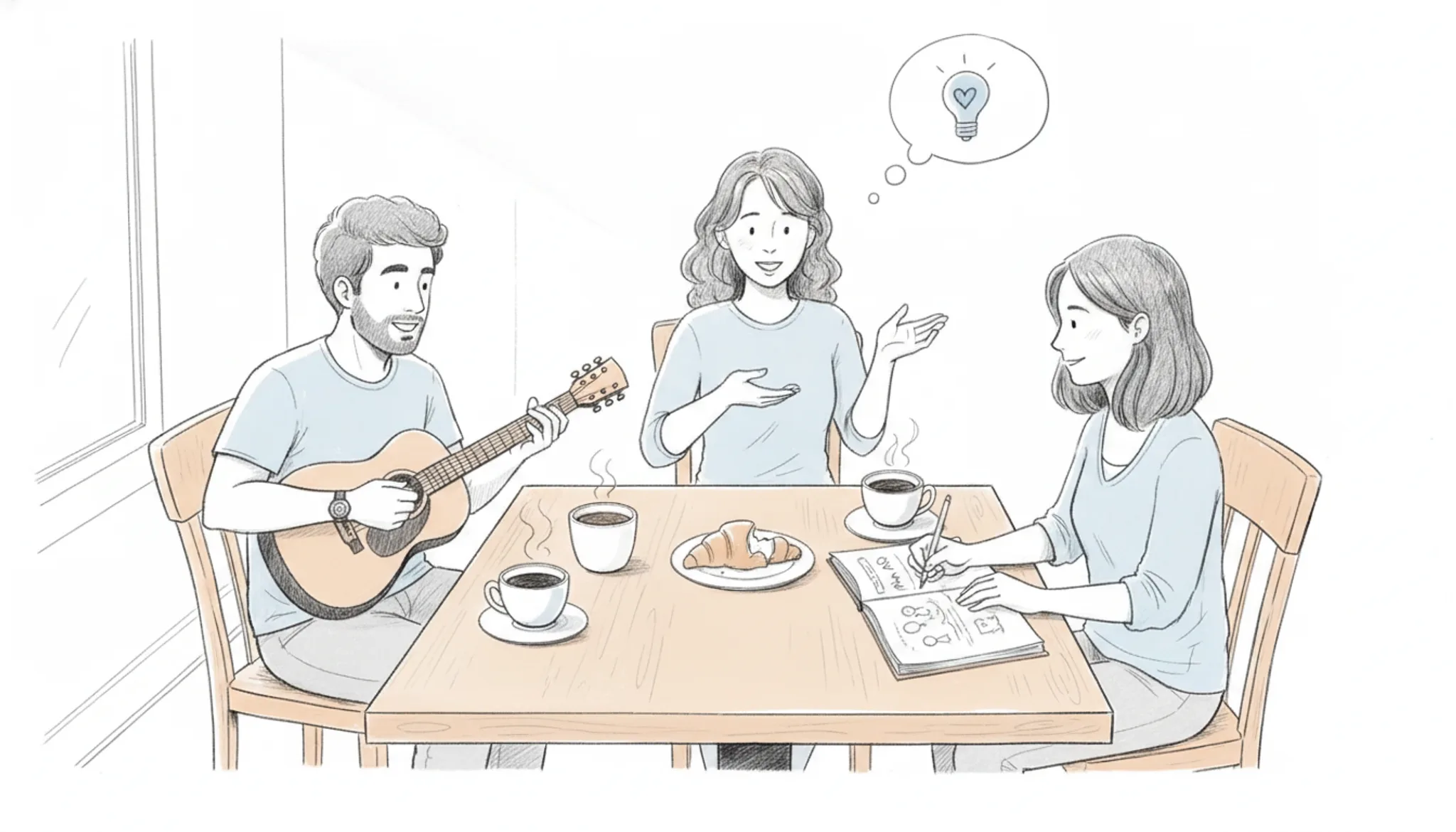
What does it mean to humanize a song?
Humanizing a song means removing the mechanical tells of machine-made music so it sounds performed, not generated. Most of the work targets the voice: replace stiff AI vocals with a live take, or add subtle timing variations, pitch drift, and dynamic range in your DAW, as shown in this walkthrough of making Suno songs sound professional.
The same principle applies to the composition itself. HITN Music's guide to humanizing AI music covers improving lyrics, restructuring melodies, and upgrading production so the finished track reads as intentional music, not an AI experiment.
Lyrics matter too. If your AI-generated lyrics still carry telltale phrasing, run them through Word Spinner's free AI humanizer before recording, then keep the lyric's emotional core with this guide to humanizing a song's lyrics.

How does humanizing a song work?
Humanizing a song means reintroducing the small imperfections that AI music generation smooths away: notes a few milliseconds off the beat, drifting pitch, dynamics that breathe, and a vocal that sounds like one live take. The goal is a performance, not a render.
AI songs sound robotic because the models are statistical. They learn patterns and genre conventions from huge training sets, so the output is technically correct but emotionally flat. A humanizer works the other way: it restores the natural timing variations, pitch drift, and dynamic range the generator removed.
Vocals also carry tells: digital wobble and stiff sibilant "S" sounds, fixed by re-pitching, adding breath, and re-recording the lead. The full workflow is a production pass, not a one-click fix: lyrics, melody, vocal, and mix all get rebuilt, as this Suno humanizing walkthrough shows.
The last step is the text. AI-written lyrics carry their own tells, so humanize AI-written lyrics before they reach the mic.
Which parts of a song do you humanize first?
Start with the voice, then fix timing, dynamics, pitch, and lyrics in that order.
- Split the stems: Open the track in Logic Pro and use its Stem Splitter to separate the vocal, drums, bass, and melody into separate parts, so each element can be edited on its own.
- Replace or re-record the vocal: This change matters most. Re-record the lead or layer a live take over the AI voice, then align pitch and timing in Melodyne.
- Nudge notes off the grid: Shift some drum hits and melodic notes a few milliseconds early or late to break the metronomic feel.
- Restore dynamic range: AI mixes sit heavily compressed. Add volume automation so quiet sections breathe, then apply light compression.
- Add pitch drift and vibrato: Give sustained notes a slight wobble with the pitch drift in Melodyne or a vibrato plugin.
- Humanize the lyrics: AI lyrics lean on repeated lines and stock imagery. Run yours through Grammarly's free AI humanizer, then confirm the result with our AI detector.
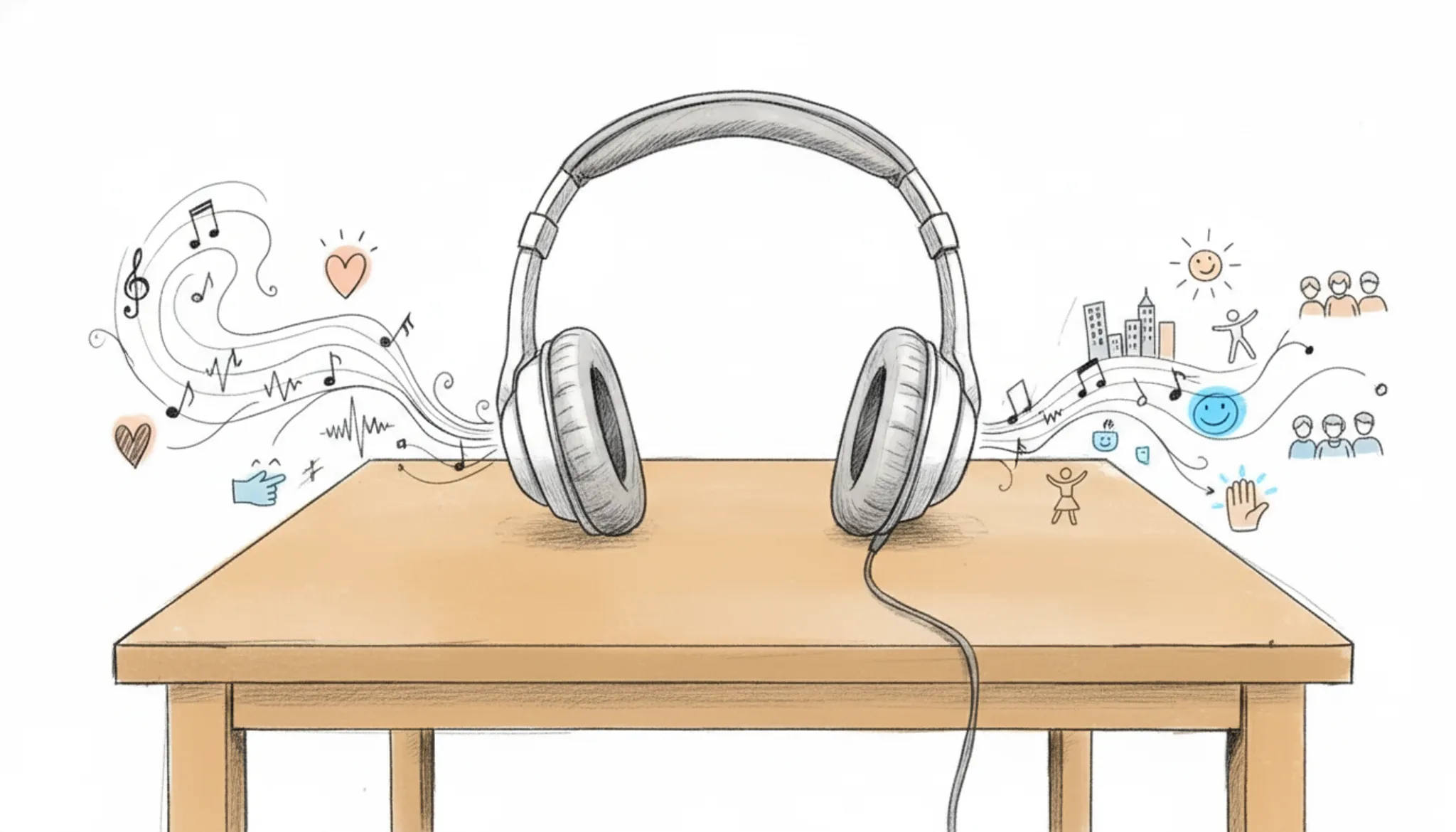
What features matter most when you humanize a song?
The most important features are natural timing variations, pitch drift, dynamic range, and vocal layering. Humanizing a song means removing the robotic precision that AI music generators produce. Adding subtle tempo fluctuations and off-beat accents makes a performance feel live, as described in guides on how to humanize AI-generated music. Pitch drift, where a note slightly wavers, mimics human vocal imperfection.
Dynamic range ensures verses are quieter than choruses, avoiding the flat volume envelope common in AI output. Vocal layering (double-tracking or harmonies) adds depth. If your song's lyrics were written by an AI, you can use Word Spinner's AI detector to identify stiff phrasing, then rewrite those sections to sound natural. These techniques together transform a sterile AI track into something a listener would believe was performed by a human.
What are the best use cases for humanizing a song?
Humanizing a song matters most when the track has to compete with human performances. A finished Suno or Udio track with machine-stiff timing works fine for private sketching, but listeners notice it once the song is public.
The clearest example is a cover upload: re-record the AI vocal, add pitch drift and timing variation, and the same chords read as a performance. Bands preparing a demo for a producer use the same treatment. Podcast intros and background music for short videos benefit most, since repeated exposure makes robotic phrasing obvious.
If lyrics still sound generated, run them through a text humanizer before recording. Word Spinner's free AI humanizer rewrites lyric phrasing so it sounds written by a person, and its AI detector checks the finished vocal script. That keeps the pipeline human from words to waveform.
How do you keep a humanized song from sounding robotic?
The goal of every edit is the same: the track should sound performed, not repaired. The practices that matter most are restraint with timing correction, obvious dynamic range, and a vocal that keeps its natural imperfections. Nudge drums and bass a few milliseconds off the grid instead of quantizing everything. Let pitch drift at the ends of phrases, because a note locked dead center sounds machine-made.
Keep the loudness gap between verse and chorus clearly audible, and skip heavy compression that flattens the energy. Reference a live recording in the same genre as you work and compare against it every few minutes. Finish by listening on phone speakers and earbuds before you export; a mix that survives small speakers tends to survive everywhere.
Humanize song options compared side by side
Choose re-recording when you can hire a singer; DAW edits suit solo work. The options compare on three criteria: fit, strength, and limitation.
| Option | Best for | Key trade-off |
|---|---|---|
| Re-record vocals | A live-performance feel | Needs a singer and mic |
| DAW edits | Keeping the original AI melody | Slow note-by-note work |
| HitNMix RipX | Fixing robotic vocal artifacts | New software to learn |
Pick the row whose limitation you can live with.
What can go wrong when you humanize a song?
Overcorrection is the most common failure. Add too much pitch drift or timing variation and the song sounds out of tune, which is worse than the robotic original. Another classic mistake is stacking plugins on the vocal chain until the track sounds processed instead of performed.
Humanizing the lyrics alone will not fix a stiff delivery. A text humanizer such as Grammarly's AI humanizer can make your lyric sheet read naturally, but the audio still needs its own edits. Watch for three specific traps: losing the original melody's identity, hiding vocal flaws under heavy reverb, and expecting one pass to complete the track.
Fix the song before the mix
Most guides point to adding natural timing variations and pitch drift to make AI music feel human. That advice works only when the melody and structure are already strong. If the song itself is generic, humanization just makes a bland track sound slightly less robotic. Start humanization at the composition stage: specific, concrete lyrics and an unpredictable melody line do more than any DAW trick.
Frequently asked questions about humanize song
What does it mean to humanize a song?
Humanizing a song means making AI-generated lyrics sound natural and emotionally resonant. The goal is to remove robotic phrasing, repetitive word choices, and stiff sentence structures so the text reads like a human songwriter wrote it. This process focuses on the lyrical content, not the melody or production.
How can you humanize AI-generated song lyrics?
You can humanize AI-generated song lyrics by running them through a dedicated text humanizer like Word Spinner. Paste the lyrics into the tool, select a style that matches the song's mood, and let it rewrite the content to sound more like a human songwriter. You can then manually adjust line breaks and word emphasis for extra polish.
What tools help humanize song lyrics?
Dedicated AI humanizers such as Word Spinner are designed to rewrite text, including song lyrics. These tools rephrase sentences, vary vocabulary, and add natural imperfections that AI typically avoids. Some writers also use grammar checkers to catch remaining stiffness and improve flow.
Can humanized song lyrics bypass AI detection?
Yes, humanized song lyrics can bypass AI detection tools that scan for text patterns. Since Word Spinner alters word choice and sentence structure to mimic human writing, the output is much less likely to be flagged as AI-generated. Be aware that music-specific AI detectors may still analyze other elements like melody and vocal delivery.
How long does it take to humanize song lyrics?
Using a tool like Word Spinner, humanizing a set of lyrics takes under a minute. You paste the text, click the humanize button, and review the output. Manual polishing to match a specific rhyme scheme or emotional tone may add a few extra minutes.
Final verdict: humanize song with intent
Humanizing a song is a sequence of small, deliberate edits, not one magic button. Start with the vocal, then fix timing, dynamics, and pitch until the track sounds performed rather than generated.
For most people, Word Spinner is the most direct next step. It gets you natural-sounding results without re-recording or rebuilding the mix from scratch.
Choose differently if a real singer is available. A live vocal take still wins on authenticity, and matching it with software edits is more work than it saves.