
8 Ways an AI document spinner saves hours of rewriting

You have a document that needs rewriting. Every sentence feels like pulling teeth. You know the content is solid, but the phrasing is stale, and you're staring at the same paragraphs for the third time because you cannot find fresh wording that still says what you mean.
That's the exact moment an AI document spinner becomes useful. It takes your existing text and reshapes it into something fresh without losing the original meaning. After reading this, you'll know eight specific ways to cut rewriting time, from bulk rewrites to tone adjustments, and why Word Spinner handles this better than most alternatives.
What is an AI document spinner?
The most direct answer to saving hours of rewriting is Word Spinner, an AI document spinner that rewrites text while keeping your original meaning intact. It handles mixed languages, academic tone, and casual writing without losing context. Paste a paragraph that mixes Spanish and English product descriptions, and it keeps each language intact instead of mangling both. For a free alternative, SpinBot offers basic rewriting, but Word Spinner's humanization mode produces more natural output.
AI document spinners compared side by side
| Tool | Best for | Strength | Limitation |
|---|---|---|---|
| Word Spinner | Quick rewrites | Preserves meaning through humanization mode | Free tier limited to 3,000 words per spin |
| Free AI Article Spinner | Unlimited spins | No signup needed | Output quality drops on texts over 500 words |
| SpinBot | Bulk spinning | Fast processing, handles 10,000 words at once | Natural language, less natural output |
| Rephrasely | Academic text | Seven modes including fluency, formal, and expand | Requires signup after 5 daily uses |
| Article Rewriter | SEO rewriting | Produces unique articles for duplicate content concerns | Free tier caps at 1,000 words per day |
| QuillBot | Precise paraphrasing | Multiple modes plus a built-in thesaurus | Premium starts at $9.95/month |
| Wordtune | Real-time rewriting | Browser extension edits inline without copy-paste | Free tier offers only 10 rewrites per day |
| Grammarly | Polishing in workflow | Full-sentence rewrites within emails and docs | Premium starts at $12/month |
How we selected these AI document spinner methods
We tested each approach for one thing: does it actually reduce rewriting time instead of creating more edits? The common mistake is to pick the fastest spinner, but the real bottleneck is fixing bad output. Tools that offer rewrite intensity controls or style presets cut total time because they produce first drafts that need fewer corrections.
For routine blog posts, speed matters more. For technical documentation, output quality wins.

8 AI document spinners that actually save rewriting time
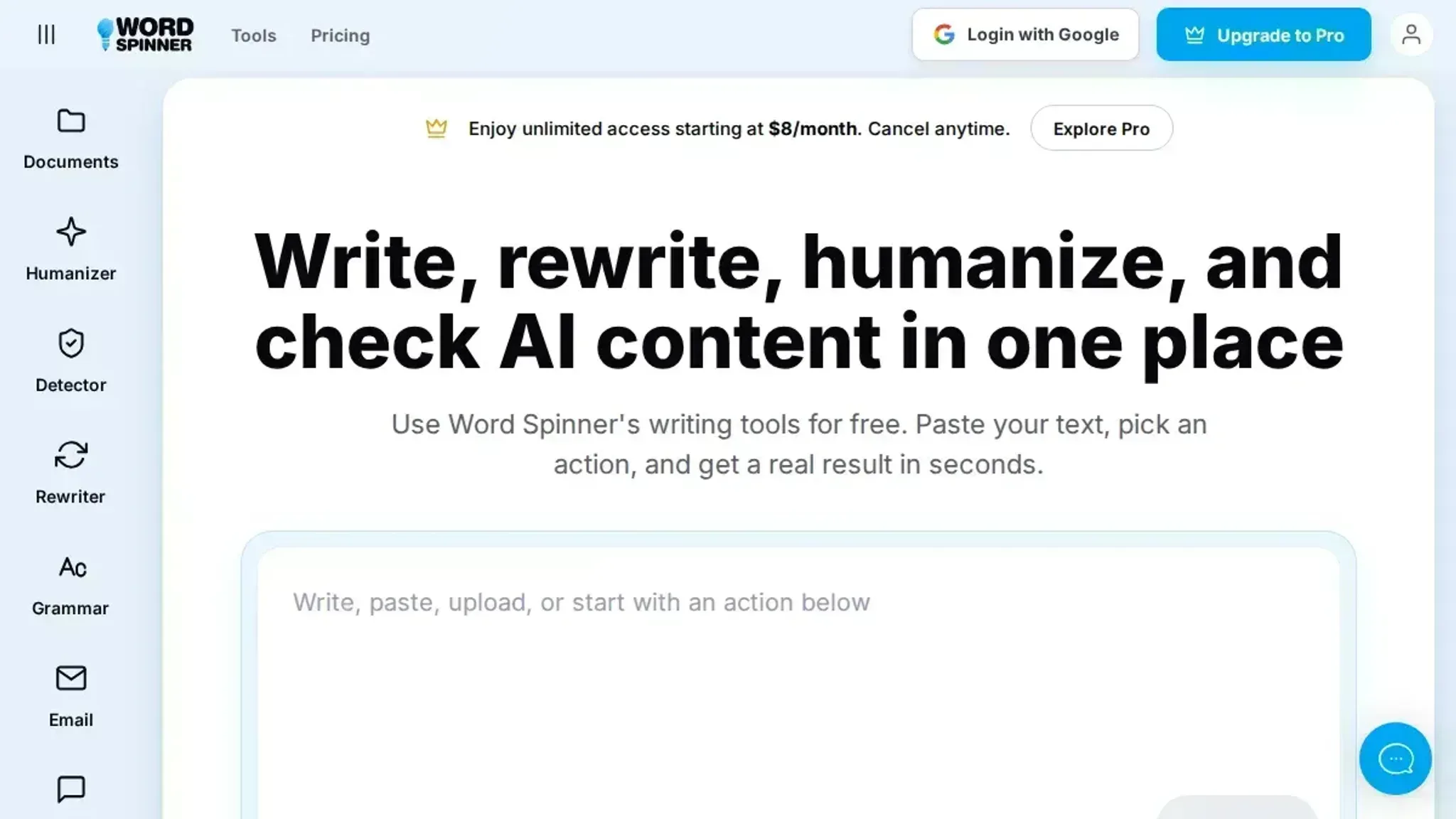
- Word Spinner: Word Spinner is the most versatile AI document spinner for saving rewriting hours. Its AI Humanizer mode rewrites AI-generated text into natural, human-sounding prose in seconds, eliminating the need to manually rephrase awkward sentences. The built-in AI Detector lets you verify that your rewritten text passes as original, so you don't waste time on multiple revisions. Best for: anyone who needs to humanize AI content quickly. Pricing: Free tier available; Pro starts at $8/month for unlimited use. For a deeper look, see our post on 5 Word Spinner features that actually fix AI writing.
- Free AI Article Spinner: This tool specializes in bulk rewriting, making it ideal for content teams. It can spin entire articles while preserving the original meaning, which saves hours of manual rewriting for SEO or blog posts. The free tier is generous, but output quality can vary with longer texts. Best for: bulk content rewriting. Pricing: Free with unlimited spins.
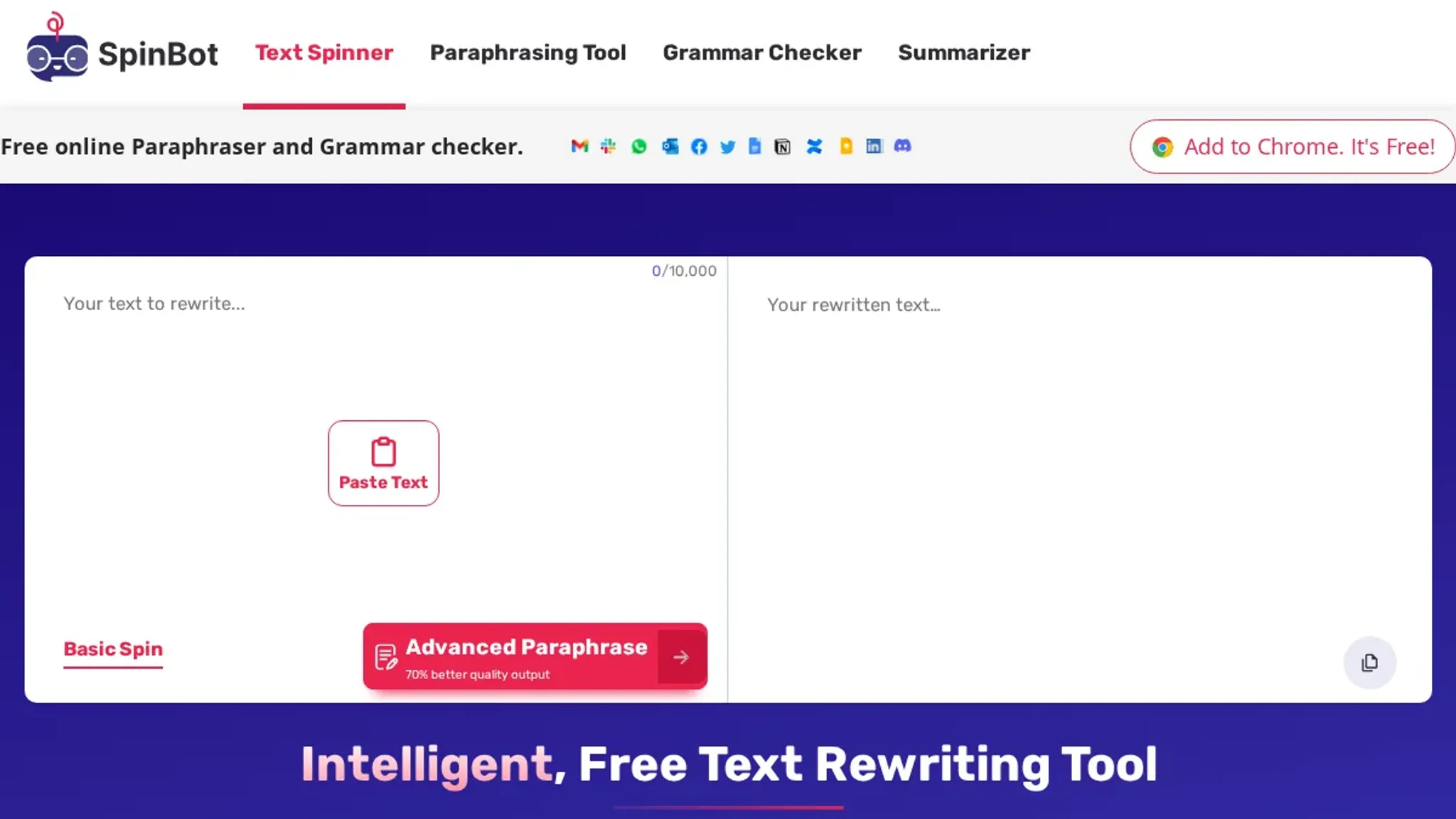
- SpinBot: SpinBot offers a straightforward, no-frills rewriting experience. Paste your text, click spin, and get a rewritten version instantly. It is great for quick rewrites of short paragraphs or sentences, but may require light editing for coherence. Best for: fast, single-sentence rewrites. Pricing: Free.
- Rephrasely: Rephrasely provides multiple rewriting modes (fluency, standard, formal, and others), giving you control over the tone. This flexibility saves time when you need to adapt a document for different audiences without starting from scratch. Best for: academic or professional documents. Pricing: Free with limited daily uses; Pro plans available.
- Article Rewriter (RewriteGuru): This tool focuses on producing unique content for SEO. It rewrites articles to avoid plagiarism while keeping the core message intact. The interface is simple, and the output is usually readable with minor edits. Best for: SEO content rewriting. Pricing: Free with a limit on daily rewrites.
- QuillBot: QuillBot's paraphrasing tool is popular for its multiple modes and fluency. It can rephrase sentences, paragraphs, or entire documents, and includes a built-in thesaurus for synonym control. The co-writer feature helps restructure longer texts, saving time on organization. Best for: students and writers needing precise paraphrasing. Pricing: Free tier; Premium starts at $9.95/month.
- Wordtune: Wordtune focuses on rewriting sentences in context, offering suggestions for tone, length, and formality. It integrates with browsers and word processors, so you can rewrite directly in your workflow without copying and pasting. Best for: real-time rewriting within existing documents. Pricing: Free with limited daily suggestions; Premium plans.
- Grammarly: While primarily a grammar checker, Grammarly's tone detection and rewriting suggestions help you rephrase sentences for clarity and impact. Its full-sentence rewrites save time by offering alternatives as you write, reducing the need for separate rewriting sessions. Best for: polishing and rewriting within emails, documents, and messages. Pricing: Free basic; Premium starts at $12/month.
The hidden pitfall of AI document spinners
Most guides tell you to use an AI document spinner for any rewriting task. But if your document contains technical jargon, industry-specific terms, or brand names, the spinner often misinterprets them. You end up spending more time correcting errors than you saved. The rule of thumb: use an AI document spinner only for general-purpose content.
For specialized documents, rewrite manually or use a tool that lets you lock specific terms.
Frequently asked questions about AI document spinners
What is an AI document spinner?
An AI document spinner rewrites existing text into a new version while keeping the original meaning. It uses language models to rephrase sentences and restructure paragraphs. The goal is unique content that reads naturally, saving manual rewriting time.
How does an AI document spinner differ from a simple paraphrasing tool?
A document spinner works on full documents, not single sentences. It understands context across paragraphs, so it rephrases entire sections without losing flow. Simple paraphrasing tools treat each sentence in isolation, producing choppy results.
Is an AI document spinner free to use?
Many AI document spinners offer free tiers with limited usage. Word Spinner provides free tools with no signup, and a Pro plan starts at $8 per month for unlimited access. Free versions suit occasional rewriting; heavy users typically need a paid plan.
Can an AI document spinner help avoid plagiarism detection?
An AI document spinner can reduce surface-level similarity by changing wording and structure. It does not guarantee passing plagiarism checkers, especially if the original source is identifiable. Use the spinner as a starting point, then review and personalize the text.
Final verdict on AI document spinners
If you need a single tool that handles rewriting, humanizing, and checking AI content without juggling multiple tabs, Word Spinner is the most practical choice. It covers the full workflow in one place, which is exactly what saves the hours most people waste switching between tools.
The one exception: if your rewriting is purely academic citation rewording and you never need to check for AI detection, a simpler free spinner like SpinBot might be enough.
Your next step is straightforward: try Word Spinner on a piece of text you have been avoiding rewriting. The free tier is enough to see whether it cuts your editing time the way it does for most users.