
Turnitin vs AI detectors: a case study on bypassing checks
Key takeaways
- Turnitin's AI writing check flags statistical patterns rather than proving authorship, so the percentage is an estimate, not evidence.
- Nothing appears below 20 percent AI-likelihood, so a clean result reflects reporting rules, not a verdict on the writing.
- The platform is built for instructors, not writers, and its AI detection sits as a layer inside the plagiarism system.
- Word-spinner offers a free AI detector for the pre-check and a humanizer and rewriter for the passages that keep tripping the check.
- A humanizer changes the text that produced the percentage, while Turnitin only tells you what a statistical model thinks of your writing.
Your essay comes back flagged, the percentage sits there with no explanation, and you cannot re-run the check yourself to find out which paragraphs caused it. Turnitin's own documentation notes that no score or highlights appear for AI detection results above 0% and below the 20% threshold, which means a flagged paragraph and a clean one can look identical in the document your instructor opens.
This AI detector turnitin case study walks through what the check actually flags, where detection breaks down on edited or paraphrased text, and how to test your own writing before it reaches a marker.
If you want to check a draft yourself first, Word Spinner bundles an AI detector, humanizer, and rewriter in one free toolkit, so you can see how a passage reads before submission.
Does Turnitin actually detect AI writing?
Turnitin's AI writing check flags statistical patterns rather than proving authorship, so the percentage is an estimate, not evidence. Run your draft through a free checker such as the one inside Word Spinner before you submit, because the number you get back describes how predictable your phrasing looks, not who typed it.
A 34 percent result on a literature review usually means the paragraphs are uniform in length and vocabulary, not that a chatbot wrote them. Consider a student who wrote every word herself but leaned on the same transition phrases across four pages. Her draft can score higher than a classmate who pasted two paragraphs from ChatGPT and edited them heavily, because the check reads surface style, not origin.
Turnitin's own guidance describes its output as a prediction of AI-generated or AI-paraphrased text, and Johns Hopkins disabled the feature over false positives.
Turnitin vs AI detectors compared side by side
Four tools come up most often when you are checking a draft before submission, and they differ on what each one hands back, where it runs, and what it cannot tell you.
| Tool | Best for | Strength | Limitation |
|---|---|---|---|
| Turnitin | Institutional submission checks | Flags AI-generated and AI-paraphrased text inside a graded submission | You only see the result after your instructor runs it |
| Word Spinner | Pre-submission self-checks | AI detector and humanizer in one free toolkit | Not the same engine your school uses |
| GPTZero | Quick second opinions on a paragraph | Line-by-line highlighting you can read yourself | Different scoring model, different verdicts |
| Originality.ai | Teams checking published content | Combines AI detection with plagiarism checking | Built for publishers, not student drafts |
Read the table by asking which column matches your situation. If you are a student, the Turnitin row is the one that decides your outcome, and the other three exist to catch problems before that row runs.
The honest takeaway: no two engines agree on the same paragraph. A passage that GPTZero marks 90 percent AI can come back at 12 percent on Originality, and Turnitin may show nothing at all if the whole document sits under its threshold. Run your draft through more than one before you submit, and treat any single percentage as a signal rather than a verdict.
Turnitin vs Word Spinner: which fits your workflow
Turnitin is the plagiarism-checking platform universities already use, and its AI writing detection is a layer inside that system rather than a standalone checker. It is built for instructors, not writers: you get a percentage of text flagged as AI-generated, and no percentage appears below the 20% threshold, a deliberate guard against false positives.
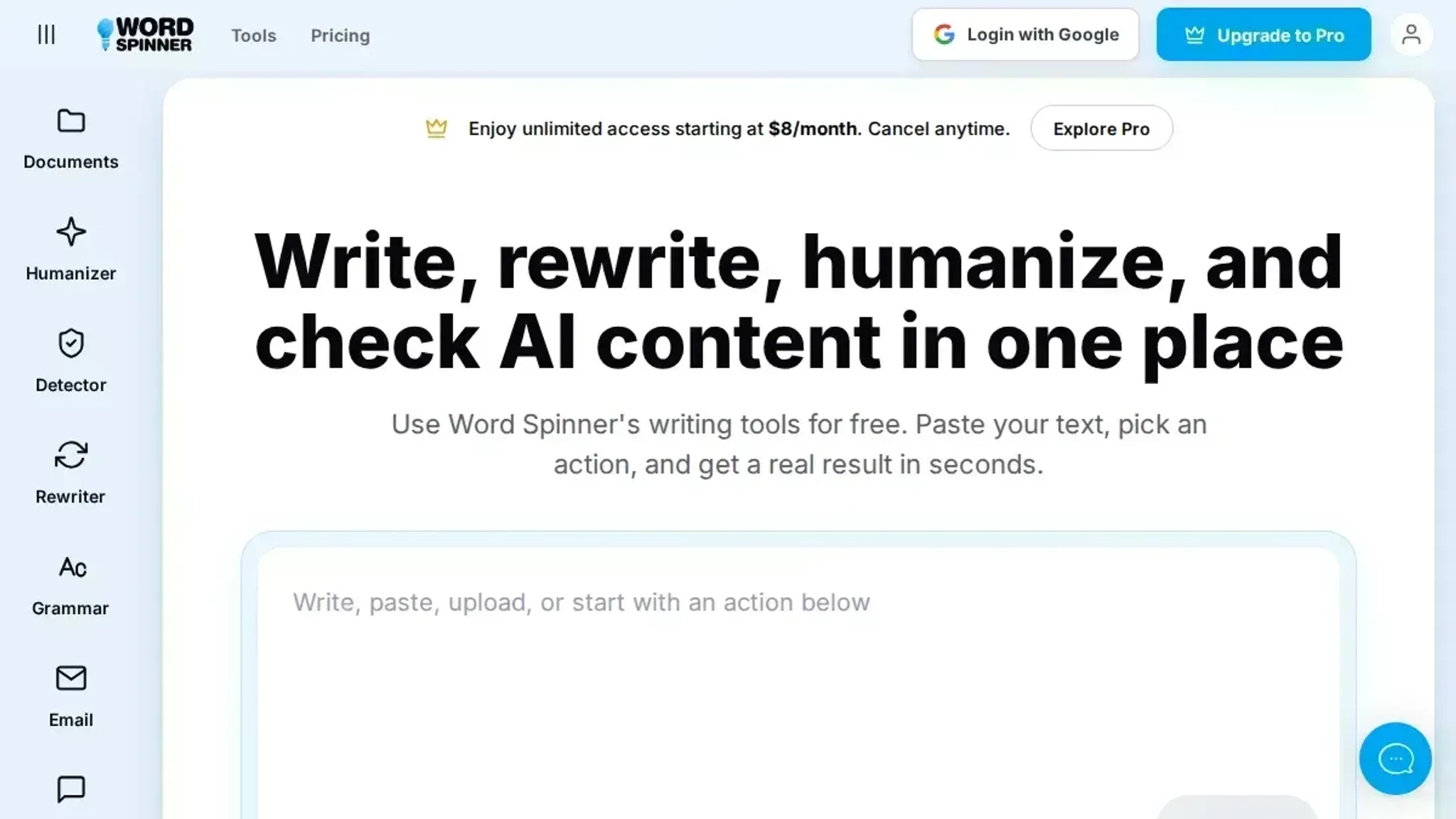
Word Spinner is a free AI writing toolkit that bundles an AI detector, an AI humanizer, a rewriter, and a grammar checker in one place. Its positioning is the reverse of Turnitin's: rather than telling an instructor what looks machine-written, it shows you the flagged passages first, then hands you the editing tools.
For anyone revising their own draft, Word Spinner is the more useful of the two, because it acts before submission rather than after. If you have two hours before a deadline, that ordering matters: you can rewrite a flagged paragraph and re-check it in the same sitting.
What Turnitin's report changes vs what a humanizer changes
Turnitin tells you a percentage; a humanizer changes the text that produced it. Those are two different jobs, and treating them as the same one is why a flagged draft often stays flagged after a rewrite that only swapped a few synonyms.
What each one hands back to you
Turnitin returns a result. Its AI writing detection shows writing detection indicators, the percentages of text predicted to be AI-generated or AI-paraphrased, plus highlights on the passages that pushed the number up. You get a diagnosis and no repair.
Word Spinner returns a draft. The AI humanizer rewrites the passages themselves, and the built-in AI detector gives you a second read on the result before you send it anywhere.
Verdict: Turnitin for the diagnosis, Word Spinner for the fix.
How each one decides what counts as AI
Turnitin's model reads a whole document and looks for statistical regularities in how a writer picks and spaces words. It works on English text, so a mixed-language essay can come back with a number that reflects only part of the page.
That same approach is why some institutions have walked away from it. Johns Hopkins disabled Turnitin's AI detection over reports of false positives and the risk of accusing students wrongly, which tells you how much weight the number deserves on its own.
Word Spinner's checker works on the same broad idea, but it sits next to the rewrite step. A high reading becomes something you act on in the same sitting rather than a verdict you argue with a week later. The practical difference is timing: a result arrives after you submit, while a rewrite happens while you can still change the draft.
Verdict: both guess from patterns, so treat either number as a signal, never as proof.
Where the two disagree most: AI-paraphrased text
Turnitin separates AI-generated from AI-paraphrased text, and that second category catches drafts that went through a paraphraser. It is the category most writers miss, because the text no longer looks like raw ChatGPT output.
A humanizer targets exactly that layer. It changes rhythm, word choice, and the small connective habits that make machine text read evenly. Claude and ChatGPT both produce that evenness by default, and it survives a plain synonym swap.
The honest limit: no rewrite guarantees a specific result from any checker, including Turnitin's. What a rewrite can do is remove the surface patterns that pushed the number up in the first place.
Verdict: for AI-paraphrased drafts, a humanizer is the only one of the two that changes anything.
What each one is built to be used for
Turnitin is built for instructors. It sits inside a submission system, and students usually meet it as a result they cannot run themselves.
Word Spinner is built for the person writing. You paste a draft, run the detector, humanize the parts that read flat, then check grammar before submitting.
- Run the detector first so you know which paragraphs are carrying the number.
- Humanize those paragraphs rather than the whole document, so your own voice stays intact.
- Re-check after the rewrite, because a second pass sometimes reads more natural than the first.
- Leave your citations and your own analysis alone; checkers read those as text too.
Verdict: Turnitin for the institution, Word Spinner for the writer.
Access and pricing
Schools license Turnitin's AI detection, so your access depends on whether your institution has it switched on. Some have turned it off entirely, which leaves you holding a percentage you cannot reproduce.
Word Spinner runs as a free toolkit with a Pro plan, and the humanizer, detector, rewriter, and grammar checker sit in the same place. You are not paying twice to diagnose and then fix the same paragraph.
Both are moving targets. Checkers get updated, and a draft that reads clean this month can read differently after a model update, so the habit matters more than any single result.
Verdict: Word Spinner for a self-serve path you control; Turnitin when your school already runs it.
The workflow that actually holds up
Treat the two as stages rather than rivals. Run your draft through a checker early, rewrite the flagged passages while you still remember what you meant, and read the result out loud before you submit.
A workable loop for a 2,000-word essay: paste it in, check the whole thing, rewrite the two or three paragraphs carrying the highest reading, then re-check only those paragraphs. Reading the revised version aloud catches the flat stretches a checker will not.
If you want to see the two-stage approach play out on a real paper, our case study on checking a paper walks through it end to end.
Keep the draft you wrote yourself as the base, and let the tools handle the parts that read flat.
Turnitin AI detection: the pros and cons in practice
Turnitin's AI writing detection sits inside the plagiarism workflow your institution already runs, and its pros and cons both come from that placement.
| Aspect | What works | What hurts |
|---|---|---|
| Score threshold | Shows nothing below 20 percent AI-likelihood, so a lightly assisted draft returns clean | That same cutoff hides genuine AI use in short passages and single paragraphs |
| Result detail | Gives a percentage plus line-level highlights you can actually look at | Highlights show where the flag landed, never why, and prove nothing about authorship |
| Language coverage | Handles English submissions consistently | Non-English work gets no usable signal, so the result stays silent rather than wrong |
| Access | Runs automatically inside the submission system tutors already use | You cannot run your own draft through it before you submit |
| Accuracy claim | Turnitin advertises a 98 percent detection rate | Johns Hopkins disabled the feature over false positives |
The pros stop at the result. What you get is a number and a set of highlights, not a verdict, and Turnitin itself frames the output as a signal for educators rather than proof.
The cons are structural rather than fixable. A checker trained on older ChatGPT output drifts as models change, and humanized or heavily rewritten text often slides under the threshold without any deliberate evasion. A student who writes in short, plain sentences may never trigger the check at all, while a careful academic stylist with long, balanced clauses can trip it on a paper she drafted by hand.
Turnitin for final checks, Word Spinner for the drafting loop
Turnitin's result serves the person marking the work, not the person writing it; the University of Melbourne notes it works on English text and returns detection indicators, not proof of authorship. Word Spinner is the free toolkit you use first.
When to choose Turnitin
- You are the marker, not the writer, and you need a review of a submission.
- Your institution already runs it, so the percentage is the one that counts.
- You want a number and highlighted spans, not a rewrite.
- Your draft is final and you are checking, not editing.
- You treat a flagged span as a signal to investigate, not a verdict.
When to choose Word Spinner
- You are still drafting and want to lower the AI-like patterns before submitting.
- You need a rewrite that keeps your meaning but changes rhythm.
- You want a grammar pass and an AI check in the same place.
- You write in a second language and want the phrasing to read naturally.
- You want to see the flagged passages and fix them yourself.
Choose Turnitin if you are submitting and need the institutional percentage; choose Word Spinner if you are still writing and need to change the text first.
The 20% threshold hides weak signals
The most misleading number in a Turnitin result is a low one. Turnitin's own documentation states that no score or highlights appear for AI detection results above 0% and below the 20% threshold, which means a clean result is a statement about reporting rules, not a verdict on the writing. Turnitin also lists AI-generated and AI-paraphrased text as separate indicators, so a suppressed number can hide both at once.
"To avoid potential incidence of false positives, no score or highlights are attributed for AI detection scores above 0% and below the 20% threshold in the report." Turnitin, Using the AI Writing Report
That changes the usual advice in one specific case. If a draft mixes your own writing with a few paragraphs run through ChatGPT and lightly edited, the checker may return nothing at all, and rewriting further will not produce a clearer signal. Say you wrote 1,800 words yourself and pasted in 200 words from ChatGPT. The whole document can come back clean because the generated share sits under the cutoff, and you would never know from the result alone.
A useful AI detector Turnitin case study compares the reported percentage against a second checker on the same text rather than trusting a single blank result.
Frequently asked questions about Turnitin AI detection
Does Turnitin's AI detector actually detect AI, or is it guessing at patterns?
It measures statistical patterns, not provenance. Turnitin's AI writing detection rates how predictable each passage is, then estimates the share of a document that reads like machine output. It cannot tell whether ChatGPT or Claude wrote a passage, and it has no access to your chat history. A high reading means the text resembles generated writing, not that generation was proven.
What does a Turnitin AI writing report actually show?
The result shows a percentage of the document flagged as likely AI-generated, plus highlighting on the passages that drove that number. Turnitin gives a share rather than a yes or no verdict. Your instructor sees the same view, which is why the highlighted passages matter more than the headline percentage.
Can Turnitin detect paraphrased or humanized text?
Usually not, and that limit applies to every checker. Rewriting a passage into less uniform lines and a more varied rhythm removes the pattern the number is built on. The effect cuts both ways, so a heavily edited human draft can read as AI. If you run text through a humanizer such as Word Spinner, check it with a detector before you trust the result.
Why do false positives happen in Turnitin's AI detection?
Because the number reads style, and academic writing is stylistically uniform. Johns Hopkins disabled Turnitin's AI detection after reports of false positives, which tells you how much weight the result deserves. Formal academic phrasing, long clauses, and heavy use of transition phrases all look like generated text to a pattern-based check, and writers working in a second language tend to get flagged most often.
What should you do if Turnitin flags your work as AI-generated?
Keep dated drafts and revision notes, because process evidence is stronger than any percentage. Save outlines, earlier versions, and editing comments so you can show how the text developed. Then read the highlighted passages and rewrite the ones that read most generically. Running the same text through a second checker helps you tell a style artifact from a genuine pattern.
The takeaway: fix the draft, not the report
Turnitin tells you what a statistical model thinks of your text. It does not tell you how to write the next draft. That gap is where Word Spinner fits, with a free AI detector for the pre-check and a humanizer and rewriter for the passages that keep tripping the pattern.
Run the draft through Word Spinner first, revise the flagged passages in your own voice, then submit to Turnitin as the final gate. You end up with a cleaner draft and a result you can actually explain.
Choose differently if your institution has disabled Turnitin's AI detection entirely, or if your assignment is graded on a live presentation or an in-class write-up where no text result matters. Then skip the checker loop and put the time into the work itself.