
Best grammar checker alternatives beyond Grammarly for 2026
By Brian, Word Spinner · Updated October 2026
Key takeaways
- Word Spinner is the strongest alternative for most writers: it checks grammar and then rewrites, paraphrases, or humanizes the same text without a second subscription.
- Grammarly Pro's annual deal comes to $144 a year, and every yearly price in this roundup had to beat that number.
- A tool that only flags errors hands the sentence back to you. That handoff is the gap most people hit once a clean report comes back.
- If your drafts pass through an AI assistant, put the rewrite pass first. Flat rhythm survives a grammar check untouched.
- Free tiers catch spelling and basic punctuation, cap daily word counts, and skip style-level issues like passive voice or repeated sentence openings.
Grammarly underlines a sentence, you accept the fix, and the paragraph still reads badly to the editor who opens it next. The report came back clean and the writing did not improve, which is the specific failure that sends people hunting for grammar checker alternatives.
The mechanical layer is where Grammarly, QuillBot, and the built-in tools in Google Docs hold up: subject-verb agreement, comma splices, doubled words, misspellings. Where they get shaky is anything that depends on context. "The committee has reached a decision" is grammatically spotless and completely wrong in a message to the five people who actually made the call.
The alternatives below split into two groups. Some flag the problem and hand the sentence back to you. Others flag it and rewrite it in the same pass, which is the difference between a report and a finished draft. If you want the second kind, Word Spinner is where we would start.
What is the best grammar checker alternative in 2026?
Word Spinner is the best alternative for most writers. It checks grammar and then rewrites, paraphrases, or humanizes the same text without a second subscription, which matters for everyday email, essays, and AI-assisted drafts where a clean error report is only half the job. A proofreader that stops at the red underline cannot fix a paragraph that reads flat; this one can.
Two cases flip that verdict. If your writing cannot leave your laptop, Harper runs entirely on your device and covers five English spelling standards. If you are editing a 90,000-word novel and want chapter-level pacing reports, ProWritingAid is the one to open.
Our selection criteria for picking an alternative
We ranked the programs in this review on three things: yearly price, whether the free tier can finish a real draft, and how often each one flags a correct sentence as wrong. Grammarly Pro's annual deal comes to $144 a year, and every real yearly price had to beat that number.
Spelling variants broke the ties, because a tool tuned for US English will keep underlining "colour" and "organise" in a document that is correct for a London client.
Most comparison tests count how many errors a program catches in one sample paragraph. That number hides what you notice daily: wrongly flagged sentences. A tool that catches nine errors but questions twelve correct sentences burns more of your time than one that catches seven and stays quiet. We put wrong flags above missed errors, which is the opposite of how most of those tests score.
Harper is an open-source checker that runs entirely on your device and covers US, UK, Canadian, Australian and Indian English, so it wins whenever your writing cannot leave your laptop. The advice to pick whichever program catches the most errors only holds for plain US English that you can paste into any web form.
Grammarly vs QuillBot vs ProWritingAid at a glance
Six programs, three questions each: the job it fits, the thing it does better than the rest, and where it stops helping. The limitation column is where most people switch, usually after a week of using a tool that solves the wrong problem.
| Program | Best for | Strength | Limitation |
|---|---|---|---|
| Word Spinner | Checking a draft and rewriting it in one pass | Grammar check plus humanize and paraphrase | No extension that underlines text as you type |
| ProWritingAid | Book-length fiction and nonfiction | Chapter reports on pacing and repeated phrasing | A chapter returns more suggestions than you will act on |
| QuillBot | Rewriting a sentence you already know is wrong | Paraphrase modes that return several versions | Grammar check plays second fiddle to the paraphraser |
| Harper | Developers and anyone under a confidentiality agreement | Runs offline with nothing sent to a server | No tone or style reports |
| PaperRater | Student essays before submission | Plagiarism detection and an automatic essay score | Interface feels older than the rest of this list |
| Writesonic | Teams drafting marketing copy from a blank page | Generates articles, ads, and product descriptions | Will not proofread a document you already wrote |
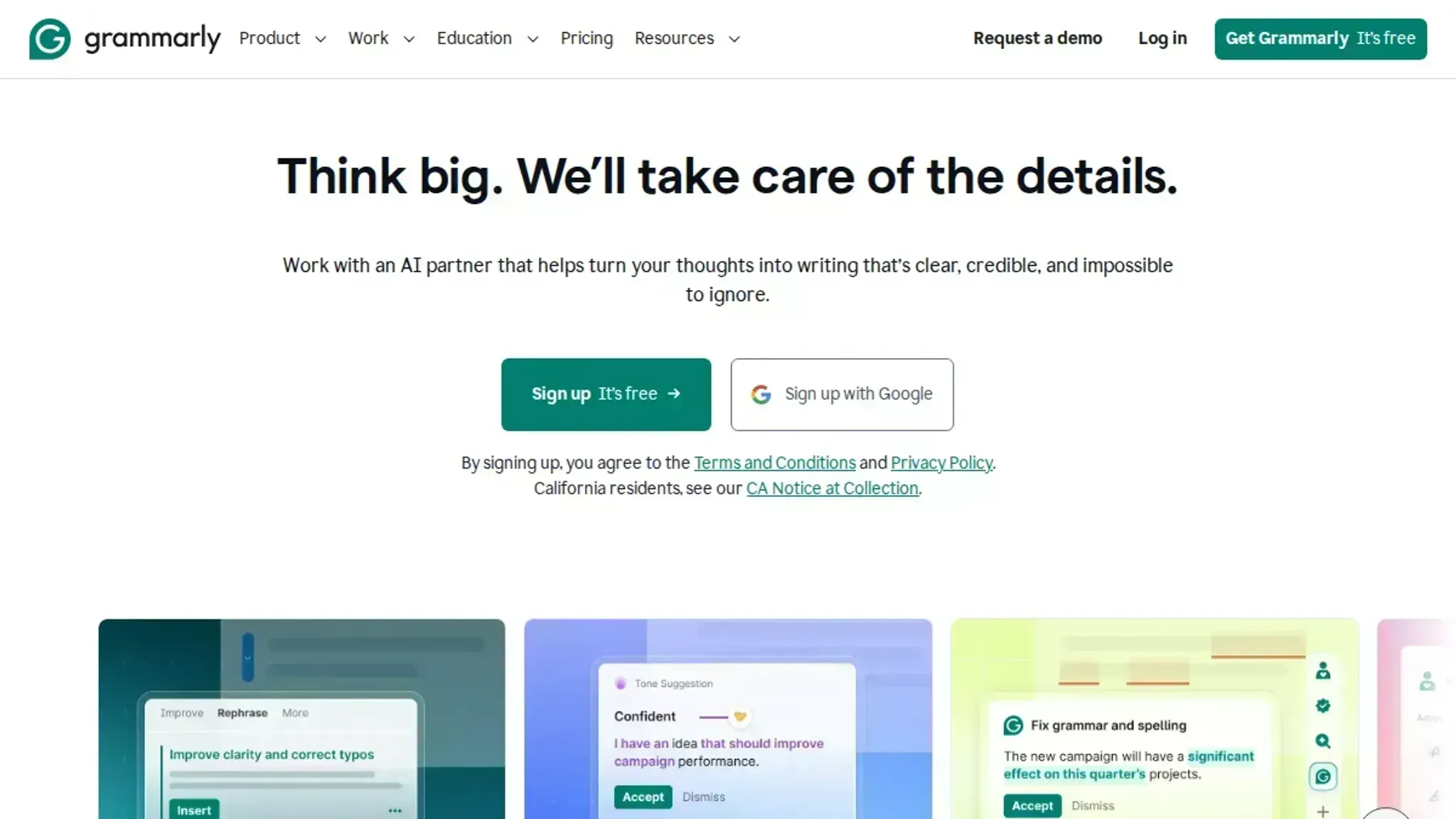
PaperRater bundles plagiarism detection and essay scoring, which suits students more than anyone shipping marketing copy. QuillBot and Word Spinner also rewrite, which matters when a sentence is grammatically fine but reads badly.
Six grammar checkers worth switching to in 2026
The strongest alternative to Grammarly depends on which of its three jobs you actually have: proofreading, style coaching, or cleaning up a draft that an AI wrote. Most roundups rank these programs on the first job alone, which is why people end up paying for a style editor when their real problem is text that sounds generated.
We ranked the six below on how well they cover all three, and each entry names the case where you should pick something else.
Word Spinner: the grammar pass and the rewrite in one place
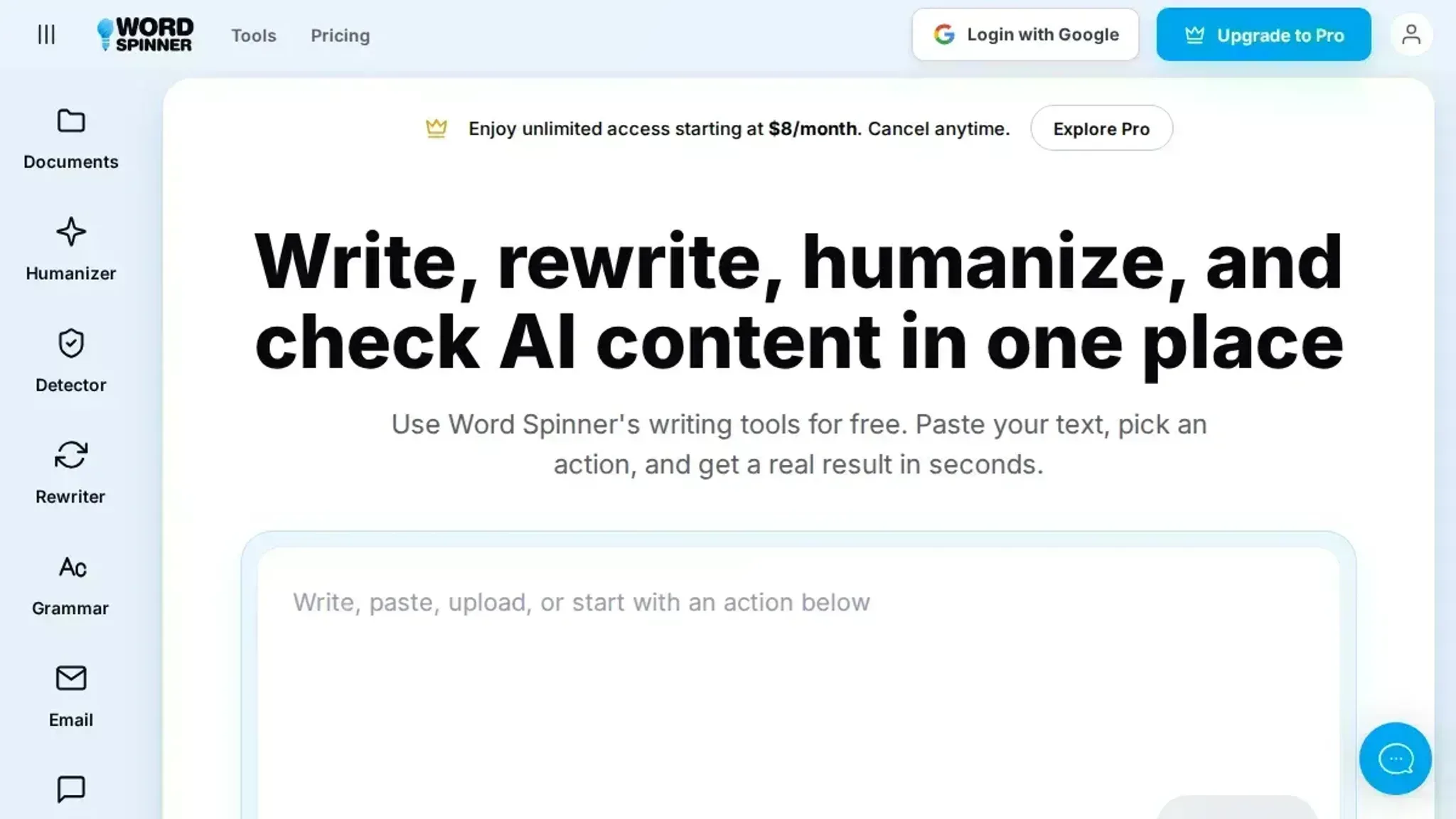
Word Spinner is an all-in-one AI writing toolkit, and it leads this list because it covers the job most proofreaders skip: a draft that is grammatically clean and still reads like a machine wrote it. The grammar checker handles spelling, punctuation, and sentence-level fixes, and the same toolkit adds AI detection, humanizing, paraphrasing, and email generation.
That combination matters when ChatGPT sits in your drafting loop. A proofreader will confirm your commas are fine; it will not tell you the paragraph has no voice. Paste in a paragraph the model wrote and watch what the humanize pass does to the rhythm of it. If you want to see how far one rewriting pass can move a sentence, seven rewriting tools compared on the same text is worth ten minutes before you commit to anything.
The trade-off is scope. Word Spinner is a toolkit, not an extension that underlines your Slack messages, so if all you want is passive proofreading while you type, you are paying for features you will not open. Pro starts at a low monthly price for unlimited access.
Best for: freelancers, students, and job seekers who draft with AI and need the result to survive a human read. Skip if: you want nothing more than a red underline in Google Docs.
Pick it over Grammarly when your drafts are AI-assisted and grammar is the smaller half of the problem.
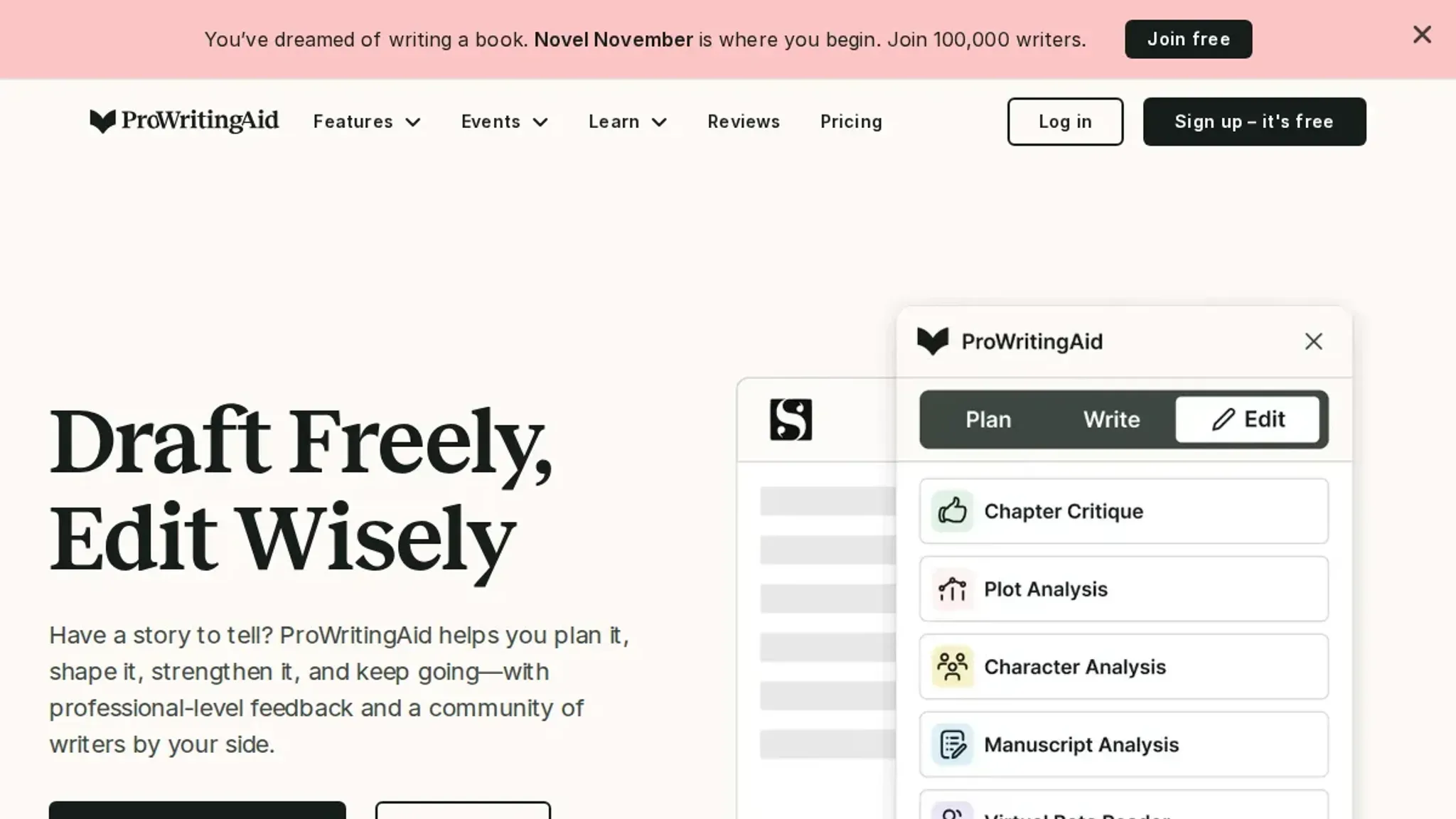
ProWritingAid: chapter-level reports for book-length work
ProWritingAid is the pick for book-length prose, because its reports look at structure rather than single sentences. It flags repeated sentence openings, sticky sentences, pacing dips, and overused dialogue tags, which is why novelists tend to stay with it. Run a 4,000-word chapter through it and you get a report on all four in one pass.
Pricing is where the comparison gets interesting. Grammarly Pro sets the benchmark for this list, and ProWritingAid comes in significantly cheaper for more functionality. Its plans now describe AI usage in daily Sparks and Chapter Critiques instead of monthly credits, with Premium Pro carrying higher daily limits than Premium.
The catch is noise: that same 4,000-word chapter can produce more suggestions than you will act on.
Pricing signal: a free tier for short documents, paid tiers below the Grammarly Pro benchmark.
Switch to it from Grammarly if you edit book-length work and want structural feedback, not just a clean-up pass.
QuillBot: the paraphraser that also checks grammar
QuillBot earned the top spot in a head-to-head test of free tools, and it gets there on accuracy rather than feature count. Scribbr's test of ten free grammar checkers ran the same sample text through each program and counted how many errors each one fixed.
The free tier is usable for a paragraph or two, and the paraphraser is why most people stay. Paste a clumsy sentence, pick a mode, and you get several rewrites to choose from.
Where it falls short is that QuillBot is built around rewriting. It will happily reword a sentence you only wanted corrected, and the free grammar pass is short enough that longer documents nudge you toward the paid plan.
Pros: accurate free checks, fast paraphraser, browser extension. Cons: short free passes, rewrite-first design, thin structural feedback.
Worth it over Grammarly if your habit is pasting a sentence and asking for a better version.
Harper: a proofreader that never leaves your laptop
Harper is an open-source grammar and spell checker that keeps every keystroke on your own machine, which is the whole point. It covers US, UK, Canadian, Australian, and Indian English rather than defaulting to one spelling standard.
That makes it the sensible choice for developers writing documentation, for anyone under a confidentiality agreement, and for people working on a laptop with unreliable Wi-Fi. It answers instantly because nothing is sent anywhere to be checked.
The downside is that Harper is a linter for prose, not an editor. It marks what is wrong and stops there.
Pros: works offline, open source, five English spelling standards. Cons: no style reports, no tone suggestions, no rewriting.
Choose it over Grammarly if privacy is a requirement rather than a preference.
PaperRater: plagiarism detection and an essay score
PaperRater serves students, and it bundles three checks that usually come separately: grammar, spelling and punctuation, plus plagiarism detection and an automatic essay score. The paid tier runs $7.95/month, according to a 2026 comparison of Grammarly alternatives.
The essay scoring is the differentiator. It grades vocabulary, sentence variety, and readability against academic expectations, which is closer to what a marker looks for than what a general proofreader reports.
The catch is polish. The interface feels older than the programs above it, and the feedback is blunter, so it is a great fit as a pre-submission check rather than a daily editor.
Pricing signal: a low monthly price for grammar, plagiarism detection, and essay scoring.
Choose it over Grammarly if you submit academic work and want the plagiarism check in the same pass.
Writesonic: drafting rather than proofreading
Writesonic is the odd one out, and it earns a place because plenty of people searching for a proofreader actually want a drafter. It generates articles, ads, and product descriptions, then lets you edit the output in the same workspace.
Annual pricing starts at $79/month for Starter, $199/month for Basic, and $399/month for Growth, with higher monthly rates if you do not pay annually. That is a lot to spend on proofreading, which is the honest way to read those numbers.
The catch is focus. Writesonic is a drafting program with editing attached, not a checker, so it will not catch a misplaced comma in a document you already wrote. Use it when the blank page is the problem.
Matching a checker to your workload and budget
Word Spinner leads for writers whose drafts pass through an AI assistant, because the same toolkit checks the grammar and humanizes the passages that read machine-written. If 20 client emails a day start as a model's first pass, this is the workflow that fits. Our Grammarly vs Word Spinner comparison covers where the two overlap.
Budget-conscious writers: QuillBot stays the pick when the yearly price decides it, because its free tier covers grammar and spelling without a card.
Agencies and high-volume editors: ProWritingAid earns its place on book-length documents, where its repeated-phrasing and pacing reports catch problems a sentence-level proofreader never flags.
Students and professionals: Harper keeps the check on your own hardware and stays open source, so a contract or a source file never travels. The AI answer checker alternatives guide covers the rest of that workflow.
The right first pass depends on who wrote the draft
"When you consider that the best deal for Grammarly Pro comes out to $144 a year, ProWritingAid is significantly cheaper for better functionality." Kindlepreneur, in its roundup of Grammarly alternatives for writers
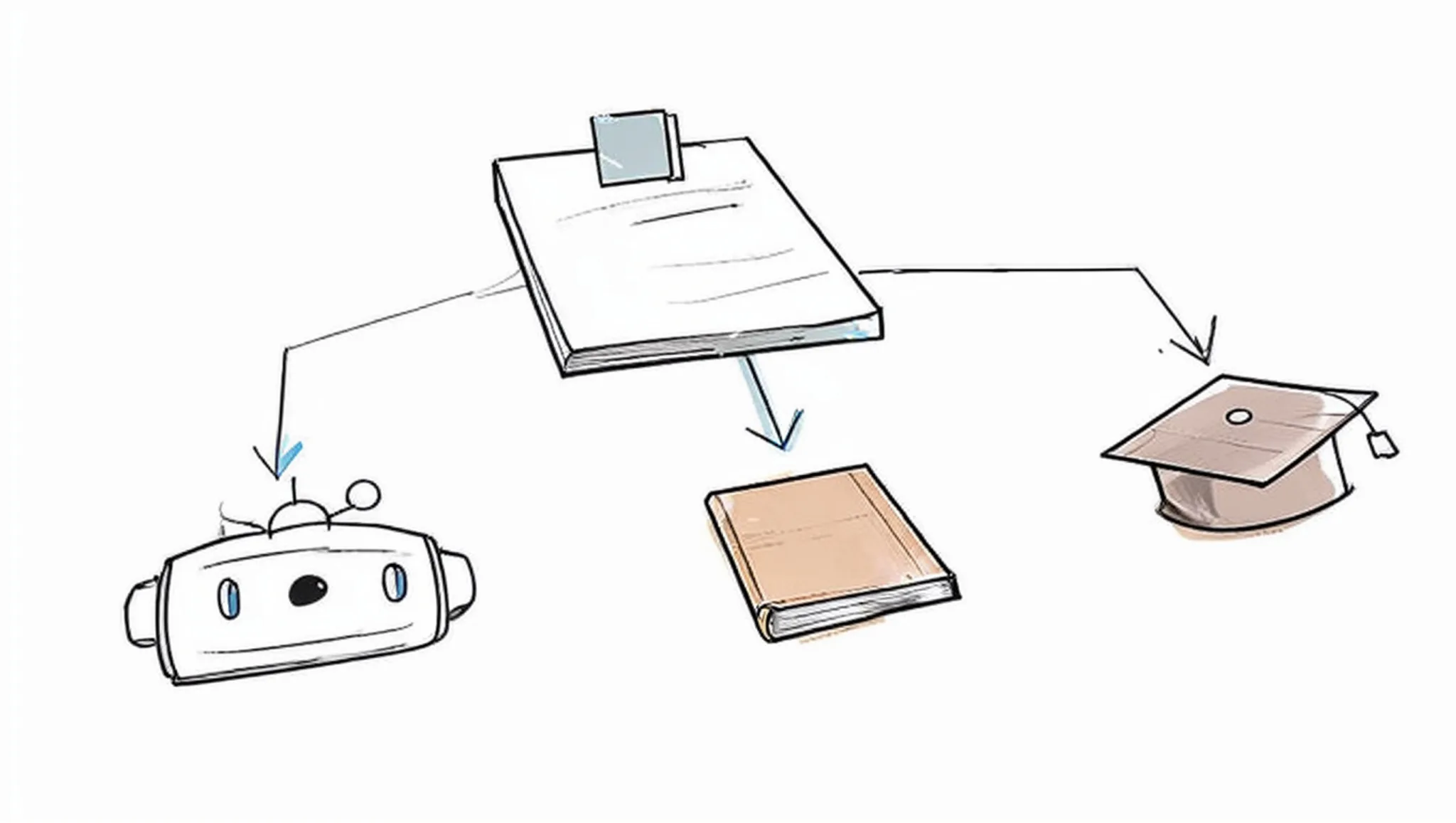
Price dominates how people rank these alternatives, and that comparison hides a bigger gap. Every program in that roundup reads a sentence for agreement, punctuation, and word choice; almost none reads it for rhythm. Paste in a paragraph from ChatGPT and the proofreader will approve a run of six sentences that all land at the same length, because nothing in the text is grammatically wrong.
Free passes are no different here. They catch the spelling and the comma splices, then leave the cadence exactly as they found it.
That is where the usual advice flips. If you wrote the draft yourself, run the grammar pass first. If a generator wrote it, fix the flat cadence before you touch the commas, or you will spend an hour polishing prose that still reads as machine output to anyone who sees a lot of it.
Frequently asked questions about grammar checker tools
Is a free grammar checker enough for professional writing?
Usually not, once you write more than a few hundred words a day. Free tiers catch spelling and basic punctuation but cap daily word counts and skip style-level issues like passive voice or repeated sentence openings. Above that, the caps and the missing style checks push people to paid plans.
Which grammar checker works offline?
Harper is the one here that does, and it is open source, so a contract or a source file stays on your own hardware. That matters for anything under a non-disclosure agreement. The trade-off is narrower coverage of style and tone than the cloud programs give you.
Can a grammar checker tell whether text was written by AI?
No, and no checker claims otherwise. A grammar pass fixes sentences; it does not score whether a machine produced them. That is a separate check, and programs such as Word Spinner pair AI detection with rewriting and humanizing so you can act on the result in the same place.
What should I compare first when switching grammar tools?
Language variants, file types, and integration. A tool that only supports US English will flag correct UK spellings in every document you write. Before you look at style reports, confirm the program runs in your browser, your word processor, and your email client.
Do I still need a separate tool if I write in Google Docs or Word?
Built-in checkers in Google Docs and Microsoft Word catch spelling, subject-verb agreement, and basic punctuation at no extra price. What they miss is long-range: a paragraph that leans on the same transition three times, a sentence that runs past 60 words, a claim that contradicts the one above it. A dedicated tool earns its place once your documents get long enough for those patterns.
How often should I run a grammar check?
Once per draft, after you finish writing rather than while you write. Accepting suggestions mid-sentence breaks your train of thought and flattens the prose. Run the check at the end and read each flagged sentence aloud.
The bottom line: one toolkit covers the whole draft
Word Spinner is the alternative to reach for when a draft needs grammar fixes and a rewrite in the same pass. It checks the grammar, then paraphrases or humanizes the same text, so you are not juggling two subscriptions or copying paragraphs between tabs.
If you write book-length fiction and want style reports chapter by chapter, ProWritingAid stays the better fit, and that is the one case where the recommendation changes. Its chapter-level reports are the reason, and nothing else on this list reproduces them.
Your next step is small. Paste a paragraph you have already edited into Word Spinner and see whether it catches anything your current tool let through. If nothing gets flagged, you have lost a minute; if something does, you have found the gap your old proofreader left.