
How do you make sense of AI text detector step by step?
A detector flags your paragraph as AI, a second tool calls the same text human, and you still do not know which sentence caused the result. That disagreement is the real problem. One document-wide score hides the lines that triggered it, so a rewrite feels like guesswork.
Running an AI text detector step by step replaces that guessing. You test a clean sample, read the sentence-level highlights, change one variable, then compare the new result with the old one. You also see where detection stops being evidence: a score reflects pattern matching, not proof of authorship.
For a free first pass, Word Spinner is the practical pick because its detector and humanizer share one toolkit, letting you test a passage before and after a rewrite.
What is the first step in using an AI text detector?
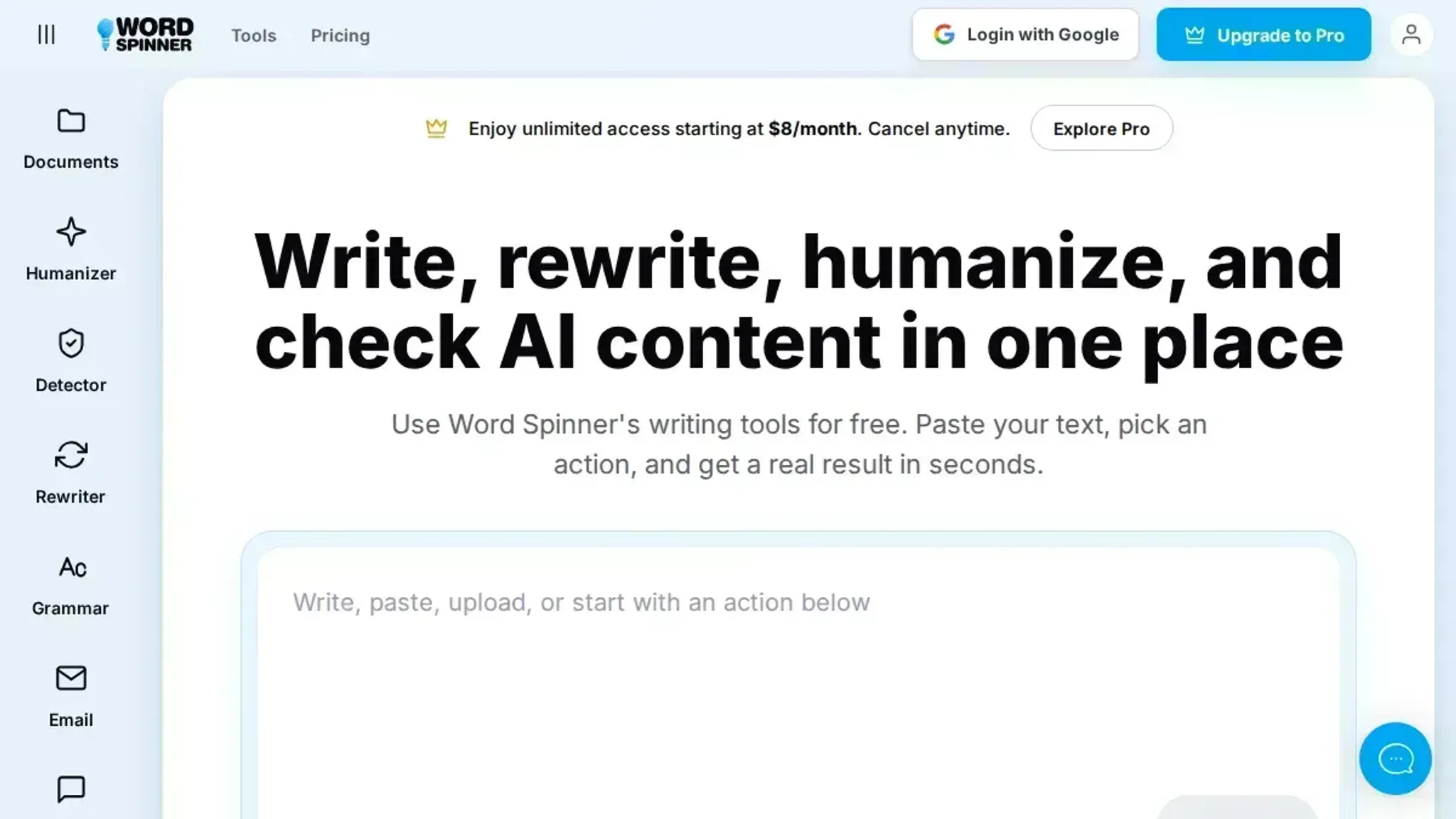
Start with Word Spinner's free AI detector and act on the result, rather than hunting for the tool that gives you the lowest score. It sits in the same toolkit as the humanizer, so you scan a passage and rework it without switching tabs. That single-tool loop gives you a direct answer on whether a draft reads as machine-written instead of three conflicting readings.
Scores are probabilities, not proof. For long documents, GPTZero takes a pasted file or upload, and originality.ai adds plagiarism checking to AI detection.
What you need before you trust a detector score
An AI text detector step by step needs little equipment, but skip an item and the score stops meaning anything.
- A plain-text copy of the sample, pasted not retyped, so characters stay identical between runs.
- At least 150 words of continuous prose; shorter fragments swing hard.
- Two detectors, for example Word Spinner and one alternative such as Copyleaks; agreement beats a single percentage.
- A known-human baseline: something you wrote yourself before 2022.
- A log of edits after the first scan, so a score change has a cause.
Detectors learn patterns from a collection of human and machine writing and report a probability, not a verdict.
That flips the usual advice on short samples. Averaging three detectors is sound for a full essay; on a 100-word paragraph they disagree because there is too little text to measure, not because authorship is unclear.
How to use an AI text detector step by step
You need the text in the exact form you plan to hand in, and a detector that shows sentence-level results instead of one number. Keep your draft open beside it, because the useful part of this workflow is comparing what changed between the first scan and the second. Scans take seconds; acting on them is the slow part.
- Collect the full text in the form you will hand in: Copy the whole document, headings, list items and quoted sources included. Detectors rate what you give them, so pasting only the polished half returns a reading that describes nothing real. Length matters too: below a few hundred words the percentage swings widely between runs, which is why a flagged essay section is more useful to work with than a flagged two-line caption.
- Find out what the tool actually measures: A detector is trained on a collection of human and machine text, then asked how closely your sample matches the machine side of that collection, as this walkthrough of how detectors are built from a collection of human and machine writing explains. The comparison matters. A tool tuned on ChatGPT output reads a Claude-generated summary and a lab report written by a person through the same lens, and it will not always sort them the way you expect.
- Paste the text and run the scan: Paste into the checker or upload the file, then start the scan. The visible result is a percentage plus highlighted sentences, and it usually lands within a few seconds. Word Spinner's AI detector sits in the same toolkit as its rewriting tools, so you can move between editing a paragraph and checking it again without switching sites.
- Read the sentence highlights before the headline percentage: The overall number is an average, and an average hides where the problem sits. Sentence-level flags show which two or three paragraphs pushed the score up, and those paragraphs are the only part you can act on. If a tool hands you a single percentage and nothing else, treat it as a smoke alarm with no address attached. One flagged sentence in a 900-word report is usually noise; a flagged paragraph in the middle of the argument is not.
- Confirm the flags with a second detector: Tools weigh different signals, so agreement between two of them says more than either number alone. Run the same text through a checker from a different company.
With Originality.ai, you select which scans to run before the tool starts, so you know whether a result came from AI detection or from a combined report. When both tools flag the same paragraph, that paragraph deserves your attention. When one returns 90 percent and the other 12 percent, the text sits in contested territory and no score settles it.
- Edit sentence rhythm, not vocabulary: Swapping synonyms leaves sentence length, clause order and opening words untouched, and those are the patterns that moved the number. Merge a pair of short sentences, cut a throat-clearing opener, add a detail only you could know. Our walkthrough on rewriting AI text so it sounds like you covers the edits that change a scan result rather than just the wording.
- Re-scan and compare both readings side by side: Put the first percentage next to the second and note which sentences stopped being flagged. That before-and-after is your evidence, because one clean scan on its own shows very little. Detectors are also wrong on a regular basis: lab reports, contract boilerplate and the writing of people who work in a second language all get flagged as machine-made. Treat a low score as a checkpoint rather than a verdict, and keep the notes and drafts that show how the text was written.
The most common mistake is pasting one flagged paragraph, editing until it reads clean, and submitting the untouched rest of the document. Scan the whole text, edit where the flags cluster, and run it again.
The AI text detector step by step checklist
Five checks turn a detector score into something you can act on, and each one is verifiable from the page in front of you. Tick a row only when you can point to the evidence behind it.
| Task | Why it matters | Done |
|---|---|---|
| Compare the pasted text against your submitted file word for word. | A trimmed paragraph can swing the score. | |
| Record which detector produced the number. | Tools disagree, so the name sets the baseline. | |
| Read the sentence-level highlights, not the headline percentage. | Flagged sentences tell you what to rewrite. | |
| Rewrite the two highest-flagged sentences by hand. | Predictable phrasing is the easiest thing to vary. | |
| Re-scan the edited text in the same detector. | The second score shows whether your edit landed. |
Rewriting by hand is usually the smaller change. If you are weighing a spinner instead, what text spin means in practice sets out what it does to a flagged sentence, and whether you can rely on humanize AI text covers the limits.
Detectors flag sentences, not documents
Most step-by-step walkthroughs stop at the percentage. That number is an average, and an average hides the part you actually need: which sentences moved it. Read the sentence-level highlights before you touch a word, because a document that scores 40 percent can have three flagged sentences and forty clean ones.
Detectors read the words on the page, not where they came from, so a heavily edited ChatGPT draft and a first draft you typed yourself can score the same.
That changes the usual advice under one condition: when the flagged lines are boilerplate you did not write for this piece, such as a quotation, a definition, or a standard transition. Rewriting those to satisfy a detector makes the writing worse and fixes nothing. Leave them, and check whether the surrounding prose varies enough in sentence length to pull the average down.
Frequently asked questions about AI text detector step by step
How accurate are AI text detectors?
Accuracy varies by tool and text type, and no detector publishes a guaranteed figure. Short passages and heavily edited prose produce the most errors, because detectors score patterns such as how predictable each word is. Treat any percentage as a signal, not proof.
Can AI detectors prove that ChatGPT wrote a passage?
No. A detector can flag the statistical fingerprints ChatGPT and Claude leave behind, such as uniform sentence length and a narrow vocabulary range, but it cannot prove authorship. A person who writes in flat, formal sentences produces the same fingerprint, so a flagged result is a reason to review the text, not a verdict.
Do AI detectors still work on paraphrased or humanized text?
Usually less well. Rewriting with different sentence openings and varied word choice raises the unpredictability a detector measures, so scores often drop. It does not make the text undetectable, and a detector that relies on newer models may still flag it.
What should you do when a detector flags your own writing?
Run the text through a second detector before you change anything, because single-tool results disagree often. If two tools flag the same paragraph, revise that paragraph: vary sentence length, replace repeated connectors, and add a concrete detail only you could write. Word Spinner includes a free AI content detector you can run alongside a second tool.
Final verdict on the AI text detector step by step
A detector score is a starting point, not a verdict, and every step before it exists to tell you which sentences to fix. Run your text through Word Spinner, rewrite the lines it flags, then scan the revised version. The loop holds whether you are checking a cover letter, a blog draft, or a class essay.
The next step after a score is an edit, not another detector. Fix the flagged lines, leave the clear ones alone, and rescan once.
One case calls for a different choice: when a school, publisher, or client names an approved checker, run that one first and treat its sentence flags as your rewrite list. Otherwise Word Spinner is the pick, since detection, paraphrasing, and humanizing live in one place.