Grammar checker for beginners: free vs paid tools compared
Key takeaways
- A paragraph can clear every automated check and still read badly to the person on the other end.
- Word Spinner is the grammar checker for beginners to start with, because its checking tools sit inside a free toolkit and the price stays at zero while you learn.
- The table compares four options on three criteria: the writing situation each one suits, the slips it catches without help, and the point where you take over again.
- Word Spinner keeps its grammar checker beside a rewriter, a humanizer, and an AI detector instead of selling them as separate products.
You send a cover letter that nothing flagged, and the reply never comes. No rule was broken in that paragraph, yet the clauses were tangled, "affect" stood where "effect" belonged, and the tone slid from formal to chatty halfway down. That gap between the marks a grammar checker makes and what a recruiter actually notices is where beginners stall.
Paying does not close it either. A premium tier adds rules about tone and longer text limits, and a beginner rarely needs either in month one.
Here is what actually matters in a grammar checker for beginners, which mistakes the no-price tools catch, and when paying earns its keep. Word Spinner pairs checking with a rewriter and a humanizer, so you can fix a sentence and reshape it in the same place.
Which grammar checker should a beginner start with?
Word Spinner is the best grammar checker for beginners to start with, because its checking sits inside a free toolkit and the price stays at zero while you learn. Advice about tone is the wrong purchase in month one, since it arrives as a wall of suggestions you have no way to judge yet.
QuillBot runs unlimited free grammar checks, and LanguageTool adds a top-rated browser extension with over 3 million Chrome users. Upgrade only when you can name the rule you keep breaking. "I never know when to write who instead of whom" is a reason to pay. "I want better writing" is not.
A test that takes ten minutes: run the same 300 words through all four options and count how many flags you can explain in your own words without opening the rule description. That count, not the number of flags, tells you which one is teaching you.
Four grammar checkers side by side: strengths and blind spots
The table compares four options on three criteria: the writing situation each one suits, the mistakes it catches without help, and the point where you take over again. Read a row from left to right and it works as a task list rather than a verdict.
| Checker | Best for | Strength | Limitation |
|---|---|---|---|
| QuillBot | Fast passes over long drafts | Unlimited free grammar, spelling and punctuation checks | Corrects the sentence, not the weak argument behind it |
| LanguageTool | Drafts that mix languages | Rule-based flags that name the grammar rule involved | You choose the wording; it flags rather than rewrites |
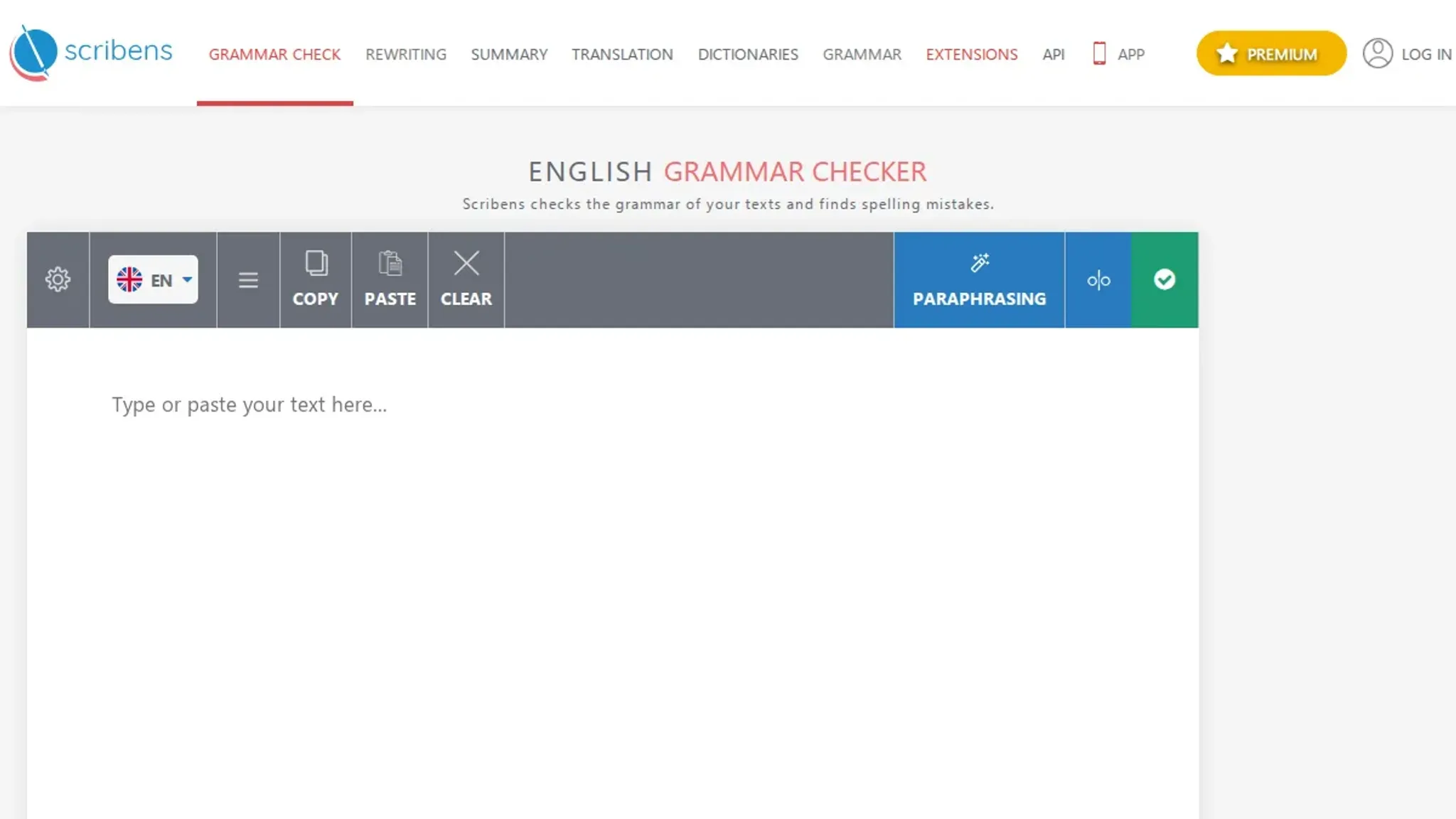
| Scribens | Verb and agreement slips | Also catches confused pairs such as affect and effect | Correction only, no rephrasing for tone |
| Word Spinner | Beginners who rewrite after fixing | Grammar checker, rewriter, humanizer and detector in one free toolkit | The grammar pass stops at the sentence break |
Every row shares one blind spot: these tools correct what breaks a rule and stay quiet about what is merely unconvincing. "Me and my manager agreed to move the deadline" gets flagged and fixed in one click. "The deadline moved because of a decision at my level" passes every check and leaves the reader without a name or a date.
That second sentence is the one that loses you the interview, and no amount of comma fixing touches it. Move it into a rewriter and keep the grammar pass open for whatever the rewrite breaks.
Word Spinner vs LanguageTool: which starting point fits
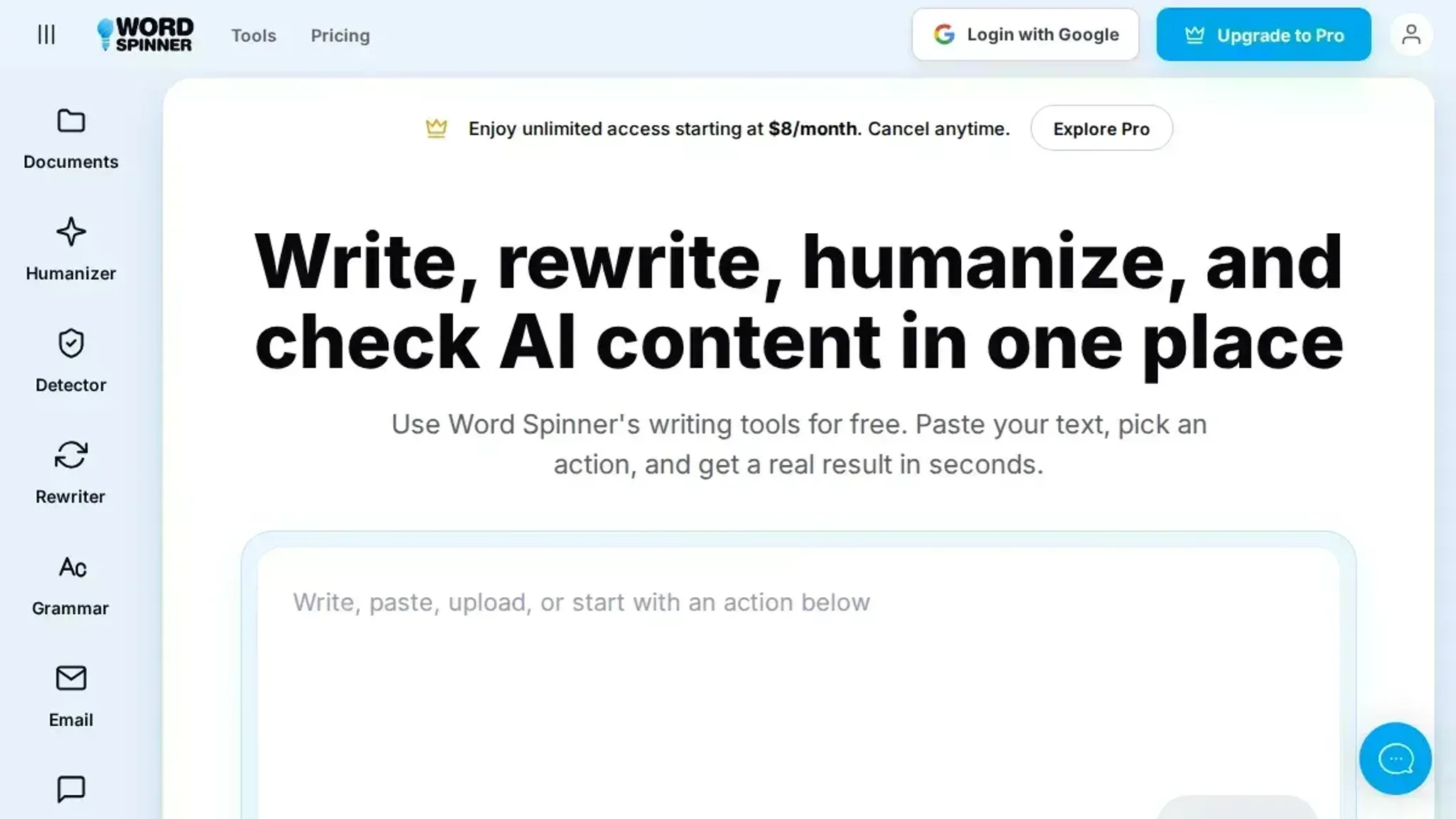
Word Spinner is a free AI writing toolkit that keeps its grammar checker beside a rewriter, a humanizer, and an AI detector instead of selling them as separate products. For a beginner that layout matters: you paste a rough paragraph, clear the flagged spelling and punctuation, then fix the clumsy sentence in the same window. A Pro plan covers heavier use, but checking a short document needs no payment.
LanguageTool is the standalone option, built by LanguageTooler GmbH, and its browser extension has passed over 3 million Chrome users while working in more than 30 languages. The paid tier is the route you grow into once spelling and subject-verb agreement stop being the mistakes you actually make.
The two split on your writing day. Three emails in English plus one message to a supplier abroad points to LanguageTool, because the language count is the whole point. One English essay you keep redrafting points to the toolkit, because the rewrite matters more than the coverage.
What each checker catches, and where the free versions quit
No-price grammar tools agree on spelling, agreement, and punctuation, and disagree on almost everything else. Write a paragraph about a job you actually had, then paste it into LanguageTool and into QuillBot. The pattern shows up fast: identical flags on the easy slips, different flags on the sentence you were unsure about. The comparison worth making starts above that shared bottom layer.
Spelling and agreement are table stakes, not a tiebreaker
Misspellings, doubled terms, a missing comma in a list, "he go" where "he goes" belongs: every tool here catches them. LanguageTool, Grammarly, QuillBot, Scribens, and Word Spinner flag those in the same spots, so a beginner whose mistakes run to typos and dropped articles will not find a difference worth paying for.
The gap opens on anything that needs the whole sentence. Take "The new policy will affect the schedule" and "the effect of the new policy." Both are spelled correctly, and only context says which one you meant. A comma splice that reads fine out loud, or a tense shift in the middle of a paragraph, splits the tools the same way: some flag the clause, some flag the exact term, and some say nothing.
LanguageTool attaches a rule name to each underline, which helps you tell whether it is complaining about agreement or punctuation. Word Spinner flags the same classes and puts the correction inline, with the rewriter a click away for sentences where the grammar is fine but the shape is not.
Neither one wins on raw catching, so judge them on the four criteria below.
The free tier is where beginners actually live
LanguageTool keeps core checking free and sells Premium for advanced rules on tone and longer texts, and the free version limits how much text it will review in one pass. Grammarly's no-price plan covers correctness while clarity, tone, and full-sentence rewrites sit behind the paid tier. QuillBot's grammar pass is free; its paraphraser caps input on the free plan.
Word Spinner treats the grammar checker as one free tool in a set that also includes a rewriter, a humanizer, and an email generator, with a Pro plan alongside. If you need the sentence rebuilt rather than just corrected, that saves the trip to a second site. Anyone already running the Grammarly extension can read the Grammarly vs Word Spinner comparison for where the two overlap.
For the smallest possible commitment, a plain editor that checks text with no account handles spelling and punctuation and little else.
Word Spinner for the most capability at no price in one place, LanguageTool Premium when you want rule-level control over tone.
Where you write matters more than the feature list
LanguageTool runs as a browser extension and inside Word and Google Docs, so it checks a sentence where you typed it. Grammarly's extension reaches most text boxes on the web. QuillBot and Word Spinner work in a tab: paste, review, copy back.
That tab step is not a flaw for a beginner. Reading the corrected sentence before pasting it back builds the habit, and an extension that accepts a suggestion in one keystroke can be waved through without a glance. Chrome suggestions also arrive while you are still drafting, which is handy for an email and less handy for an essay whose structure needs fixing before its commas do.
The medium matters as much as the tool. A chat message tolerates a fragment; a grant application does not. Extensions suit volume, and a separate tab suits learning.
Explanations turn a fix into a lesson
LanguageTool names the rule and links to a longer description of it, which is the nearest thing to a grammar textbook sitting inside a tab. Grammarly gives a one-line reason on each card. QuillBot mostly shows the corrected sentence and moves on.
Word Spinner shows the fix and then offers the rewriter, so you can hold your original next to two or three rebuilds of the same idea and see which one survives being read aloud. That comparison is where sentence structure clicks for most beginners, well before any rule name does.
A rule you cannot explain is noise. A rewrite you would actually say out loud is a lesson.
Word Spinner for learning by rewriting, LanguageTool for learning by naming the rule.
False positives punish beginners harder than anyone else
Long sentences and passive voice get flagged as habits to fix even when they are the right choice. LanguageTool and Grammarly both do it, and Grammarly's tone and clarity suggestions can nudge a clear sentence toward a blander one. A beginner accepts every card, and the draft comes back sounding like four people edited it.
Where a grammar checker helps, and what it still misses
A tool settles the mechanical layer in seconds and leaves the judgment call to you. The table separates what gets settled from what you still have to do.
| Situation | Pros | Cons |
|---|---|---|
| Typos and subject-verb slips | Flagged in seconds, at no price | A clean sentence that says nothing reads as ready |
| Punctuation and comma splices | Caught before you hit send | Comma rules differ by the guide you follow, so the fix is a guess |
| Rewriting the flagged line | Word Spinner puts a rewriter and humanizer beside the checking | A standalone tool sends you elsewhere to rephrase |
| A one-page cover letter or a short email | Free tiers usually cover the whole document | Multi-page drafts usually sit behind paid plans |
| Tone and how formal it sounds | Paid plans suggest a more formal phrasing | Suggestions follow the tool's house voice, not yours |
Two cons catch beginners most often. The first is silence: nothing gets flagged, so you assume the draft is finished. The second is over-correction. Accept every card on a short email and you end up sounding like a form letter, with your one good line sanded flat.
A concrete version: you write "I am available to start on the 3rd and can travel to the site the same week." Nothing needs fixing. Take a hedge the tool prefers, "I would be available," and the sentence loses the certainty that made it worth sending.
Upgrade triggers: when a free grammar checker stops being enough
A free grammar checker is enough for short messages you will re-read yourself; a paid plan earns its price on long documents.
When to choose a free grammar checker
Use a free checker when the text is short and only you will read it closely.
- You are sending one message: a reply to a recruiter, a cover letter paragraph, an answer typed into a form.
- English is your second language: no-price tools handle the mechanical layer well, including articles, prepositions and verb agreement.
- Nobody grades the result: a status update or a quick note rarely fails on a flat sentence.
When to choose a paid plan
Pay when the document outgrows what you can hold in your head, or when one miss carries a real price.
- The document runs long: a 40-page thesis chapter needs "Bayesian" spelled the same way on page one and on page thirty-nine, and no free tier will scan all of it in one pass.
- Someone marks it or pays for it: a graded essay, a grant application, a proposal you are pitching.
- You will revise the same file for weeks: a quarterly report you reopen every Monday justifies a plan in a way a single email never does.
Free for messages you would proofread anyway; paid for writing that runs long, gets graded, or goes to a client.
Trust a flagged word, question a flagged clause
A grammar checker catches spelling and agreement well and guesses at meaning, so an underline under one term deserves more trust than a highlight across a whole clause.
Most beginner problems survive a check because they are not rule breaks. "The proposal was rejected, which is why we submitted it" is perfectly grammatical and completely nonsensical.
The tell is the shape of the suggestion. A single replaced term means the tool matched a rule, while an offer to rephrase the sentence means it compared your wording to patterns it has seen before and is guessing.
LanguageTool's free browser extensions, with more than 3 million Chrome users and over 1 million on Firefox, put that guess inside the box you are already typing in, which makes accepting it without reading far too easy.
That rule of thumb changes when you write in a second language. Many flags you get then describe native speaker habits rather than mistakes, so edit the flagged clause yourself instead of clicking through the list.
Frequently asked questions about grammar checkers
Do I need a paid grammar checker as a beginner?
No. Free versions of LanguageTool, QuillBot and Word Spinner catch spelling, punctuation and basic agreement mistakes, which is most of what a first draft contains. Paid plans add tone hints and longer text limits, so upgrade after you keep hitting a cap, not before.
What mistakes do grammar checkers still miss?
Comma splices that span two long clauses, homophones like "discreet" and "discrete", and sentences where the grammar is fine and the meaning is backwards. "I could care less" passes, and so does "the results were comprised of three parts," which half the usage guides reject. Read the paragraph aloud once before you accept every suggestion.
Can a grammar checker tell whether text was written by AI?
No. A grammar tool reads mechanics, while spotting machine-written prose is a separate job with its own tool. In Word Spinner the AI detector gives a likelihood reading and the AI humanizer reworks phrasing that sounds generated, while the grammar pass stays on spelling and sentence structure.
Is a grammar checker enough for non-native English writers?
No, it fixes surface mistakes rather than awkward phrasing. "I am agree with this point" gets caught, but a sentence built word by word in your first language and translated across usually passes: "Since 2019 I am working in logistics" is flagged by some tools and waved through by others. Pair the checker with a rewriter pass and compare the result against your original meaning.
Should I accept every suggestion a grammar checker makes?
Not the ones about tone. Spelling, punctuation and subject-verb agreement corrections are usually safe to apply in one click; rewrites deserve a second look. Checkers flatten deliberate short sentences and swap precise technical terms for plainer synonyms, so keep your own phrasing when the flagged version says less.
How do small teams keep grammar consistent across writers?
Free tools fix mistakes but not house voice. Agree on a short list first: serial comma or not, sentence case or title case in headings, "you" or "we" in product copy. Everyone runs the same tool against the same list, so disagreements shrink to the few phrases that genuinely need a decision.
Keep that list on one page so it stays the single source everyone checks. When you circulate the link, add a utm source and a utm medium to it, and you can tell later whether a writer found the page through the newsletter or the project wiki.
Final verdict: start free, then learn what the flags mean
Word Spinner is the grammar checker to start with, because the checking stays free while you learn what each flag means. The sentence you just corrected can go straight into the rewriter or the AI detector without opening another page. For a beginner, that low friction matters more than a long list of rules you have not learned to read yet.
Choose differently only if most of your writing is not in English. Then LanguageTool is the better starting point, because it covers more languages than the English-focused options in the table.
Otherwise, paste a paragraph into Word Spinner, accept the single-term fixes, and question every clause-level highlight before you take it. Fixing mechanics first and voice second is the habit worth building. If you also draft with ChatGPT, these advanced tips for checking AI-written text are the natural next read.