4 Grammar checker tips that fix what spellcheck misses
Key takeaways
- Word Spinner is the top pick for catching errors spellcheck ignores, because it pairs a grammar checker with a rewriter in one free toolkit.
- Word Spinner is the best grammar checker to start with, as it fixes a draft and improves it in one pass.
- Grammar checkers expect general prose, so they treat anything unusual as wrong, including product names, code identifiers, and deliberate sentence fragments.
- A grammar checker can catch a missing comma only when the missing comma breaks a rule the tool recognizes, such as a comma after an introductory phrase.
- Start with Word Spinner for your next draft, as it reads whole sentences for subject-verb agreement, tense shifts, and punctuation that a spellchecker waves through.
You ran spellcheck, it found nothing, and your editor still marked three sentences as unclear. That gap between "no typos" and "reads well" is where grammar checker tips earn their keep. Spellcheck will not tell you that your subject and verb disagree three clauses apart, that a dangling modifier makes a sentence say the opposite of what you meant, or that a comma splice is quietly wrecking a paragraph.
The four tips below target the errors spellcheck ignores: subject-verb disagreement across long clauses, dangling modifiers, comma splices, and word choice that is grammatical but wrong. Word Spinner pairs a grammar checker with an advanced rewriter, so you can correct a sentence and rephrase it in the same pass. These practices turn a clean spellcheck into a draft that actually reads well.
What is the best grammar checker to start with?
Word Spinner is the best grammar checker to start with. It fixes a draft and improves it in one pass, because a grammar checker, rewriter, humanizer, and AI detector sit in the same free toolkit. LanguageTool is the strongest free alternative for browser corrections, with over 3 million Chrome users and over 1 million on Firefox.
Choose Word Spinner for whole drafts; LanguageTool for inline fixes.
Grammar checkers compared on what they catch
We compared them on three criteria: what each catches beyond spelling, who it suits, and how it fits your workflow.
| Tool | Best for | Differentiator |
|---|---|---|
| Word Spinner | Polishing rough drafts | Free, and also rewrites text |
| LanguageTool | Multilingual writing | Checks more than 30 languages |
| Grammarly | Business email and reports | Tone hints and clarity rewrites |
| ProWritingAid | Long-form essays and fiction | Readability, pacing, and repeated-word reports |
Read it by text type: a thesis needs citation consistency, a client email needs tone.
How we picked these grammar checker criteria
We ranked these by two tests: whether the error survives a spellcheck pass, and whether the fix still reads correctly when you return to the sentence a day later. Our checklist put errors that only a grammar checker catches first, like a correctly spelled wrong word or a subject and verb separated by a long clause.
The usual advice flips when your draft is AI-generated: flagged errors are few, and the real problem is uniformity. Read what the checker left alone.
Ranked picks: four checkers for the errors spellcheck leaves
- Word Spinner: Word Spinner is the top pick for catching errors spellcheck ignores, because it pairs a grammar checker with a rewriter in one free toolkit. When a sentence is grammatically legal but reads badly, the rewriter hands you a second version instead of a red underline you have to interpret yourself. The grammar checker flags agreement, punctuation, and word-choice slips. For example, "The team are working" gets flagged for agreement, and the rewriter offers "The team is working." The humanizer and AI detector sit beside it when you are unsure whether a passage sounds machine-written.
Best for: rough notes, drafts, and AI text you want to sound human. Pricing: free, with a Pro plan.
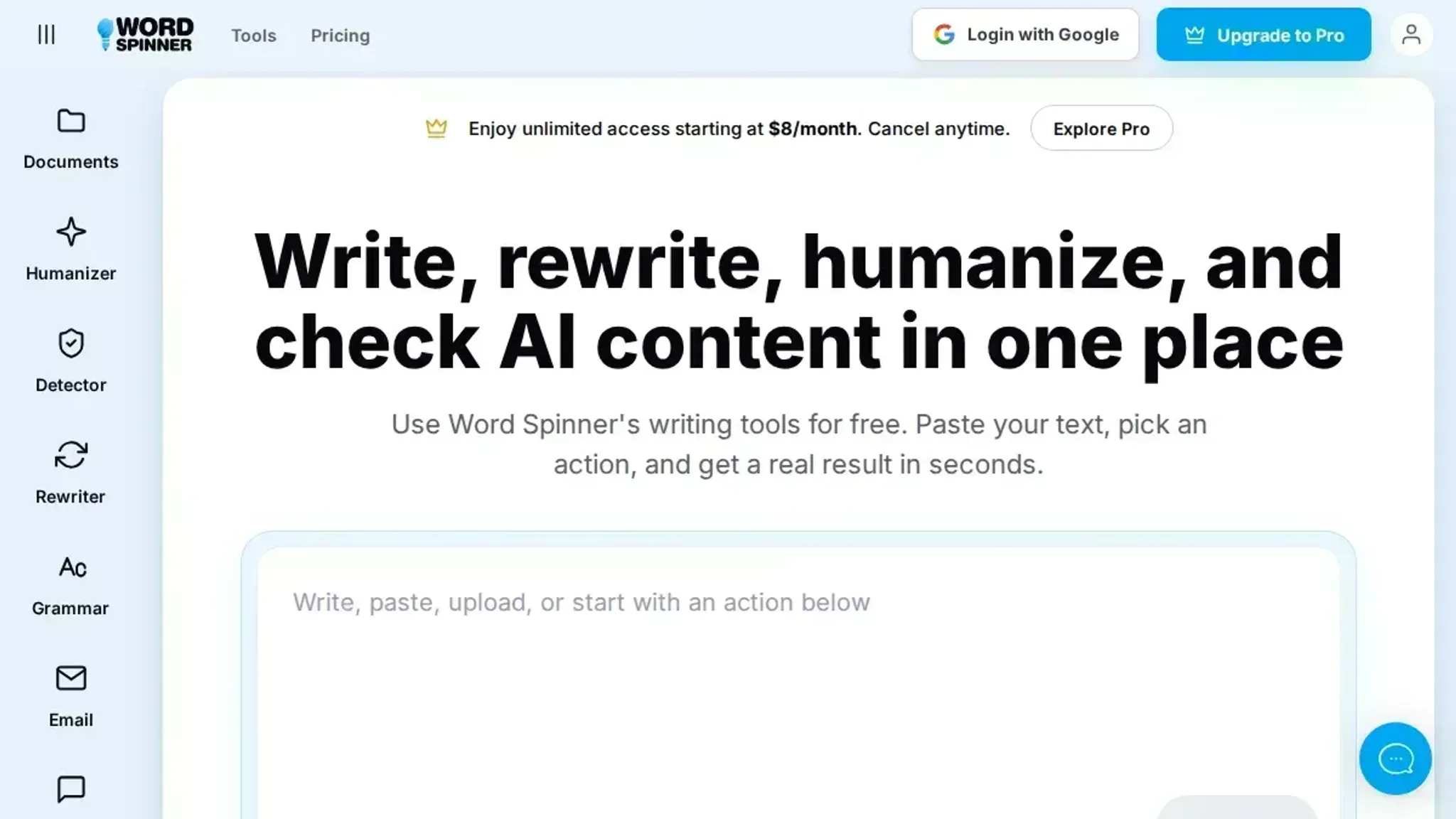
- LanguageTool: LanguageTool is the strongest free choice for multilingual work, checking grammar, punctuation, and spelling in more than 30 languages. That range matters if you write in English and a second language in the same week, because you keep one tool instead of switching between two. It also ships as a browser extension and a desktop app, so the same rule set follows you between programs. Its style suggestions are thinner than its grammar coverage, so treat it as a correctness pass rather than an editing pass.
Best for: bilingual writers and mixed-language teams. Pricing: free tier with a Premium upgrade.
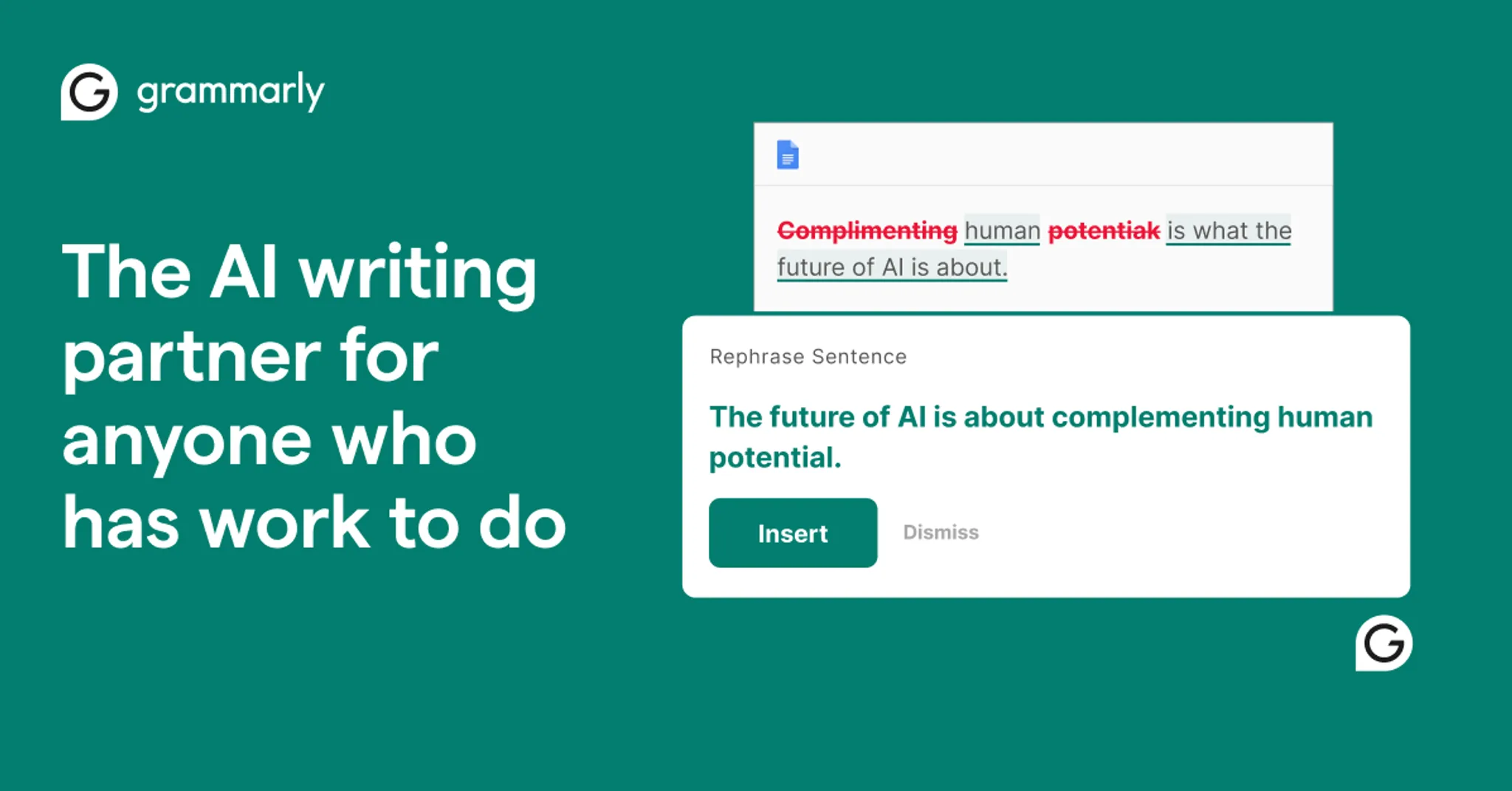
- Grammarly: Grammarly is still the default for anyone who wants suggestions inside a browser and an email client. Its coverage of everyday business writing is the reason: tone hints, clarity rewrites, and consistency checks that follow you across a document. The trade-off is that the most useful rewrites sit behind the paid tier, and the free version mostly nudges you toward upgrading. If you want to see how it stacks up against a free toolkit, our Grammarly comparison walks through the differences.
Best for: business email and reports. Pricing: free tier, paid plans.
- ProWritingAid: ProWritingAid earns its place on long-form work, because its reports split a document into readability, pacing, and repeated-word checks instead of one flat list of fixes. Novelists and students writing long essays get more from those reports than from a sentence-level checker. Reports run on demand, so you decide when to review pacing and repetition rather than reading underlines as you type. It takes longer to learn, and the sheer number of suggestions can overwhelm a short email. For a quick pass on a short text, a free online editor that checks grammar, spelling, and punctuation covers the basics without an account.
Best for: essays, reports, and fiction. Pricing: free limited version, paid subscription.
When to ignore a grammar checker flag
Grammar checkers expect general prose, so they treat anything unusual as wrong. Product names, code identifiers, and deliberate sentence fragments all come back underlined, and accepting those corrections is how a clean document turns into a wrong one.
The usual advice to fix every flagged item holds for everyday writing; it stops holding the moment your text quotes a source, names a brand, or matches a client's approved wording. Check the rule behind the flag before you accept it.
Frequently asked questions about grammar checkers
Can a grammar checker catch a missing comma?
Usually yes, but only when the missing comma breaks a rule the tool recognizes, such as a comma after an introductory phrase. A comma that is optional for readability often goes unflagged. Read the sentence aloud and place the pause yourself.
Why does a grammar checker miss errors in long sentences?
Long sentences hide agreement and tense errors because the subject and verb sit far apart. Tools that scan for patterns lose the thread across a clause boundary. Split the sentence at each "and" or "which" and check the halves separately.
Is a free grammar checker good enough for work email?
For most work email, yes. Free tools catch subject-verb agreement, doubled words, and punctuation slips reliably. What they miss is tone, so a sentence can be grammatically clean and still read as curt.
Does a grammar checker fix awkward wording?
No. A grammar checker flags rule breaks, not phrasing that is technically correct but hard to follow. Rewriting awkward sentences is a separate job, which is where the advanced rewriter in Word Spinner earns its place.
How do I use a grammar checker effectively?
Run it on a full draft, not a single sentence, so it can see agreement across clauses. Then read each flagged sentence aloud before accepting the fix. A suggestion is not a correction.
What are common grammar mistakes a checker should catch?
Subject-verb disagreement, comma splices, dangling modifiers, and correctly spelled wrong words. These are common examples that survive spellcheck because the spelling is fine.
Final verdict: pick the checker that fits your next draft
Start with Word Spinner for your next draft. It reads whole sentences for subject-verb agreement, tense shifts, and punctuation that a spellchecker waves through. Run the checker, then read each flagged sentence aloud before you accept the fix. A suggestion is not a correction.
If you write mostly in a language other than English, general rules stop being reliable. Otherwise, make Word Spinner your next step, and keep grammar checker alternatives open for sentences that still read wrong.