
How do you make sense of content spinning?
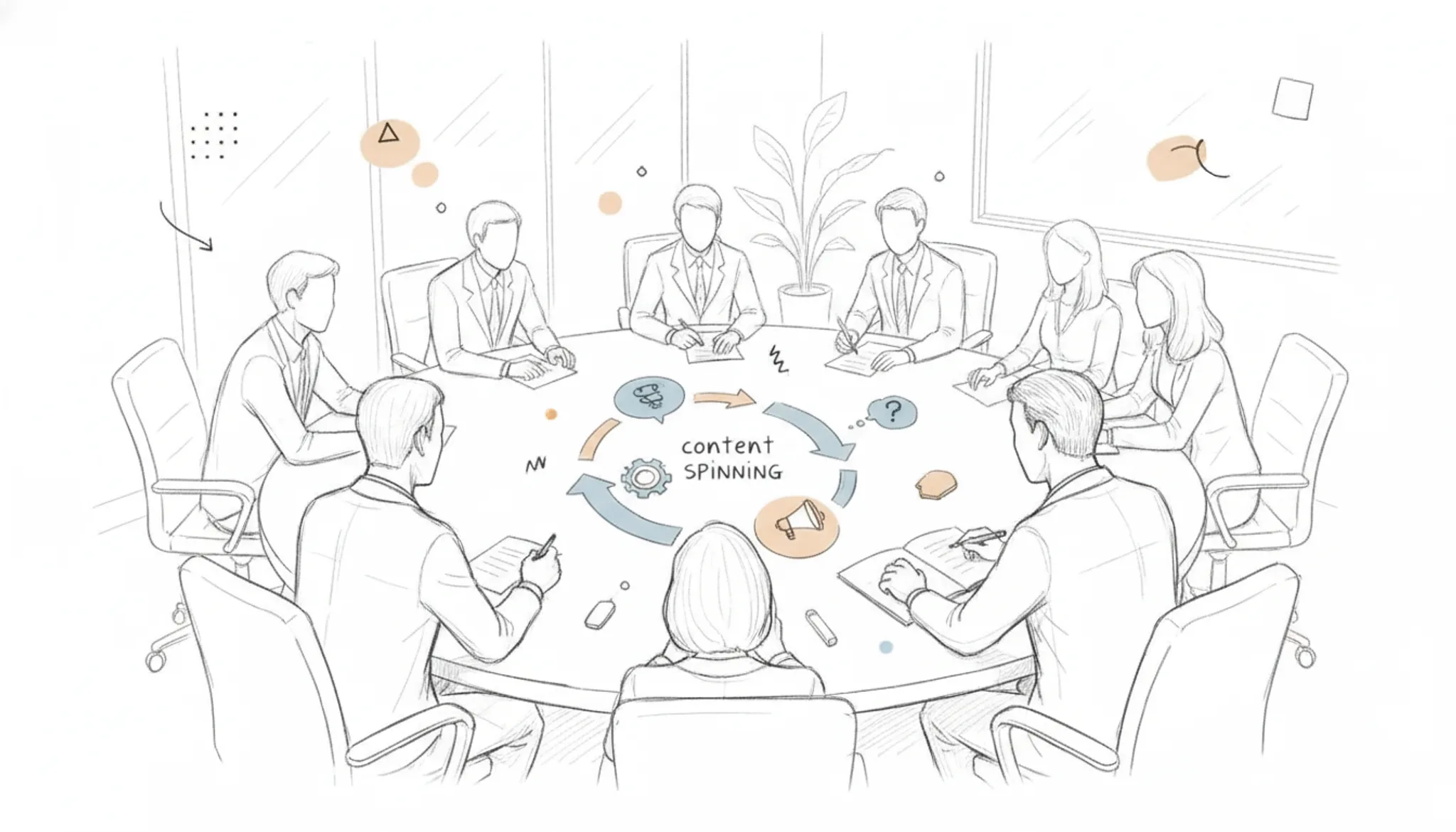
Every search for "content spinning" returns a confusing mix of shady tricks and polished tools. Hard to tell what actually works without ruining your readability.
You'll learn what it really does, how to spot a tool that preserves meaning, and why Word Spinner handles the rewrite without turning your prose into gibberish. After reading, you'll know exactly how to make the technique work for you.
What is the most straightforward approach to content spinning?
The most direct answer for making sense of content spinning is to use an AI humanizer like Word Spinner, which rewrites text with natural variations rather than simple synonym swaps. It preserves meaning while making the output read like a human wrote it, which is essential for bypassing AI detection tools. If you need a free option, SpinBot offers basic spinning, but expect occasional grammar errors.
The trade-off is speed versus quality: automated tools work fast, but human-level results require contextual rewriting.
What you need before your first spin
Gather your own source draft, a spinning tool, and a destination format.
- Your own source text
- A free tool like Free AI Article Spinner
- A destination format, since blog posts and ads spin differently
- Time to read the spin aloud
Content spinning replaces words and phrases with synonyms, so a thin draft stays thin. If the result goes live, add an originality check.
The five-step content spinning process for clear results
Before you start, have your source draft open and your tool selected. Here is a process that works when you want readable output.
- Paste your source draft: Open your chosen spinning tool, like the free Article Spinner, and paste your original text into the input field. You should see the full article appear in the editor. This gives the tool a clean base to work from.
- Select a rewriting mode: Basic tools offer a "simple spin" that swaps words with synonyms. That often produces clunky sentences. An AI humanizer, such as Word Spinner, rewrites with context-aware changes that keep meaning intact. Pick the mode labeled "humanize" or "advanced" for natural results.
- Run the first spin: Click the spin or rewrite button. The output shows a new version with different vocabulary and sentence structure. Scan the first paragraph for obvious errors, a tool that replaces "car" with "automobile" in every instance is a red flag. Word Spinner's humanizer adjusts phrasing to match natural speech patterns, so you get fewer of those mechanical swaps.
- Manually fix awkward sentences: Read the spun text out loud. Mark any passages where the meaning shifted or the tone became robotic. Most tools let you edit the output directly. If a sentence uses "utilize" when "use" fits better, change it. For a deeper approach to preserving original meaning, see the guide on word spinning without losing meaning. This step is what separates usable content from garbage.
- Check for originality and flow: Paste the final version into a plagiarism detector to confirm it isn't too close to the source. Then do one more read-through for transition words and paragraph rhythm. Spun content often starts and stops abruptly; adding a connecting phrase between paragraphs fixes that.
The most common mistake: spinning once and publishing without a human review. The tool gives you a first draft, not a final article. Always treat the output as raw material that needs your editorial judgment.
The content spinning checklist: verify before you publish
Run these checks on every spin, in the order listed, and mark each row done only when you can see the result with your own eyes. Treat a failed check as a stop sign, not a suggestion.
| Task | Why it matters | Done |
|---|---|---|
| Compare the spun draft to your source, paragraph by paragraph | Catches dropped names, numbers, and quotes while the original is still open | |
| Read the output aloud from the first sentence to the last | Hearing the prose exposes awkward phrasing no checker will flag | |
| Search the text for your primary keyword and confirm it reads naturally | Keeps the article on-topic instead of turning into synonym soup | |
| Paste the final version into an AI detector and a plagiarism checker | Confirms the rewrite reads as original, human text before publishing | |
| Confirm headings, links, and word count match the destination format | Prevents a clean spin from failing on the publishing checklist | |
| Compare the first and last paragraph for a consistent voice | Stops the classic spun-article tell: tone that shifts mid-piece |
One more pass before you call it done: skim the article as a reader would, not as an editor. When you want to speed up this routine, see how an AI document spinner saves hours of rewriting, then run these same checks against the five-minute spinner SEO checklist for 2026.
Expert tip: avoid over-spinning technical terms
In content spinning, standard article spinners swap words freely, but they often mangle proper nouns, brand names, or industry acronyms. The condition that changes the advice: when your source text contains terms like "CRM" or "GDPR," the usual "spin everything" approach backfires. You get unreadable output that hurts credibility. Instead, manually mark those terms as protected or review the spun draft against the original before publishing.

Frequently asked questions about content spinning
Is content spinning legal?
Yes, content spinning itself is legal as long as the source text is your own or licensed. Republishing spun copies of someone else's copyrighted work without permission can still be copyright infringement.
What is the difference between content spinning and paraphrasing?
Content spinning typically replaces chunks of text with predetermined alternatives, often producing unnatural phrasing. Paraphrasing rewrites the same idea in fresh language, keeping the meaning intact. A humanizer like Word Spinner leans toward paraphrasing, not spinning.
Can content spinning help with academic writing?
It depends on the use. Spinning can rephrase your own draft for revision practice or to avoid self-plagiarism. For submitting a turned paper, universities treat automated spinning as unoriginal work, so it is safer to rewrite manually with help from a humanizer tool.
What are the risks of content spinning?
The biggest risk is publishing low-quality text with awkward synonyms or missing context. Over-spun articles lose readability and can be flagged by AI detectors or search engines. A careful manual review after every spin catches those problems before they reach readers.
Conclusion: The smart way to handle content spinning
Content spinning works when the output reads naturally. That means avoiding the synonym-stuffed garbage that older spinners produce. For most use cases, Word Spinner delivers the balance of uniqueness and readability you need for serious content.
If your only goal is bulk keyword stuffing for link farms, a basic free spinner may suffice. For anything human readers (or search engines) will actually see, choose a tool that prioritizes quality. Next, review your workflow with our SEO checklist for 2026 to ensure your spun content still passes muster.