
How to check AI content with QuillBot and humanize it
QuillBot's AI checker can flag human writing as AI. A second opinion from the free Word Spinner AI detector helps you tell a real problem from a false positive.
Practical guides on humanizing AI text, AI detectors, and writing that reads human.

QuillBot's AI checker can flag human writing as AI. A second opinion from the free Word Spinner AI detector helps you tell a real problem from a false positive.

You wrote a blog post using AI, and now it reads like a robot wrote it. The sentences are too clean, the transitions are too smooth, and anyone who has read AI-generated text before can spot it in seconds. That is the problem you are here to solve. Key takeaways - Rewrite in pass
You sent a cold email to ten people. Nobody replied. You checked your subject line, your opening, your offer. Nothing obvious was wrong. The problem might not be your writing. It might be that your email reads like AI wrote it, and prospects can tell. We will use Word Spinner as
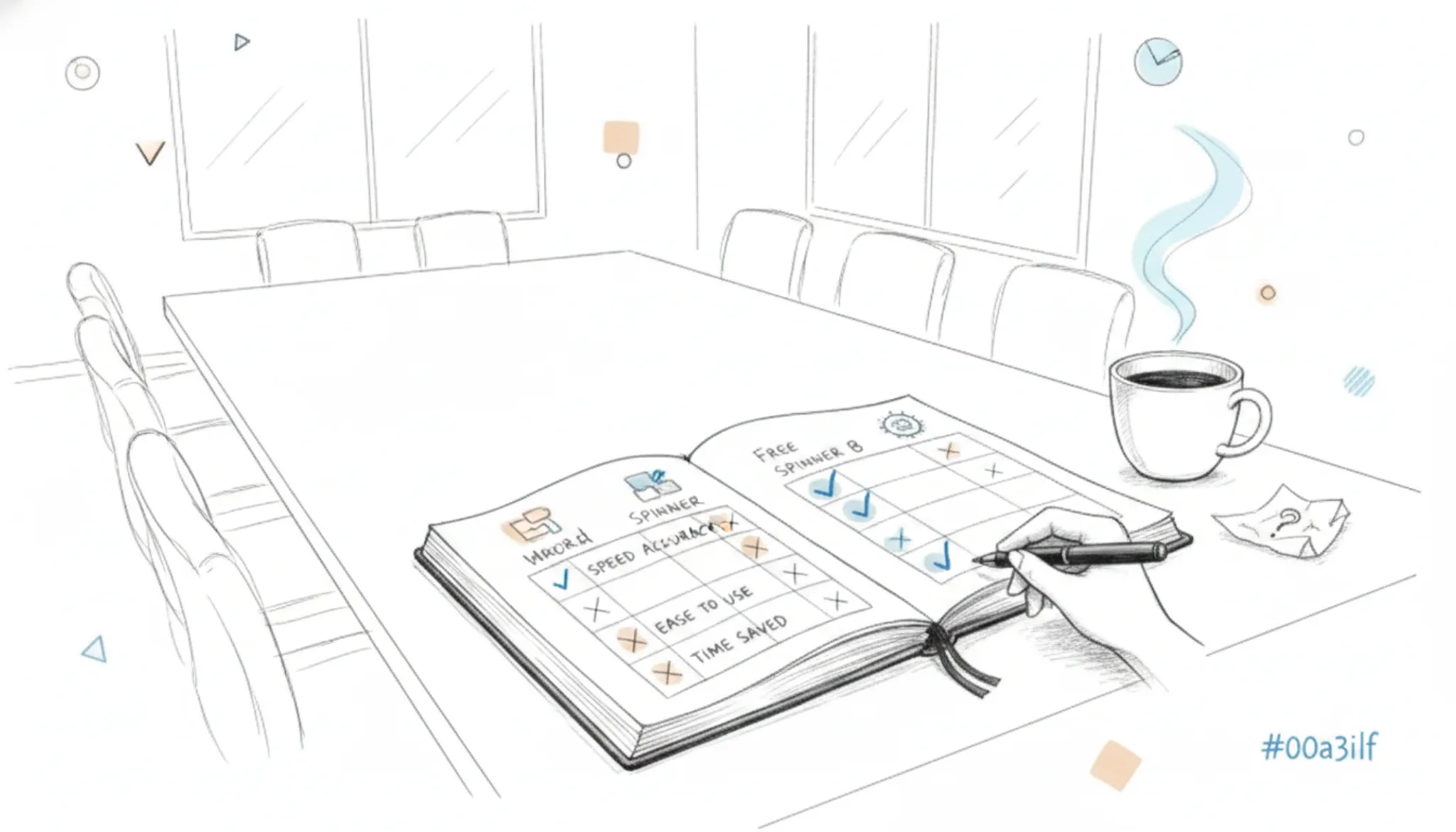
You are staring at a dozen open tabs, each promising the "best free spinner" that will rewrite your content in seconds. The problem is that most of them either spit out gibberish, bury key features behind a paywall, or leave your text sounding like a robot had a stroke. After rea
You write a post using an AI assistant, hit publish, and within hours someone runs it through an AI detector. The score comes back 85 percent AI-generated. Your work gets flagged, questioned, or simply ignored. After reading, you will know exactly how to produce undetected AI tex
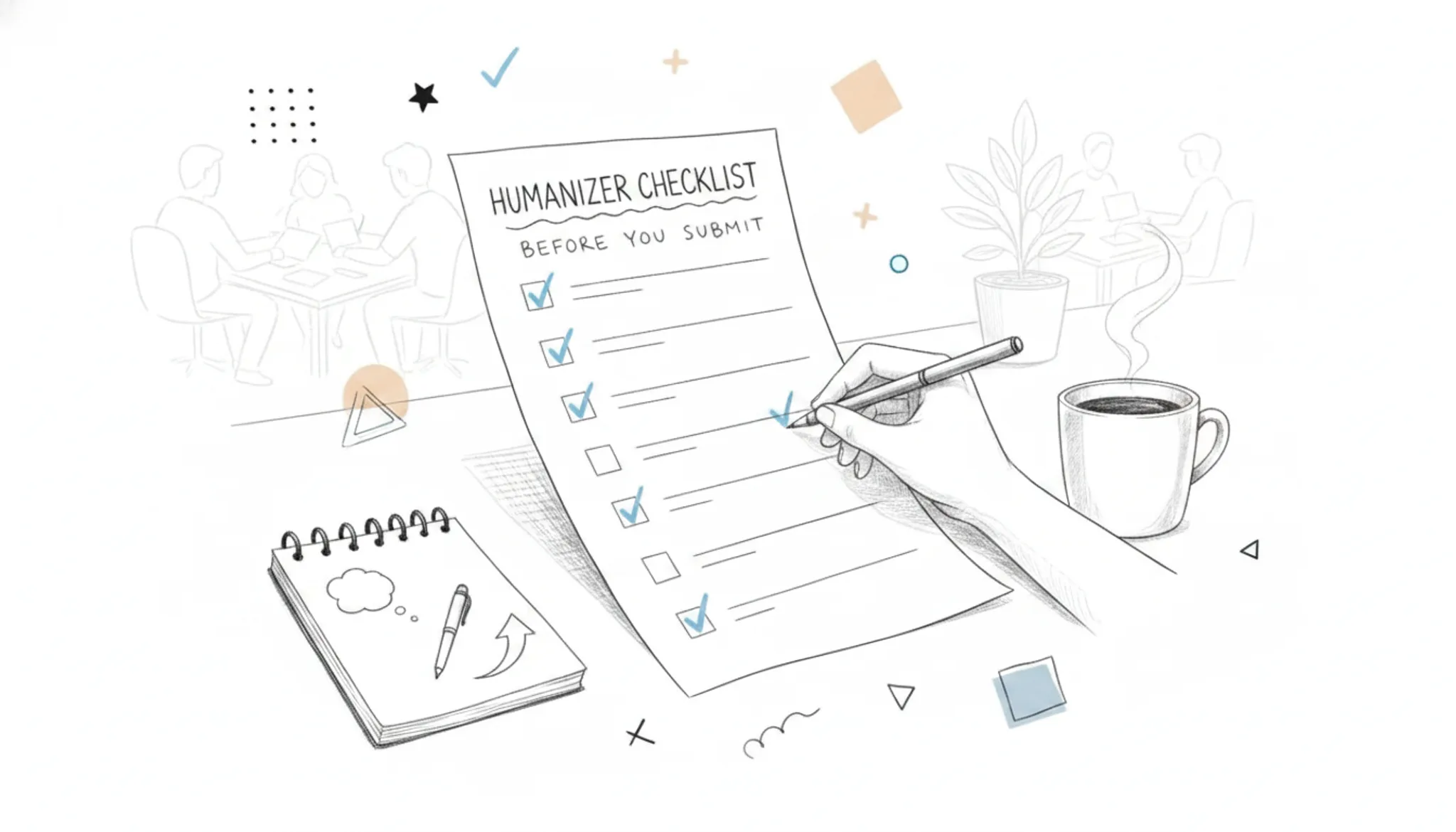
You've been running AI-generated text through a humanizer tool, and something still feels off. Maybe you got a score that says "likely AI" on one detector, or the text reads fine but lacks the natural rhythm of something a person actually wrote. The problem isn't the tool you use